
Car Play Connect and Auto Sync: Driving and GPS App
Car Play Connect and Auto Sync is an auto and vehicles app by Smart Remote Application that offers a CarPlay-style dashboard and family GPS sharing.
Car Play Connect and Auto Sync is free to download and runs on Android 7.0 and above, with version 1.0.12 released on 2026-10-12. It is built for families with several cars, parents tracking arrivals, and friends on the road, combining a driving screen, dashboard widgets, and group location sharing of up to 5 people on one map.
Screenshots
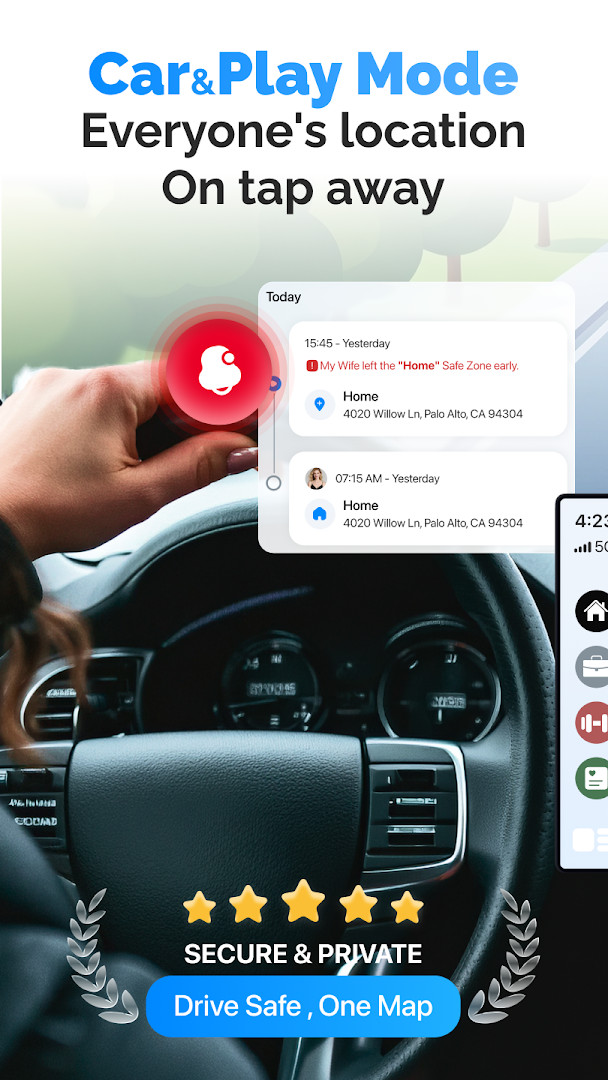
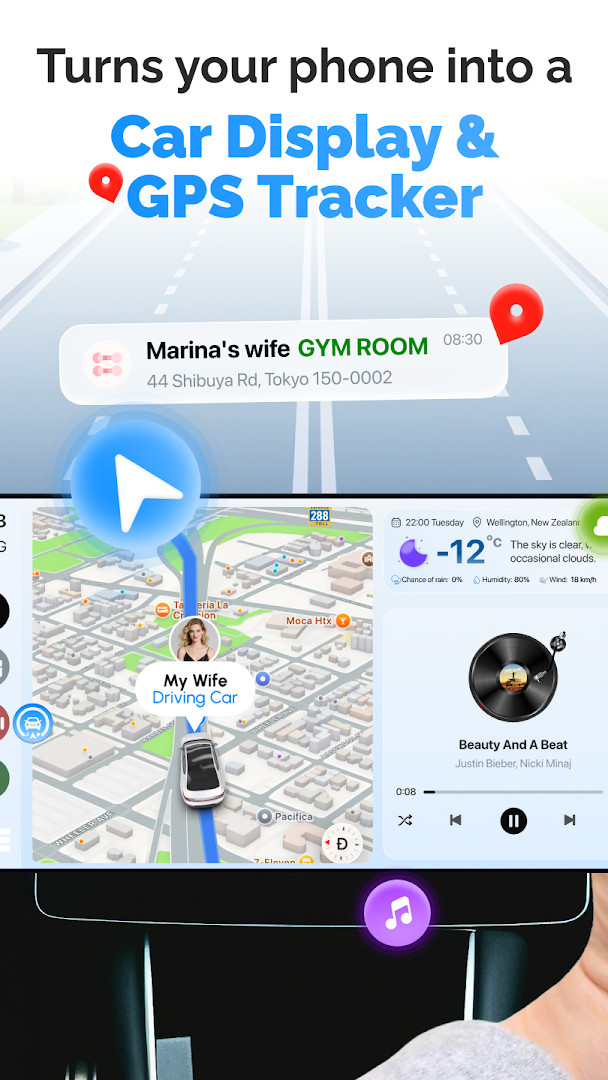
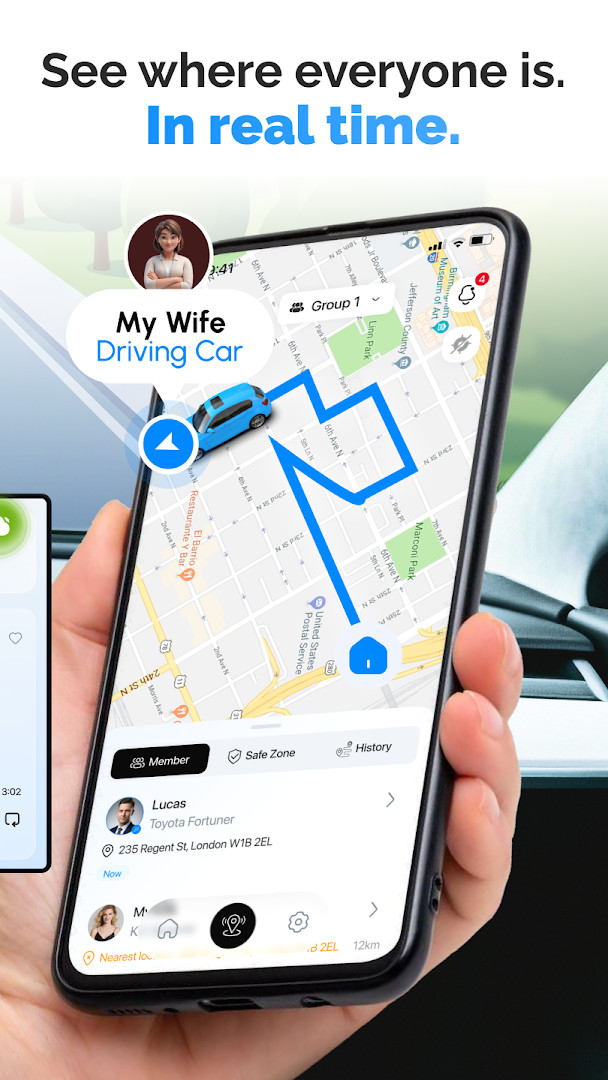
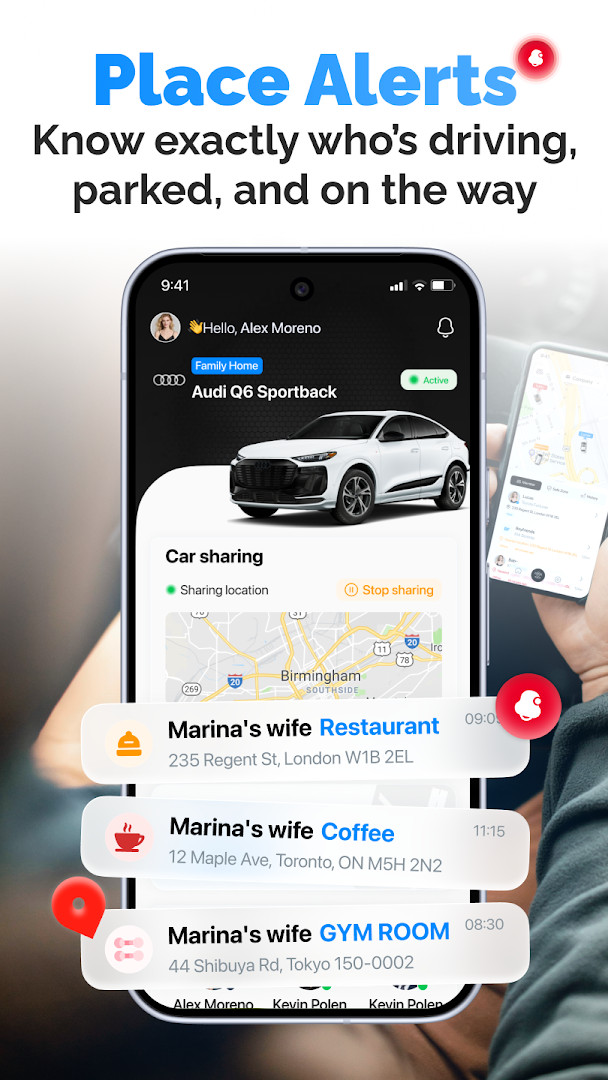
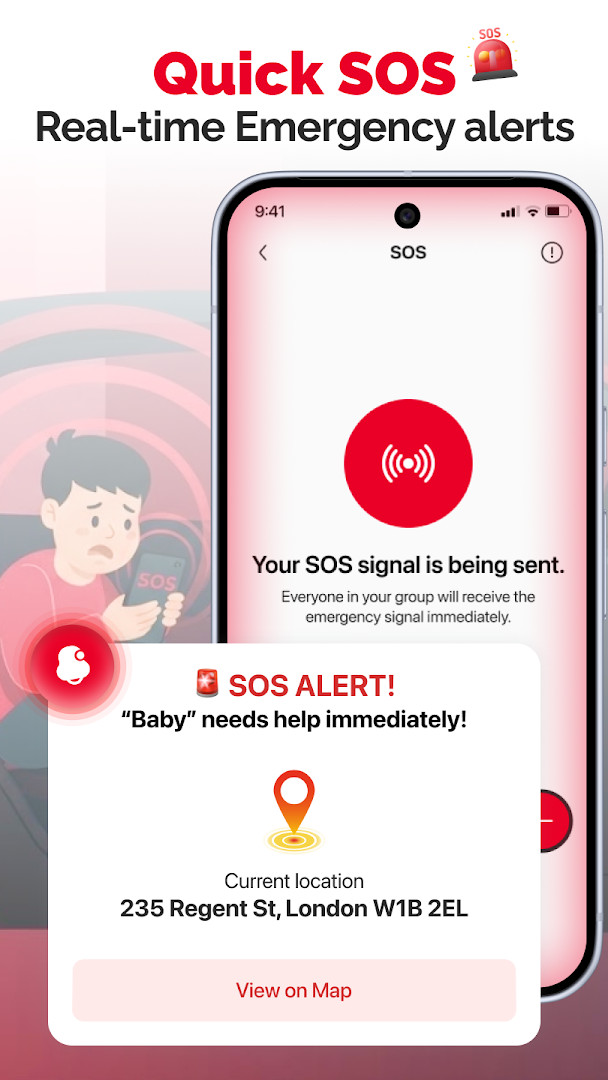
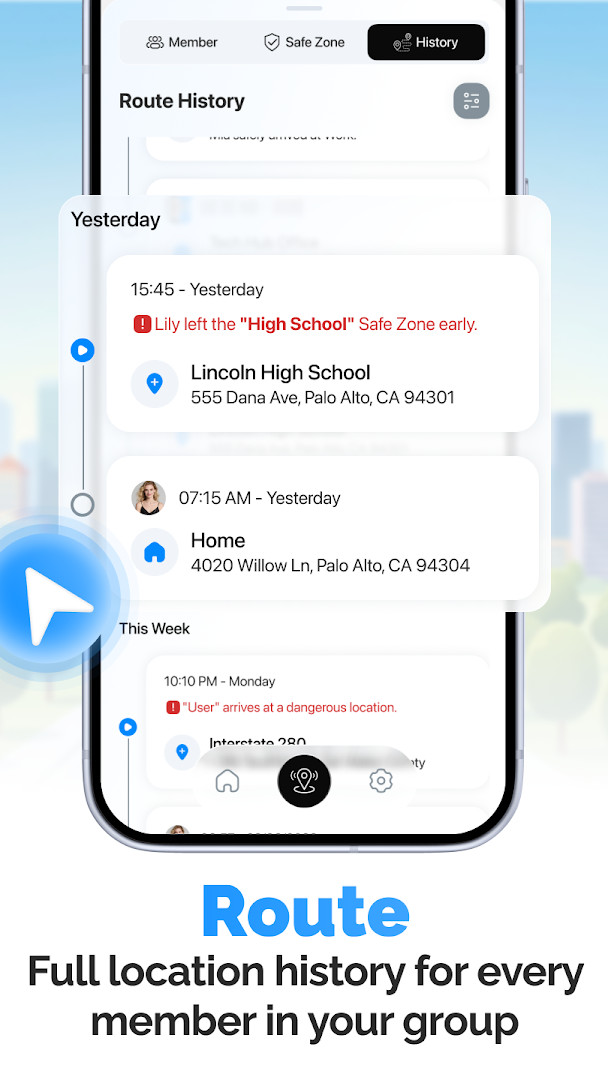
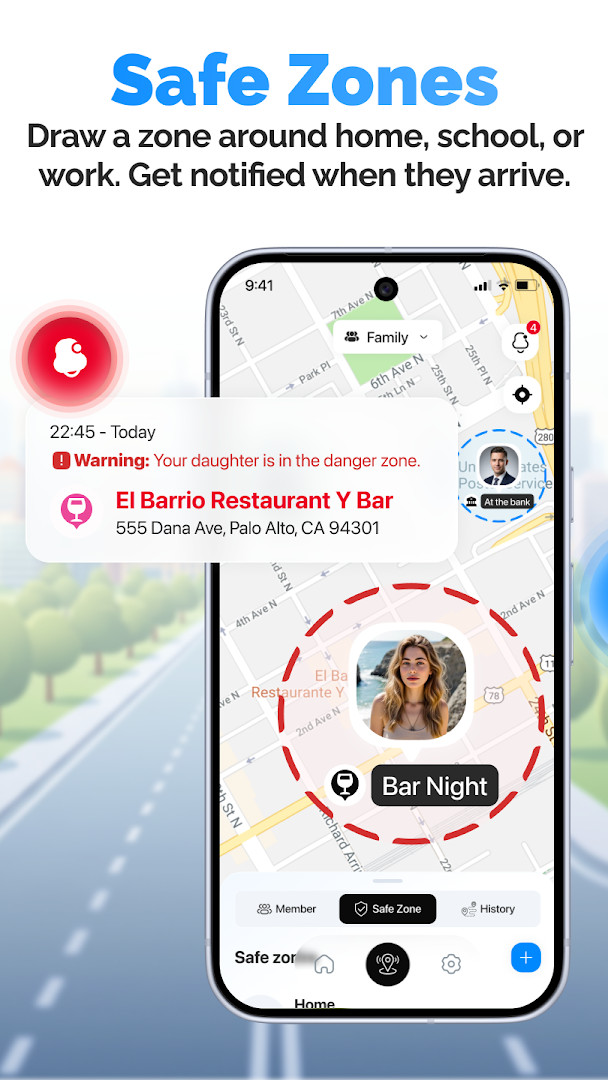
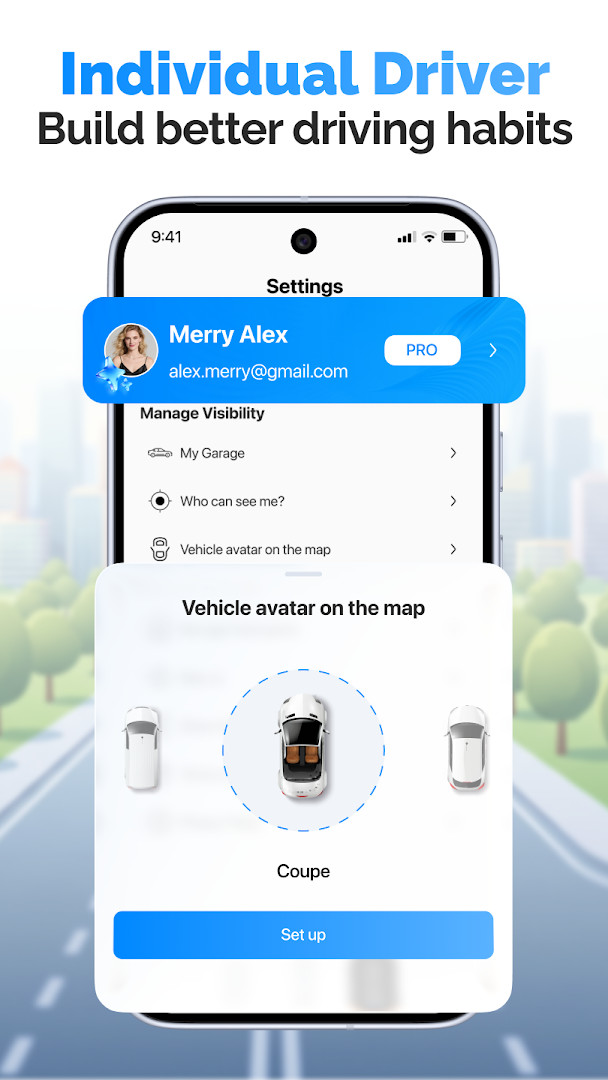
Car Play Connect and Auto Sync is an Auto And Vehicles app by Smart Remote Application that turns an Android phone into a CarPlay-style driving dashboard while letting a small group share live locations on one map. The everyday problem it targets is familiar: a phone full of notifications and small buttons is awkward to use behind the wheel, and family members or friends driving separately have no simple way to see who has arrived, who is parked, and who is still on the road. The app answers both needs with a simplified driving mode — large, road-friendly controls for maps, music and radio — plus a private sharing group that shows each member's car on a single map, refreshed about every five minutes. Safe zones add arrival and departure alerts for places such as home, school or work, and each person decides when their own location is visible. Location history keeps trips and stops for the past 90 days, so a shared drive can be reviewed later. The app is free to start, rated 4.68 from 211 ratings, and has passed 10,000 installs since its July 2026 release.
Key features
- CarPlay-style driving mode with a simplified interface designed to keep attention on the road
- Quick access to maps so you stay oriented while driving
- Music, radio and audio playback controls that need fewer taps
- Private location-sharing group for up to 5 people, joined with an invite code
- One shared map showing each member's car, updated roughly every 5 minutes
- Safe and Restricted zones for home, school, work or other places, with push alerts on arrival and departure
- 90 days of saved location history for every member of the group
- One-tap sharing switch so each member controls when their location is visible
How to install
- Tap the download button on this page to get the APK file.
- When Android asks, allow your browser or file manager to install apps — this is the 'Install unknown apps' permission.
- Open the downloaded APK file from your notifications or file manager.
- Tap Install and wait for Android to finish. The file size is not listed, and the app requires Android 7.0 or newer.
- Open the app, sign in as prompted, and set up your first sharing group or driving screen.
Pros
- Focuses on two practical jobs at once: a cleaner in-car screen and family location sharing
- Group size is capped at 5, which keeps the shared map readable and the circle private
- Each member can pause or resume sharing with a single tap
- Safe zone alerts are useful for confirming a child's arrival at school or a partner's return home
- 90 days of history makes it easy to check a past trip or stop
- No payment is required to get started
Cons
- The app requests the Location permission, which is essential for its sharing features but is a sensitive permission to grant
- Ads are present in the app
- In-app purchases are offered, so some extras sit behind payment
- Map positions update about every 5 minutes, so the view is not truly continuous
- It is a young app — version 1.0.12 — with a modest install base, so features may still change
What's New · 1.0.12
Car Play Connect and Auto Sync has been updated to version 1.0.12, dated October 12, 2026. This release continues the app's focus on a CarPlay-style driving screen, car dashboard widgets, and live GPS sharing with a group of up to five people, where locations refresh every five minutes. Safe zone alerts, 90 days of location history, and one-tap control over sharing remain part of the experience, and the app is free to start with ads and in-app purchases available.
Previous Versions
| Version | Size | Requires Android | Updated |
|---|---|---|---|
| 1.0.12 | — | 7.0 | 12.10.2026 |
This app suits households with more than one car, parents who want confirmation that a child reached school or a friend's house, and small groups of drivers who travel together and want a shared view of the route. It also fits anyone who finds a standard phone interface distracting in the car and prefers a larger, simpler dashboard for maps and music. Because a group holds up to 5 people and each member chooses when to share, it works best for a close circle rather than a wide audience.
Set up your safe zones before the first drive so arrival and departure alerts start working right away, and agree with your group about when sharing stays on. Keep the driving mode screen as your default while in the car to cut down on taps, and check the history section if you need to confirm where a trip stopped.
App Permissions
Frequently Asked Questions
How do I install the APK of Car Play Connect and Auto Sync on Android?
Use the download button on this page to get the APK file, then open it on your device. Because it comes from outside the built-in store, Android may ask you to allow installation from this source in your security settings before the file will install. The app needs Android 7.0 or newer.
What version of Car Play Connect and Auto Sync is current?
The latest version is 1.0.12, dated October 12, 2026. The app was first released on July 21, 2026, and the developer notes that this update focuses on general fixes and support follow-up.
Does Car Play Connect and Auto Sync show ads or charge for features?
The app is free to download and use at the start, and no payment is required to begin. It does display ads and also offers in-app purchases for those who want additional options.
Can I use Car Play Connect and Auto Sync offline?
The app relies on location data, so live GPS sharing, the map, and zone alerts need a connection to work properly. Location history is stored for 90 days and can be reviewed later, but real-time features depend on network and GPS availability.
How many people can join a location-sharing group?
A group can hold up to 5 people, and members join through a private invite code. Everyone's car appears on a single map that refreshes every 5 minutes, and each person can switch their own sharing on or off at any time.
What can I do with safe zones in Car Play Connect and Auto Sync?
You can set zones for places like home, school, or work and label them as Safe or Restricted. When a group member arrives at or leaves one of these zones, the app sends a push notification so you know right away.
Are there other apps in the same category I could consider?
Yes, the Auto and Vehicles category includes several navigation, dashboard, and family location-sharing apps. Comparing their map refresh rates, group size limits, history retention, and permission requirements can help you decide which one fits your driving and tracking needs.
Car Play Connect and Auto Sync combines a simplified driving screen with private location sharing for a small group, and it covers both without charging to begin. For families and friends who want a clearer dashboard and a simple way to see each other on the road, it is a reasonable app to try.
You Might Also Like

Updated: 24.10.2026
| Version | Size | Requires Android | Updated |
|---|---|---|---|
| 1.0.12 | — | 7.0 | 12.10.2026 |
- Version
- 1.0.12
- Requires Android
- 7.0
- Updated
- 12.10.2026
- Installs
- 10K+
- Rating
- ★ 4.68 (211)
- Category
- Auto & Vehicles
- Developer
- Smart Remote Application
- Content rating
- Everyone
- Package
- com.smartremote.carplay.navigation
- Free
- ✓ · Contains ads · In-app purchases