
AlgoApp - Flashcards for Android
AlgoApp - Flashcards is an education app from AlgoApp Inc. for learning subjects with lots to memorize using intelligent spaced repetition.
AlgoApp - Flashcards is for students and lifelong learners who need to memorize Chinese characters, kanji, medicine, or other dense material. The app uses AI-enhanced spaced repetition to select the right cards each session, works fully offline, and requires no account to study.
Screen gallery
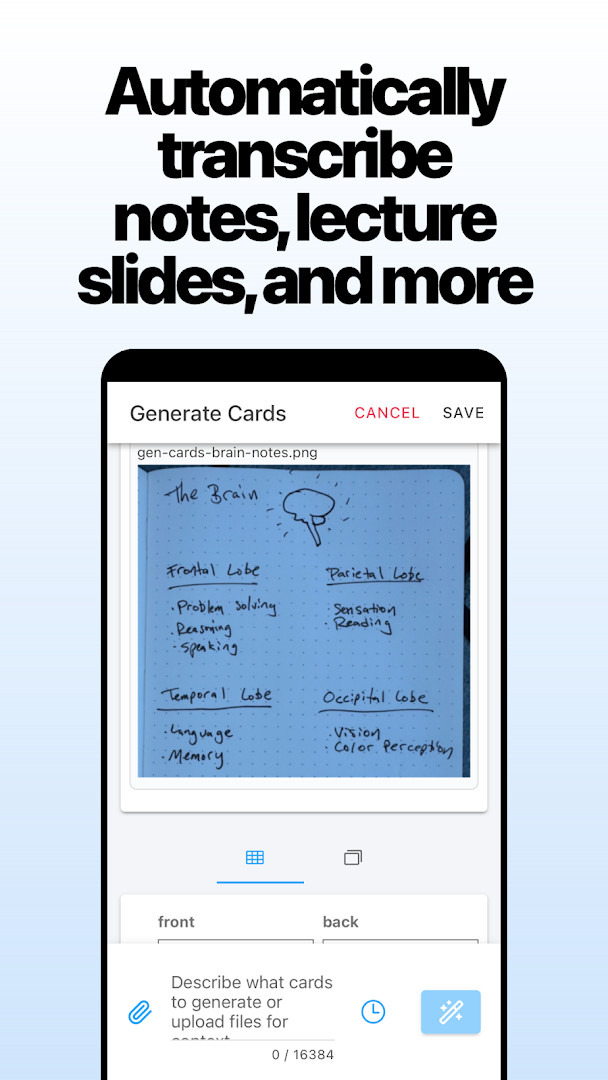
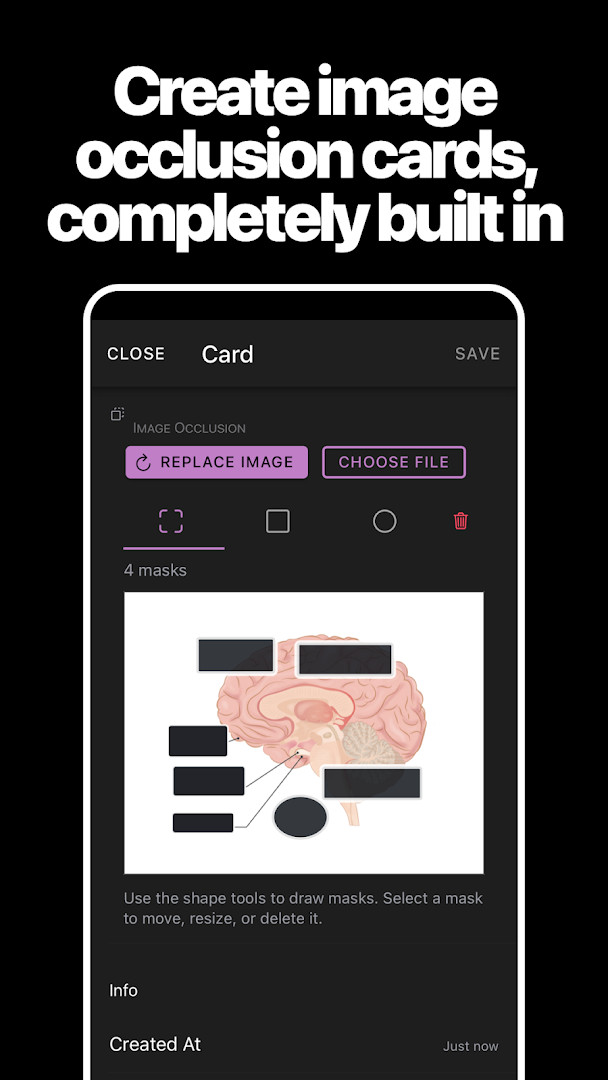
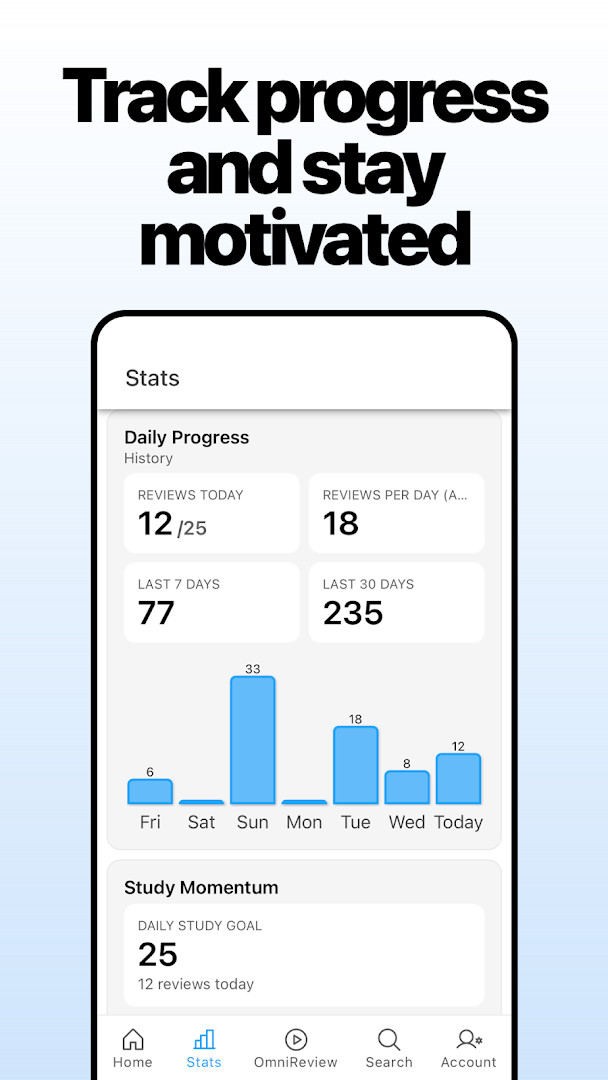
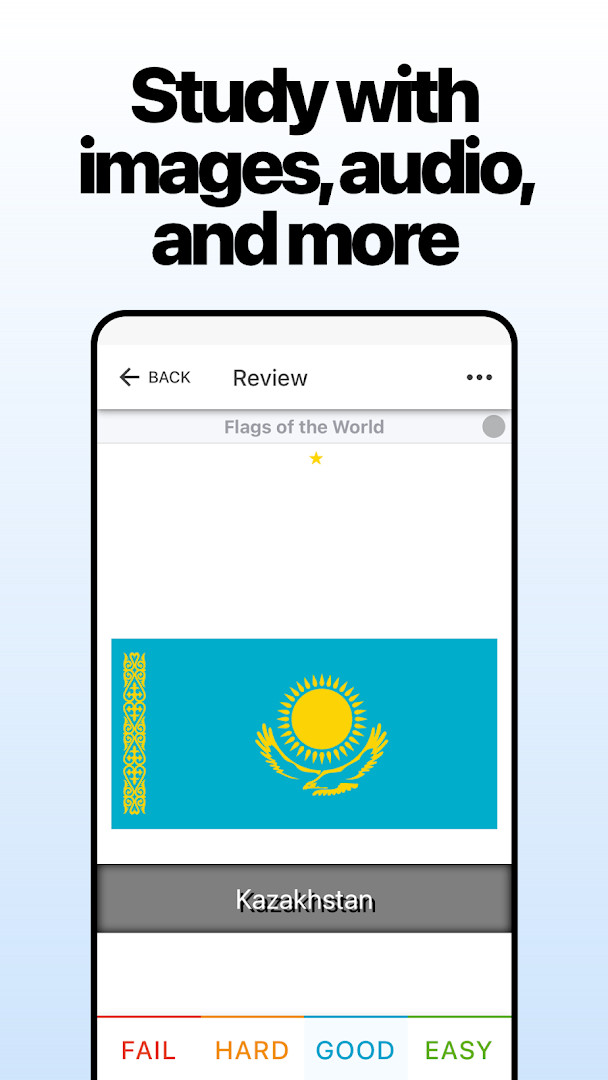
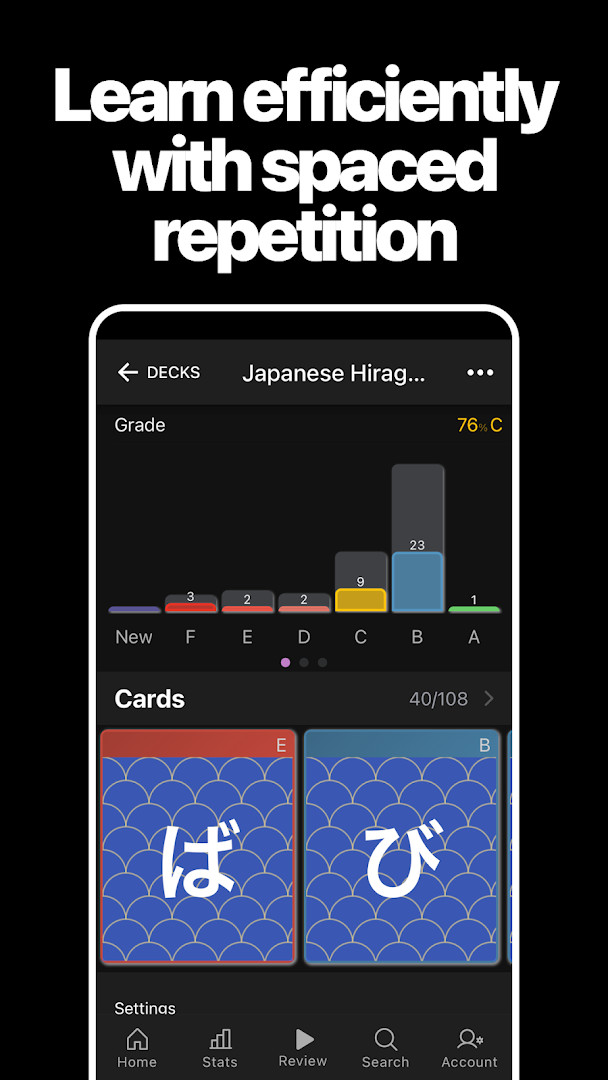
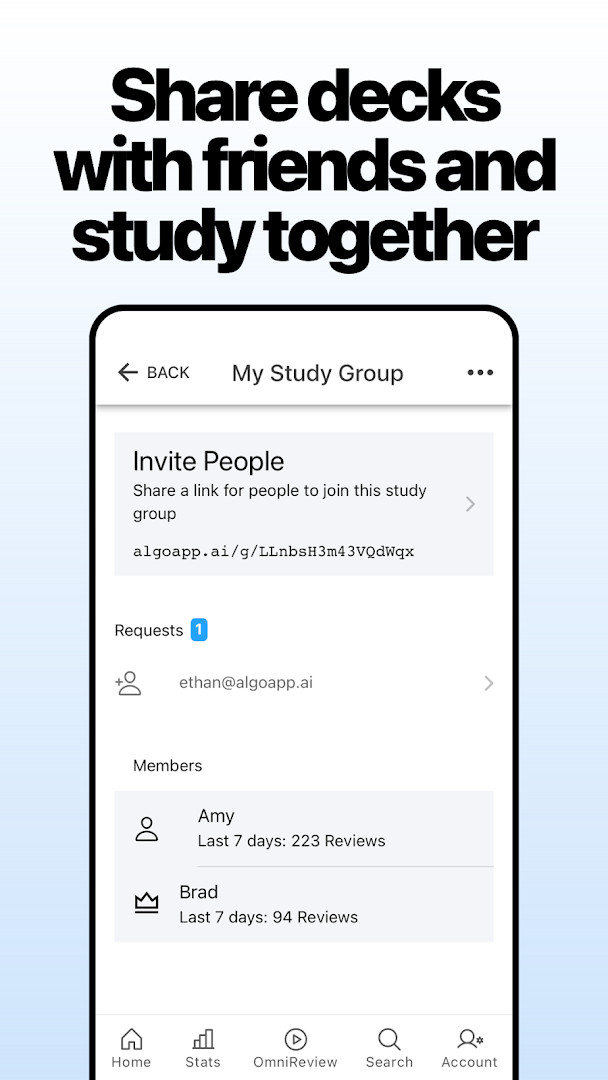
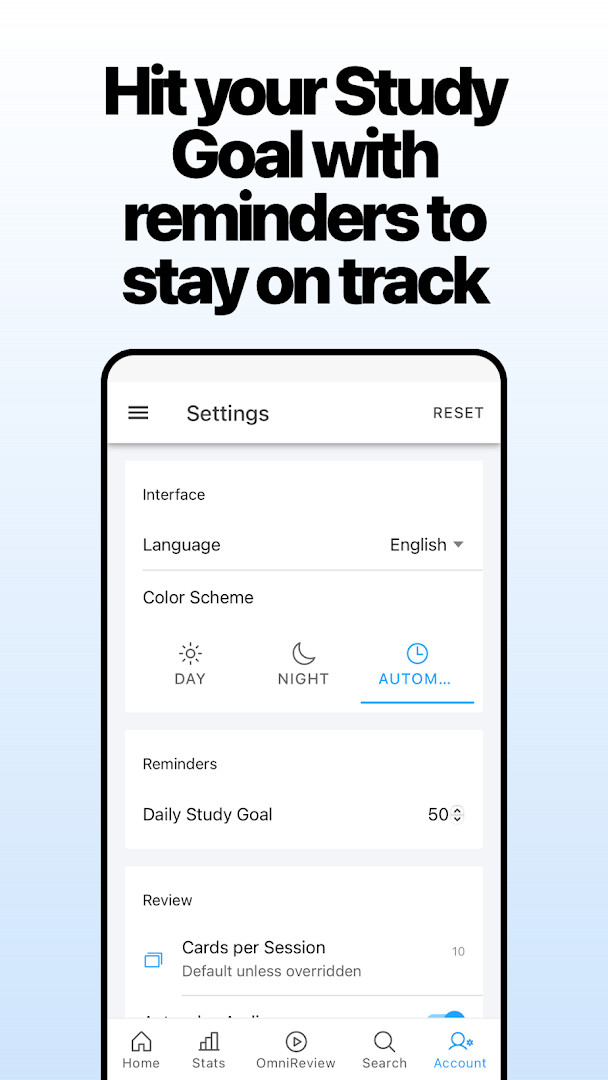
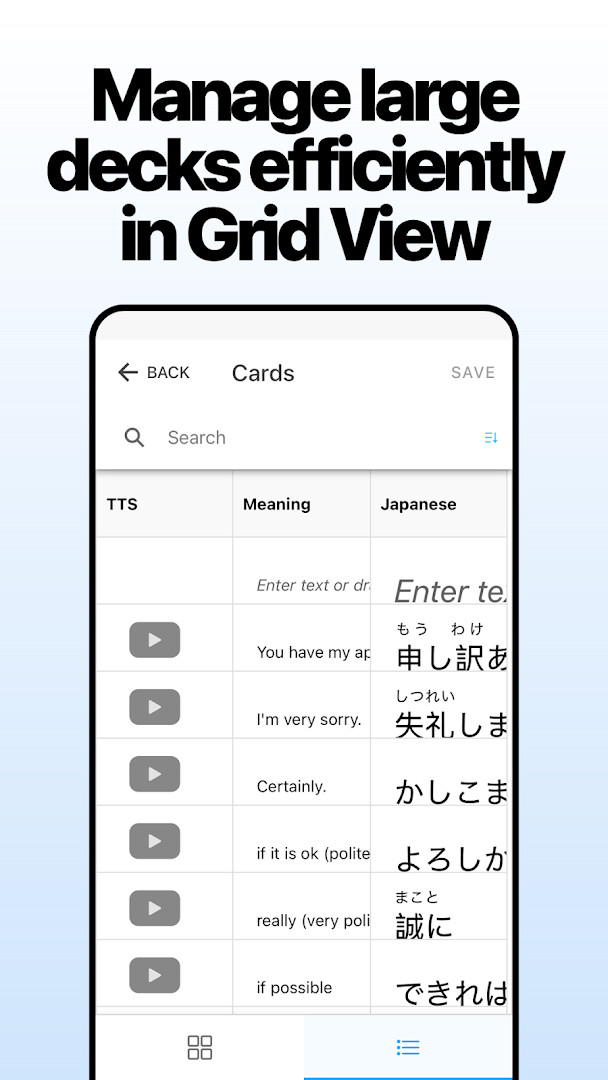
AlgoApp is a flashcard application by AlgoApp Inc. that uses artificial intelligence and spaced repetition to help users memorize large amounts of information efficiently. The app is designed for learners tackling subjects with heavy memorization demands, such as Chinese characters, Japanese kanji, medicine, or any other topic with extensive vocabulary. It combines a straightforward interface with advanced study features, allowing users to create custom cards, download shared decks, and track detailed progress across multiple devices.
The core of the app is an AI-driven spaced repetition system that analyzes your learning history to decide which cards to show during each study session. Instead of following a rigid schedule, the algorithm selects cards based on your individual performance, aiming to maximize the amount of material you retain per session. This adaptive approach is meant to act like a personal coach, prioritizing the cards you need to work on most.
Users can build their own flashcards with formatting options like colored text, bulleted lists, and underlines, without needing to know CSS. For more advanced users, HTML and CSS are also supported. Alternatively, you can search through millions of pre-made flashcards available for download. The app also includes features such as text-to-speech in multiple languages, automatic translation, and automatic furigana generation for Japanese kanji.
AlgoApp is not a companion app that requires a computer; it is fully functional on its own. It syncs automatically across phones, tablets, and desktop platforms, and it supports offline study, with new cards and progress syncing when you reconnect. The app is suitable for students, language learners, medical professionals, or anyone who needs a flexible and powerful tool for memorization.
Key features
- AI-driven spaced repetition selects which flashcards to review based on your progress
- Create flashcards with colored text, bulleted lists, underlines, and more without CSS
- Advanced formatting support for HTML and CSS
- Text-to-speech reads parts of your cards in English or other languages
- Automatic translation and automatic furigana generation for Japanese kanji
- Study offline; new cards and progress sync when back online
- Dashboard shows overall progress and lets you study recent decks in two taps
- Night Mode for studying in low-light conditions
- Repeat failed cards at the end of a review up to 1, 2, or 3 times, or until correct
- Share any deck with a friend by entering their email address
How to install
- Tap the download button on this page to get the APK file. The file size is not specified, and the app requires Android 7.0 or higher.
- When Android prompts you, allow your browser or file manager to install apps by enabling the 'Install unknown apps' setting for that source.
- Open the downloaded APK file from your notifications or file manager.
- Tap Install when the installation screen appears.
- Wait for the installation to complete, then tap Open to launch AlgoApp.
- If prompted, grant the app permission to access photos, media, and files so you can create cards from your camera or storage.
Pros
- Free with no ads and no in-app purchases
- AI-based spaced repetition adapts to your learning pace
- Works offline with automatic sync when back online
- Extensive formatting options including HTML and CSS
- Text-to-speech and automatic translation support multiple languages
- Detailed statistics for each deck and individual cards
Cons
- Requires storage and media permissions to use all card creation features
- No explicit import/export feature mentioned in the available data
Recent updates · 15.9.0
Version 15.9.0 lets you repeat failed cards at the end of a review session, choosing to repeat them up to one, two, or three times, or until you answer correctly. Your first study-plan review now requires fewer downloads to get started. Deck and folder settings are grouped into compact sections for easier access, and navigation plus error reporting for deck downloads has been improved.
Version history
| Version | Size | Requires Android | Updated |
|---|---|---|---|
| 15.9.0 | — | 7.0 | Nov 12, 2026 |
| 15.8.1 | 40 MB | 7.0 | Nov 5, 2026 |
| 15.7.0 | 40 MB | 7.0 | Nov 3, 2026 |
| 15.6.0 | 40 MB | 7.0 | Oct 23, 2026 |
| 15.5.1 | 40 MB | 7.0 | Oct 22, 2026 |
| 15.4.0 | 40 MB | 7.0 | Oct 9, 2026 |
| 11.4.0 | 42 MB | 7.0 | Jan 22, 2026 |
| 11.2.1 | 41 MB | 6.0 | Dec 30, 2025 |
| 10.7.3 | 41 MB | 5.1 | Jun 26, 2025 |
AlgoApp is for students, language learners, medical professionals, and anyone who needs to memorize large volumes of information, such as Chinese characters, kanji, or medical terminology, and who wants a flexible, AI-guided study tool that works across devices and offline.
To get the most from the AI spaced repetition, study consistently and let the algorithm choose your cards. Use the repeat failed cards option to reinforce weak areas, and take advantage of offline mode to study during commutes or in areas without connectivity. Sync your settings across devices to keep your study environment consistent.
Permissions
Frequently asked questions
How does AlgoApp decide which flashcards to show during a study session?
AlgoApp uses an improved form of Spaced Repetition (SRS) combined with Artificial Intelligence. The AI analyzes your progress in detail and selects the flashcards you need to work on, acting like a coach for your brain to maximize learning in each session.
Can I create my own flashcards with custom formatting, and what styling options are available?
Yes, you can make your own flashcards and style them using colored text, bulleted lists, underlines, and more—all without knowing CSS. For advanced formatting, the app also supports HTML and CSS. You can also add photos from your camera to cards.
Does AlgoApp sync my data across multiple devices, and can I study offline?
AlgoApp automatically syncs with desktop, web app, and your other phones and tablets. You can study offline, and your new cards and progress will sync when you're back online. Settings also sync across all your devices.
What features help with learning Japanese kanji or other languages?
AlgoApp offers automatic furigana generation annotation for Japanese kanji, automatic translation, and text-to-speech (TTS) that reads parts of your cards in English or other languages. These tools support studying subjects like Chinese characters, kanji, or medicine.
How does the latest version 15.9.0 improve the review and download experience?
In version 15.9.0, you can repeat failed cards at the end of a review up to 1, 2, or 3 times, or until correct. It also lets you start your first study-plan review with fewer downloads, groups deck and folder settings in compact sections, and improves navigation and error reporting for deck downloads.
AlgoApp offers a powerful yet simple flashcard experience driven by AI-based spaced repetition. With extensive formatting options, offline support, and cross-device sync, it is a solid choice for serious learners who want to optimize their memorization sessions. The app is free, ad-free, and without in-app purchases, making it accessible to a wide range of users.
Similar apps





Updated: Nov 17, 2026
| Version | Size | Requires Android | Updated |
|---|---|---|---|
| 15.9.0 | — | 7.0 | Nov 12, 2026 |
| 15.8.1 | 40 MB | 7.0 | Nov 5, 2026 |
| 15.7.0 | 40 MB | 7.0 | Nov 3, 2026 |
| 15.6.0 | 40 MB | 7.0 | Oct 23, 2026 |
| 15.5.1 | 40 MB | 7.0 | Oct 22, 2026 |
| 15.4.0 | 40 MB | 7.0 | Oct 9, 2026 |
| 11.4.0 | 42 MB | 7.0 | Jan 22, 2026 |
| 11.2.1 | 41 MB | 6.0 | Dec 30, 2025 |
| 10.7.3 | 41 MB | 5.1 | Jun 26, 2025 |
- Version
- 15.9.0
- Requires Android
- 7.0
- Updated
- Nov 12, 2026
- Installs
- 1M+
- Rating
- ★ 4.42 (4,784)
- Category
- Education
- Developer
- AlgoApp Inc.
- Content rating
- Everyone
- Package
- com.ankiapp.client
- Free
- ✓