
LinDuo - Speak Languages: Language Learning App
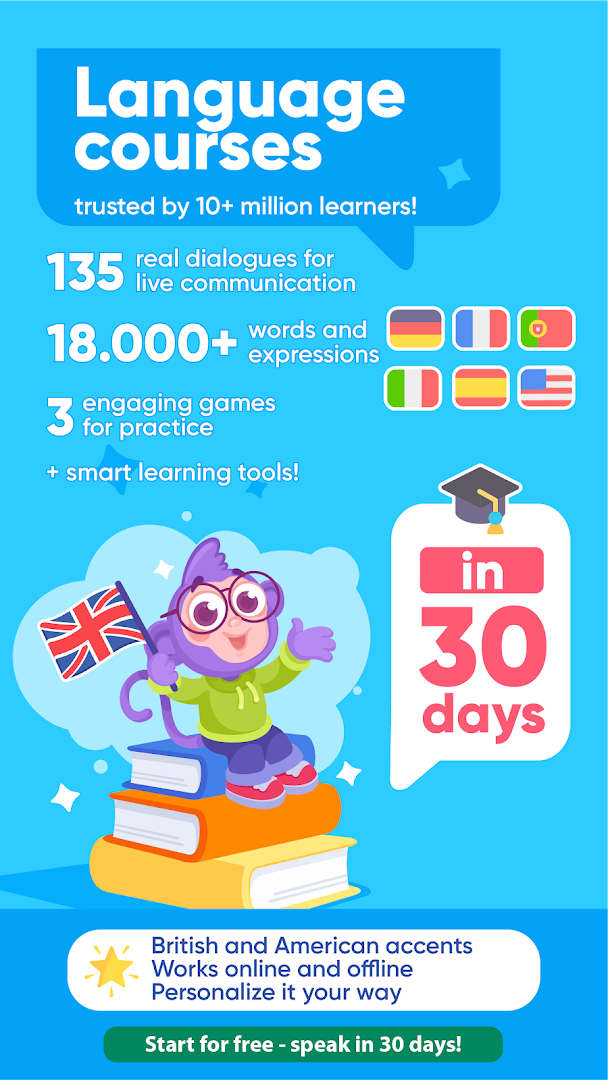
LinDuo - Speak Languages is an educational app by LinDuo that helps you learn English, German, Spanish, French, Italian and other languages with 135 topics and 18,000+ words.
LinDuo - Speak Languages offers a complete vocabulary program with 135 real-life topics and over 18,000 words, plus three word games to make practice engaging. It is designed for learners who want to study online or offline, with features like spaced repetition, multiple question types, and audio from both British and American accents.
Screenshots
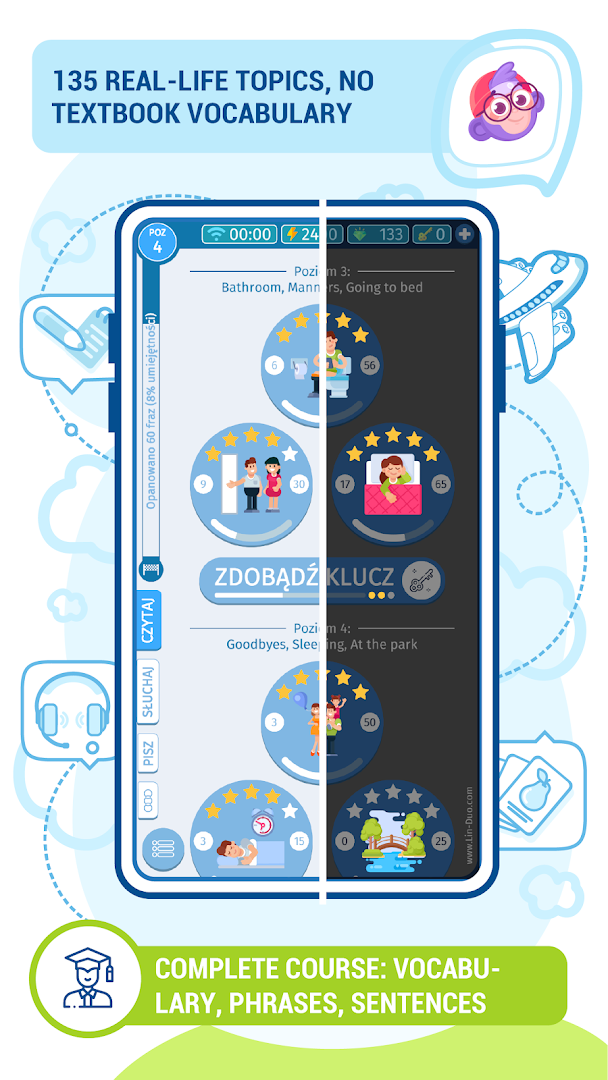
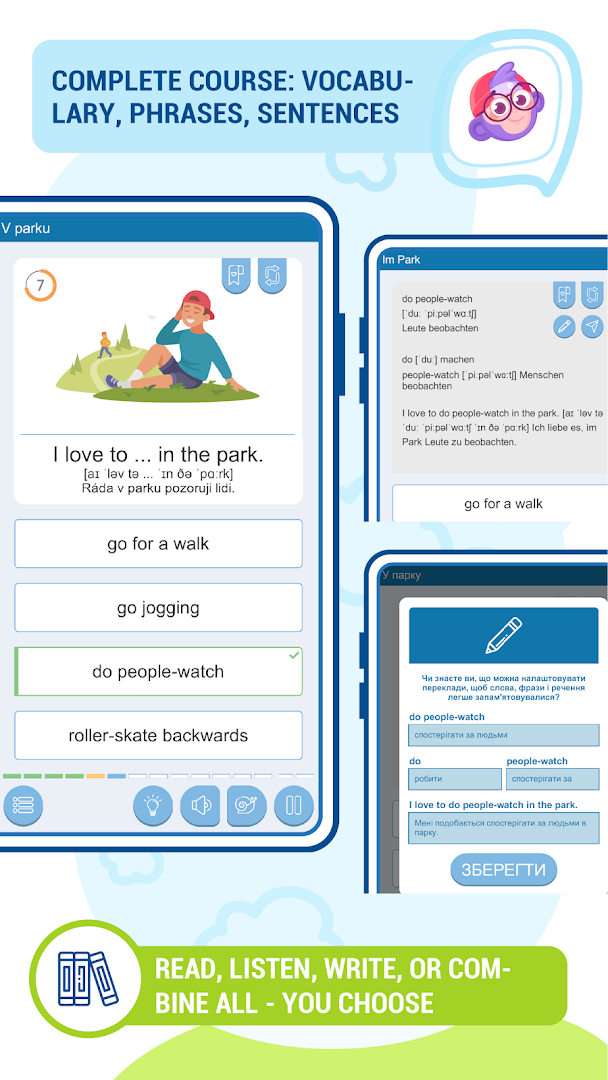
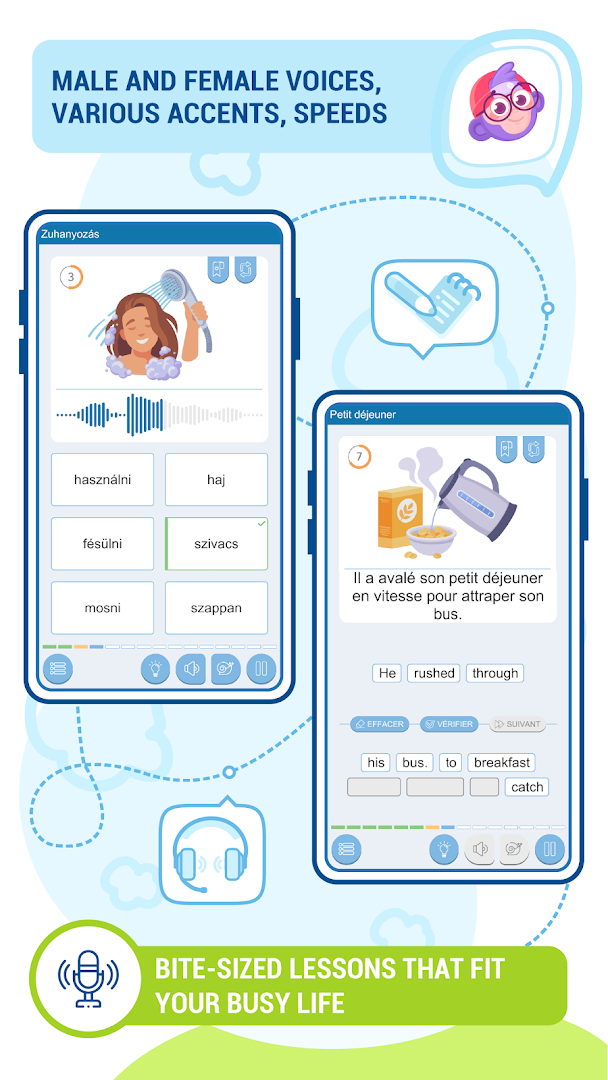
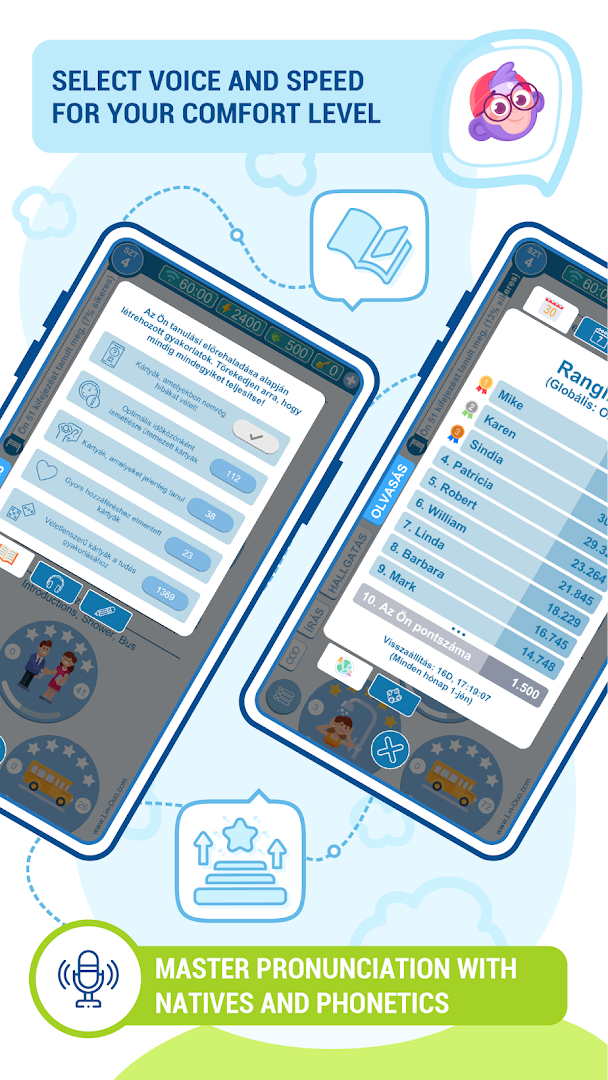
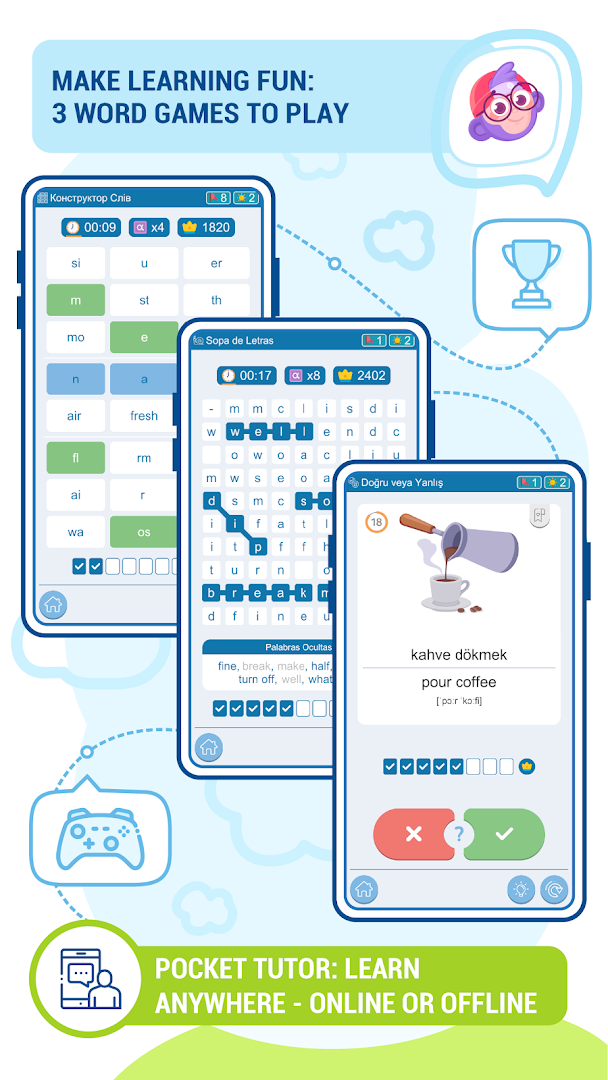
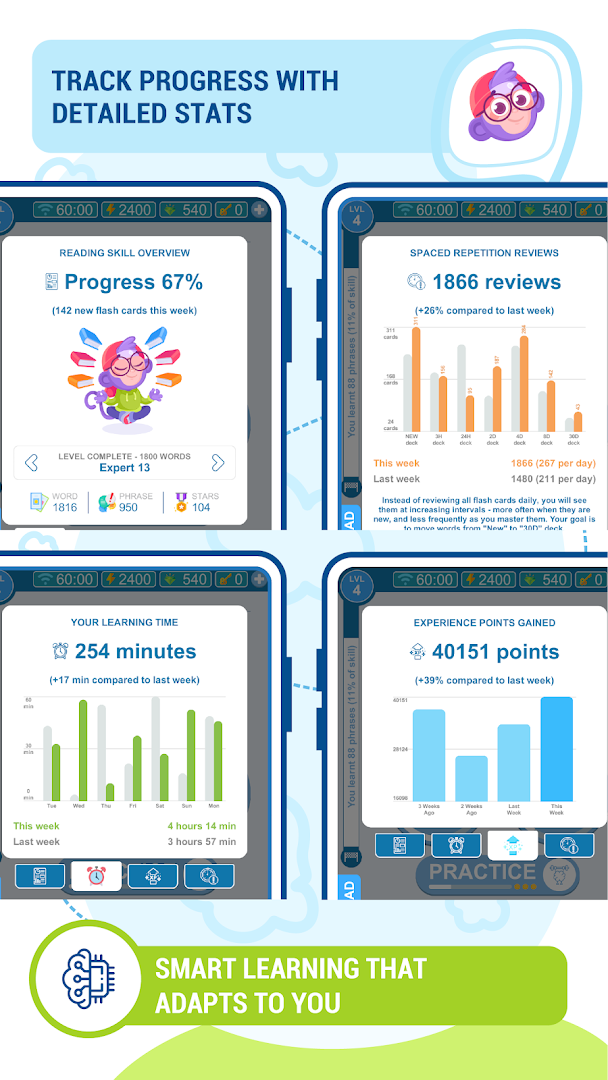
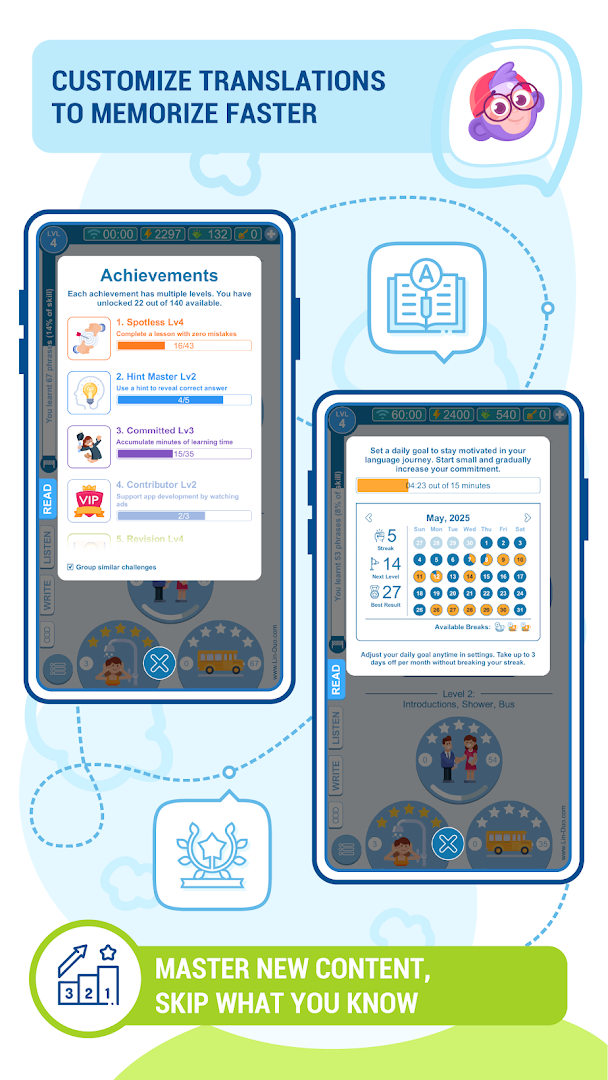
LinDuo - Speak Languages is an educational app by LinDuo that helps you build vocabulary and practice listening, reading, writing, and speaking across multiple languages. It covers 135 real-life topics and more than 18,000 words for English, German, Spanish, French, Italian, and other languages, using bite-sized lessons, three word games, spaced repetition, and detailed progress statistics. Learners can study online or offline, at their own pace, and choose between beginner and advanced difficulty.
From a privacy standpoint, the app keeps things fairly straightforward. The main data flow is an automatic 7-day server-side progress backup, which helps preserve learning history if you switch devices. Multi-user profiles also keep each person's progress separate on a shared device, and the content rating is Everyone. There are no subscriptions, and the app is free to use, although it does include ads and offers optional in-app purchases or donation-based extras.
The app is designed to work offline, so it does not require a constant connection for everyday use. Permissions are limited to what core features need, such as notifications for practice reminders, and you can customize notifications, phonetics, illustrations, the timer, and a dark theme. For families, the multi-user system makes it easy to set up individual profiles so children and adults do not mix their learning data.
Key features
- 135 real-life topics you will actually use
- 18,000+ words of content for every skill level
- Read, listen, write, or combine all in one lesson
- Spaced repetition and mistake-focused review
- Bookmark flash cards and skip what you already know
- British and American accents with male and female voices
- Customizable translations, phonetics, illustrations, timer, and dark theme
- Three word games: True or False, Word Search, and Word Builder
- Multi-user device support with a profile system
- Automatic 7-day server-side progress backup
How to install
- Tap the download button on this page to get the LinDuo APK file (file size: n/a).
- When Android asks, allow your browser or file manager to install apps by enabling the "Install unknown apps" setting.
- Open the downloaded APK file from your notifications or file manager.
- Tap Install and wait for the installation to finish.
- Open the app and start learning. LinDuo requires Android 6.0 or higher.
Pros
- No subscriptions; the app is free to use with optional in-app purchases
- Works fully online or offline
- Multi-user profiles keep learning data separate on shared devices
- Automatic 7-day server-side progress backup
- Dark theme for comfortable night-time learning
- Content rated for everyone
Cons
- Contains ads
- In-app purchases and donation prompts are present
- Progress backup is limited to 7 days on the server side
- Requires Android 6.0 or newer
What's New · 7.37.1
Version 7.37.1 is a major update built around user requests, with thanks to Premium supporters. You now get full control over learning topics, including the ability to see contents, review progress per card, and remove items, along with detailed stats after each session, customizable notifications, instant content unlock, and green progress indicators on daily goals. Premium users also gain speed controls and skip-ahead options, while improved menus, offline protection, and more balanced learning reminders round out the release.
Previous Versions
| Version | Size | Requires Android | Updated |
|---|---|---|---|
| 7.37.1 | — | 6.0 | 14.10.2026 |
LinDuo is for language learners who want a flexible, bite-sized way to build vocabulary and practice listening, reading, and writing without committing to a subscription. It suits beginners and advanced students alike, as well as families sharing one device thanks to multi-user profiles and an Everyone content rating.
To get the most out of the app, set a daily goal, enable practice reminders, and use bookmarks to review difficult cards. Use dark theme for evening sessions and take advantage of offline mode when commuting. Remember that the automatic progress backup lasts only 7 days, so periodically confirm your progress is being saved.
Frequently Asked Questions
Is LinDuo - Speak Languages free to download?
Yes, the app is free to download. It does include ads and optional in-app purchases, but you can use the core language courses without paying.
Which Android version do I need to run this app?
The minimum supported Android version is 6.0. Make sure your device is running Android 6.0 or newer before installing.
Do I have to create an account to use the app?
No account is required to start learning. The app stores progress locally and also performs automatic 7-day server-side progress backups.
What permissions does LinDuo - Speak Languages request?
The available data does not list specific permissions for this app. You can review the permissions requested during installation on your device.
How do I update to the latest version?
Download the newest version from this page and install it over your existing copy. The latest version available is 7.37.1, updated on 2026-10-14.
What is the file size of the app?
The file size is not provided in the available data. You can check the download size shown on this page before installing.
LinDuo - Speak Languages offers a generous vocabulary course with a practical, privacy-conscious design. Its offline support, multi-user profiles, and transparent backup policy make it a solid choice for learners who want control over their data while staying motivated.
Updated: 24.10.2026
| Version | Size | Requires Android | Updated |
|---|---|---|---|
| 7.37.1 | — | 6.0 | 14.10.2026 |
- Version
- 7.37.1
- Requires Android
- 6.0
- Updated
- 14.10.2026
- Installs
- 50K+
- Rating
- ★ 4.27 (204)
- Category
- Educational
- Developer
- LinDuo
- Content rating
- Everyone
- Package
- com.lin.duo.speak.languages
- Free
- ✓ · Contains ads · In-app purchases