
monocles browser for Android
monocles browser is a privacy-focused web browser from Arne-Brün Vogelsang for secure and anonymous browsing on Android.
monocles browser is for users who prioritize privacy and safety while browsing on Android. It blocks ads via EasyList, supports Tor Orbot proxy, pins SSL certificates, and keeps Javascript and cookies off by default for stronger protection. The monocles metasearch does not store your IP or other data, and the app is free, requires Android 8.0 or newer, and has a size of 14 MB.
Screen gallery
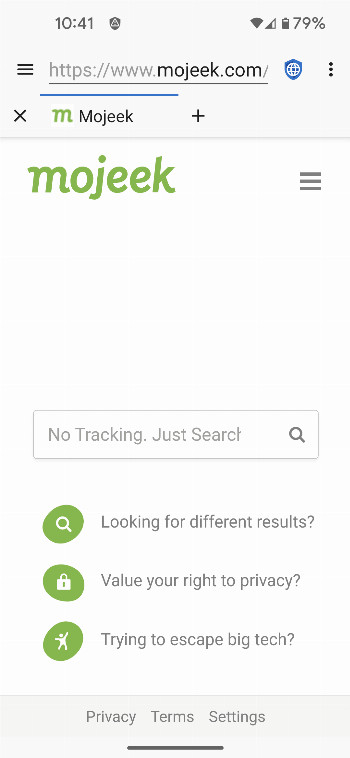
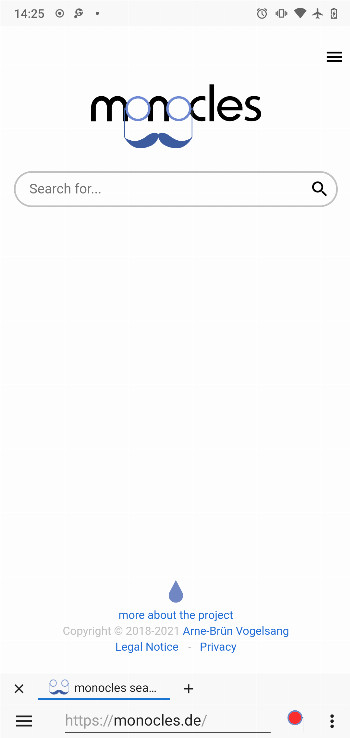
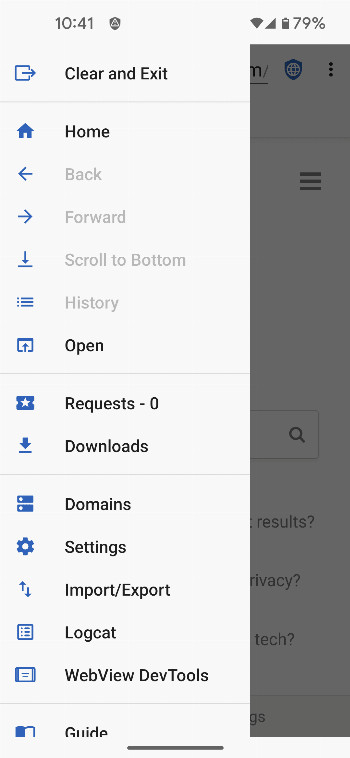
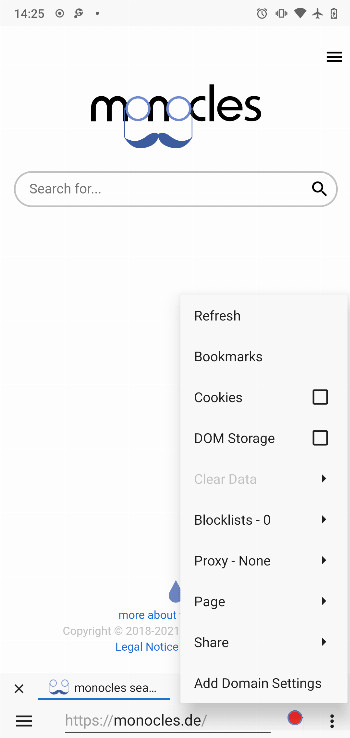
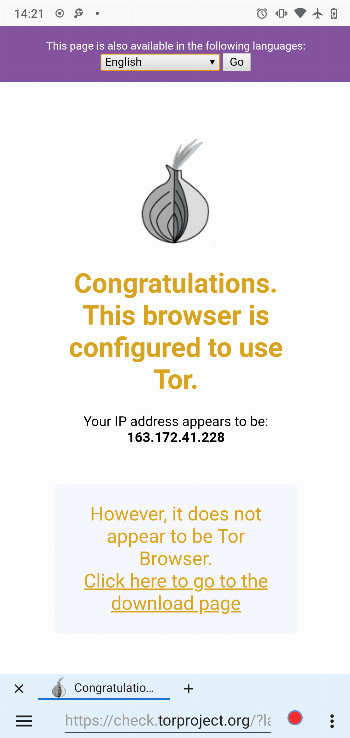
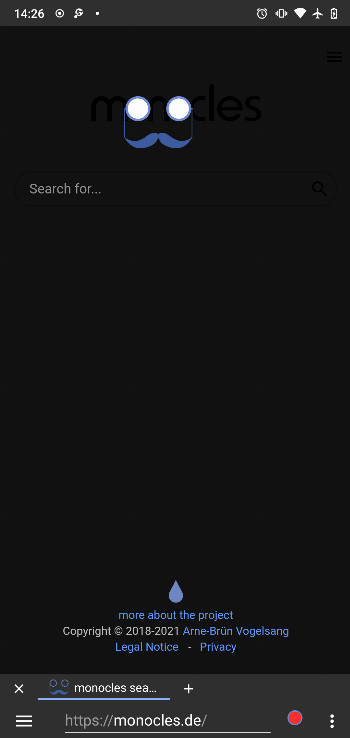
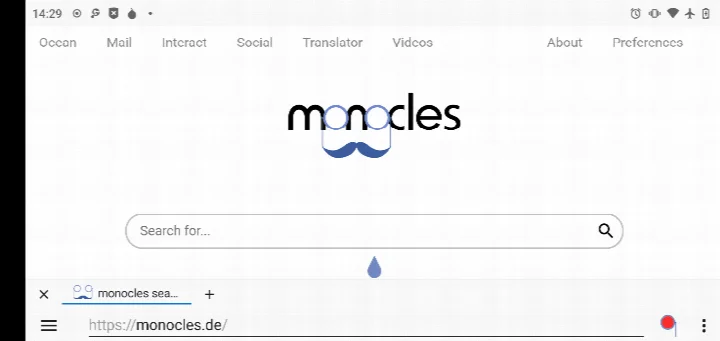
monocles browser is a privacy-focused web browser by Arne-Brün Vogelsang that blocks ads, limits tracking scripts, and keeps websites from collecting extra data. Privacy protections are turned on by default, which means JavaScript and cookies are switched off out of the box, so sites have fewer ways to track you or load hidden content. The app is free to use, released under the GPL-3.0-only open-source license, and requires Android 8.0 or newer.
For daily browsing, the app includes an integrated EasyList ad blocker, support for the Tor Orbot proxy, and SSL certificate pinning to help guard against connection-based attacks. You can also import and export your settings and bookmarks, which makes it easier to keep your setup when moving to a new device. The built-in monocles metasearch engine is designed not to store your IP address or other personal data.
This release, version 1.9.3, was updated in August 2025, following the version launched in December 2024. Because the browser uses the monocles webview, it is a good idea to keep your Android security updates current for the best possible protection.
Key features
- Integrated EasyList ad blocking to reduce unwanted ads
- Tor Orbot proxy support for more anonymous browsing
- SSL certificate pinning for stronger connection security
- Import and export of settings and bookmarks
How to install
- Check that your device runs Android 8.0 or higher, then tap the download button on this page to save the 14 MB APK file.
- If Android asks for permission, allow your browser or file manager to install apps by enabling the "Install unknown apps" setting.
- Open the downloaded APK file from your notifications or file manager.
- Tap Install and wait a moment for the installation to finish.
- Open monocles browser from your app list and begin browsing.
Pros
- Free and open source under the GPL-3.0-only license
- Strong privacy defaults with JavaScript and cookies disabled
- Built-in EasyList ad blocking
- Optional Tor Orbot proxy support
- SSL certificate pinning
- Import and export of bookmarks and settings
Cons
- Some websites may not work properly until you allow JavaScript and cookies for them
- Best results depend on keeping Android security updates current
Version history
| Version | Size | Requires Android | Updated |
|---|---|---|---|
| 1.9.3 | 14 MB | 8.0 | Aug 17, 2025 |
| 1.9.2 | 14 MB | 8.0 | Dec 11, 2024 |
monocles browser is for privacy-conscious people who want a straightforward browser with protection enabled from the start, including users who value ad blocking, reduced tracking, and the option of Tor-based anonymity.
For sites that need scripts or logins, add them to your trusted domains in the menu so JavaScript and cookies are allowed only where you choose. If you want extra anonymity, consider enabling the Tor Orbot proxy in the settings.
Frequently asked questions
How do I install the monocles browser APK on Android?
Download the 14 MB APK, then allow installation from unknown sources in your Android settings. Open the downloaded file and confirm the install. Your device needs Android 8.0 or newer.
What is the current version of monocles browser?
The current version is 1.9.3, updated on 2025-08-17. The earlier 1.9.2 release dates from 2024-12-11.
Is monocles browser free, and does it include ads or purchases?
The browser is free. It comes with integrated EasyList ad blocking, and the available information does not describe any in-app purchases.
How does monocles browser handle my data and offline use?
Its metasearch function does not store your IP or other data. Default settings disable JavaScript and cookies for privacy. No dedicated offline mode is listed, but settings and bookmarks can be exported and imported.
Are there alternative privacy-focused browsers in the same category?
Yes, other privacy-oriented browsers exist in the Internet category. When comparing them, look at features such as ad blocking, proxy support, and SSL certificate pinning, since these differ between apps.
What privacy features does monocles browser include?
It provides EasyList ad blocking, Tor Orbot proxy support, SSL certificate pinning, and import/export of settings and bookmarks. By default JavaScript and cookies are turned off for maximum security.
monocles browser offers a dependable starting point for anyone who wants more control over their online privacy. With sensible defaults, ad blocking, and Tor support, it is a practical choice for Android users who prefer to keep tracking to a minimum.
Similar apps




Updated: Nov 9, 2026
| Version | Size | Requires Android | Updated |
|---|---|---|---|
| 1.9.3 | 14 MB | 8.0 | Aug 17, 2025 |
| 1.9.2 | 14 MB | 8.0 | Dec 11, 2024 |
- Version
- 1.9.3
- Size
- 14 MB
- Requires Android
- 8.0
- Updated
- Aug 17, 2025
- Category
- Communication
- Developer
- Arne-Brün Vogelsang
- Package
- de.monocles.browser.standard
- Free
- ✓