
WOW Scanner QR,NFC,BLE,U-SONIC All-in-One Scanner
WOW Scanner QR,NFC,BLE,U-SONIC is a free communication app by DOINFOTECH that lets you scan and write QR codes, barcodes, NFC tags, BLE beacons, and ultrasonic signals.
WOW Scanner QR,NFC,BLE,U-SONIC is 10 MB and requires Android 5.0 or higher. It includes ads but no in-app purchases, and it has a 4.46 rating from 620 ratings. The app is designed for users who need one tool to read and create QR codes, barcodes, NFC tags, BLE beacons, and ultrasonic data, with features like saving history, sharing codes, and connecting to WiFi via QR.
Screen gallery
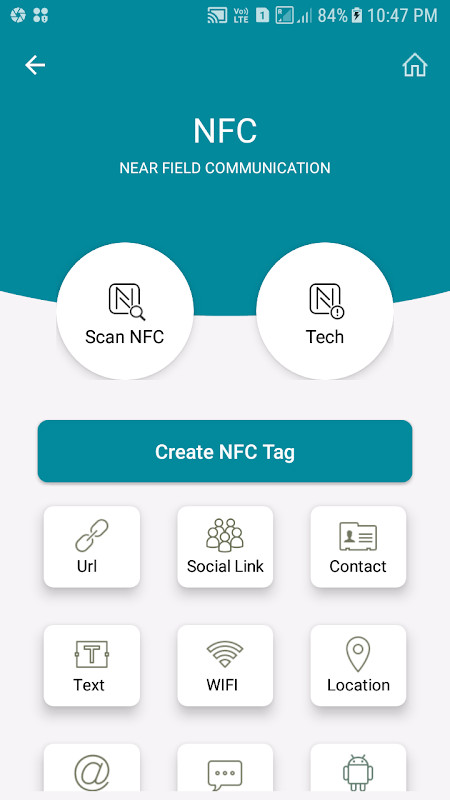
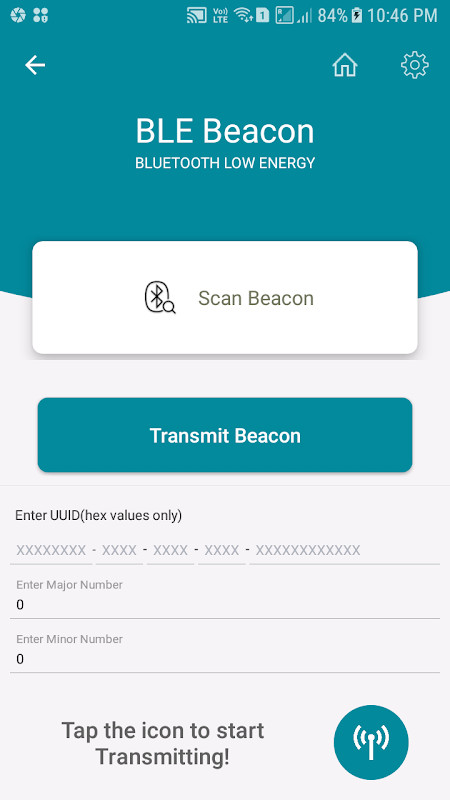
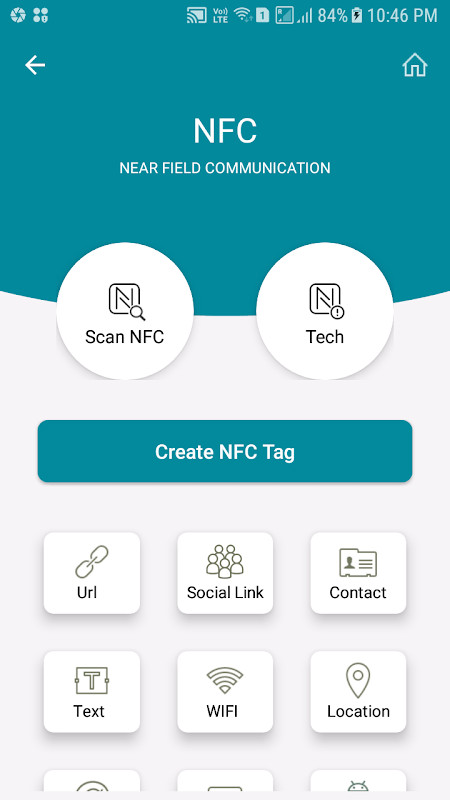
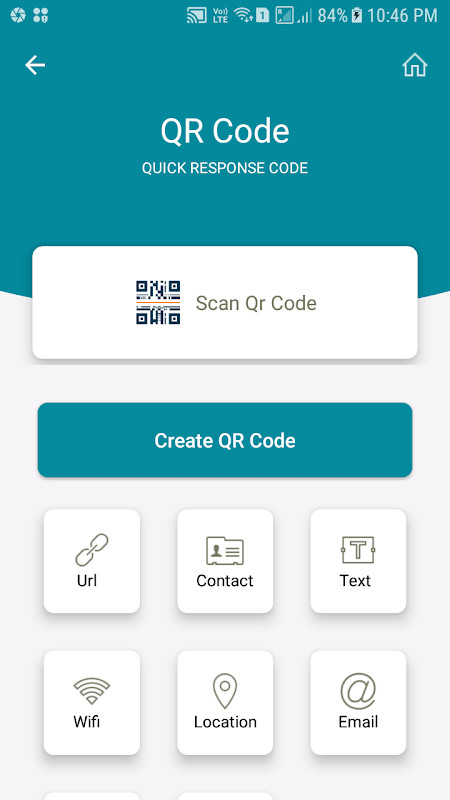
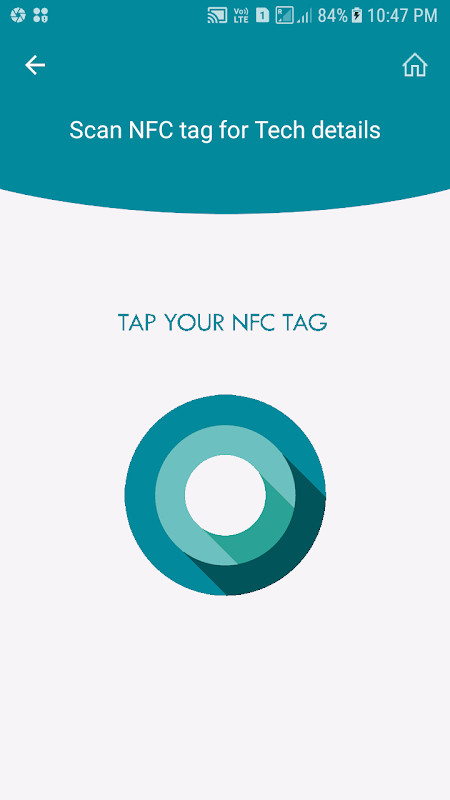
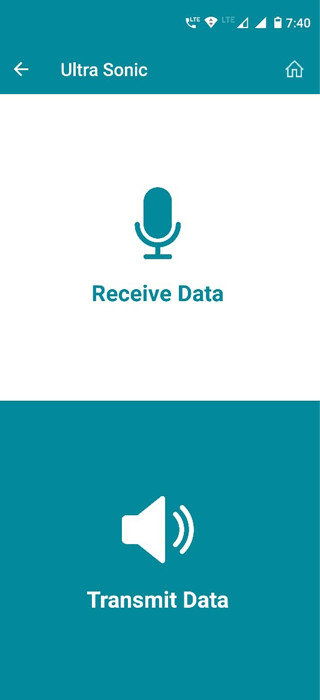
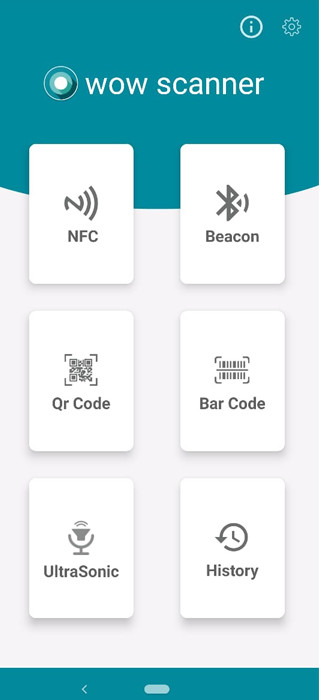
WOW Scanner QR,NFC,BLE,U-SONIC is a communication utility app by DOINFOTECH that combines scanning and writing tools for barcodes, QR codes, NFC tags, BLE beacons, and ultrasonic signals into one package. Instead of juggling several separate readers, you can handle multiple proximity technologies from a single interface, which is especially convenient if you regularly work with different types of codes or wireless tags. The app is designed for Android devices running version 5.0 or higher and takes up about 10 MB of storage, making it a lightweight addition to your phone.
The app lets you read and create standard 1D and 2D codes, including QR codes and barcodes, using your device's camera. It also supports NFC reading, writing, and tag information lookup for compatible hardware, plus BLE beacon transmission and reception on supported devices. For ultrasonic communication, the app uses your phone's built-in speaker and microphone, so no extra hardware is required. You can scan codes from live camera feeds or from pictures saved in your camera roll, and you can generate your own codes for emails, phone numbers, Wi-Fi networks, locations, and more.
Because the app covers so many functions, it suits a wide range of users, from curious beginners who want to explore what a QR code contains to hobbyists experimenting with NFC tags or beacons. It is also handy for small business owners who need to create shareable codes for promotions or contact details. The developer emphasizes that the app does not store or transmit tag data without your explicit consent, which may reassure privacy-conscious users. While some features require specific hardware, like a camera for visual codes or NFC support for tags, the ultrasonic function works on almost any phone, making it an accessible entry point for newcomers.
Key features
- All-in-one scanning and writing for QR codes, barcodes, NFC, BLE beacons, and ultrasonic signals
- Instant scanning with a simple and easy-to-use interface
- Scan QR codes from pictures saved in your camera roll
- Create your own QR codes for email addresses, phone numbers, V-cards, Wi-Fi networks, locations, and more
- Scan Wi-Fi QR codes to auto-connect to networks
- No internet connection needed for scanning and writing codes
- Save generated QR code and barcode images to your SD card
- Share scanned or generated codes via social apps, email, and SMS
- NFC reader, writer, and tag info modes for multiple NDEF data types
- Ultrasonic transmitter and receiver functionality using the built-in speaker and microphone
How to install
- Tap the download button on this page to get the APK file, which is about 10 MB in size.
- When prompted, allow your browser or file manager to install apps by enabling the 'Install unknown apps' setting for that app.
- Open the downloaded APK file from your notifications or downloads folder.
- Tap Install on the confirmation screen and wait for the installation to finish.
- Open the app from your app drawer or the install confirmation screen.
- Make sure your device runs Android 5.0 or higher before you start.
Pros
- Combines multiple scanner types into one app, reducing the need for separate tools
- Works offline for scanning and writing, so you don't need an internet connection
- Includes ultrasonic communication that requires no special hardware
- Allows you to create and share custom QR codes easily
- Offers a tag info mode that is useful for developers curious about NFC data
Cons
- Requires specific hardware for some features, such as a camera, NFC support, or BLE, which may not be present on all devices
- Ultrasonic transmission and reception typically require two phones to work
- Contains ads, which may interrupt the experience for some users
- Requests access to several permissions, including contacts, location, phone, and storage, which could be a concern for privacy-minded users
Recent updates · 7.0
Version 7.0 introduces UltraSonic Data Send and Listen functionality, allowing data to be transmitted and received using a phone's built-in speaker and microphone. This addition extends the app's existing proximity capabilities, which already cover QR code, barcode, NFC, and BLE beacon scanning and writing. The update, released on October 3, 2020, requires no extra hardware for the new ultrasonic feature.
Version history
| Version | Size | Requires Android | Updated |
|---|---|---|---|
| 7.0 | 10 MB | 5.0 | Oct 3, 2020 |
This app is for beginners and casual users who want a single tool to scan and create QR codes and barcodes, as well as experiment with NFC tags, BLE beacons, and ultrasonic signals without needing to install multiple apps.
For ultrasonic features, you will need two phones: one to transmit and one to receive. For NFC or BLE functions, check that your device has the required hardware. When scanning codes that open websites, ensure you have an active internet connection. To save generated codes, allow the app storage permission.
Permissions
Frequently asked questions
How do I install the APK on my Android device?
Download the APK file from the page and open it. If prompted, allow installation from unknown sources in your system settings, then follow the on-screen steps to complete the setup.
What is new in version 7.0?
Version 7.0 adds the UltraSonic data send and listen functionality alongside the existing proximity technologies. This update was released on 2020-10-03.
Does the app contain ads or in-app purchases?
The app is free to download and use, but it does display ads. There are no in-app purchases available.
Can I use the app offline?
Yes, scanning and writing QR codes, barcodes, NFC tags, BLE beacons, and UltraSonic signals do not require an internet connection. Internet is only needed when opening scanned URLs or performing online product searches.
What hardware do I need for each scanning feature?
QR and barcode scanning requires a built-in camera. NFC features need NFC support. BLE beacon receiver works on Android 5 and above, while transmitter needs Android 6 and above. UltraSonic only uses the built-in speaker and microphone.
Are there alternative apps in the same category?
Several other communication apps offer QR and barcode scanning, though most cover fewer technologies. This app stands out by combining QR, barcode, NFC, BLE beacon, and UltraSonic in one tool.
WOW Scanner QR,NFC,BLE,U-SONIC is a versatile, beginner-friendly app that brings several proximity technologies together in one lightweight package. While some features depend on device hardware, its offline capabilities and wide range of supported code types make it a practical choice for everyday scanning needs.
Similar apps




Updated: Nov 4, 2026
| Version | Size | Requires Android | Updated |
|---|---|---|---|
| 7.0 | 10 MB | 5.0 | Oct 3, 2020 |
- Version
- 7.0
- Size
- 10 MB
- Requires Android
- 5.0
- Updated
- Oct 3, 2020
- Installs
- 100K+
- Rating
- ★ 4.46 (620)
- Category
- Communication
- Developer
- DOINFOTECH
- Content rating
- Everyone
- Package
- com.doinfotech.wowscanner
- Free
- ✓ · Contains ads