
Play Tube & Video Tube Pro for Android
Play Tube & Video Tube Pro is a free video player app from EdomoMusic for listening to millions of songs online with a floating popup player.
Play Tube & Video Tube Pro is for Android users who want to enjoy free music and videos while multitasking, such as checking email or messaging. The app offers a floating popup player, fast search, playlist creation, and Top Charts browsing, and it is optimized for low cellular data.
Screen gallery
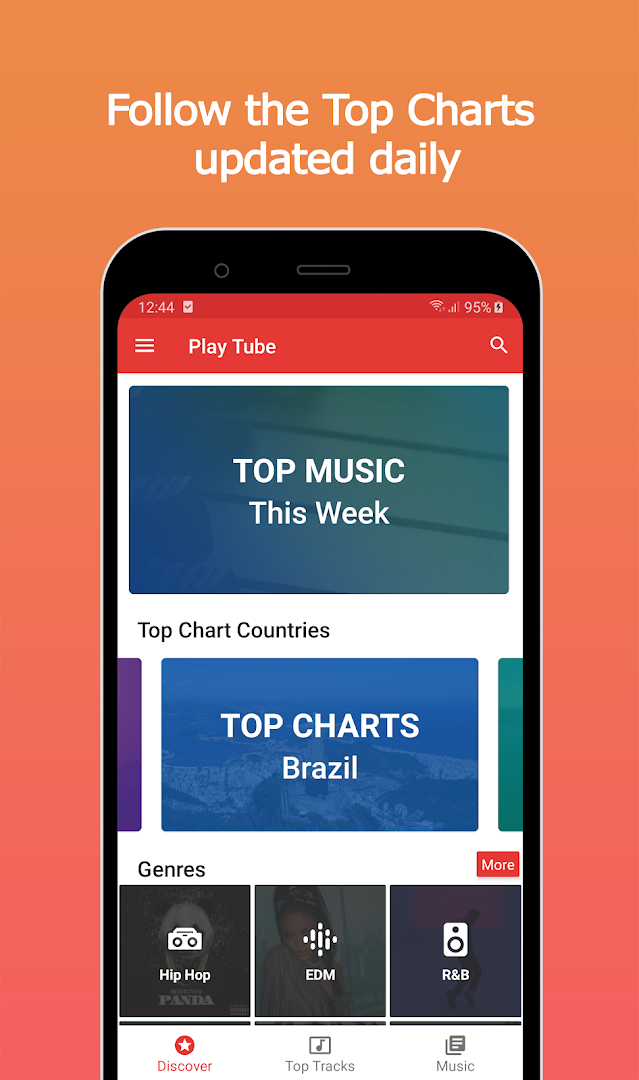
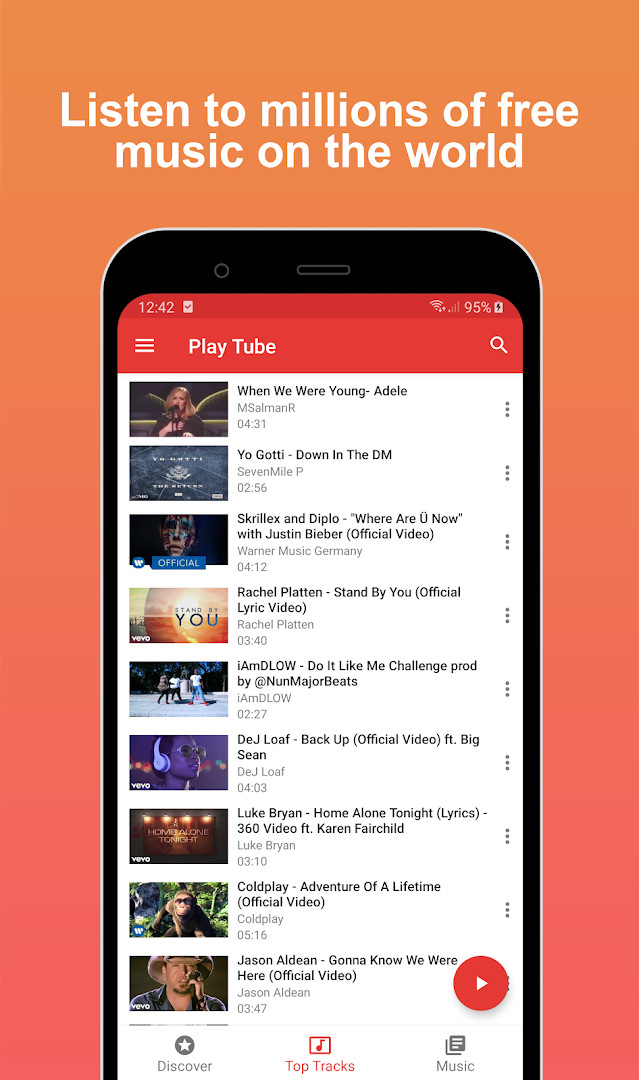
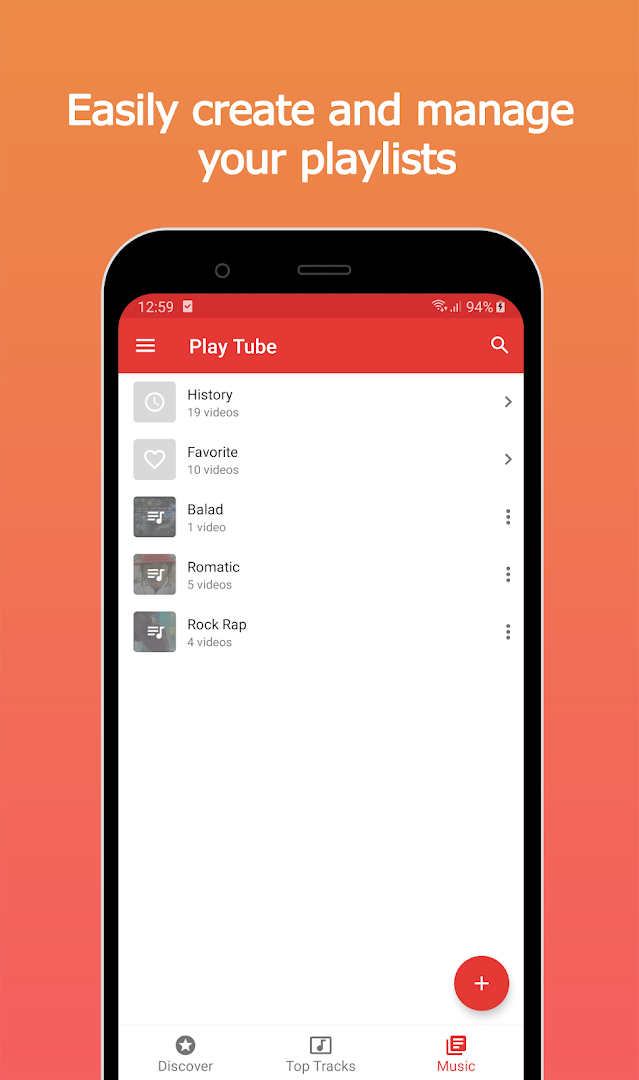
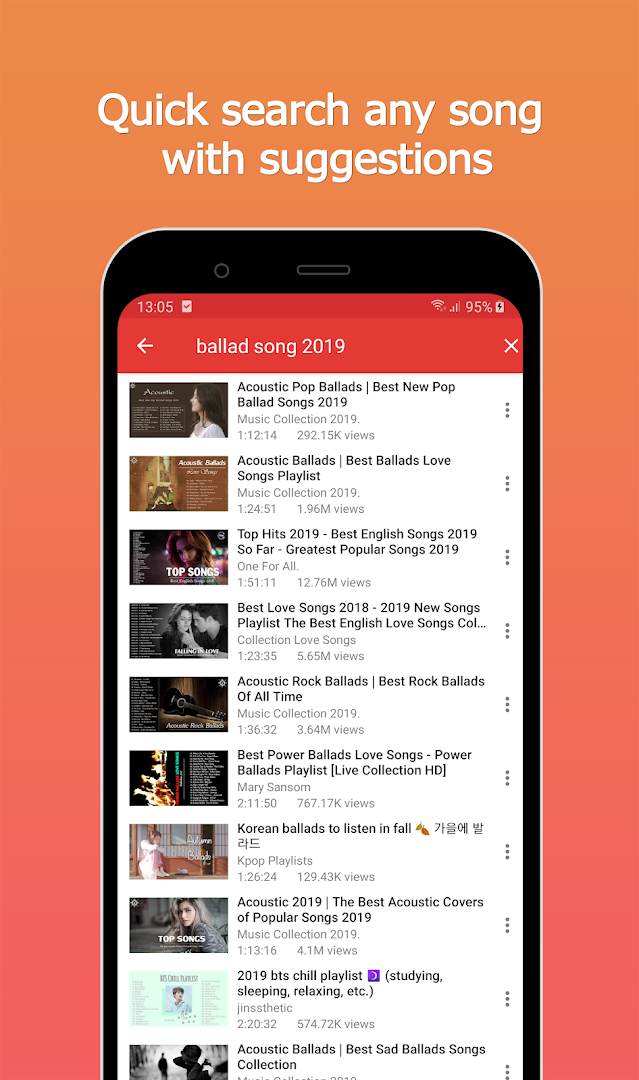
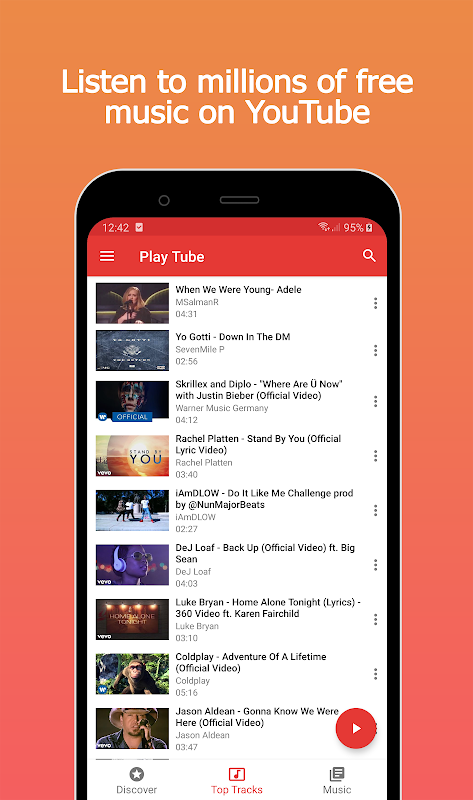
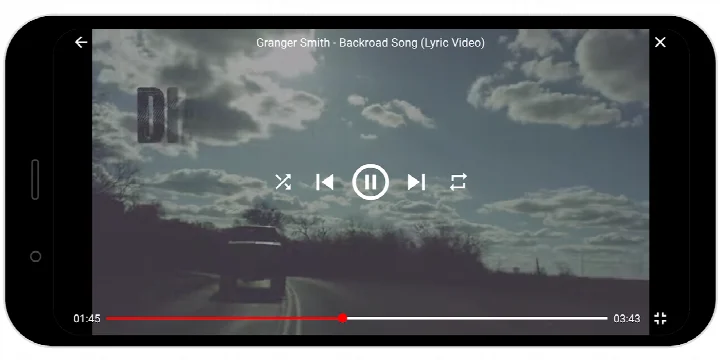
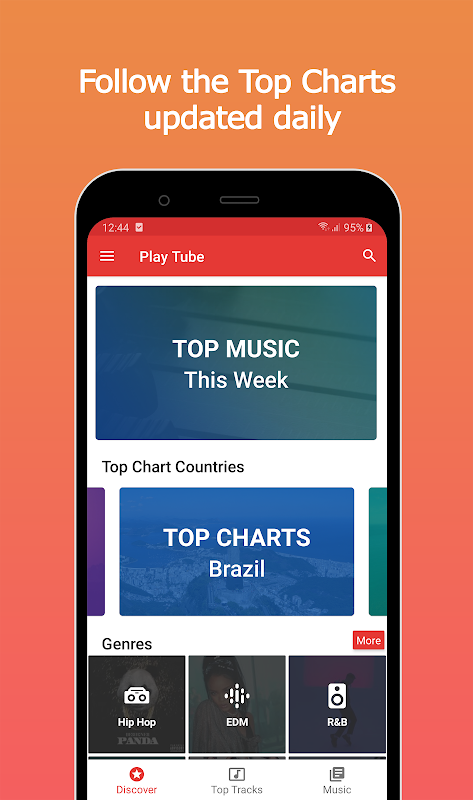
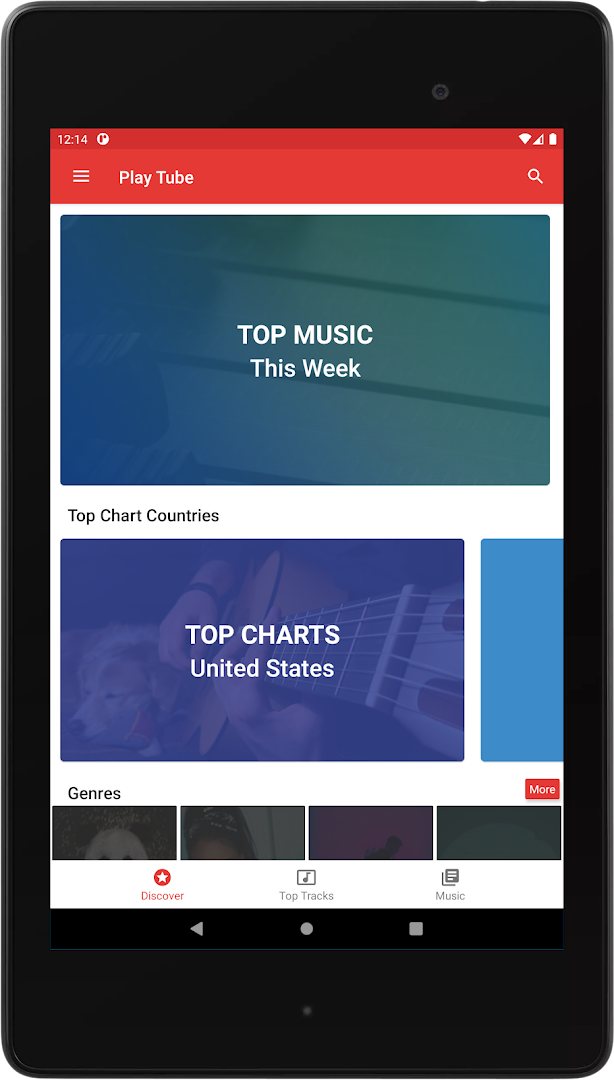
Play Tube & Video Tube Pro is a music and video streaming application by EdomoMusic that lets you listen to millions of songs online for free while using other apps through a floating popup player. Designed around the idea of uninterrupted multitasking, the app streams content from YouTube and presents it in a small, movable window that stays on top of your screen. This approach allows you to check email, reply to messages, or browse the web while your chosen music or video continues playing in the foreground, without switching back and forth between apps.
The core experience centers on a free, online-only player. You can search for songs by name, explore Top Charts from various countries, and build your own playlists that are saved to your in-app library. The floating popup can be dragged anywhere on the display, and you also have the option to watch videos in full screen. Data usage is optimized for lower cellular connections, which is useful when you are on the go. The app does not download files, cache videos, or support offline playback, and it will not play audio when the screen is off; these limitations are in place to align with YouTube's terms of service.
Version 3.5, released in July 2024, brings support for Android 14 (API level 34) and includes fixes for minor bugs. The update also removed a cleartext traffic permission flag and cleaned up some code by removing certain functions. These changes are mostly under the hood, focusing on compatibility and stability rather than adding new user-facing features. The app remains free, contains ads, and has a content rating of Mature 17+, reflecting that it is a third-party client for streaming content.
For installation, note that the APK file size is not specified in the available data, and the minimum required Android version is 5.0. The app has been downloaded over 500,000 times and holds a user rating of about 3.94 based on roughly 1,895 ratings.
Key features
- Floating popup player that stays on top of other apps and can be moved anywhere on the screen
- Full-screen video playback mode in addition to the popup view
- Search among millions of free music videos with fast search support
- Browse Top Charts from different countries
- Create custom playlists and save songs to your library
- Optimized data usage for low cellular connections
- Supports Android 14 (API level 34) as of version 3.5
How to install
- Tap the download button on this page to get the APK file (file size is not specified).
- When Android prompts you, allow your browser or file manager to install apps by enabling the 'Install unknown apps' setting for that source.
- Open the downloaded APK file from your notifications or file manager.
- Tap 'Install' on the installation screen and wait for the process to finish.
- Open the app from your app drawer or the 'Open' button after installation.
- Ensure your device runs Android 5.0 or higher to meet the minimum system requirement.
Pros
- Free to use with no in-app purchases
- Floating popup enables true multitasking while listening
- Fast search across a large catalog of music videos
- Playlist creation and library saving are included
- Optimized for lower data consumption
Cons
- Contains ads
- No offline playback or caching of videos
- Does not play audio when the screen is turned off
- Content rating is Mature 17+
- File size is not listed in available information
Recent updates · 3.5
Version 3.5 adds support for Android 14 (API level 34) and includes several minor bug fixes for better compliance. The update also removes the cleartext traffic permission setting, along with some functions, and cleans up the codebase.
Version history
| Version | Size | Requires Android | Updated |
|---|---|---|---|
| 1.2 | 5.4 MB | 4.4 | Jun 24, 2026 |
| 3.5 | — | 5.0 | Jul 25, 2024 |
This app suits users who frequently multitask on their phones and want music or video playback to continue in a floating window while they handle other tasks. It also appeals to those who prefer streaming over downloading and want quick access to Top Charts and a large library of songs without paying a subscription.
To keep the floating player working reliably, make sure to grant the 'Draw over other apps' permission from your device settings, as this is required for the popup to appear above other applications.
Permissions
Frequently asked questions
How does the floating popup player work while I use other apps?
The app can display a small floating popup player over other apps so you can keep watching videos or listening to music while doing things like checking email or answering messages. You can move the popup anywhere on the screen, and it requires the "Draw over other apps" permission to be enabled in your device settings.
Can I download songs or videos for offline listening?
No. The app does not download videos or audio files, does not cache content, and does not support offline playback. It is designed for online streaming only, in line with YouTube's Terms of Service.
Will music continue playing if I turn off my screen?
No. The app does not play videos when the screen is turned off, and it does not play videos in the background. This is because separating audio and video streams is not permitted under YouTube's Terms of Service.
Can I save my favorite songs and create custom playlists?
Yes, you can create your own playlists and save songs to your library. The app also lets you search among millions of free music videos and browse Top Charts by country.
Is the app designed to use less mobile data?
Yes, the app is optimized for low cellular data usage, which can help reduce data consumption when you stream music or videos on a mobile connection.
Play Tube & Video Tube Pro delivers a practical solution for streaming music and videos in a floating window, making multitasking easier. Its free model and playlist features are appealing, but the lack of offline playback and background audio, along with the presence of ads, are notable trade-offs. For users who prioritize convenience and are comfortable with online-only streaming, it is a functional choice.
Similar apps



Updated: Nov 5, 2026
| Version | Size | Requires Android | Updated |
|---|---|---|---|
| 1.2 | 5.4 MB | 4.4 | Jun 24, 2026 |
| 3.5 | — | 5.0 | Jul 25, 2024 |
- Version
- 3.5
- Requires Android
- 5.0
- Updated
- Jul 25, 2024
- Installs
- 500K+
- Rating
- ★ 3.94 (1,895)
- Category
- Entertainment
- Developer
- EdomoMusic
- Content rating
- Mature 17+
- Package
- com.rabits.freemusic.playtube
- Free
- ✓ · Contains ads