Voice Recorder - Voice Memos: Audio Capture
Voice Recorder - Voice Memos is a free audio recorder by TarrySoft that lets you capture, trim, and share voice notes and recordings.
Voice Recorder - Voice Memos requires Android 5.0 or higher and contains ads and in-app purchases. The app offers MP3, FLAC, and AAC formats, adjustable playback speed, and cloud export to Google Drive, Dropbox, and Microsoft OneDrive. It suits students, writers, and musicians who need to revisit lectures, meetings, or musical ideas.
Screen gallery
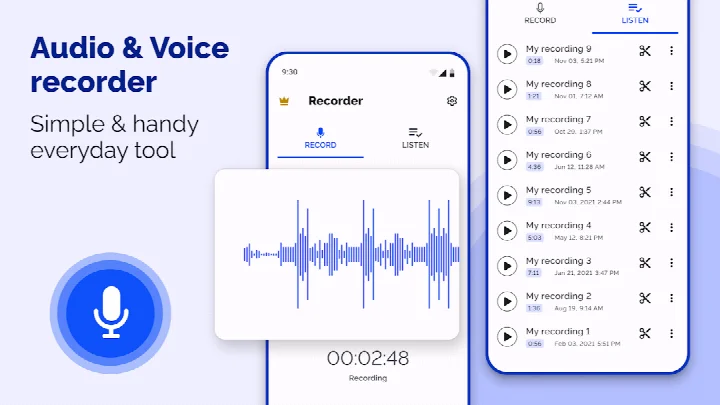
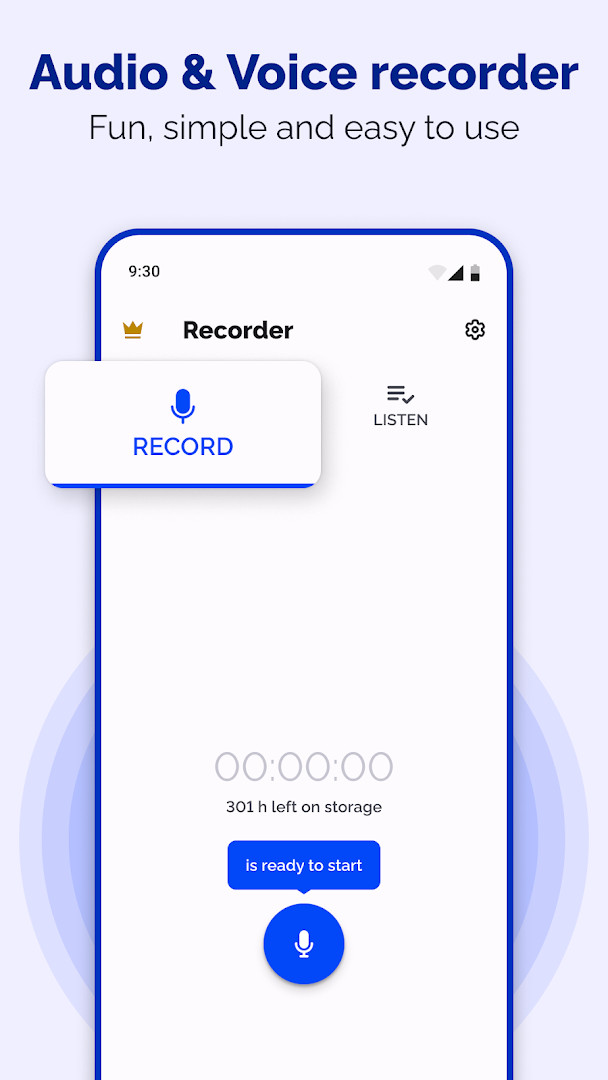
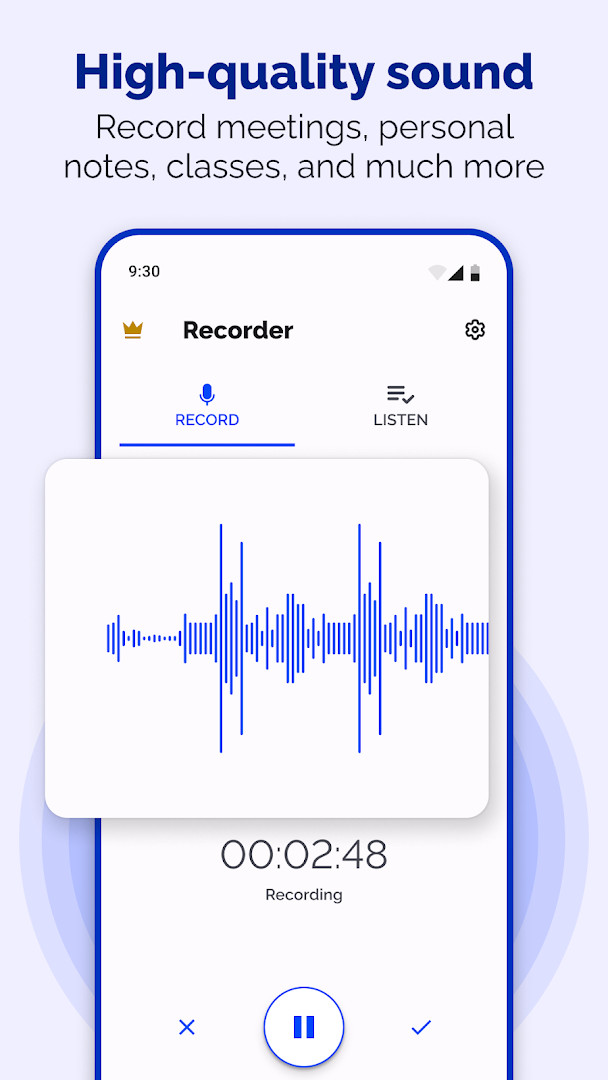
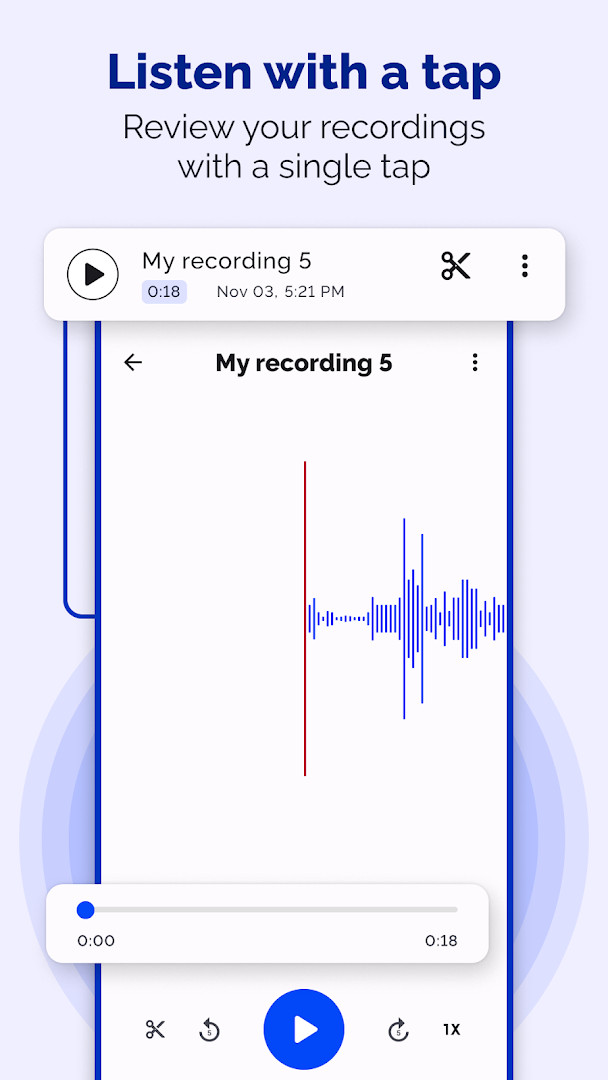
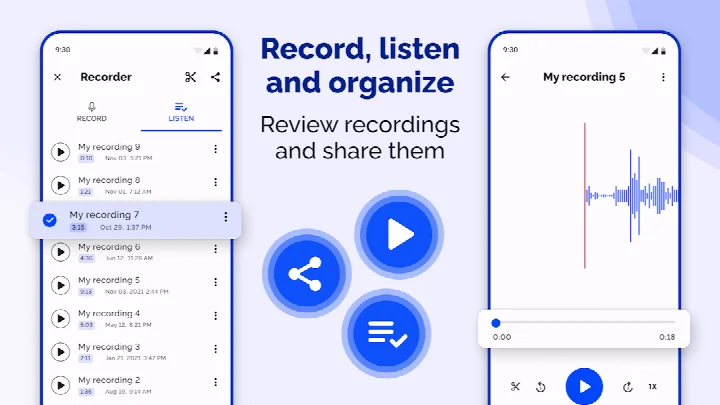
Voice Recorder - Voice Memos is a voice recording utility by TarrySoft that captures audio through your device's microphone for notes, interviews, meetings, lectures, and musical ideas. The app is designed around a straightforward workflow: start a session, pause or stop it, then revisit the saved file to play it back, adjust the listening speed, trim away unwanted segments, or send it elsewhere. Recording presets and selectable formats let you tailor each capture to the situation, whether that is a quick spoken reminder or a longer rehearsal. The latest version, 1.1.3, released on October 26, 2026, continues this focus on practical audio management without overhauling the core experience.
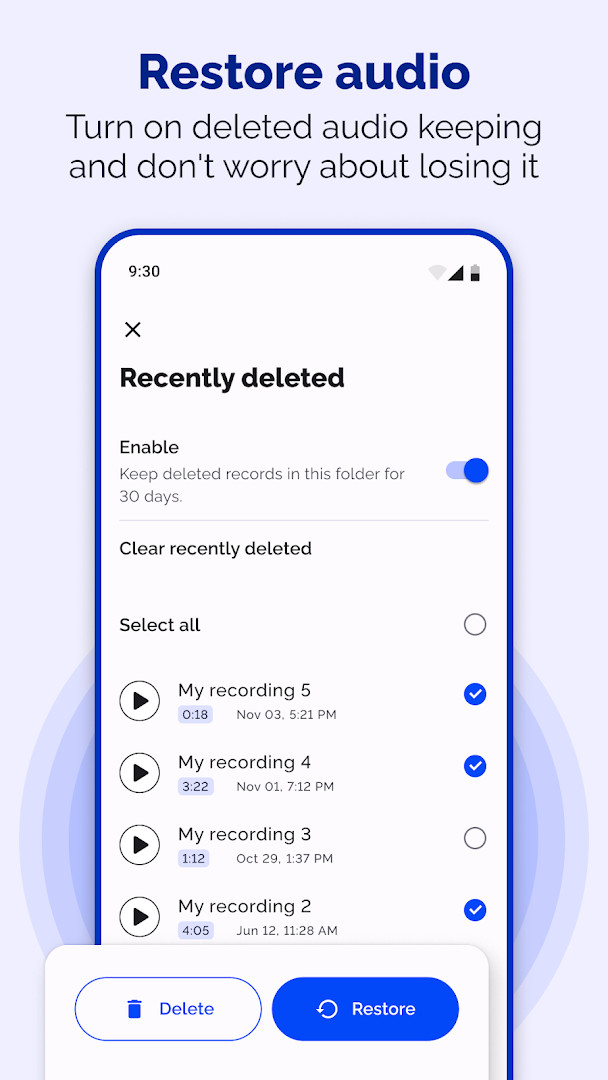
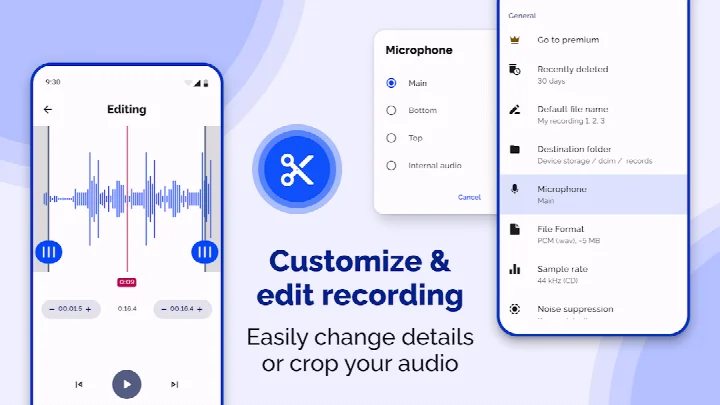
Beyond simple capture, the tool offers several ways to manage your audio library. Playback speed can be increased or decreased, which is handy for reviewing a lecture at a comfortable pace or slowing down a fast conversation. An editing mode lets you cut out sections you do not need, so the final file is easier to revisit or share. Sharing and export options include email, compatible messaging apps, and cloud services such as Google Drive, Dropbox, and Microsoft OneDrive, with optional automatic backup to those destinations. A recently deleted folder can hold removed recordings for 30 days if you enable retention, giving you a chance to restore something you accidentally cleared.
Privacy and permissions are worth noting before you start. The app requests access to the microphone, storage, and photos/media/files, along with Wi-Fi connection information. These are largely functional: microphone access is required for recording, storage is needed to save and manage audio files, and Wi-Fi details may be used for cloud transfers or backup. Background recording works subject to Android and device restrictions, and cloud features require an internet connection and access to the selected service. The app contains ads and in-app purchases, and it is rated Everyone. Recording others requires their consent, and you should only share audio you are entitled to distribute.
Key features
- Record voice notes, interviews, meetings, lectures, and music ideas through the device microphone
- Choose presets for voice notes, meetings, lectures, or music and raw sound
- Record in MP3, FLAC, or AAC formats with adjustable bitrate
- Pause and resume sessions with dedicated recording controls
- Background recording lets a session continue when you leave the recording screen, subject to device restrictions
- Adjust playback speed to slow down or speed up saved recordings
- Trim unwanted sections using Edit mode to refine audio files
- Share recordings via email or compatible messaging apps
- Export to supported cloud services including Google Drive, Dropbox, and Microsoft OneDrive
- Enable Recently deleted retention to restore removed recordings within 30 days
How to install
- Tap the download button on this page to get the APK file for the app.
- When Android prompts you, allow your browser or file manager to install apps by enabling the 'Install unknown apps' setting.
- Open the downloaded APK file from your notifications or file manager.
- Tap Install and wait for the process to complete; the file size is not specified.
- Open the app from your app drawer or home screen and grant microphone access when asked.
- The minimum Android version required is 5.0, so most modern phones and tablets will run it.
Pros
- Flexible playback speed adjustment helps with reviewing lectures or conversations
- Multiple audio formats and bitrate options give control over file quality and size
- Trimming tool simplifies removing unwanted sections before sharing
- Cloud export and backup support popular services like Google Drive and Dropbox
- Recently deleted retention offers a 30-day safety net for accidental removals
- Background recording adds convenience for longer sessions
Cons
- Contains ads and in-app purchases, which may interrupt the experience
- Requires multiple permissions including microphone, storage, and Wi-Fi information
- Background recording depends on Android and device restrictions, so behavior may vary
- Cloud features need an internet connection and access to the selected service
Version history
| Version | Size | Requires Android | Updated |
|---|---|---|---|
| 1.1.3 | — | 5.0 | Oct 26, 2026 |
| 1.1.1.1 | — | 5.0 | Oct 31, 2025 |
This app suits students who want to revisit lectures at a slower pace, professionals who need to review meetings or interviews, and musicians or writers who want to capture melodic or spoken ideas quickly.
Before an important recording, check your available storage and battery level, and test the microphone in a quiet environment to ensure the chosen preset and bitrate deliver the clarity you expect.
Permissions
Frequently asked questions
Is Voice Recorder - Voice Memos free to use?
Yes, the app is free, with a listed price of $0.00. It does contain ads and offers in-app purchases, but downloading and using the basic recording features costs nothing.
Which Android version is required?
The app requires Android 5.0 or higher. It is designed for Android phones and tablets.
Does the app need an account to work?
No account requirement is mentioned in the app's listed details. You can start recording after granting the necessary permissions.
What permissions does the app ask for?
The app requests access to the microphone, photos/media/files, storage, and Wi-Fi connection information. Microphone access is needed for recording, and storage is used for saving recordings.
How do I update the app?
When a new version is released, download it from this page to update the app. The latest listed version is 1.1.3, dated 2026-10-26.
What is the file size of the app?
The file size is not listed in the available app information. You can check the download section on this page for current details.
Voice Recorder - Voice Memos is a capable and practical audio capture tool that balances recording, playback, trimming, and sharing in one package. Its flexibility with formats and playback speed makes it useful for a wide range of users, though the ads, in-app purchases, and broad permission requests mean you should review your settings and consent before relying on it regularly.
Similar apps





Updated: Nov 17, 2026
| Version | Size | Requires Android | Updated |
|---|---|---|---|
| 1.1.3 | — | 5.0 | Oct 26, 2026 |
| 1.1.1.1 | — | 5.0 | Oct 31, 2025 |
- Version
- 1.1.3
- Requires Android
- 5.0
- Updated
- Oct 26, 2026
- Installs
- 5M+
- Rating
- ★ 4.6 (15,074)
- Category
- Entertainment
- Developer
- TarrySoft
- Content rating
- Everyone
- Package
- com.zipoapps.voice.recorder.memos
- Free
- ✓ · Contains ads · In-app purchases