
MyChart for Android
MyChart is a medical app from Epic Systems Corporation for managing your health care and communicating with your care team.
MyChart is for patients who want to handle appointments, bills, and test results from their Android device. The app is free, works on Android 11 and up, and is about 10 MB in size. It lets you view health information and pay medical bills without an account, though some features require logging in with your healthcare organization.
Screenshots
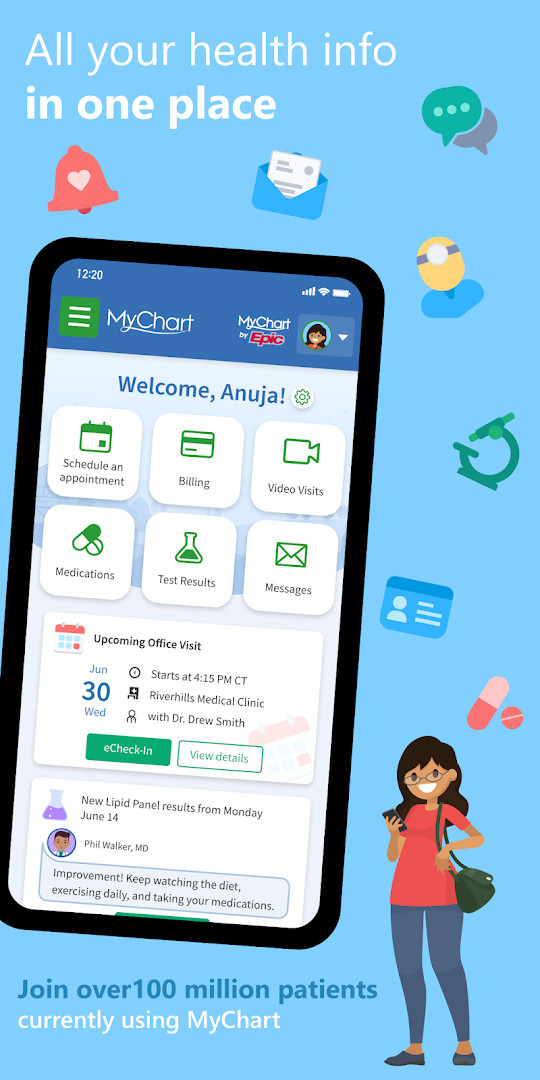
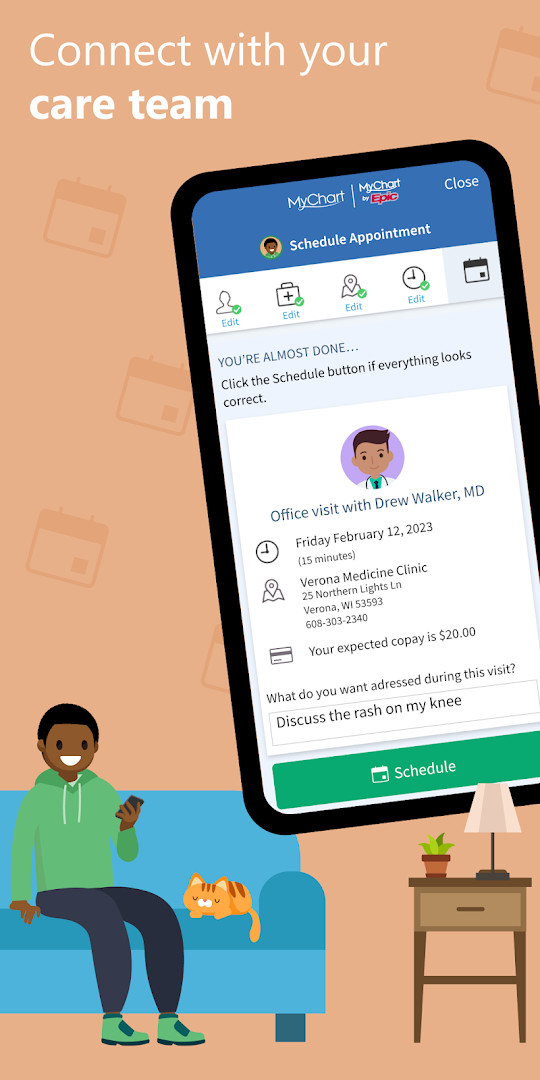
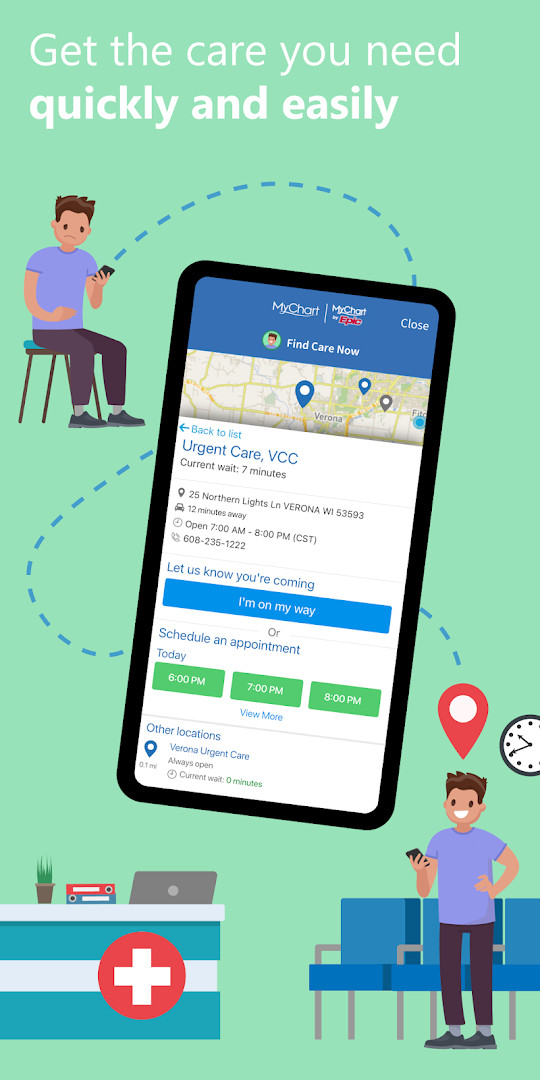
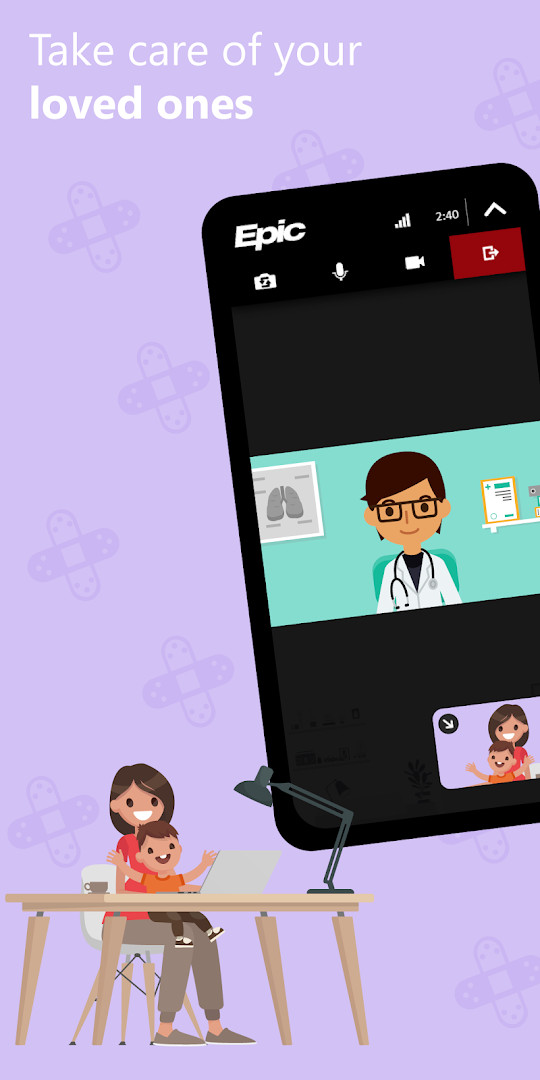
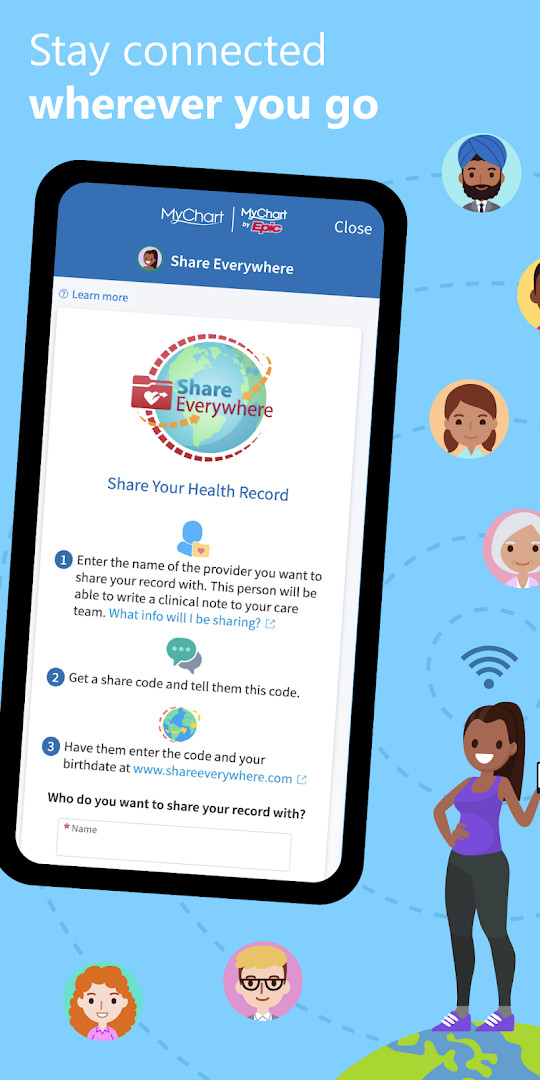
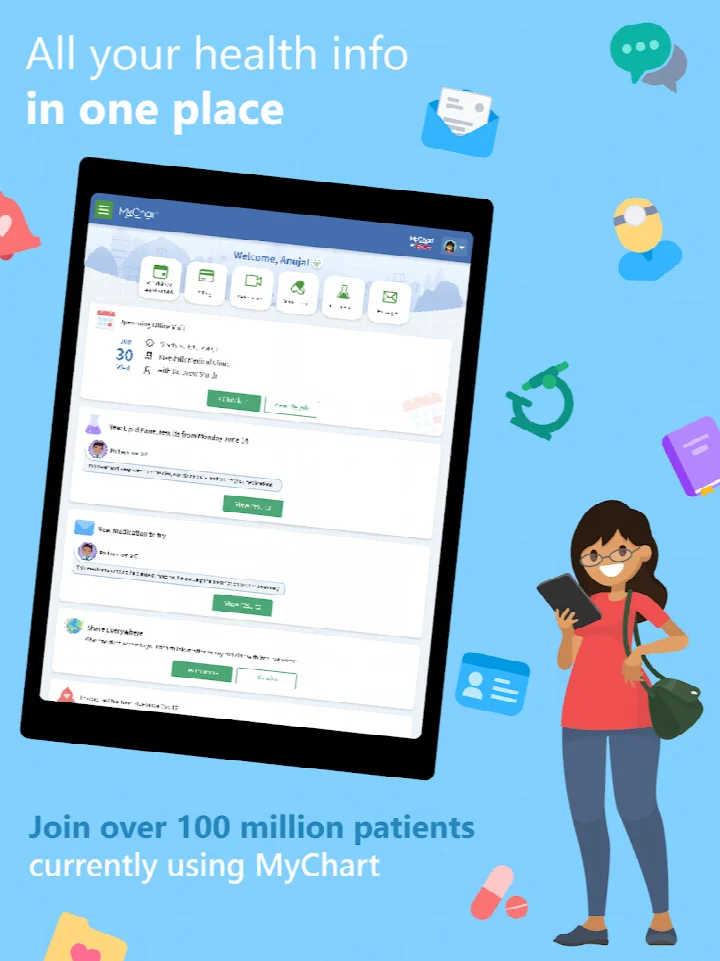
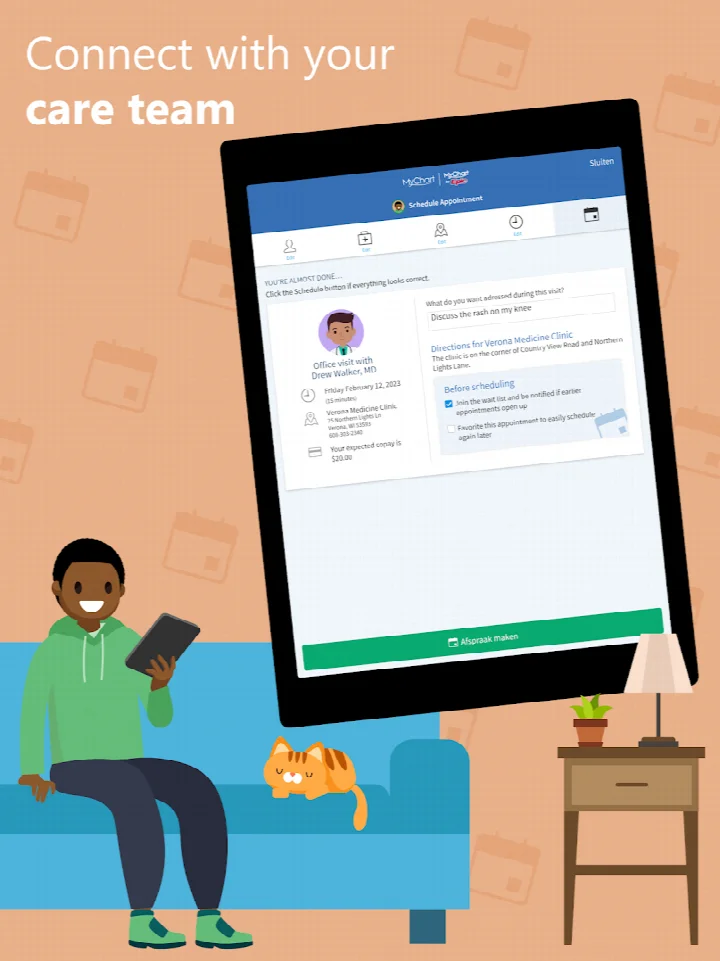
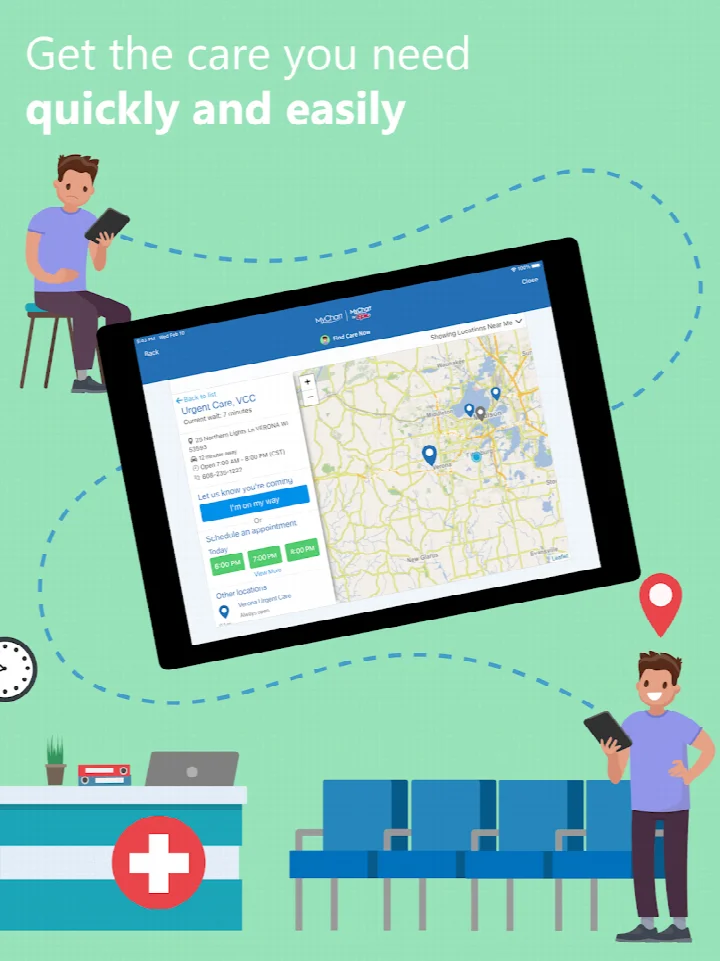
MyChart is a medical app by Epic Systems Corporation that gives patients access to their health records and care management tools through their healthcare organization's account. It serves as a mobile companion to the patient portals that many clinics and hospitals provide, letting people carry the same information that would otherwise require a phone call or a desktop browser session. Rather than storing records on the device itself, the app retrieves them from the organization that holds the account, so its usefulness depends on what that organization has enabled.
The core idea is consolidation. Instead of juggling separate portals for a primary care doctor, a specialist, and a hospital system, users can link accounts from multiple organizations and review results, medications, and immunization history in one place. Messaging a care team, scheduling in-person or video visits, reading After Visit Summaries and clinical notes, and checking price estimates or paying bills all happen inside the same interface. Health Connect support allows data from personal devices to flow into MyChart, and push notifications flag new information when it arrives.
Version 11.9.3, dated September 16, 2026, adds sleep data syncing through Google Health Connect. The visits list and visit details page were reworked to match the website experience, making it easier to filter visits, join video visits, complete eCheck-In, and reschedule appointments. A visit details page now displays the minimum prepay amount and due date when a visit requires prepayment. These changes may appear only after a healthcare organization upgrades to the latest Epic software. The app requires Android 11 or later, is free with no ads and no in-app purchases, and has been available since October 31, 2011. It carries a 4.45 rating from 289,032 ratings and more than 10 million installs.
Access requires an account created with a participating healthcare organization, and features vary accordingly. Fingerprint authentication or a four-digit passcode can replace typing credentials at each login. The permission list covers location, phone, photos and media, storage, camera, and microphone, which reflects functions such as video visits and document handling.
Key features
- Messaging with care teams for questions and follow-ups
- Reviewing test results, medications, and immunization history
- Linking accounts from multiple healthcare organizations into one view
- Scheduling and managing in-person and video appointments
- Reading After Visit Summaries and provider clinical notes
- Viewing price estimates and paying medical bills
- Syncing health data from personal devices via Health Connect
- Sleep data syncing through Google Health Connect in version 11.9.3
- Push notifications when new information becomes available
- Secure record sharing with anyone who has Internet access
How to install
- Tap the download button on this page to obtain the APK file.
- When Android prompts you, allow your browser or file manager to install apps by enabling the Install unknown apps setting.
- Open the downloaded APK file from your notifications or file manager.
- Tap Install and wait for the process to finish. The file size is not specified, and the minimum supported Android version is 11.
- Open the app, then search for your healthcare organization and sign in or create an account with it.
Pros
- Consolidates records from several healthcare organizations in one place
- Free with no ads and no in-app purchases
- Fingerprint or four-digit passcode login reduces password entry
- Video visits, billing, and messaging live in a single interface
- Long track record, with the first release dating to October 31, 2011
- Health Connect integration pulls in data from personal devices
Cons
- Available features depend entirely on what each healthcare organization enables
- Requires an existing account with a participating organization
- Some version 11.9.3 changes may not appear until an organization updates its Epic software
- Broad permission set includes location, camera, and microphone
- No offline access to records, since data is retrieved from the organization
What's New · 11.9.3
Version 11.9.3 adds sleep data syncing from Google Health Connect. The visits list and visit details page now align with the website experience, making it easier to filter visits, join video visits, complete eCheck-In, and reschedule appointments. The visit details page also displays the minimum prepay amount and due date when a visit requires one. These changes may appear once your healthcare organization runs the latest Epic software.
Previous Versions
| Version | Size | Requires Android | Updated |
|---|---|---|---|
| 11.9.3 | — | 11 | 16.09.2026 |
Patients who already have a MyChart account through a clinic or hospital and want quick access to results, messages, and appointments. Caregivers or family members managing records for several people across different organizations. Frequent travelers or people seen at multiple health systems who need one consolidated view of their history.
Turn on fingerprint authentication or set a four-digit passcode right after your first login, then verify under Account Settings that push notifications are enabled so new results and messages reach you without opening the app.
App Permissions
Frequently Asked Questions
Is the MyChart app free to download and use?
Yes, the app is completely free to download and use. There are no in-app purchases or ads, so you can access your health information without any cost.
What Android version do I need to install MyChart?
The app requires Android 11 (API level 30) or higher to be installed on your device. Please make sure your device is running at least Android 11 before downloading.
Do I need an account to use MyChart?
Yes, you must create an account with your healthcare organization to access MyChart. After downloading the app, you can search for your healthcare organization and sign up directly within the app or through their MyChart website.
What permissions does the MyChart app request?
The app requests access to your location, phone, photos/media/files, storage, camera, and microphone. These permissions are used for features like video visits, sharing medical records, and uploading photos to your health profile.
How do I update MyChart to the latest version?
To update the app, simply download the latest version from this page and install it over your current installation. The latest version is 11.9.3, which includes new features like sleep data syncing from Google Health Connect and an improved visits list.
MyChart is a mature, widely used portal client whose value rises with how much your healthcare organization has switched on. Version 11.9.3 refines the visits experience and adds sleep data syncing, while the app remains free, ad-free, and free of in-app purchases. If you have an account with a participating organization, it is a practical daily tool; if not, there is little to do until one is created.
Updated: 24.10.2026
| Version | Size | Requires Android | Updated |
|---|---|---|---|
| 11.9.3 | — | 11 | 16.09.2026 |
- Version
- 11.9.3
- Requires Android
- 11
- Updated
- 16.09.2026
- Installs
- 10M+
- Rating
- ★ 4.45 (289 032)
- Category
- Health & Fitness
- Developer
- Epic Systems Corporation
- Content rating
- Everyone
- Package
- epic.mychart.android
- Free
- ✓