Fat Burning Workouts: Fat Loss - Home Trainer
Fat Burning Workouts: Fat Loss is a free health and fitness app by Simple Design Ltd. that lets you do equipment-free fat burning exercises at home.
Fat Burning Workouts: Fat Loss has about 10 million installs and a 4.79 rating from over 82,000 users. It requires Android 5.0 or higher and contains ads and in-app purchases. The app offers 300+ bodyweight workouts, a 30-day plan, and progress graphs for men and women of all fitness levels.
Screen gallery
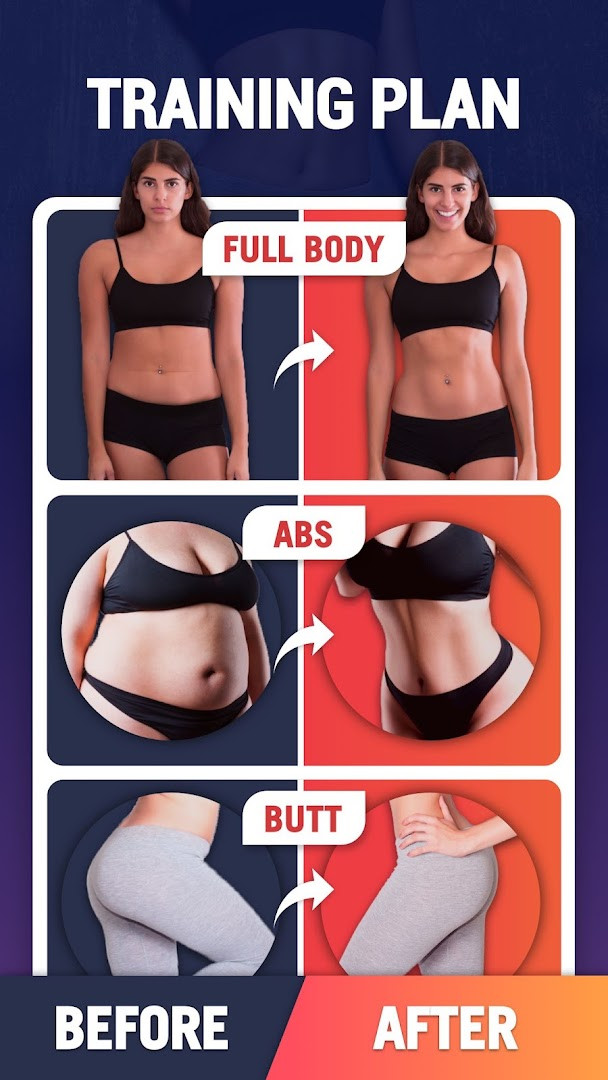
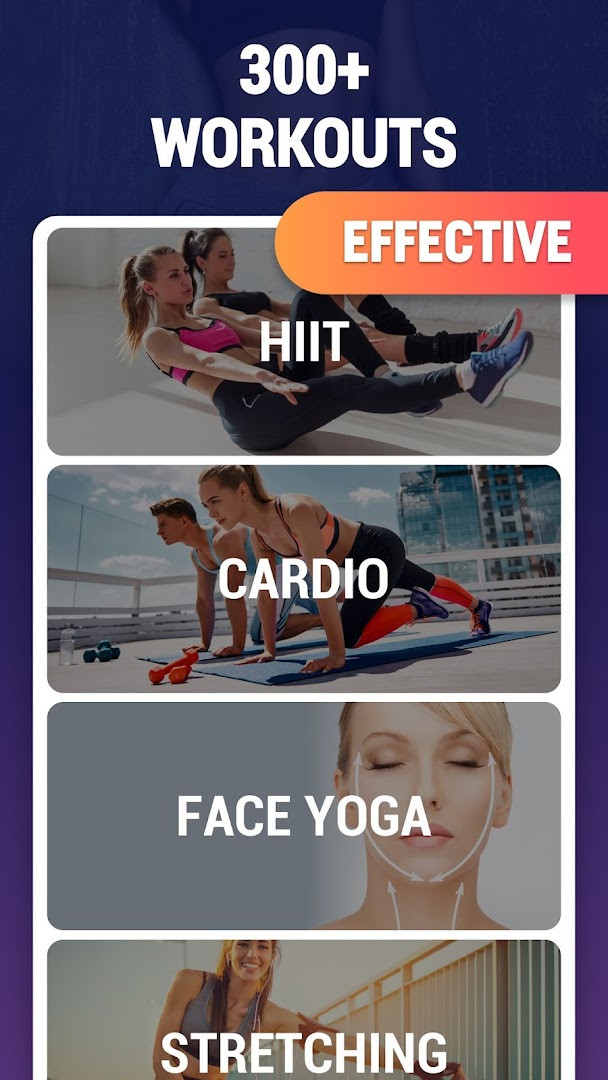
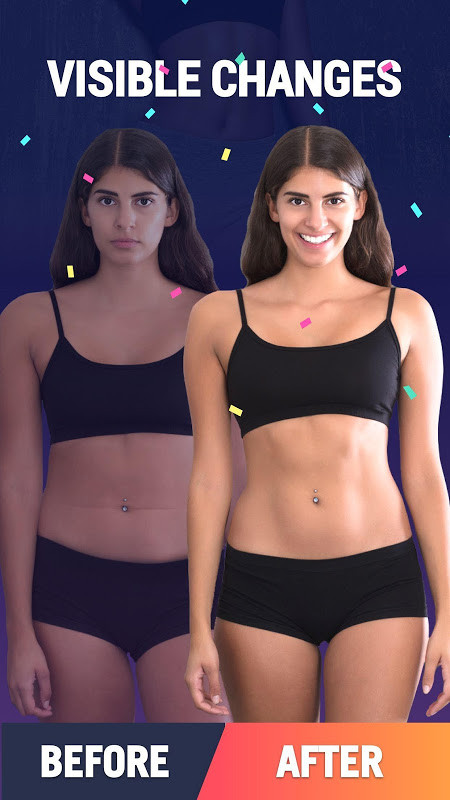
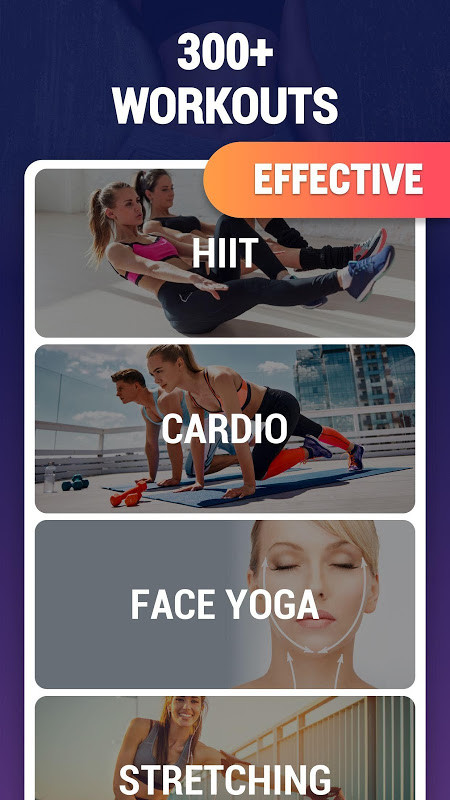
Fat Burning Workouts: Fat Loss is a Health & Fitness application by Simple Design Ltd. that provides structured bodyweight exercise routines aimed at supporting weight loss and overall fitness without requiring gym equipment. The app combines a library of over 300 workouts targeting different body areas, personalized training plans, and progress tracking tools to help users manage their fitness journey from home.
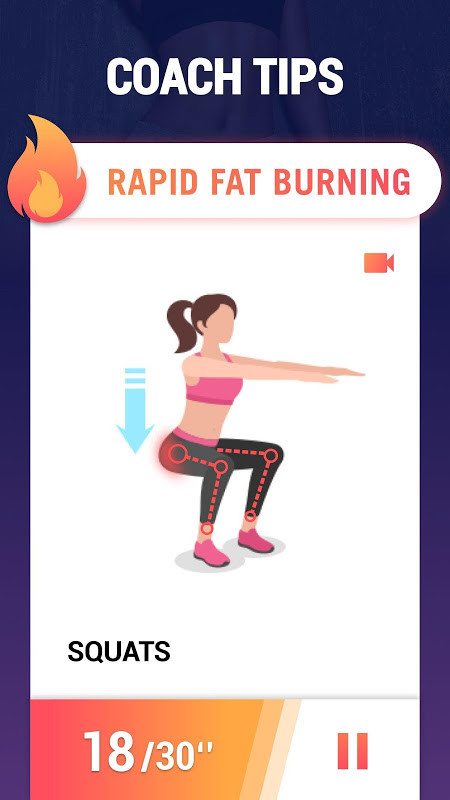
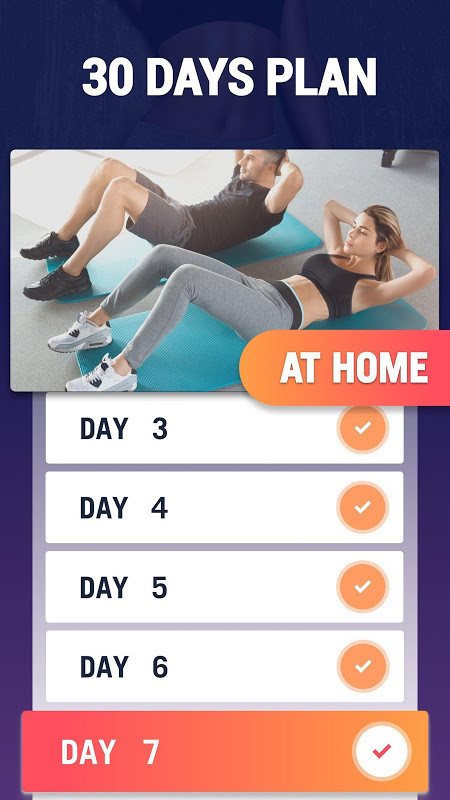
The core offering centers on short, effective sessions that fit into a busy schedule. Users can follow a 30-day plan with daily workouts lasting roughly 5 to 10 minutes, or build custom routines by selecting from hundreds of exercises. The app includes animated demonstrations and video guides to ensure proper form, which is particularly useful for beginners who may be unfamiliar with correct movement patterns.
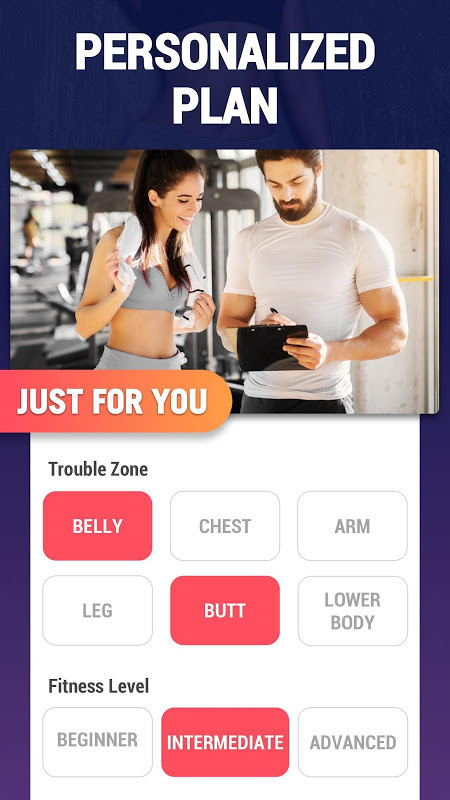
Designed for both men and women of all fitness levels, the app adapts intensity gradually so users can progress at their own pace. It also allows for modifications, such as swapping out exercises if you have knee or back issues, and adjusting exercise order and rest periods. Additional features include music playback during workouts, daily tips on diet and lifestyle, customizable reminders, and the ability to sync data to Google Fit.
The app is free to use, with ads and in-app purchases available. It requires Android 5.0 or higher and includes permissions for accessing photos, media, and files, likely for storage-related functions. With over 10 million installs and a high user rating, it has gained substantial traction among those seeking convenient home workout solutions.
Key features
- Over 300 bodyweight workouts targeting legs, belly, butt, arms, waist, chest, and other areas
- Personalized workout routines based on your goals, with intensity that increases step-by-step
- Customizable training plans: replace exercises, adjust order, and modify rest time
- Workout with music to boost motivation during exercise sessions
- Animation, video, and detailed instructions to guide proper exercise form
- 30-day plan with short daily sessions of 5-10 minutes for consistent progress
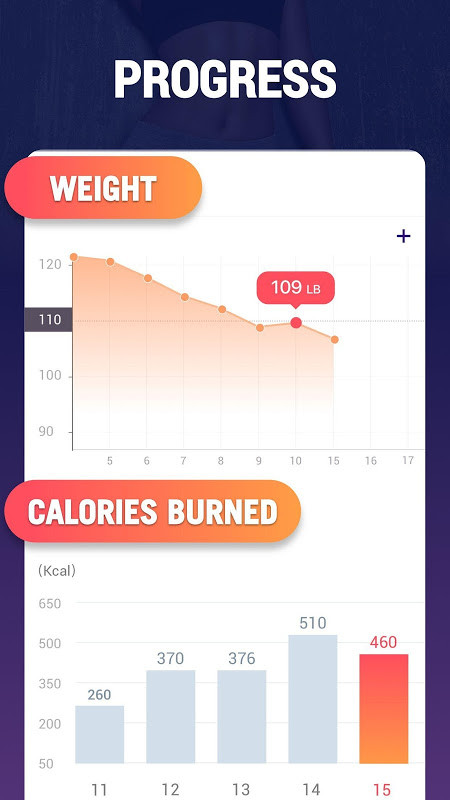
- Track calories burned and weight loss progress with visual graphs
- Daily tips on eating, diet, dressing, and hydration to enhance fat burning results
- Customized workout reminders to help maintain discipline and consistency
- Sync workout data to Google Fit for integrated health tracking
How to install
- Tap the download button on this page to obtain the APK file for the app. The file size is not specified in the available data.
- When Android prompts you, allow your browser or file manager to install apps by enabling the 'Install unknown apps' setting in your device's security options.
- Open the downloaded APK file from your notifications or file manager.
- Tap the Install button when the installation screen appears.
- Wait for the installation to complete, then tap Open to launch the app.
- Ensure your device runs Android 5.0 or higher, as this is the minimum operating system version required.
Pros
- No equipment needed, making it easy to work out anywhere at any time
- Suitable for all fitness levels with progressive intensity
- Large library of over 300 exercises covering multiple body parts
- Customizable routines for injury modifications and personal preferences
- Includes music, video guides, and daily tips for enhanced motivation and guidance
Cons
- Contains ads that may interrupt the user experience
- Offers in-app purchases, which may be required for advanced features
- Requires access to photos, media, and files, which some users may consider intrusive
- No detailed information on workout duration variability beyond the 5-10 minute daily plan
Version history
| Version | Size | Requires Android | Updated |
|---|---|---|---|
| 1.0.11 | 13 MB | 4.4 | Dec 13, 2025 |
| 1.0.14 | — | 5.0 | Jul 31, 2024 |
This app is ideal for men and women of all fitness levels who want to lose weight and improve their shape through short, equipment-free home workouts. It suits beginners needing guided instruction, as well as those with busy schedules who prefer quick daily sessions. It also accommodates individuals with knee or back injuries by allowing exercise substitutions.
To get the most from the app, follow the 30-day plan consistently and use the customizable reminders to stay on schedule. Pay close attention to the video demonstrations to maintain proper form, which reduces injury risk and improves effectiveness. If you have joint concerns, don't hesitate to replace suggested exercises. Combine workouts with the app's daily diet and lifestyle tips to accelerate fat loss results. Consider syncing to Google Fit to keep all your activity data in one place.
Permissions
Frequently asked questions
How much time do I need to spend per day to follow the 30-day plan?
The 30-day plan is designed to fit into a busy schedule. Each session takes about 5 to 10 minutes a day, which the app notes is enough to work toward slimming down and staying healthy.
Do I need any equipment or a gym membership to do these workouts?
No. The app states that no equipment is needed, and all workouts can be performed at home or anywhere at any time. You exercise using your own body weight, so a gym is not required.
Can I adjust the workouts if I have a knee or back injury?
Yes. The app allows you to replace unwanted exercises if your knee or back is injured. You can also change the exercise order and adjust the rest time to suit your needs.
What kinds of body areas do the 300+ workouts cover?
The app includes more than 300 bodyweight workouts targeting different parts such as the legs, belly, butt, arms, waist, chest, and more. These are intended to help with weight loss and shaping specific areas.
Does the app provide guidance on how to perform each exercise correctly?
Yes. The app includes animation, video, and detailed instructions to guide you through each exercise. It also offers coaching tips and demo videos, described as like having a personal trainer in your pocket.
Fat Burning Workouts: Fat Loss offers a comprehensive, equipment-free approach to home fitness, combining a vast exercise library with personalization and tracking features. Its focus on short, guided sessions makes it accessible for beginners while still providing depth for ongoing progression. For anyone seeking a practical and flexible weight loss workout companion, this app presents a solid option.
Similar apps




More from this developer
Updated: Nov 9, 2026
| Version | Size | Requires Android | Updated |
|---|---|---|---|
| 1.0.11 | 13 MB | 4.4 | Dec 13, 2025 |
| 1.0.14 | — | 5.0 | Jul 31, 2024 |
- Version
- 1.0.14
- Requires Android
- 5.0
- Updated
- Jul 31, 2024
- Installs
- 10M+
- Rating
- ★ 4.79 (82,457)
- Category
- Health & Fitness
- Developer
- Simple Design Ltd.
- Content rating
- Everyone
- Package
- fatburningworkout.feeltheburn.burnfatworkout
- Free
- ✓ · Contains ads · In-app purchases