Battery Charging Animation AZ
Battery Charging Animation AZ is a personalization app from Amazic Fun Hub for adding 3D charging animations and customizing your charging screen.
Battery Charging Animation AZ is for Android users who want a more visual charging screen instead of a plain battery icon. It shows real-time battery health details such as charge level, voltage, temperature, and capacity, and lets you pick from different colors, fonts, and 3D animation effects.
Screen gallery
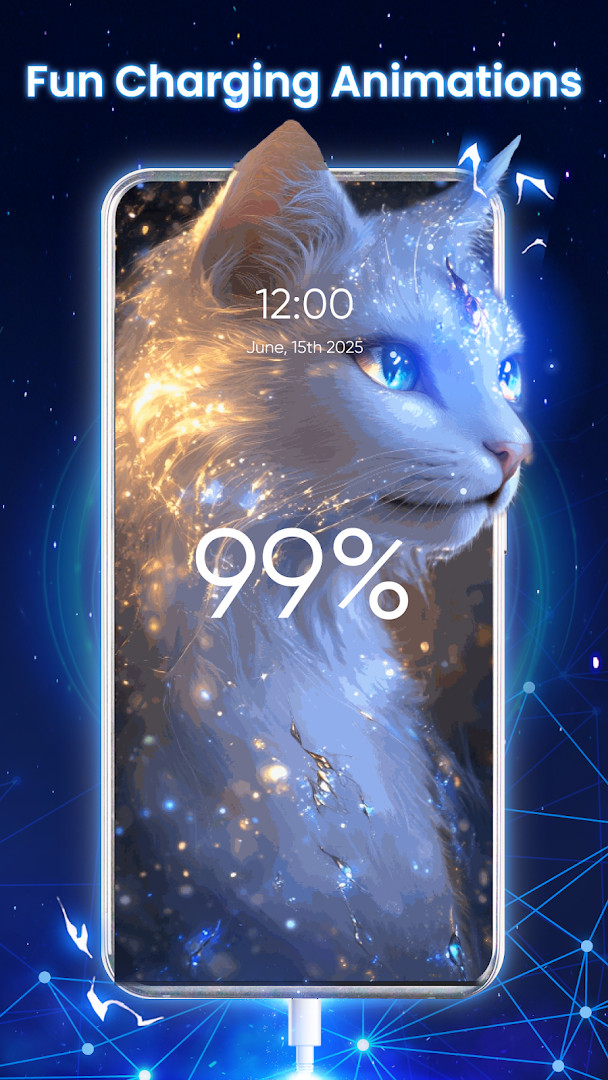
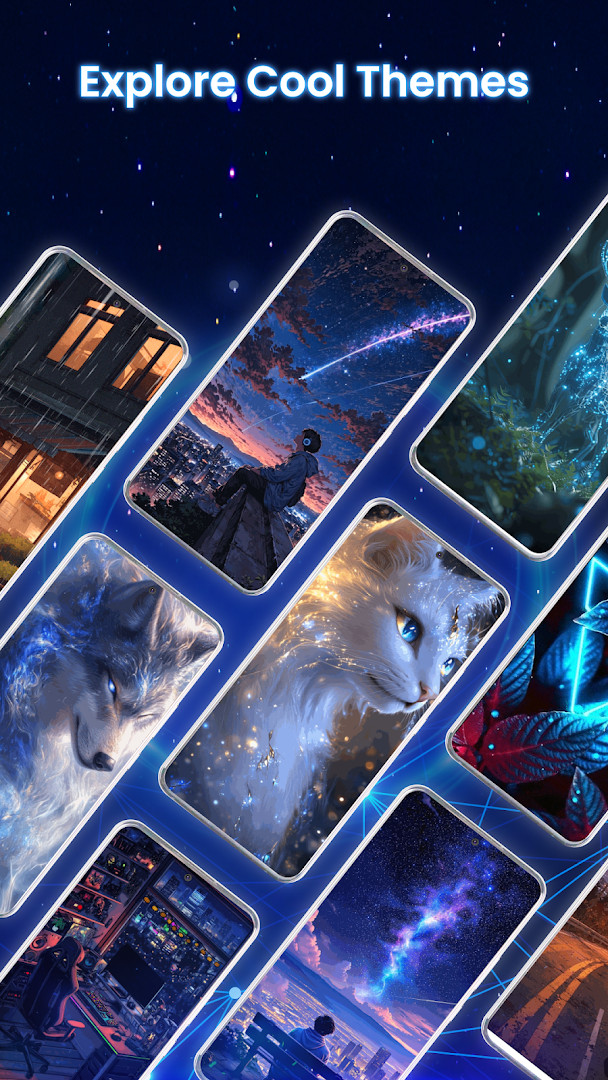
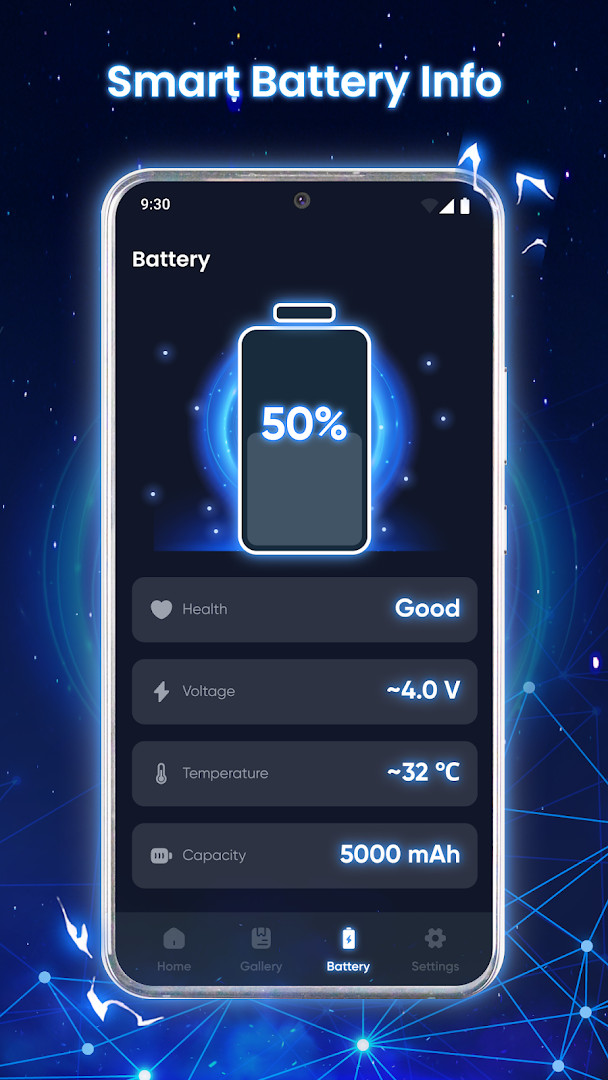
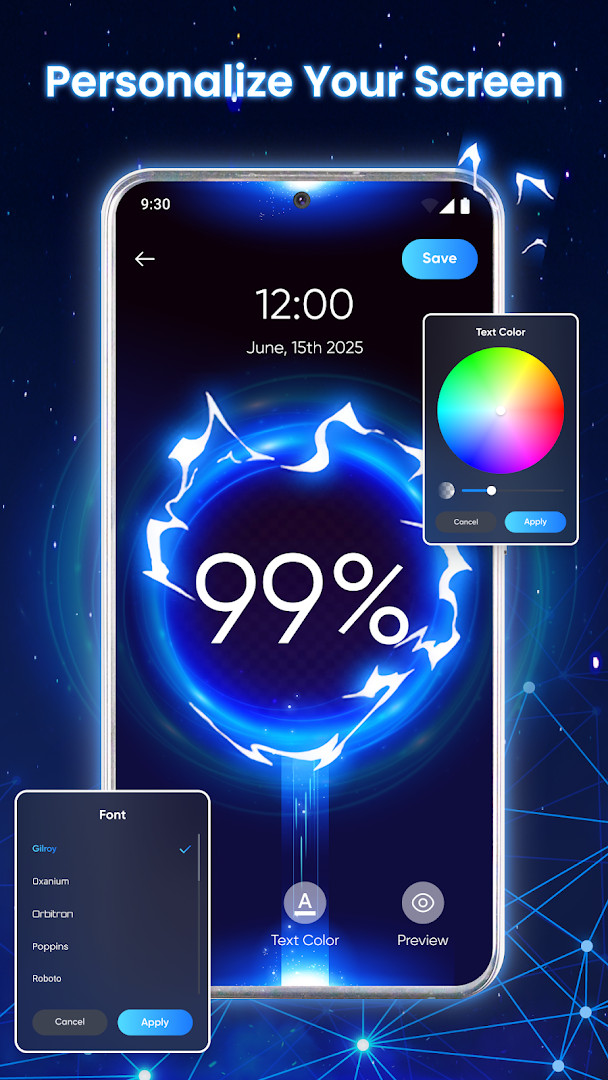
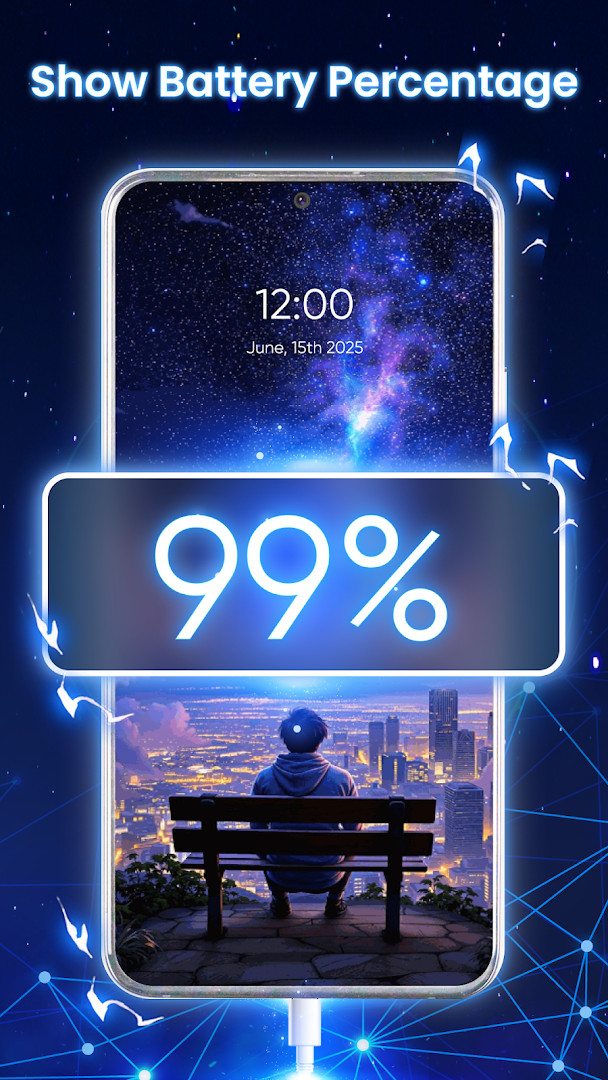
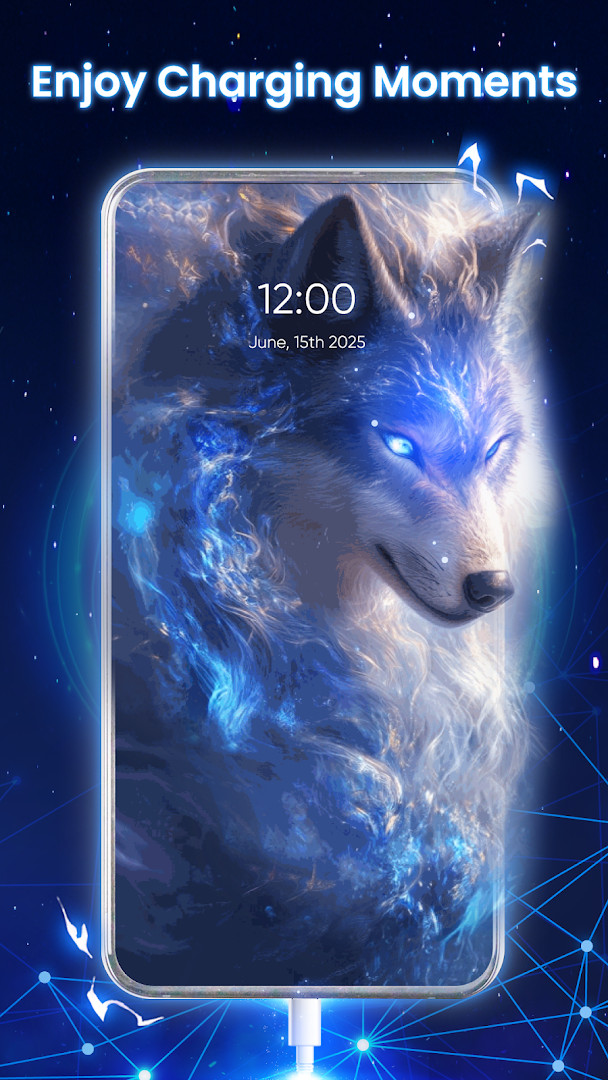
Battery Charging Animation AZ is a personalization app by Amazic Fun Hub that replaces the standard charging screen with animated 3D visuals while also surfacing battery telemetry. It addresses the everyday routine of plugging in a phone, which often shows only a static icon or a plain percentage, by turning that moment into a more engaging display. The app solves this by overlaying smooth, animated effects on the lock screen or charging screen, and it bundles real-time battery information such as charge level, voltage, temperature, health status, and capacity into the same interface. Beyond the visual layer, it offers customization options for colors and fonts, and it provides a dedicated space to organize favorite, downloaded, and custom animations. The result is a tool that aims to make the charging experience feel more personal and informative without requiring complex setup, appealing to users who want both aesthetics and basic battery monitoring in one lightweight utility.
Key features
- Displays smooth 3D charging animations instead of a plain battery icon
- Shows real-time battery health insights including charge level, voltage, temperature, health status, and capacity
- Lets you customize the charging screen with different colors and fonts
- Provides a collection of animated visuals to choose from for charging status display
- Organizes downloaded, custom-made, and favorite charging animations in one accessible place
- Offers an elegant user interface designed for easy navigation and monitoring
- Supports personalizing the daily charging routine with light customization options
How to install
- Tap the download button on this page to get the APK file.
- When Android prompts you, allow your browser or file manager to install apps by enabling the 'Install unknown apps' setting for that source.
- Open the downloaded APK file from your notifications or file manager.
- Tap Install on the confirmation screen and wait for the installation to finish.
- Open the app from your app drawer to start using it. Note that the file size is not specified, and the minimum Android version required is 7.0.
Pros
- Free to download and use with no in-app purchases
- Adds a visually engaging 3D animation layer to the charging screen
- Provides useful battery telemetry like voltage, temperature, and health status
- Offers color and font customization for a personal touch
- Includes a simple way to manage favorite and downloaded animations
- Lightweight approach suitable for daily use without complex configuration
Cons
- Includes ads, which may interrupt the experience
- Requests Wi-Fi connection information permission, which might concern privacy-sensitive users
- Limited to personalization and monitoring; no advanced battery management features
Version history
| Version | Size | Requires Android | Updated |
|---|---|---|---|
| 1.1.2 | — | 7.0 | Sep 19, 2026 |
This app is for experienced Android users who enjoy personalizing their device and want to replace the default charging screen with something more dynamic. It suits those who appreciate real-time battery diagnostics alongside visual flair, and who are comfortable with a utility that focuses on aesthetics rather than deep system tweaks. If you frequently glance at your phone while it charges and like to tweak the look of your interface, this tool offers a straightforward way to do so without sacrificing basic health monitoring. It is also a good fit for users who want to keep favorite animations organized and quickly switch between them, though it may not appeal to those who prefer a completely minimal or ad-free experience.
To get the most out of the app, spend a few minutes exploring the animation collection and test different color and font combinations to find a style that suits your screen. Since the app displays real-time battery data, you can use the temperature and health status to keep an eye on your device's condition over time. If ads feel intrusive, consider checking whether the app offers a way to reduce them, though note that in-app purchases are not available. Also, be mindful of the Wi-Fi connection information permission and only install from the download button on this page to avoid third-party sources.
Permissions
Frequently asked questions
How do I install the APK on my Android device?
To install the APK, download the file from the download button on this page, then open it from your notifications or file manager. If prompted, allow installation from unknown sources in your device settings, as the app requires Android 7.0 or higher.
What is the current version of the app?
The current version is 1.1.2, which was released on September 19, 2026. This is the only version listed for the app.
Does the app contain ads or in-app purchases?
The app is free to download and does not offer in-app purchases. However, it does display ads, so you may see advertisements while using it.
Can I use the app offline?
The app does not require an internet connection for its core charging animations and battery information features. It only asks for Wi-Fi connection information permission, which suggests network access is used for ads or optional content.
What alternatives exist in the personalization category?
There are other personalization apps that offer charging screens and battery widgets, but they vary in animation quality and customization options. This app stands out with its 3D effects and organized favorites section.
What battery information can I monitor with this app?
You can track current charge level, voltage, temperature, health status, and battery capacity in real time, helping you keep an eye on your device's battery condition.
How can I customize my charging screen?
You can choose from different colors and fonts, and pick from a collection of 3D charging animations. You can also organize downloaded, custom-made, and favorite animations in one place for quick access.
Battery Charging Animation AZ delivers a simple way to add visual interest to your charging screen while keeping essential battery stats within reach. It is a practical choice for users who want light customization and real-time monitoring, though the presence of ads and the Wi-Fi permission are worth considering before installing.
Similar apps



Updated: Nov 5, 2026
| Version | Size | Requires Android | Updated |
|---|---|---|---|
| 1.1.2 | — | 7.0 | Sep 19, 2026 |
- Version
- 1.1.2
- Requires Android
- 7.0
- Updated
- Sep 19, 2026
- Installs
- 1M+
- Rating
- ★ 3.94 (3,364)
- Category
- Personalization
- Developer
- Amazic Fun Hub
- Content rating
- Everyone
- Package
- com.batterycharging.animation.coolcharging
- Free
- ✓ · Contains ads