
Pixel Theme - Substratum for Android
Pixel Theme - Substratum is a personalization app from Giorgio Cantoni for giving supported phones the stock Pixel look.
Pixel Theme - Substratum is for Android users on AOSP-based phones running Oreo, Pie, or Q who want the stock Pixel experience. It themes the Navigation Bar, SystemUI, Framework, and Package Installer with many color choices. The app is free, has no ads or in-app purchases, is fully open source, and its 4.8 MB package works offline after applying overlays.
Screen gallery
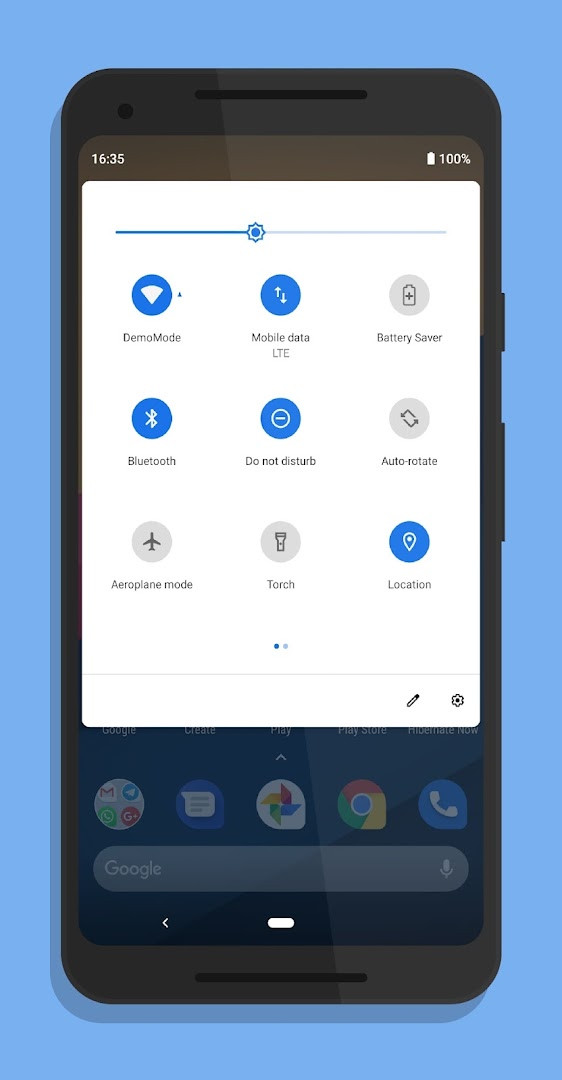
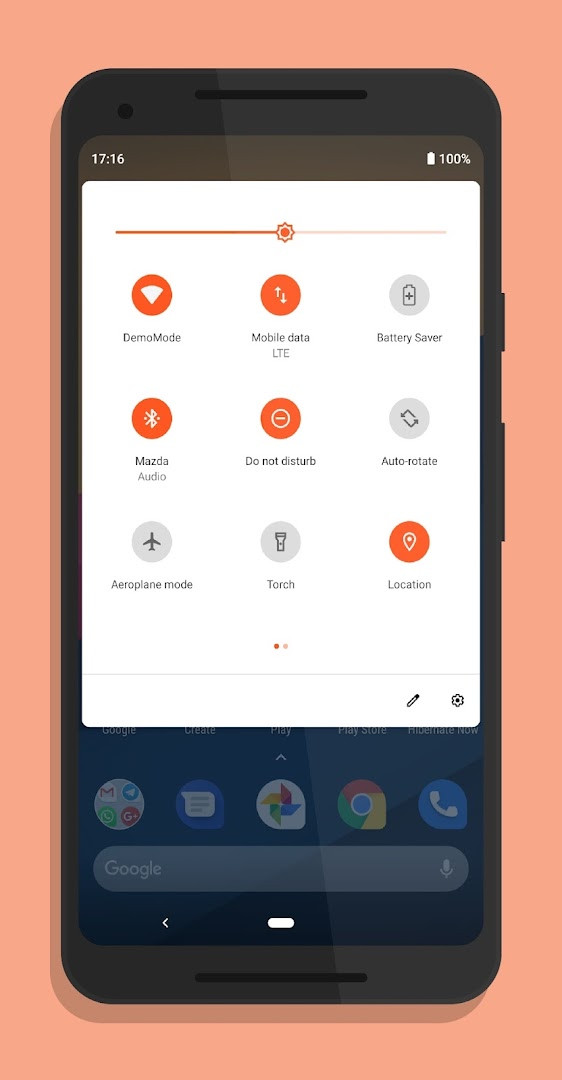
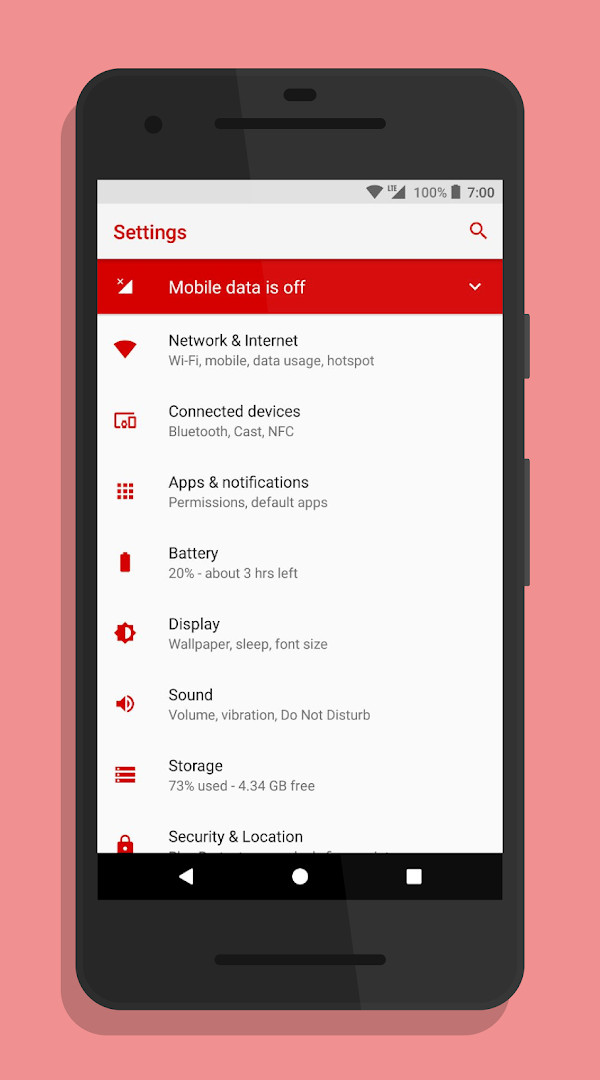
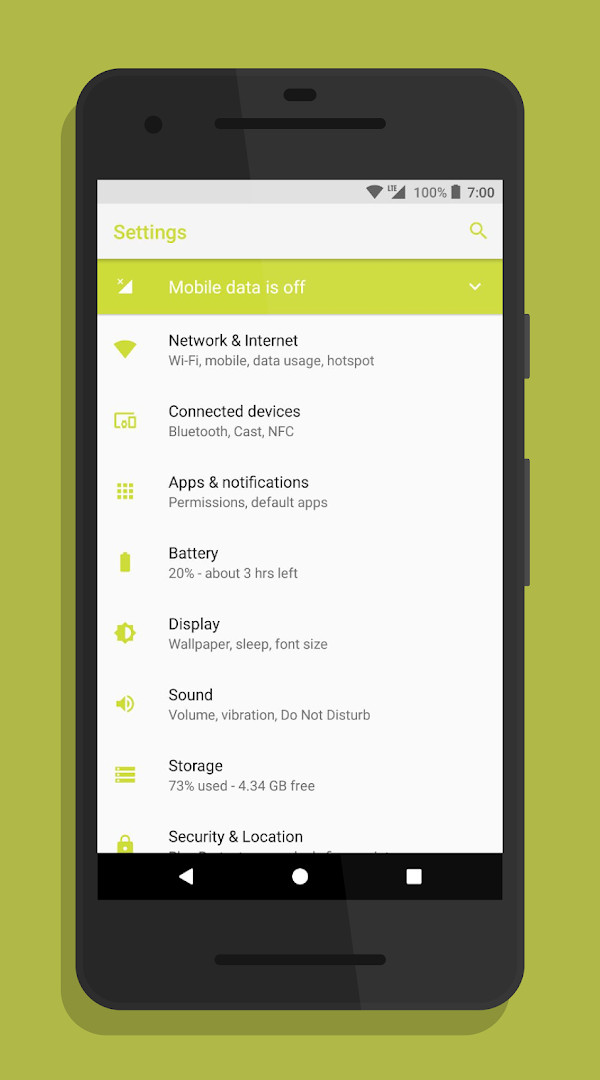
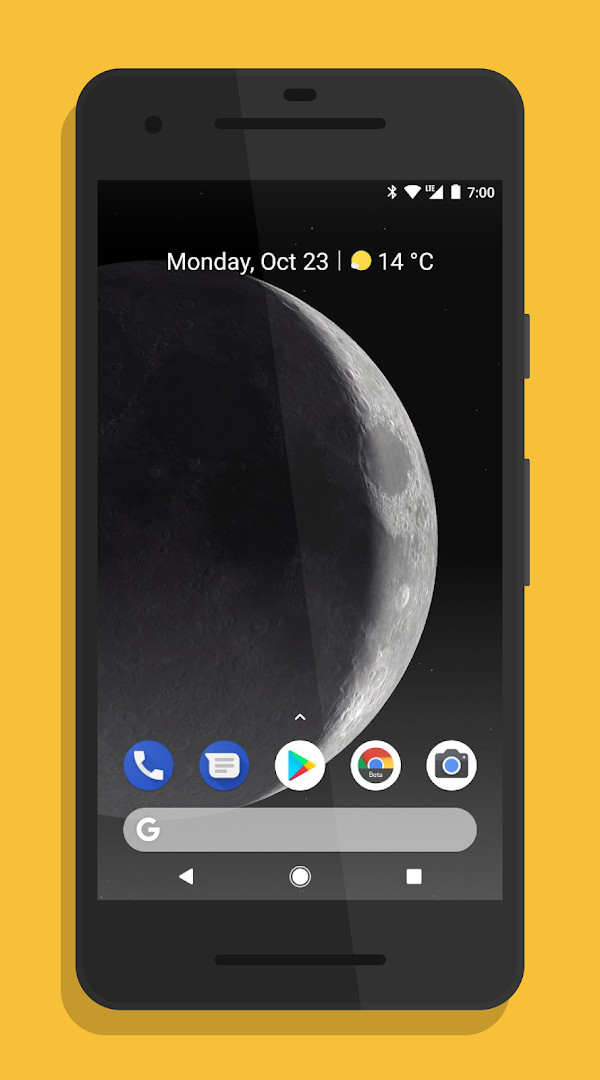
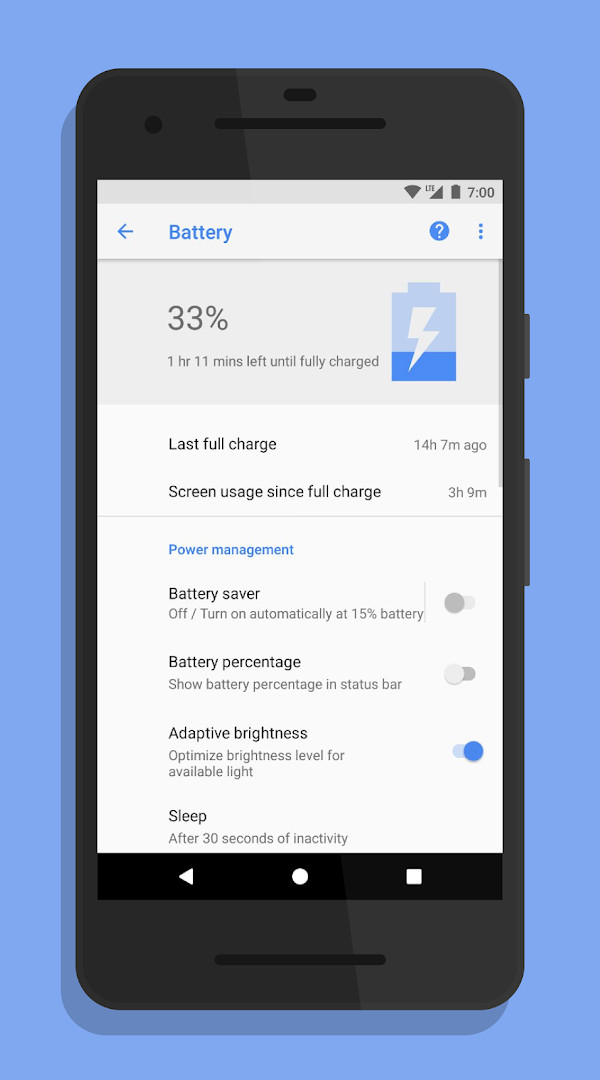
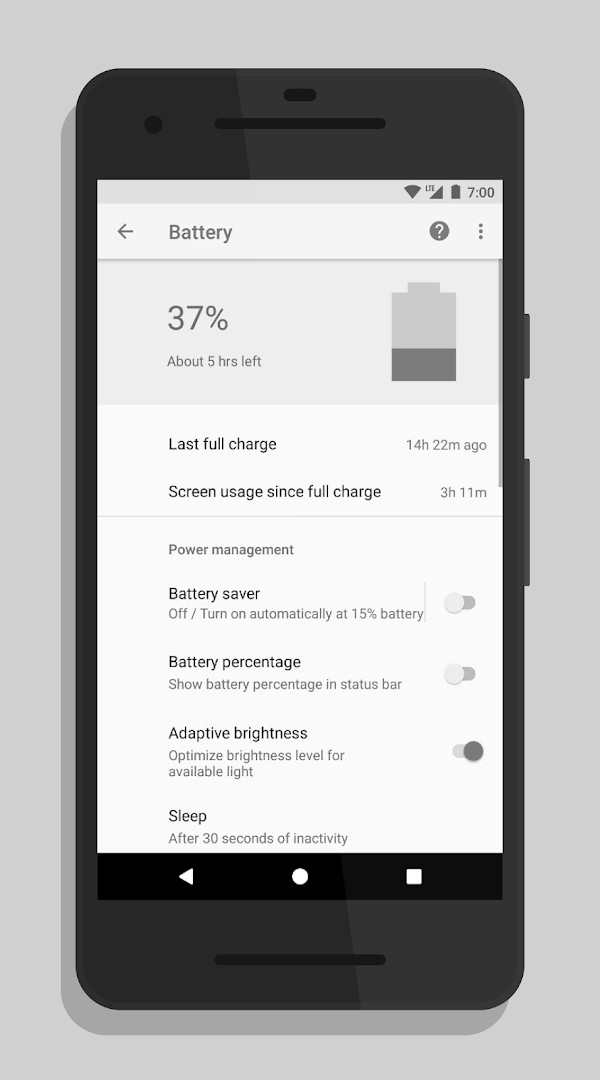
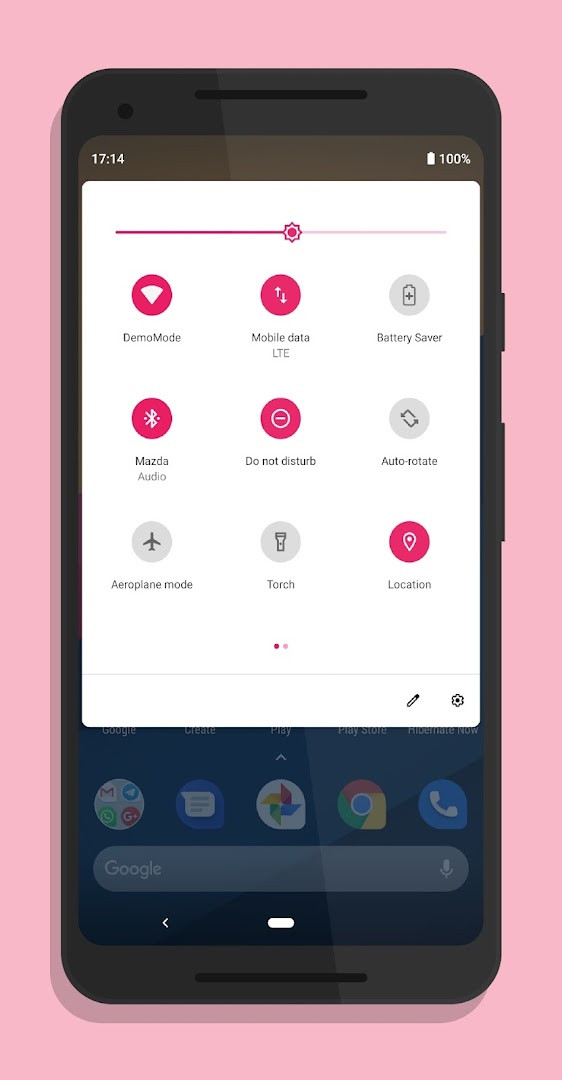
Pixel Theme - Substratum is a personalization app by Giorgio Cantoni that applies a stock Pixel look to compatible Android devices. It addresses the desire for a cleaner, Pixel-style interface on phones running AOSP-based firmware by providing a set of Substratum overlays that theme core system components. Instead of requiring a custom ROM, it works through the Substratum theme engine, letting users change the appearance of the navigation bar, SystemUI, framework, and other elements. The app is fully open source and offers a range of color choices, so users can tailor the Pixel experience to their preferences. It is important to note that it only officially supports AOSP versions 8.0, 8.1, 9.0, and 10.0; devices running Android 7.0 or 7.x are not officially supported, though they might work depending on the OS build. Samsung phones are not supported. The latest version, 7.1.2, includes fixes for Quick Settings icon coloring on some Android Pie devices.
Key features
- Fully open source project, allowing users to inspect and modify the code
- Themes the Navigation Bar, SystemUI, Framework, AOSP Package Installer, and other system components
- Offers a wide selection of colors to customize the appearance to your taste
- Includes a stable app launcher with a clean design
- Provides dashboard improvements and a new adaptive material icon in recent updates
- Fixes Quick Settings icons that were not getting colored on certain Android Pie devices
- Supports AOSP versions 8.0, 8.1, 9.0, and 10.0 (Oreo, Pie, and Q)
- Requires the Substratum theme engine to apply the overlays
How to install
- Tap the download button on this page to get the APK file, which is 4.8 MB in size.
- When Android asks, allow your browser or file manager to install apps by enabling the 'Install unknown apps' setting.
- Open the downloaded APK file from your notifications or file manager.
- Tap 'Install' and wait for the installation to complete.
- Open the app from your app drawer. Note that the minimum Android version required is 7.0, but official support starts from Android 8.0.
Pros
- Open source, so the code is transparent and auditable
- No ads, providing an uninterrupted experience
- No in-app purchases, so all features are available without extra costs
- Lightweight at 4.8 MB, taking up minimal storage
- Offers a wide range of color choices for personalization
- Includes a stable and well-designed launcher
Cons
- Only supports AOSP-based systems, excluding Samsung phones and many OEM skins
- Requires the separate Substratum theme engine to function
- Official support does not include Android 7.0/7.x, though it might work on some builds
- Compatibility with custom ROMs depends on how the ROM was built, which may lead to issues
Recent updates · 7.1.2
Version 7.1.2 fixes a problem that prevented Quick Settings icons from being colored on some Android 9.0 (Pie) devices. To see the correction, reapply the Android overlay.
Version history
| Version | Size | Requires Android | Updated |
|---|---|---|---|
| 7.1.2 | 4.8 MB | 7.0 | Apr 14, 2019 |
This app is aimed at Android enthusiasts who run AOSP-based firmware or custom ROMs and want to replicate the stock Pixel look without flashing a new ROM. It is suitable for users comfortable with the Substratum theme engine and who understand that overlays can sometimes cause issues, especially on non-standard ROM builds. It is not intended for Samsung phone owners or those on heavily customized OEM interfaces, as these are explicitly unsupported. Users on Android 7.0 or 7.x may try it, but they should expect potential instability since that version is not officially supported.
Before applying overlays, ensure your device runs a supported AOSP version (8.0–10.0) and that Substratum is installed. If you encounter problems with a custom ROM, use the 'Report bugs' option in the app dashboard and include the error log, as the developer can then adjust the theme accordingly. Also, after updating the app, reapply the Android overlay to ensure all changes take effect.
Permissions
Frequently asked questions
Is Pixel Theme - Substratum free to download and use?
Yes, the app is free, with no ads and no in-app purchases. The listed price is $0.00 USD.
Which Android versions are supported?
The app requires Android 7.0 or higher and officially supports AOSP versions 8.0, 8.1, 9.0, and 10.0. Older 7.x builds may work depending on how your system was compiled, but they are not officially supported.
How large is the APK file?
The APK file size is 4.8 MB, so it is a lightweight download.
Does the app require an account or login?
No, you do not need to create an account or sign in to use Pixel Theme - Substratum.
What permissions does the app request?
The app requests internet access and a license check permission. These are used for basic functionality and verifying your purchase.
How do I update to the latest version?
To update, simply download the newest version from this page and install it over your current installation. The latest version is 7.1.2, released on April 14, 2019.
Pixel Theme - Substratum delivers a straightforward way to give compatible AOSP devices a Pixel-style interface through the Substratum engine. It is a practical choice for users who meet the support requirements and want a clean, customizable look without ads or paid features.
Similar apps





Updated: Nov 22, 2026
| Version | Size | Requires Android | Updated |
|---|---|---|---|
| 7.1.2 | 4.8 MB | 7.0 | Apr 14, 2019 |
- Version
- 7.1.2
- Size
- 4.8 MB
- Requires Android
- 7.0
- Updated
- Apr 14, 2019
- Installs
- 100K+
- Rating
- ★ 3.73 (544)
- Category
- Personalization
- Developer
- Giorgio Cantoni
- Content rating
- Everyone
- Package
- it.folgore95.pixel
- Free
- ✓