AR Trace - Sketch Drawing: AR-based drawing and tracing tool
AR Trace - Sketch Drawing is an Art & Design app by Neli Creative that lets you trace photos and images using augmented reality or a screen overlay.
AR Trace - Sketch Drawing offers two tracing modes: an AR camera mode that projects an image onto paper and a screen overlay light box for direct tracing. It includes a template library for anime, manga, and tattoo stencils, plus time-lapse recording of your drawing process.
Screen gallery
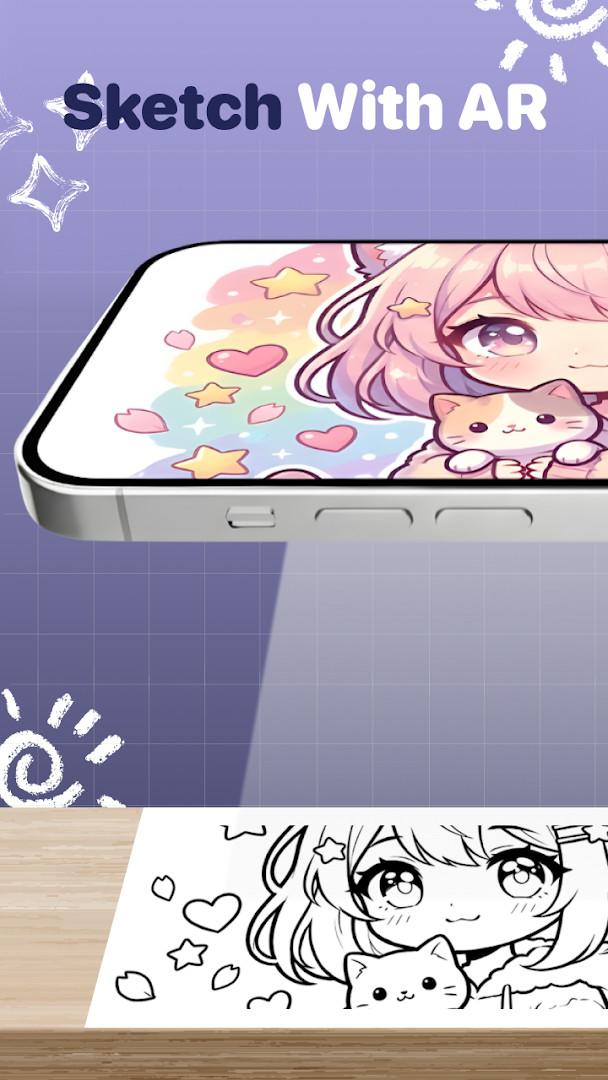
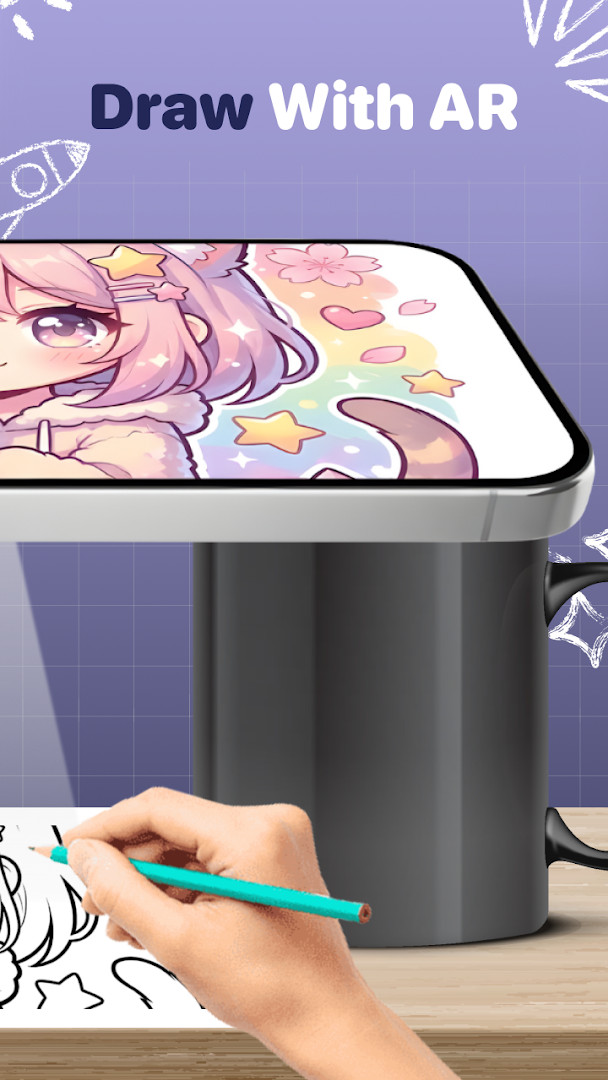
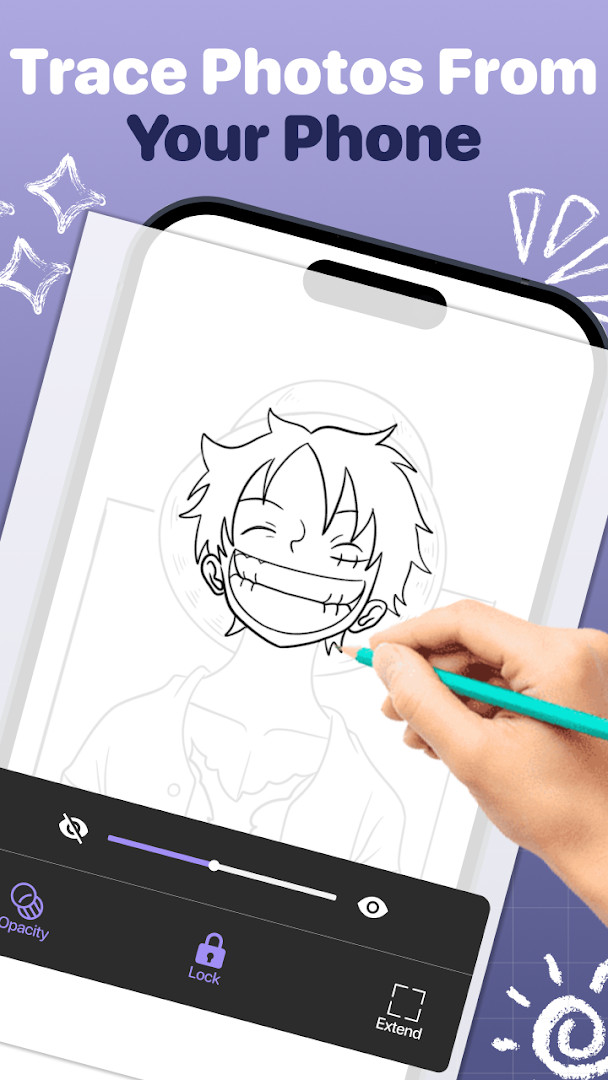
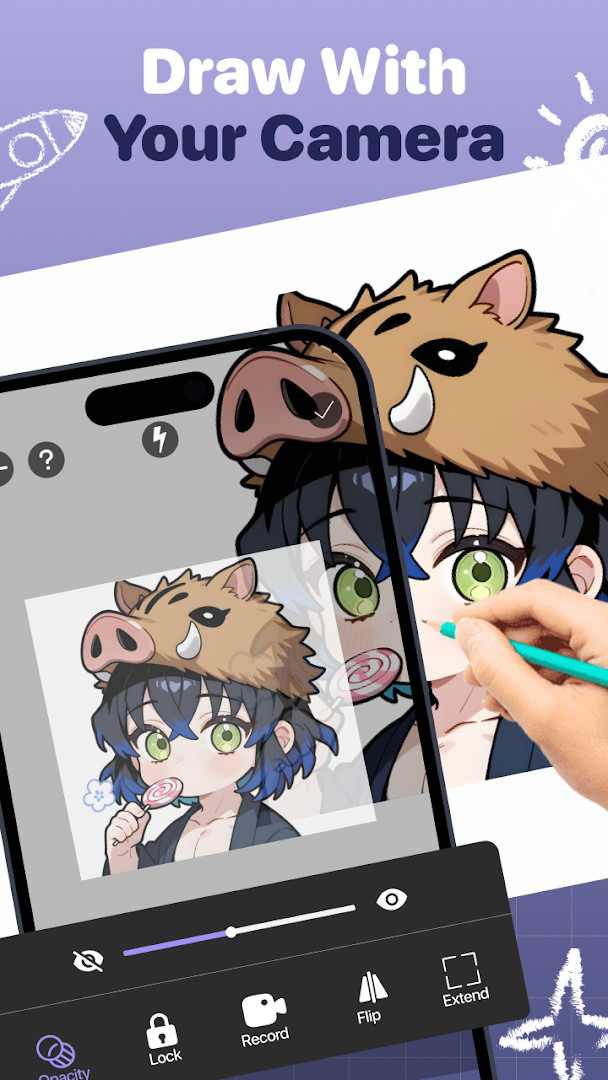
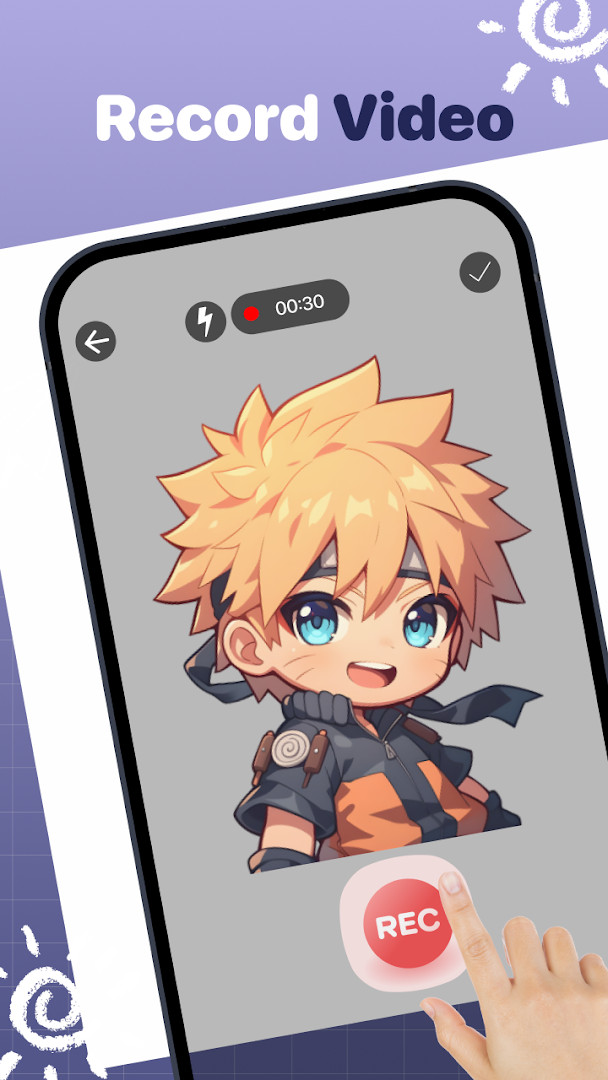
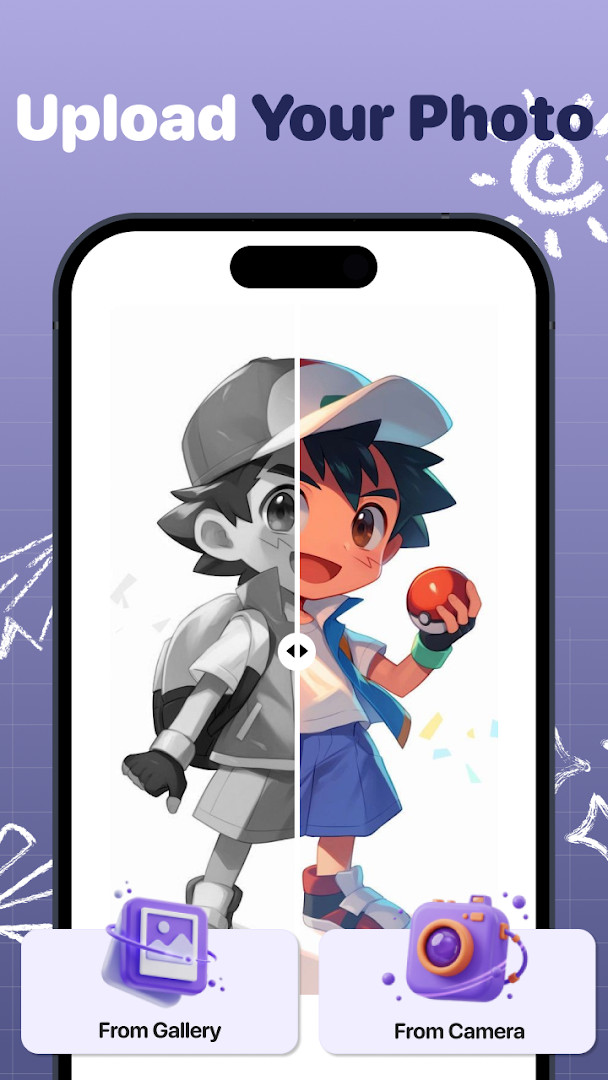
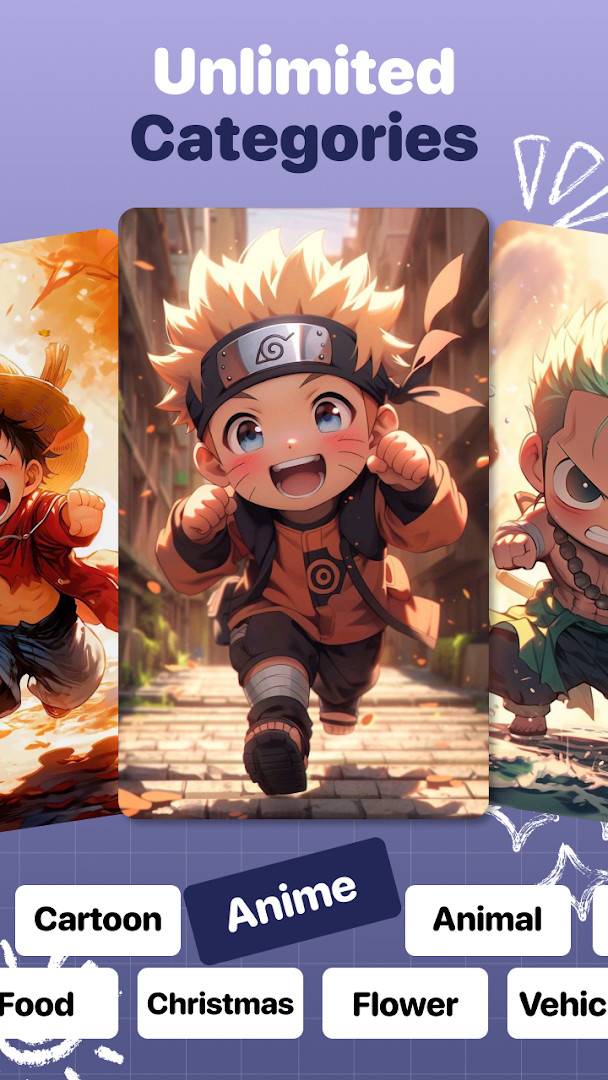
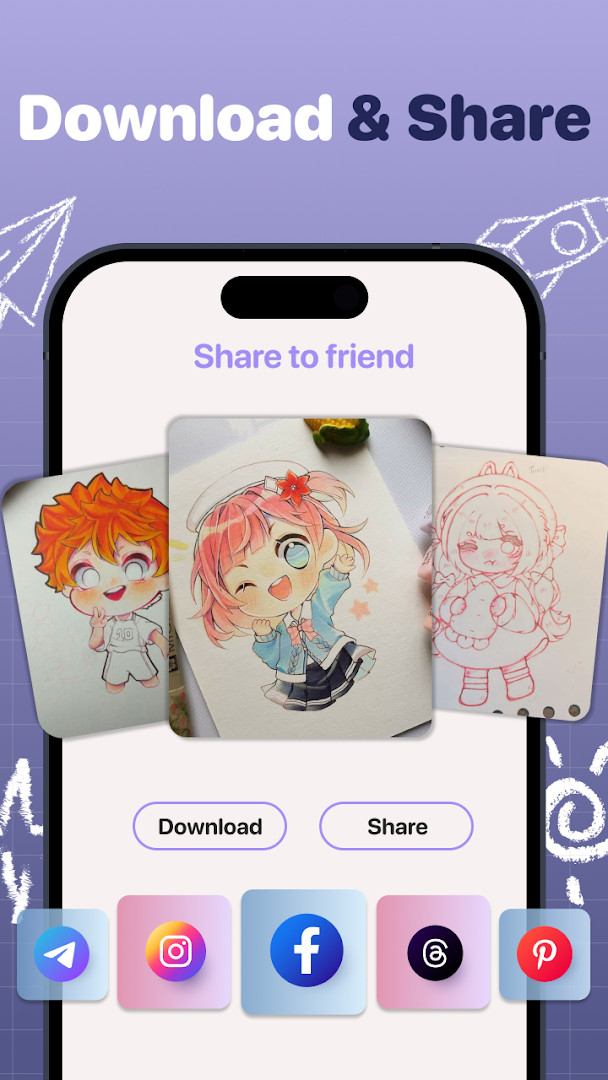
AR Trace - Sketch Drawing is a drawing and tracing utility by Neli Creative that helps users turn photos and reference images into traceable outlines using augmented reality or a simple screen overlay. It solves the common problem of not knowing how to start a sketch by projecting the source image onto your paper through the camera, so you can follow the lines directly while keeping an eye on your hand. For those who prefer a more traditional approach, the light-box mode lets you place paper over the screen and trace the displayed image. The app also includes a library of templates, a time-lapse recorder, and controls for opacity and flashlight, making it a practical tool for beginners practicing anime, tattoo stencils, or everyday subjects, as well as for artists who need a quick reference for proportions and composition.
Key features
- AR camera mode that projects a trace image onto paper so you can draw while watching your hand
- Screen overlay light-box mode that turns the phone into a tracing table by placing paper over the display
- Import any photo from your gallery and convert it into a traceable sketch, including portraits, landscapes, and cartoons
- Template library with hundreds of categories, including anime, manga, tattoo stencils, cute animals, chibi, and meme designs
- Time-lapse video recording that captures every stroke while you trace and paint
- Opacity control to adjust trace image transparency for better visibility
- Flashlight support to keep sketching comfortably in low-light conditions
- Step-by-step AR feature that guides you through each stage of the drawing process
How to install
- Tap the download button on this page to get the APK file for AR Trace - Sketch Drawing.
- When Android asks, allow your browser or file manager to install apps by enabling the 'Install unknown apps' setting for that app.
- Open the downloaded APK file from your notifications or file manager.
- Tap Install and wait for the installation to finish.
- Open AR Trace - Sketch Drawing from your app drawer and grant the requested permissions when prompted.
- The app requires Android 9 or newer; the file size is not specified, so ensure you have enough free storage.
Pros
- Two flexible tracing modes: AR camera and screen overlay
- Large built-in template library with anime, tattoo, and beginner categories
- Time-lapse recording to review and share your drawing progress
- Opacity and flashlight controls improve visibility in different conditions
- Simple interface that is easy to pick up for beginners
- Free to download with no in-app purchases
Cons
- Contains ads, which can interrupt the drawing experience
- Requires camera, microphone, storage, and Wi-Fi connection permissions, which may feel excessive for a drawing app
- Tracing accuracy depends on phone stability and lighting conditions
- Some users may prefer a fully offline tool without the need for camera access
Recent updates · 1.4.13
Version 1.4.13 introduces a new step-by-step AR feature that guides you through each stage of your drawing, helping you build confidence while working in augmented reality. Follow the prompts one step at a time to create your artwork with greater ease and precision.
Version history
| Version | Size | Requires Android | Updated |
|---|---|---|---|
| 1.4.13 | — | 9 | Oct 7, 2026 |
AR Trace - Sketch Drawing is aimed at anyone who wants to learn to draw or needs a fast way to reproduce an image on paper. Beginners who struggle with proportions and perspective will benefit from tracing lines directly, while more experienced artists can use it as a reference tool for quick sketches or detailed studies. It is also well suited for anime and manga fans, tattoo artists looking for stencil inspiration, and hobbyists who enjoy drawing animals or chibi characters. Because it offers both camera-based and overlay modes, it works for people who prefer drawing on a desk with paper over the screen as well as those who want to project an image onto a larger sheet.
For best results with AR mode, place your phone on a stable surface or use a tripod so the projected image stays still while you trace. Adjust the opacity slider to make the reference lines faint enough that your final drawing remains clean, and use the flashlight feature in dim rooms to avoid shadows on your paper. When recording your process, keep the phone steady and consider using the step-by-step AR feature if you want more guidance on complex images.
Permissions
Frequently asked questions
How does AR Trace - Sketch Drawing help beginners learn to draw anime?
AR Trace - Sketch Drawing includes a template library with categories such as anime and manga, tattoo stencils, and easy sketches for beginners like cute animals, chibi, and memes. You can use these templates with the AR camera mode or screen overlay mode to practice proportions and lines step by step.
What are the two tracing modes available in the app and how do they differ?
The app offers AR Camera Mode, which uses your phone camera as an art projector so you can see the trace image on screen and draw on paper while watching your hand, and Screen Overlay Mode, which turns the phone into a light box by placing paper over the screen to trace the sketch lines directly.
Can I import my own photos to trace, and what types of images work best?
Yes, you can import any photo from your gallery and convert it into a traceable sketch. The app supports portraits, landscapes, cartoons, and other images, making it convenient to turn any picture into a drawing reference.
Does the app record my drawing process?
Yes, AR Trace - Sketch Drawing records a time-lapse video while you trace and paint, capturing every stroke. This feature allows you to share your drawing process with friends and showcase your progress.
What additional tools does the app include to improve the sketching experience?
The app includes flashlight support so you can sketch comfortably in dark conditions, and opacity control to adjust the transparency of the trace image for better visibility while drawing.
AR Trace - Sketch Drawing offers a practical, low-friction way to start sketching by combining camera projection and overlay tracing in one app. It is a solid choice for beginners and hobbyists, though the presence of ads and the broad permission requests are worth keeping in mind.
Similar apps




Updated: Nov 9, 2026
| Version | Size | Requires Android | Updated |
|---|---|---|---|
| 1.4.13 | — | 9 | Oct 7, 2026 |
- Version
- 1.4.13
- Requires Android
- 9
- Updated
- Oct 7, 2026
- Installs
- 1M+
- Rating
- ★ 4.03 (1,072)
- Category
- Art & Design
- Developer
- Neli Creative
- Content rating
- Everyone
- Package
- ardrawing.ar.sketch.trace.to.draw.easy.drawing.art
- Free
- ✓ · Contains ads