
Color Palette Designer for Android
Color Palette Designer is an Art & Design app from BrilliantSeasons for creating and customizing color palettes using HSL parameters and seasonal inspiration.
Color Palette Designer is for designers and artists who want to build and fine-tune color palettes without guesswork, solving the problem of manually balancing hue, saturation, and lightness.
Screen gallery
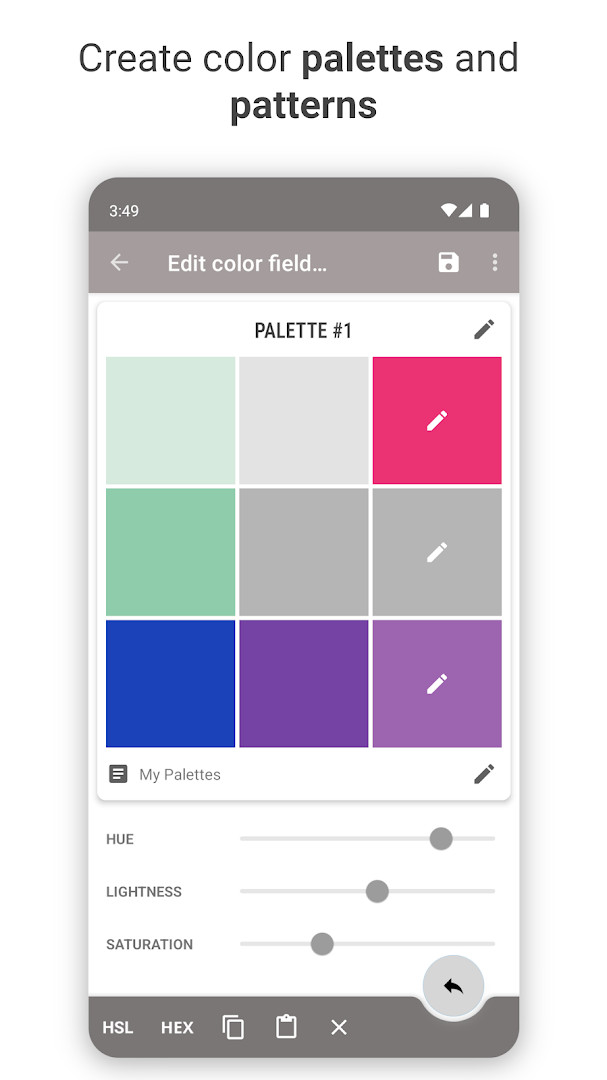
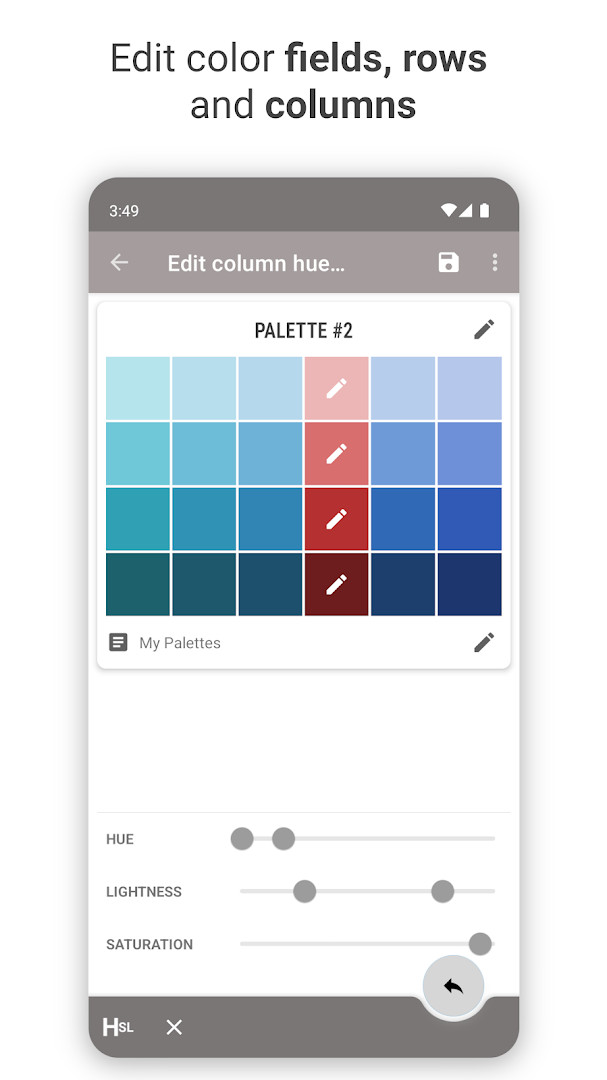
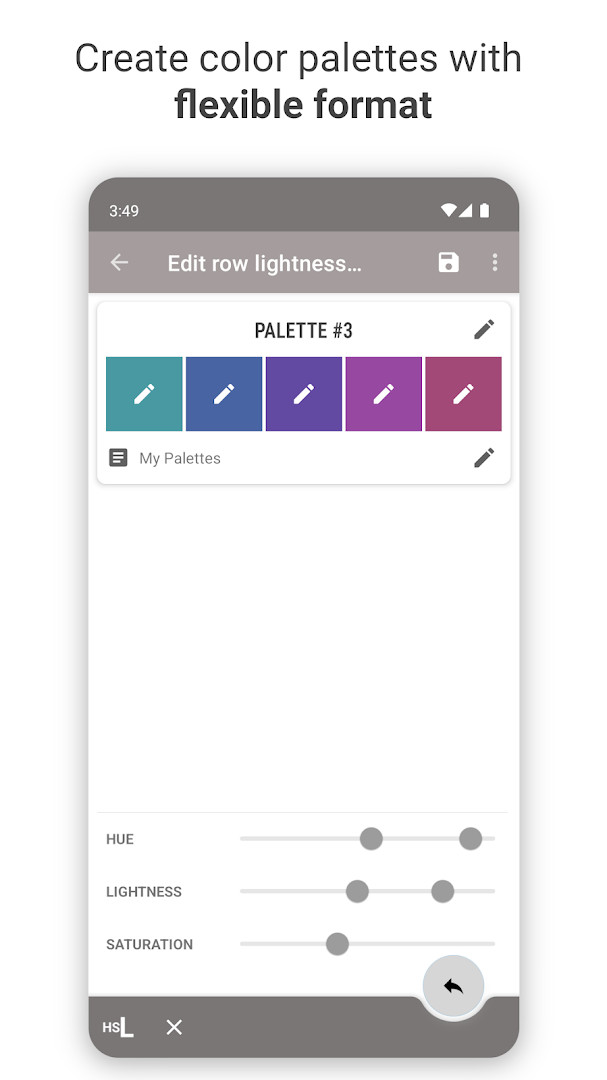
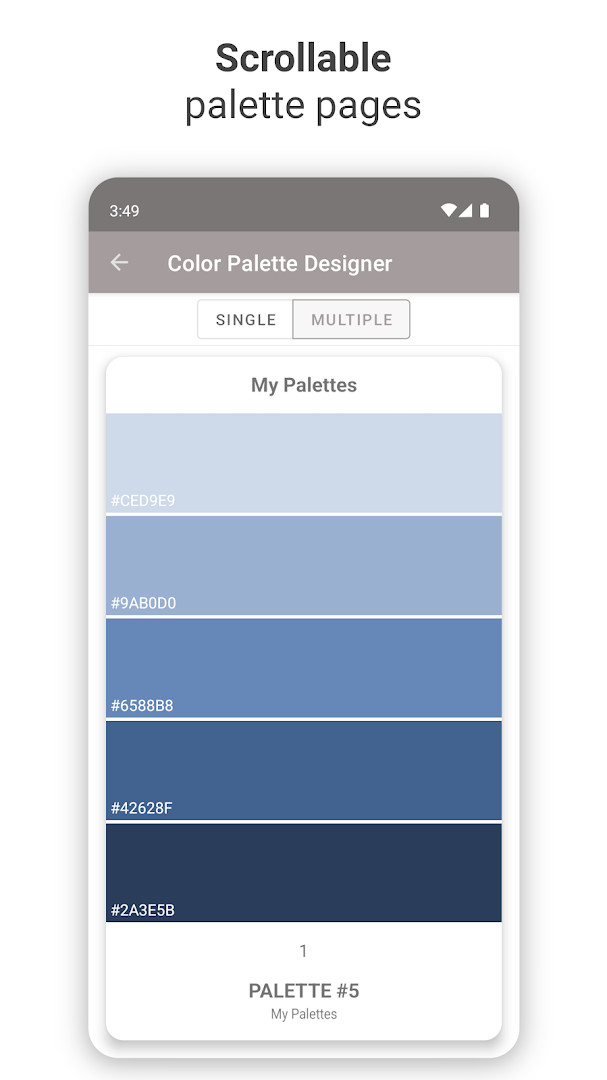
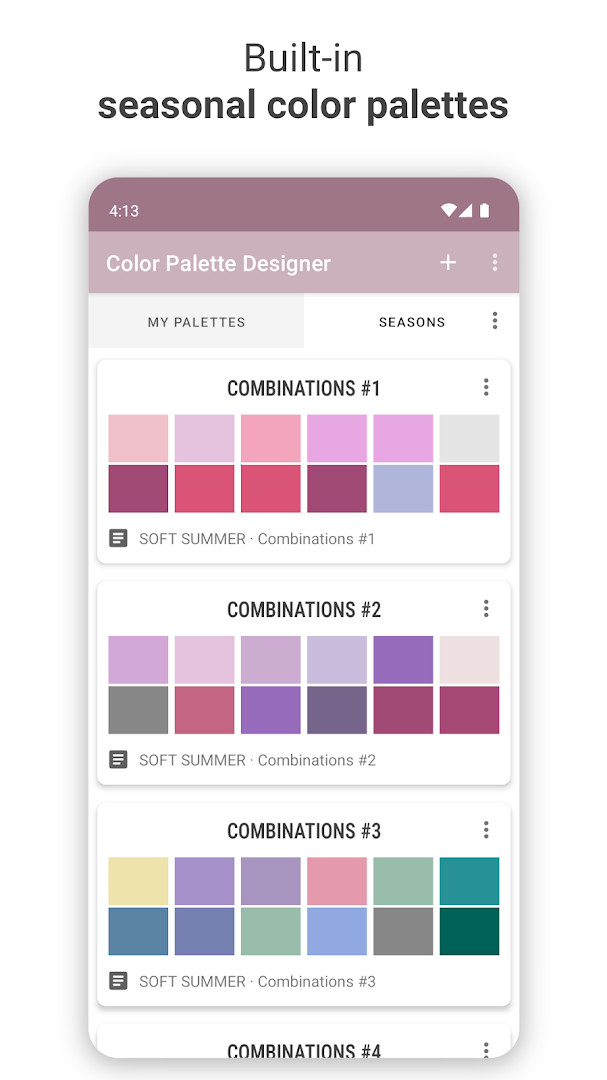
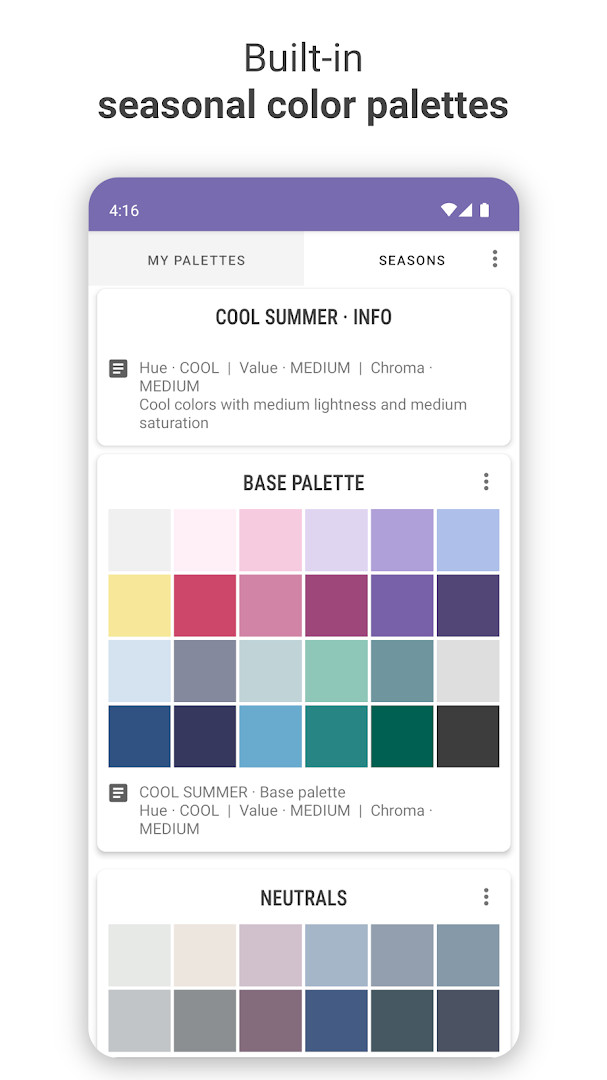
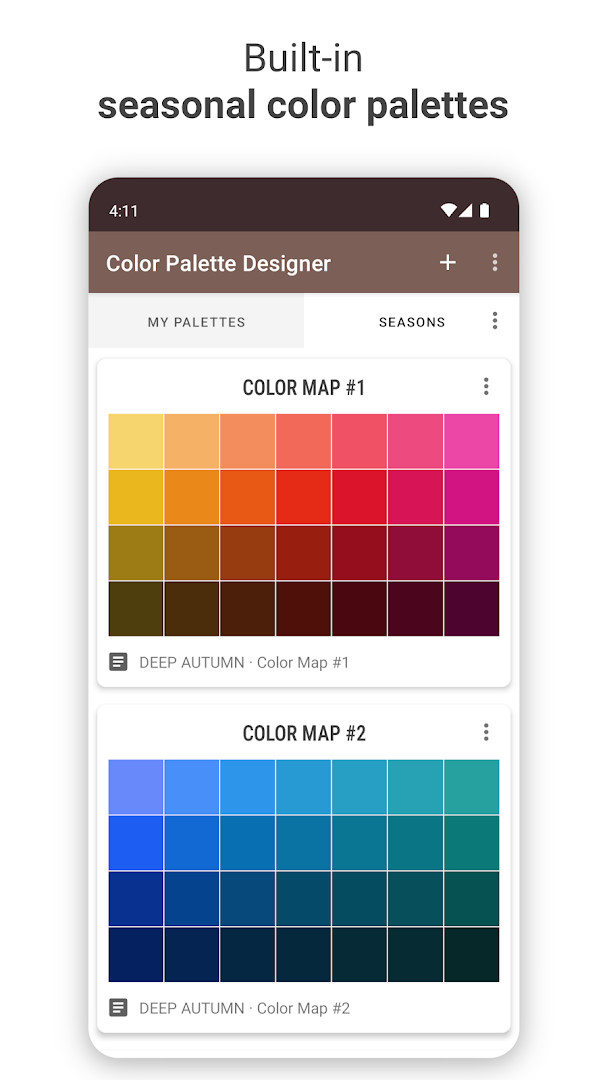
Color Palette Designer is an Art & Design app by BrilliantSeasons that helps you create and refine color palettes using adjustable HSL parameters. The app lets you build a base color pattern by setting overall lightness, hue, and saturation, then fine-tune each individual color on the palette. You can also edit row lightness and column hue through a dedicated rows and columns function, giving you granular control over the entire palette structure.
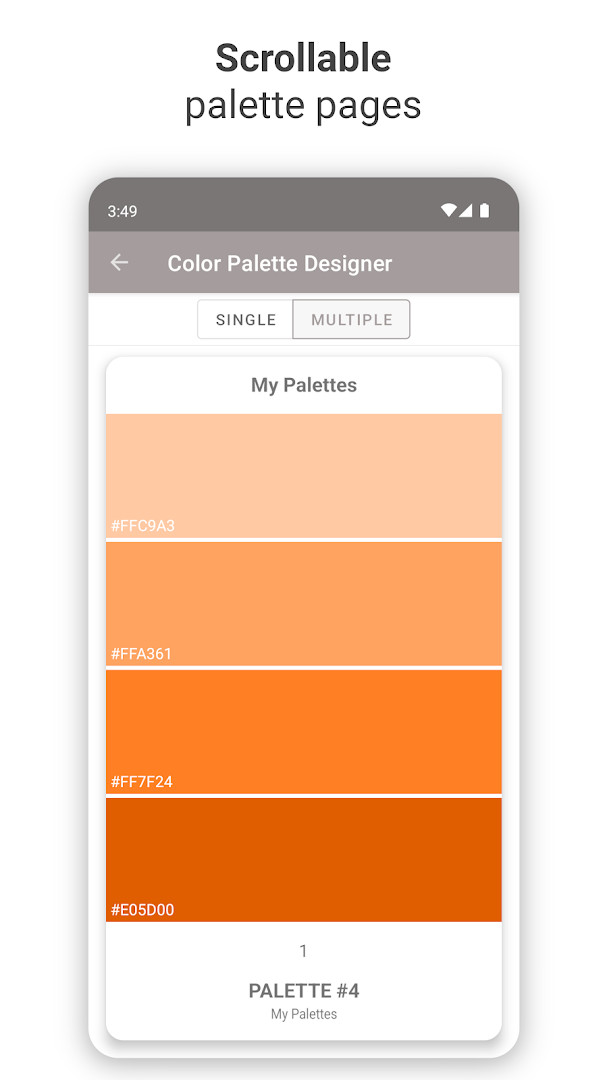
Beyond palette creation, the app offers customization of the layout itself, including field margin, cell height, and the number of rows and columns. A built-in collection of 138 sample palettes based on the seasonal color system—covering spring, summer, autumn, and winter types—serves as inspiration for designers and artists. All palettes can be viewed in a full-page color swatch format, and you can export them as PNG images for use in other projects.
With support for HEX codes and a random palette generator, the app is practical for everyday color exploration, whether you are picking a scheme for a personal project, a client presentation, or a creative experiment. It is designed for Android 9 and up, and the current version is 1.24, updated in July 2026. The app is free to use with optional in-app purchases, contains no ads, and is rated for everyone.
Key features
- Create color palettes using hue, saturation, and lightness (HSL) parameters
- Edit individual color fields, row lightness, and column hue using color parameters or HEX codes
- Access HEX color codes for each color
- Use 138 built-in palettes based on the seasonal color system, including spring, summer, autumn, and winter types
- Export palettes as images in PNG format
- View palettes in a full-page color swatch layout
- Edit palette titles and notes
- Generate random palettes with the built-in function
How to install
- Tap the download button on this page to get the APK file. The file size is not specified, so ensure your device has enough free space.
- When Android asks for permission, allow your browser or file manager to install apps by enabling the 'Install unknown apps' setting for that app.
- Open the downloaded APK file from your notifications or file manager.
- Tap Install on the confirmation screen. The app requires Android 9 or higher.
- Wait for the installation to complete, then tap Open to launch Color Palette Designer.
- If prompted, grant the app permission to access photos, media, and files so you can save and export palettes.
Pros
- Free to use with no ads
- Comprehensive HSL and HEX color editing tools
- Includes 138 seasonal palettes for inspiration
- Export palettes as PNG images for easy sharing
- Random palette generator for quick ideas
- Lightweight and straightforward interface
Cons
- Requires storage permission for saving and exporting palettes
- In-app purchases are available, which may add costs for advanced features
- Limited to Android 9 and newer versions
Recent updates · 1.24
Version 1.24 delivers minor improvements and bug fixes. This update refines the existing color palette creation and customization tools, including HSL parameter editing, row and column adjustments, HEX codes, and PNG export. The seasonal color palette library and layout options remain available. Support contact is still provided for questions or issues.
Version history
| Version | Size | Requires Android | Updated |
|---|---|---|---|
| 1.24 | — | 9 | Jul 28, 2026 |
Color Palette Designer is ideal for graphic designers, artists, and hobbyists who need a simple yet flexible tool to generate and refine color schemes. It is also useful for anyone working on seasonal-themed projects or wanting to explore color combinations for crafts, web design, or interior planning.
Use the random palette generator to break out of creative blocks, then fine-tune individual colors with HEX codes for precise control. Experiment with the row lightness and column hue editing to create subtle variations across your palette. Save your favorite palettes as PNG images to build a personal reference library.
Permissions
Frequently asked questions
How do I install the APK on Android?
To install the APK, allow installation from unknown sources in your device settings if prompted, then open the downloaded file and follow the on-screen steps. The app requires Android 9 or higher.
What is new in version 1.24?
Version 1.24, released on July 28, 2026, includes minor improvements and bug fixes to enhance overall stability and performance.
Does the app contain ads or require payment?
The app is free to download and contains no ads. It does offer in-app purchases, but they are optional and not required for basic use.
Can I use the app offline?
Yes, the core palette creation and editing tools work offline. The app only requests access to photos, media, and storage, which is used for saving or exporting your palettes.
Are there similar apps in the Art & Design category?
Yes, there are other color palette tools available in the same category, but this app stands out with its seasonal color system and 138 built-in palettes across 12 seasonal types.
Can I export my palettes?
Yes, you can export your palettes as PNG images. The app also provides a full-page color swatch format for viewing all colors at once.
Color Palette Designer offers a practical and flexible way to create, customize, and export color palettes, with a thoughtful seasonal collection and deep editing tools. It is a reliable choice for everyday color work, especially for those who value precision and inspiration in one app.
Similar apps


Updated: Nov 4, 2026
| Version | Size | Requires Android | Updated |
|---|---|---|---|
| 1.24 | — | 9 | Jul 28, 2026 |
- Version
- 1.24
- Requires Android
- 9
- Updated
- Jul 28, 2026
- Installs
- 100K+
- Rating
- ★ 4.11 (325)
- Category
- Art & Design
- Developer
- BrilliantSeasons
- Content rating
- Everyone
- Package
- net.brilliantseasons.colorpalettedesignerapp
- Free
- ✓ · In-app purchases