
Clipfly - AI Baby Dance Video: Photo to Dance Clips
Clipfly - AI Baby Dance Video is a free art and design app by Everimaging Ltd. that turns a baby photo and a dance template into a shareable motion video.
Clipfly - AI Baby Dance Video is free to download, shows no ads and offers optional in-app purchases, including a Clipfly Pro subscription billed weekly or yearly. The app requires Android 7.0 or later and has version 1.1.25.74, updated on September 28, 2026.
Screen gallery
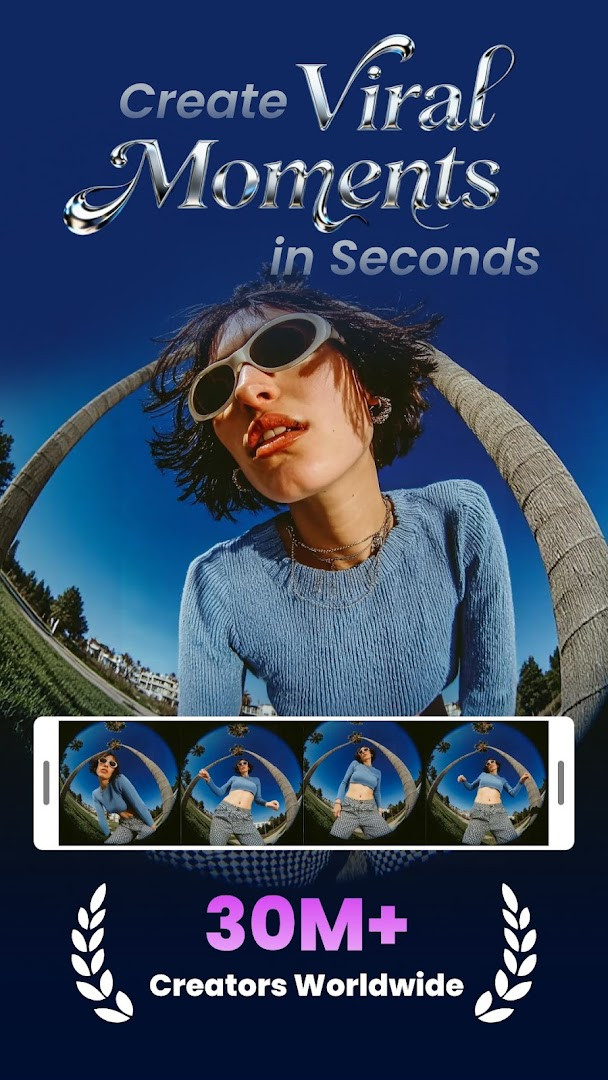
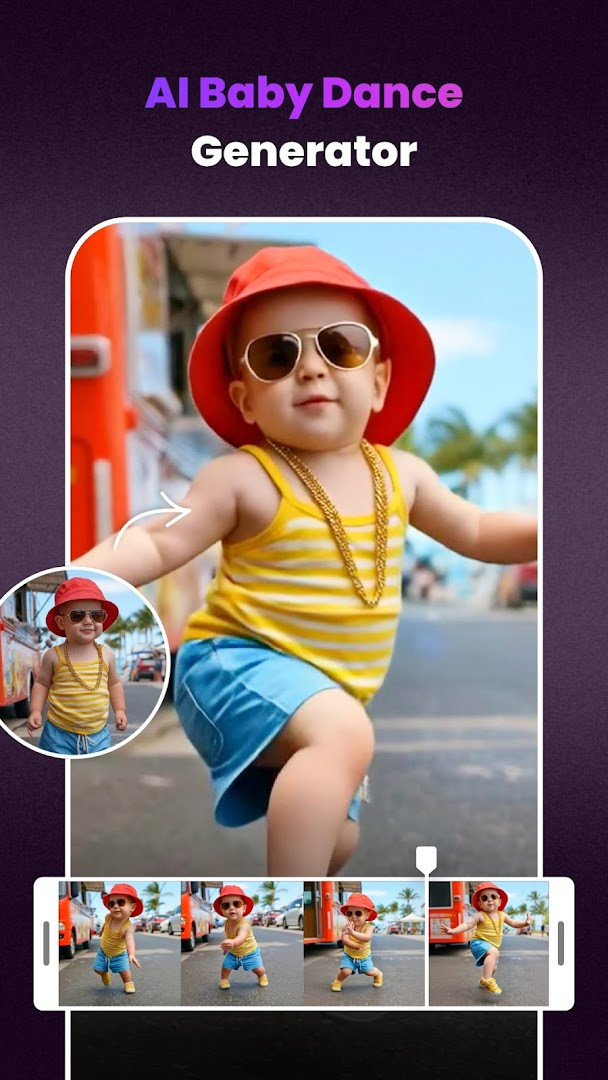
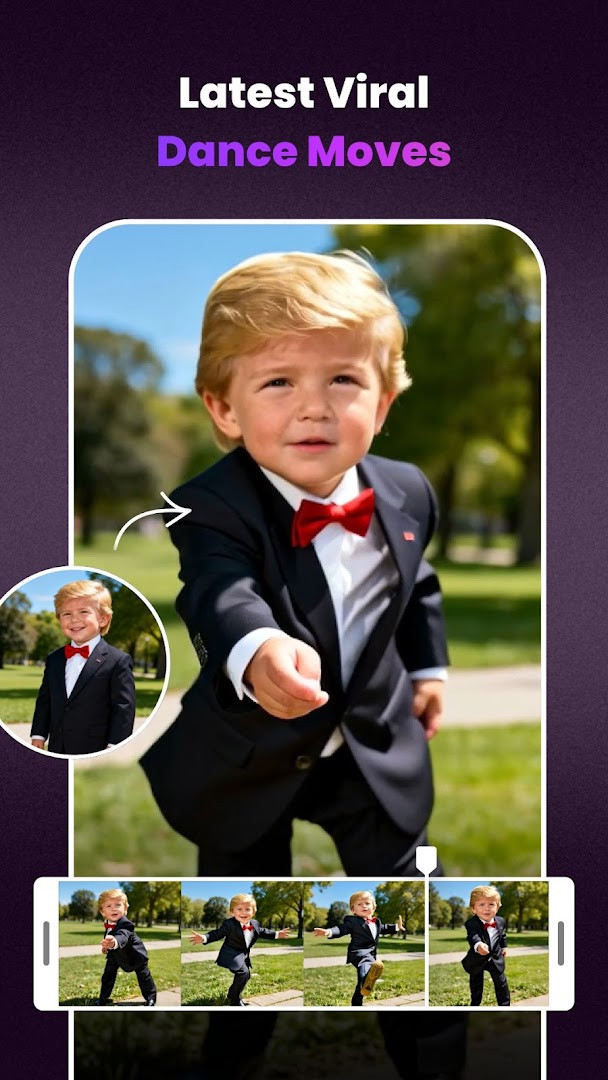
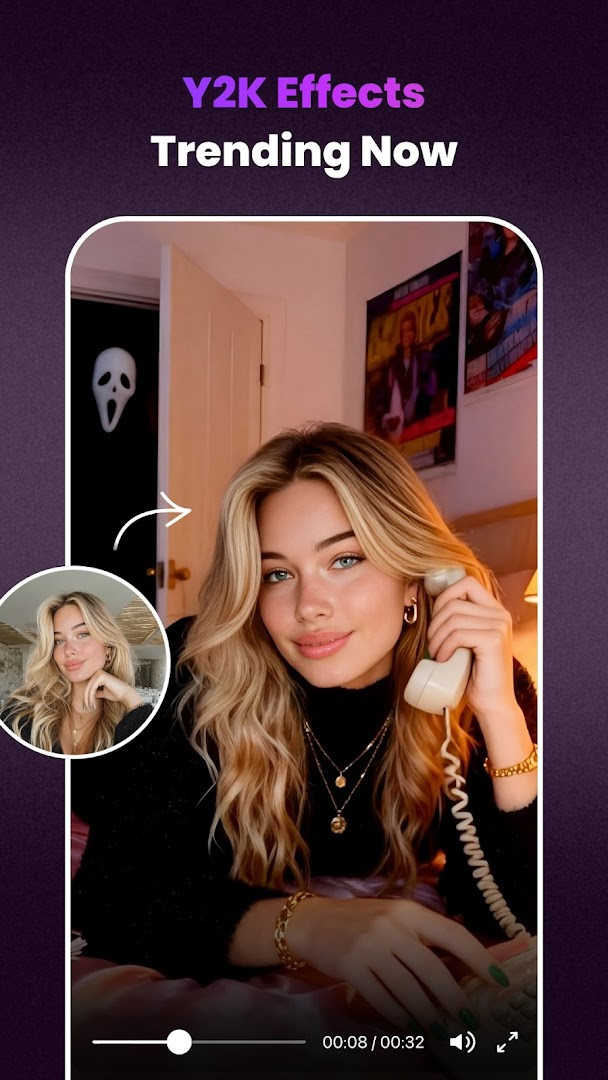
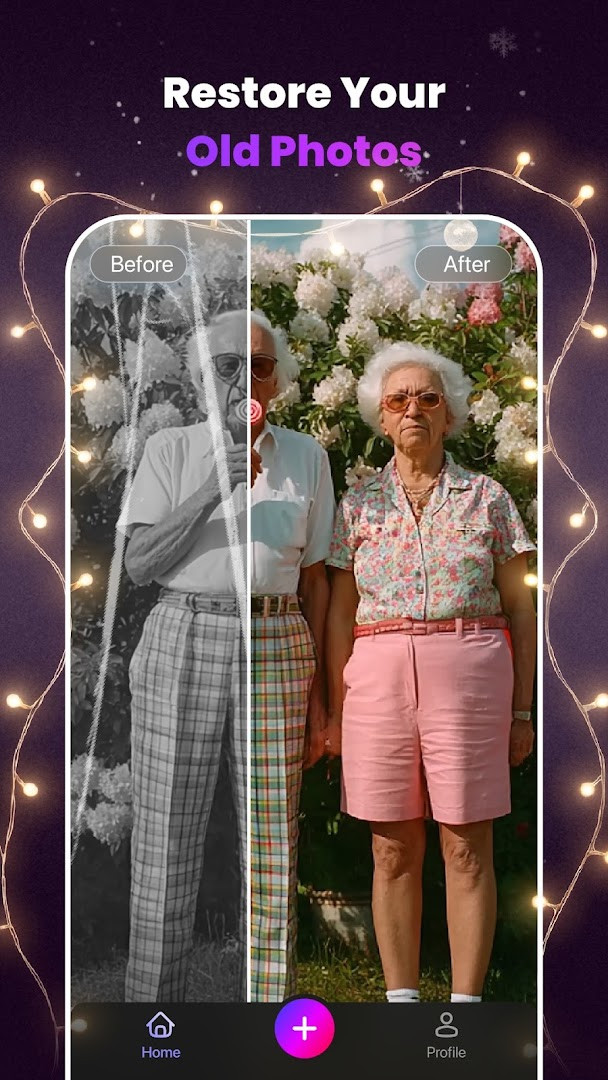
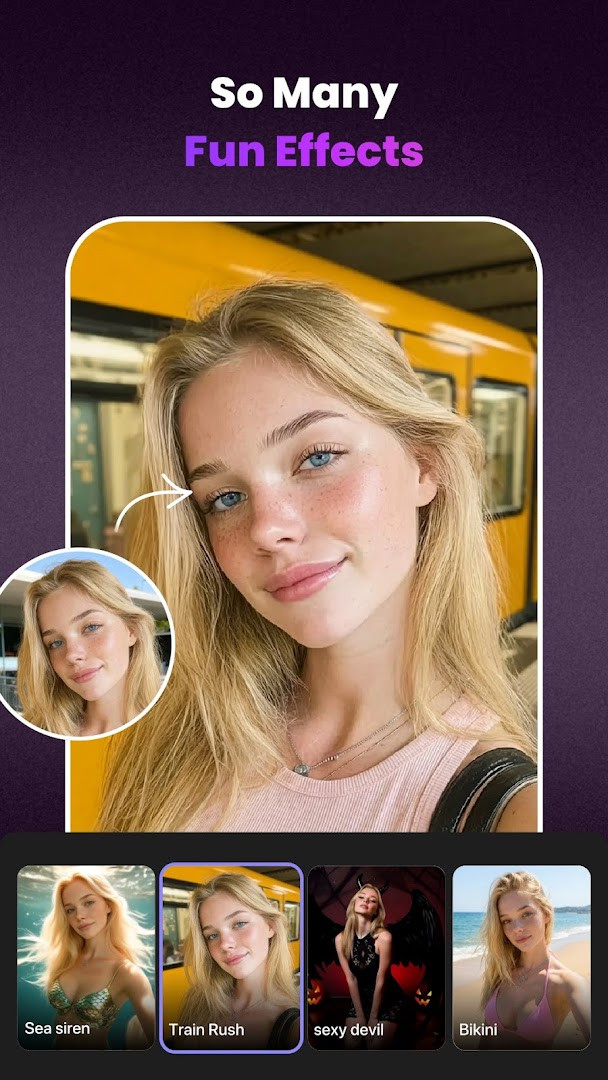
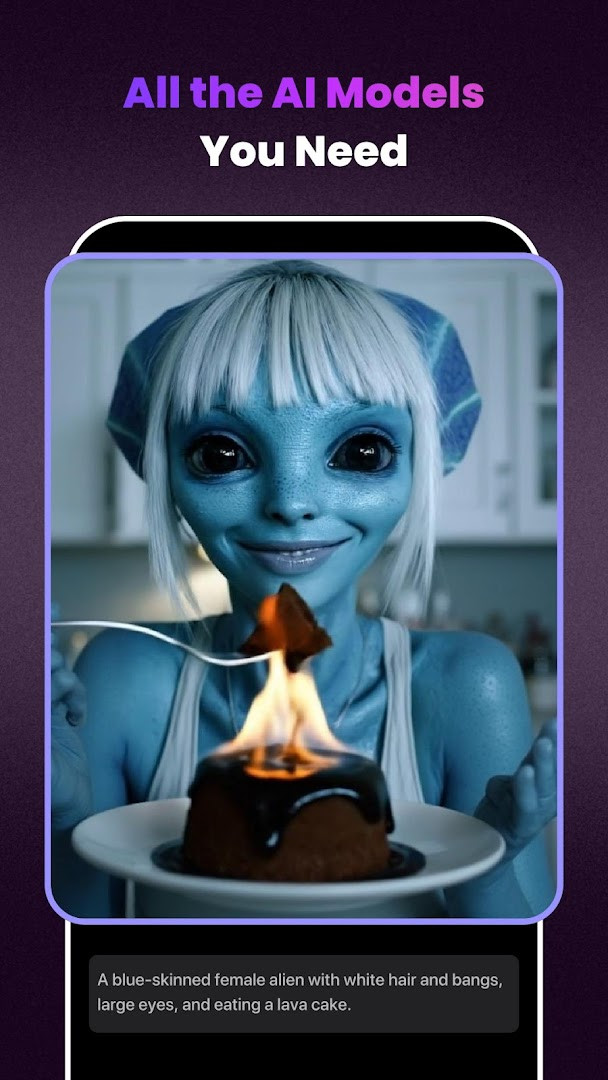
Clipfly - AI Baby Dance Video is an AI video creation app by AI Art Photo Editor | Everimaging Ltd. that turns photos and text prompts into short animated clips, with a focus on making baby photos move and dance.
The app lets you upload a single image, pick a dance template, and receive a shareable video in seconds, so you don't need any editing background to get a fun result. It also works the other way around: you can describe an idea and the built-in engine will generate an image first and then turn that image into motion, or go straight from text to a finished video clip. Beyond the baby dance gimmick, the same tools can be used for marketing material, personal keepsakes, or any experiment with AI-generated motion. The current version, 1.1.25.74, focuses on performance improvements and bug fixes, so the core workflow remains simple: provide a photo or text, choose how you want it to move, and let the app handle the rest.
Because everything happens through templates and preset AI pipelines, even a first-time user can produce something that looks polished without learning timelines, keyframes, or other editor concepts. When you open the app for the first time, it will ask for access to your photos and media library, which makes sense because uploading an image is the main starting point for most creations. The app is free to download and does not display ads, although it offers weekly and yearly subscriptions for its Pro plan, which unlocks the full range of features. If you prefer to experiment before paying anything, the free tier is enough to understand how the tool behaves and whether the results match what you imagined.
Key features
- Image to Video: upload a photo and the AI turns it into a realistic motion clip, including baby dance templates
- Text to Image to Video: describe an idea, generate an image with AI, and then animate that image into a video
- Text to Video: type a prompt and get a finished video without starting from an existing photo
- Magic Sync: copy movement from any video and apply it to a still photo to bring it to life
- Video Extension: adds new synthetic frames to the end of a clip so it expands smoothly without visible loops or pauses
- Video Eraser: remove unwanted elements such as people, emojis, text, logos, or moving objects from footage
- Simple workflow: no editing experience is required, since templates and AI do the heavy lifting
How to install
- Tap the download button on this page to get the APK file; the exact file size is not specified, so there is no size to check beforehand.
- Before opening the file, make sure your device is running Android 7.0 or newer, since that is the minimum version supported by this app.
- When Android shows a warning, allow your browser or file manager to install unknown apps by enabling the 'Install unknown apps' setting for that app.
- Open the downloaded APK file from your notification bar or file manager.
- Tap Install and wait for the process to finish; you may see a prompt about photos and media access, which is used for uploading images.
- Once installed, open Clipfly from your app drawer and grant storage permission when asked so you can select photos for your videos.
Pros
- Very low barrier to entry, making it suitable for people who have never edited a video
- Multiple AI modes cover photo animation, text generation, and cleanup in a single tool
- Subscription offers weekly and yearly options, so you can pick a shorter commitment
- No ads displayed, which keeps the creation process uninterrupted
- Regular updates aim to improve performance and fix issues
Cons
- Free version is limited, and most advanced features sit behind the Pro subscription
- Requires access to your photos and storage, which some users may find intrusive
- Results depend on templates and AI models, so you have less fine control over the final output
- A subscription is needed to get the most out of the app, which could add up over time
Recent updates · 1.1.25.74
Version 1.1.25.74 focuses on performance improvements and bug fixes. The update aims to deliver a smoother overall experience for users of the AI video creation tool, which converts photos or text into animated clips. No new features are listed for this release.
Version history
| Version | Size | Requires Android | Updated |
|---|---|---|---|
| 1.1.25.74 | — | 7.0 | Sep 28, 2026 |
This is for parents and grandparents who want to turn baby photos into fun dance videos for social media, for complete beginners who want to try AI video generation without learning editing software, and for small business owners who need quick promotional clips from images or text.
Start with a clear, well-lit photo of one face looking at the camera, since the AI uses facial features to create natural movement; you will get noticeably better results than with a blurry or group picture, and you can test a few free templates before deciding on a subscription.
Permissions
Frequently asked questions
Is Clipfly - AI Baby Dance Video free to download?
Yes, the app is free to download at $0.00. It includes optional in-app purchases, such as the Clipfly Pro subscription.
Which Android version is required?
You need Android 7.0 or higher to install and run the app.
What permissions does the app request?
It requests access to Photos/Media/Files and Storage so you can upload images and save the videos you create.
What is the APK file size?
The file size is not listed on this page, so no specific number is available.
How do I update the app?
You can update by downloading the new version from this page. The latest version listed is 1.1.25.74, released on 2026-09-28.
Does the app require a subscription to use?
No, the app itself is free. The optional Clipfly Pro plan is charged weekly or yearly and auto-renews unless automatic renewal is turned off at least 24 hours before the current period ends.
Clipfly - AI Baby Dance Video is a friendly entry point into AI-generated motion, especially for anyone who wants quick, shareable results without touching a timeline. The baby dance feature is fun and easy, and the wider toolset gives you image-to-video, text-to-video, motion transfer, and cleanup options in one place. The main trade-off is the subscription model, which limits the advanced features unless you pay, but if you are curious about AI video, the free tier is a reasonable way to test it first.
Similar apps



Updated: Nov 14, 2026
| Version | Size | Requires Android | Updated |
|---|---|---|---|
| 1.1.25.74 | — | 7.0 | Sep 28, 2026 |
- Version
- 1.1.25.74
- Requires Android
- 7.0
- Updated
- Sep 28, 2026
- Installs
- 100K+
- Rating
- ★ 3.83 (4,301)
- Category
- Art & Design
- Developer
- AI Art Photo Editor | Everimaging Ltd.
- Content rating
- Everyone
- Package
- ai.video.generator.editor
- Free
- ✓ · In-app purchases