
SumUp Business: Payments and Money Management
SumUp Business is a free finance app by SumUp that lets you accept payments, manage finances, and run your business.
SumUp Business is a free finance app requiring Android 10 or newer, with no ads and no in-app purchases. The latest version is 2.193.0; installs exceed 10 million and the rating is 3.81 from more than 147,000 reviews. The intended audience is small business owners and merchants who need payments, invoicing, reports, and bookings in one place.
Screen gallery
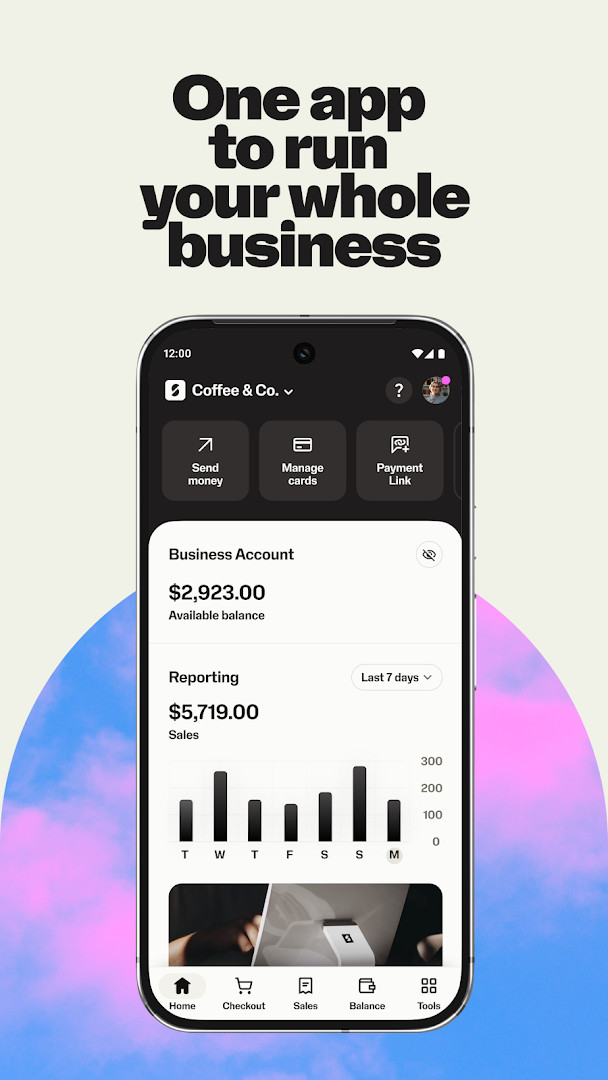
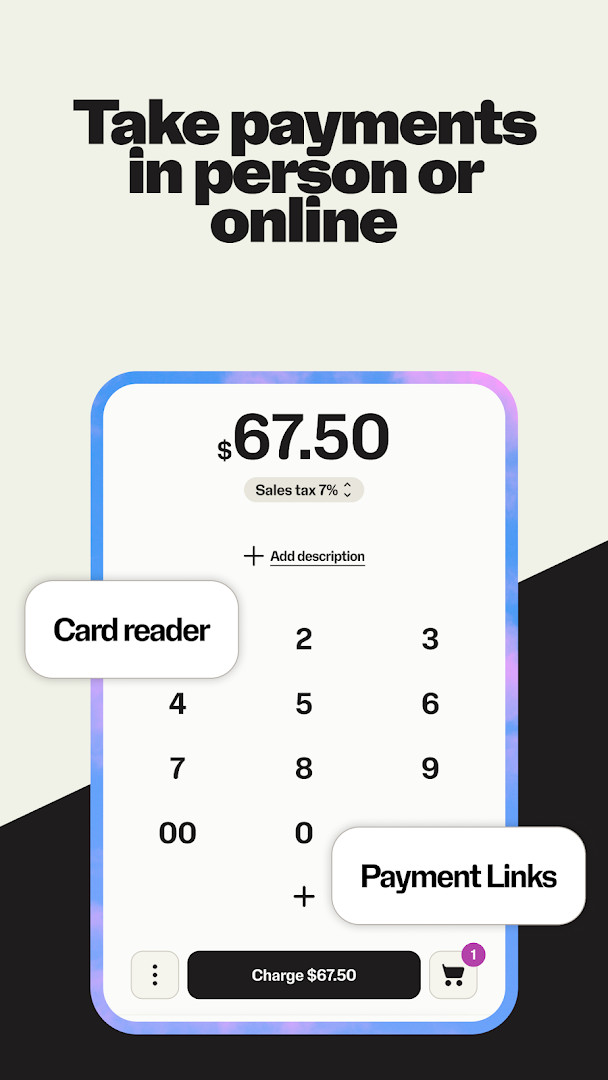
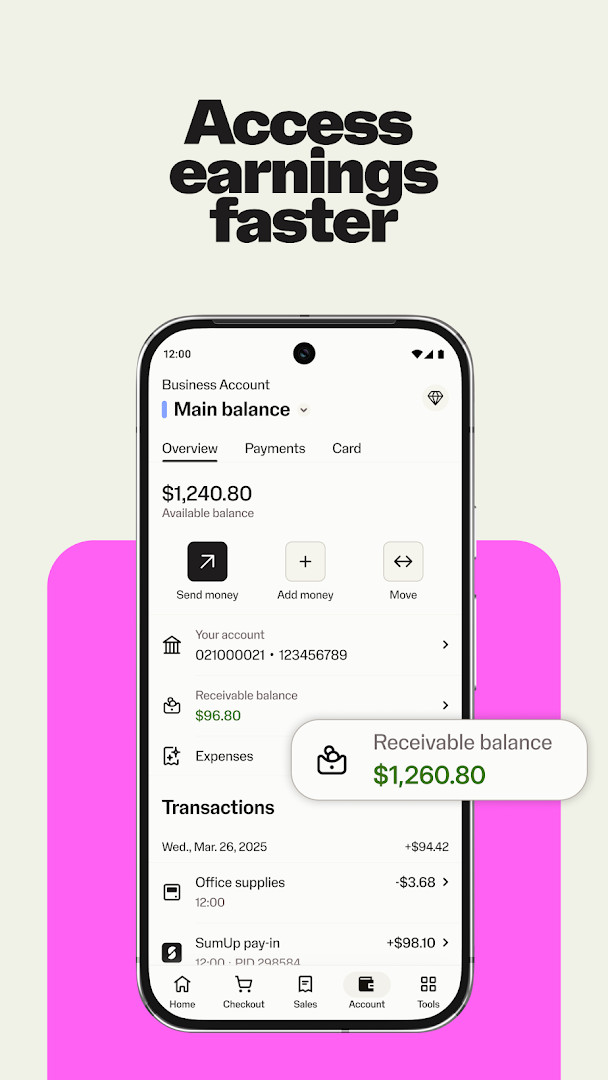
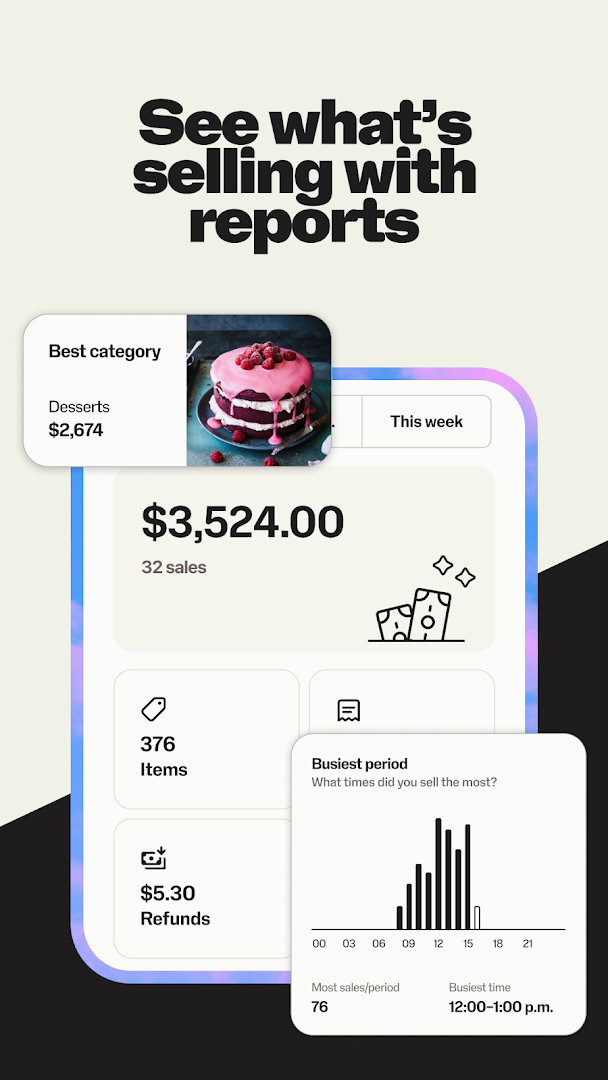
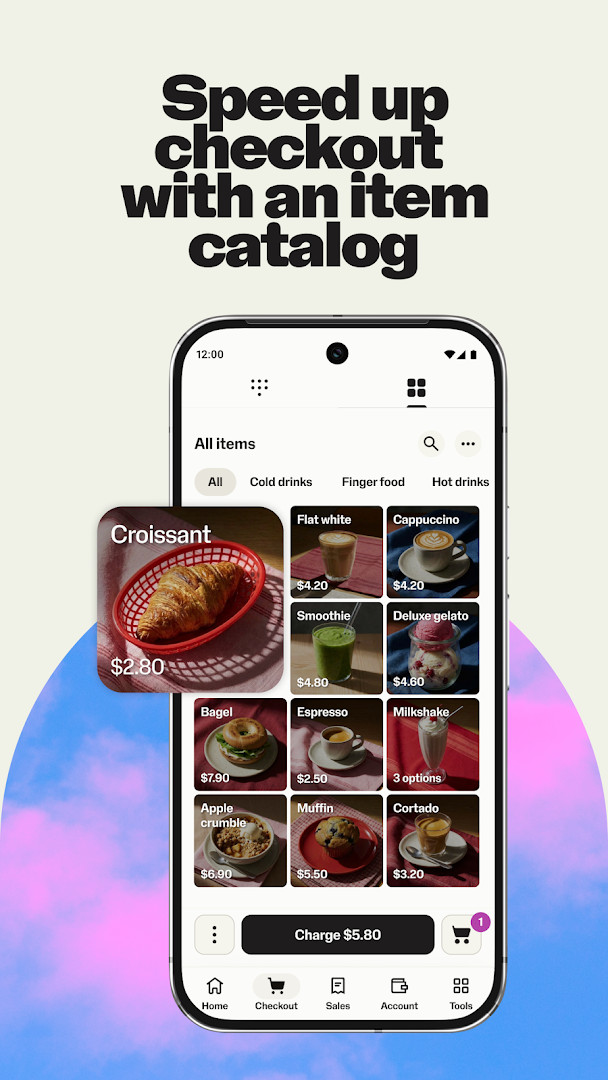
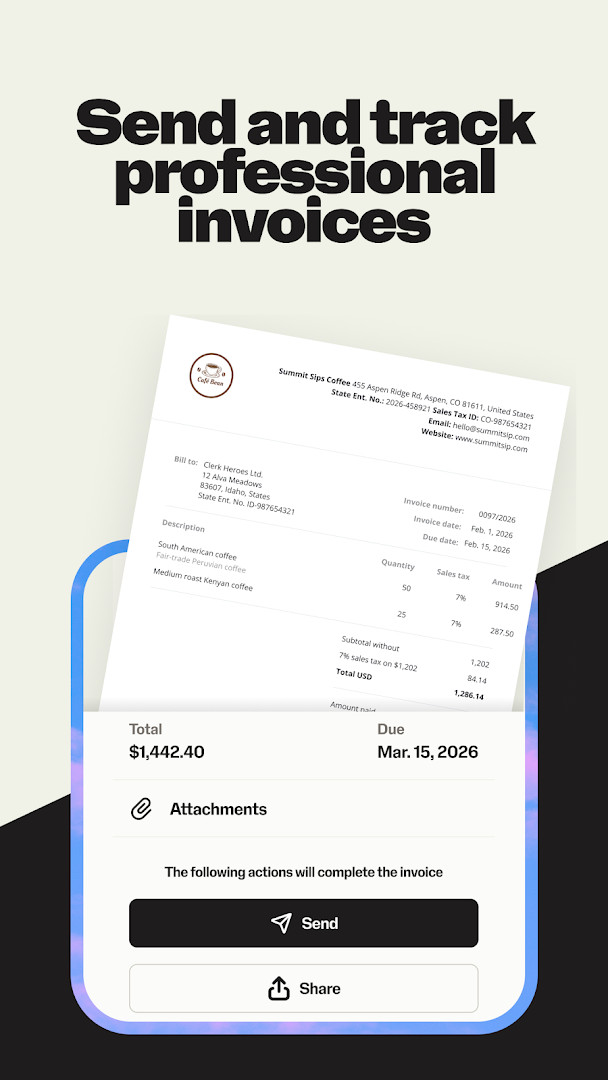
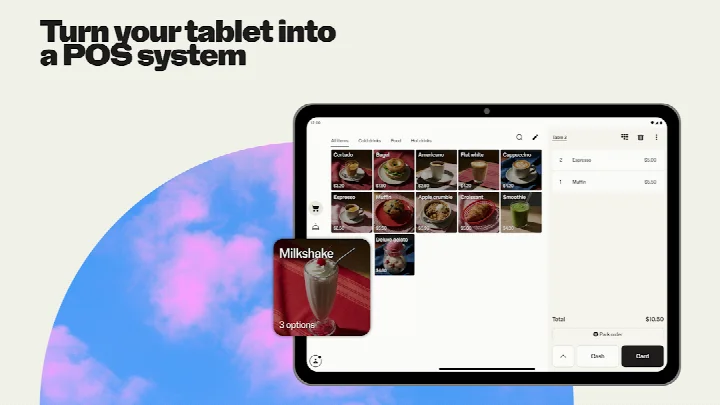
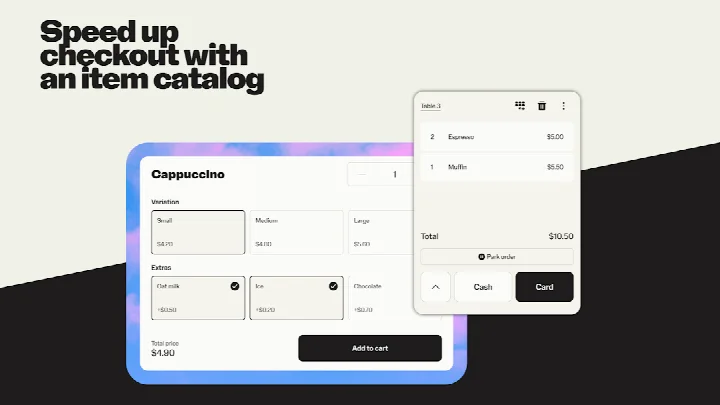
SumUp Business is a finance app by SumUp that helps merchants get paid, manage money, and run day-to-day operations from a single mobile interface. The app supports the Solo card reader for chip and PIN, contactless, and mobile wallet payments, turns a tablet into a point-of-sale system, and lets you create payment links for remote transactions. It also bundles invoicing, an item catalog, reports, and a booking system, so small business owners do not need several separate tools.
Because the app is built around payment hardware and business workflows, it requests a fairly broad set of permissions. These include identity and contact access, location, phone, photos and media files, storage, camera, microphone, Wi-Fi connection information, and device ID and call information. Many of these are reasonable for pairing with card readers, scanning QR codes, attaching images to items or invoices, and troubleshooting connectivity. Still, anyone concerned about privacy should review why each permission is requested before granting it, and the app itself has no advertising and no in-app purchases.
The current release, version 2.193.0, requires Android 10 or later and focuses on bug fixes and stability improvements. It is aimed at freelancers, retailers, food vendors, and beauty or wellness businesses that want to accept card and contactless payments, send professional invoices, and keep financial records in one place.
Key features
- Pair with a Solo card reader to accept chip and PIN, contactless, and mobile wallet payments
- Turn a tablet into a point-of-sale system to take orders, manage stock, monitor sales, and run reports
- Create and share Payment Links from the home screen so customers can pay on a secure website
- Open a SumUp Business Account in minutes and get guaranteed next-day payouts on SumUp payment days
- Create, send, and track professional, on-brand invoices with secure online payment options
- Build an item catalog with images, descriptions, custom tax rates, stock tracking, and online selling
- Access simple sales overviews and detailed reports for every transaction
- Use a free booking system for beauty or wellness businesses with automated reminders and cancellation fees
How to install
- Tap the download button on this page to get the APK file for version 2.193.0; the file size is listed as n/a.
- Keep in mind that Android 10 or newer is required before you start.
- When Android asks, allow your browser or file manager to install apps by enabling the "Install unknown apps" setting.
- Open the downloaded APK file from your notifications or Downloads folder.
- Tap Install and wait for the installation to finish.
- Open the SumUp Business app, sign in, or create a new account to begin.
Pros
- Free to use with no ads and no in-app purchases
- Combines payments, invoicing, and business management in one app
- Includes a free booking system for beauty and wellness businesses
- Offers guaranteed next-day payouts when using SumUp for payments
- Works without dedicated POS hardware when using a tablet
- Supports tipping, refunds, and sales tax rate configuration
Cons
- Requests a broad set of permissions covering identity, contacts, location, phone, storage, camera, microphone, and device information
- Requires Android 10 or newer, which excludes older devices
- User rating is moderate at 3.81 based on over 147,000 ratings, suggesting mixed experiences
- Business account and card reader hardware may involve separate terms and conditions
Recent updates · 2.193.0
SumUp Business 2.193.0, released on November 16, 2026, arrives with general bug fixes and stability improvements. This update helps keep payments, money management, and daily business tools running smoothly and reliably.
Version history
| Version | Size | Requires Android | Updated |
|---|---|---|---|
| 2.193.0 | — | 10 | Nov 16, 2026 |
| 2.188.0 | — | 10 | Oct 12, 2026 |
Small business owners, freelancers, retailers, and beauty or wellness professionals who want to accept card and contactless payments, send invoices, and track sales without investing in dedicated POS hardware.
Review permission prompts carefully when you first open the app. Camera and microphone access are often used for scanning and payment-related tasks, but you can revoke any permission later in Android system settings if you do not need it. Keep the app updated, since each release includes stability fixes, and test payment links and invoices with a small order before using them with customers.
Permissions
Frequently asked questions
Which card readers can I pair with the SumUp Business app?
You can pair the app with the Solo card reader to accept chip & PIN, contactless, and mobile wallet payments. The app also powers payments on stand-alone Solo and Terminal devices, and you can use it to track sales, add tipping options, issue refunds, and set sales tax rates.
Can I run a point of sale system without dedicated POS hardware?
Yes. You can turn a tablet into a POS system with the app, accepting payments, taking orders, managing stock, monitoring sales, and running reports without any dedicated POS hardware.
How can I get paid remotely with Payment Links?
You can create a link directly from the app home screen and share it with a customer by text message, email, or social media DM. The customer opens the link on a secure website where they can complete the cashless transaction.
What features come with the SumUp Business Account?
You can open the account in minutes from the app and manage cash flow along with your funds. If you take payments with SumUp, you get guaranteed next-day payouts, including weekends and holidays, and you receive a contactless Mastercard for business spending.
Does the app include tools for beauty and wellness businesses?
Yes. There is a free all-in-one booking system that lets you manage appointments, collect up-front payments, and reduce no-shows with automated reminders and cancellation fees.
What does the latest version of the app include?
Version 2.193.0, released on 2026-11-16, includes general bug fixes and stability improvements. The app is free, has no ads and no in-app purchases, and requires at least Android 10 operating system.
SumUp Business brings together the payment and back-office tools a small business needs, and it does so without ads or in-app purchases. The broad permission set makes it worth checking your settings, but for merchants already using SumUp hardware or looking for an all-in-one mobile solution, it is a practical and cost-effective companion.
Similar apps







Updated: Nov 26, 2026
| Version | Size | Requires Android | Updated |
|---|---|---|---|
| 2.193.0 | — | 10 | Nov 16, 2026 |
| 2.188.0 | — | 10 | Oct 12, 2026 |
- Version
- 2.193.0
- Requires Android
- 10
- Updated
- Nov 16, 2026
- Installs
- 10M+
- Rating
- ★ 3.81 (147,137)
- Category
- Finance
- Developer
- SumUp
- Content rating
- Everyone
- Package
- com.kaching.merchant
- Free
- ✓