
Auto Clicker: Auto Tapper – Automate Repeated Taps
Auto Clicker: Auto Tapper is a free tool by Simple Design Ltd. that lets you automate repeated clicks and swipes on your Android device.
Auto Clicker: Auto Tapper requires Android 8.0 or higher and includes ads and in-app purchases. With over 10 million installs and a 4.82 rating from more than 400,000 users, it is designed for anyone who wants to save time on repetitive taps and swipes. The app works without root access and uses the Accessibility Service to perform its actions.
Screenshots
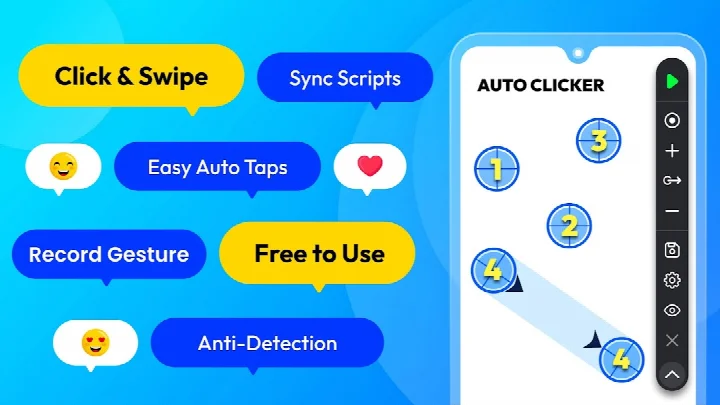
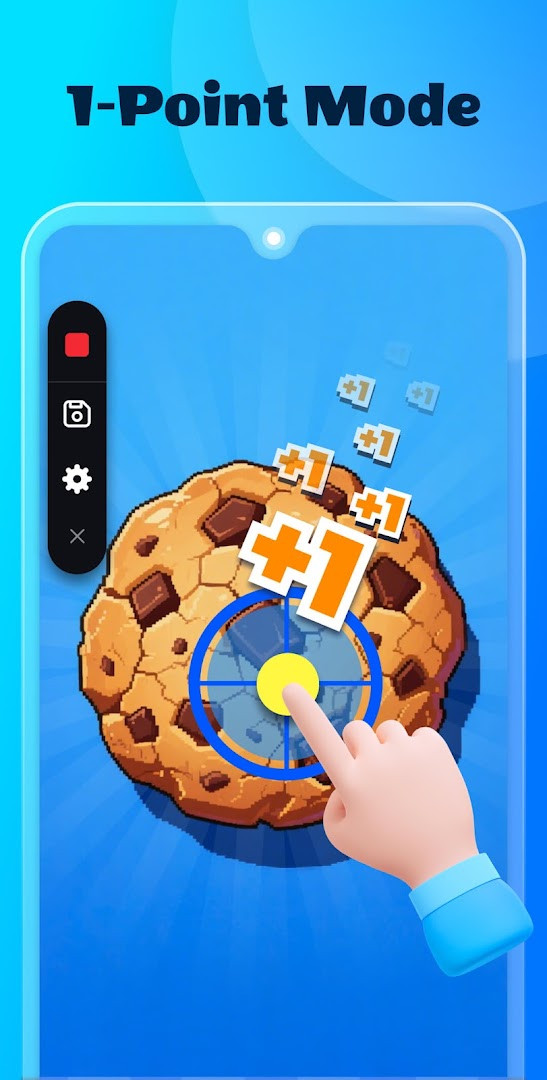
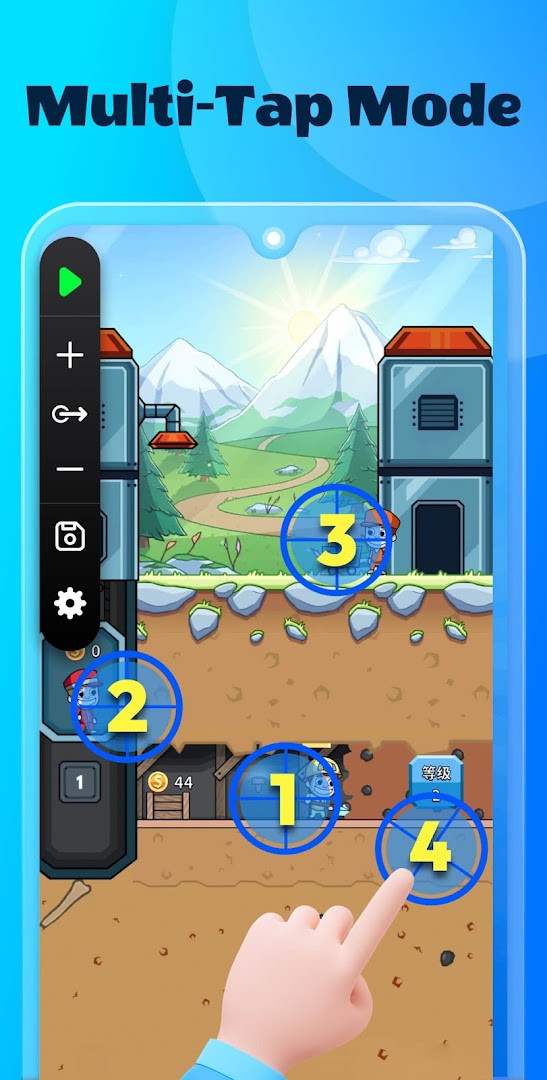
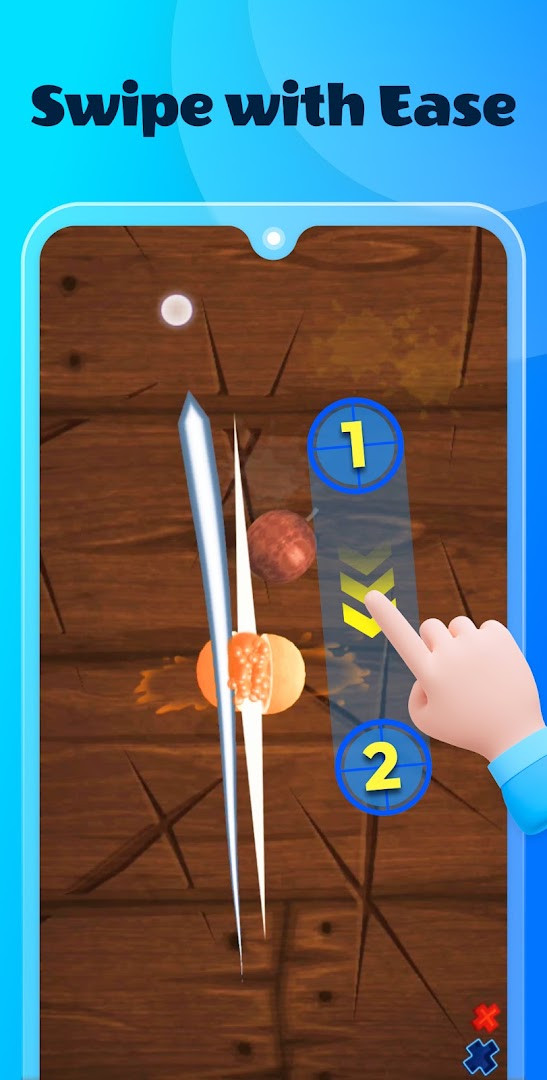
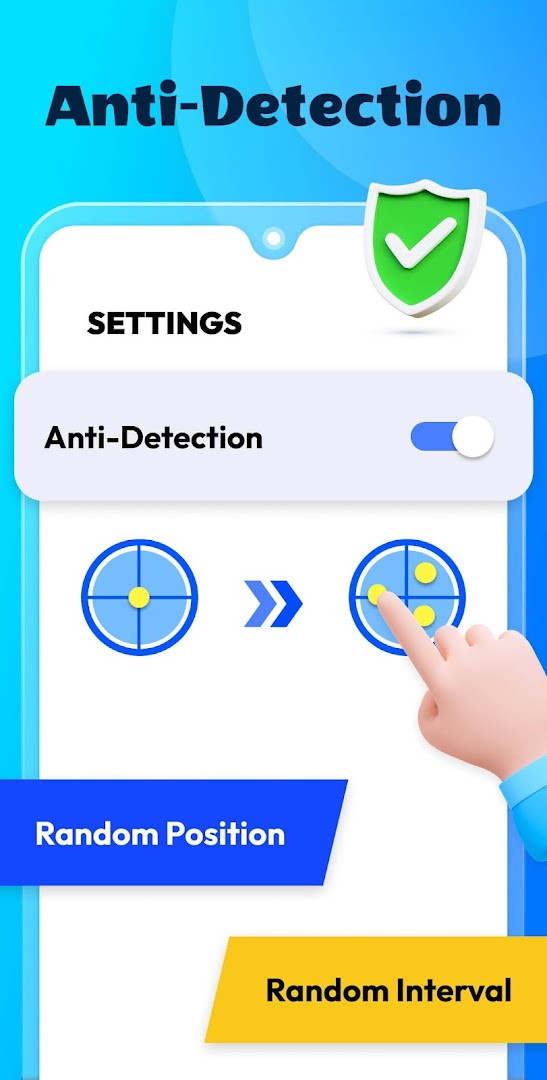
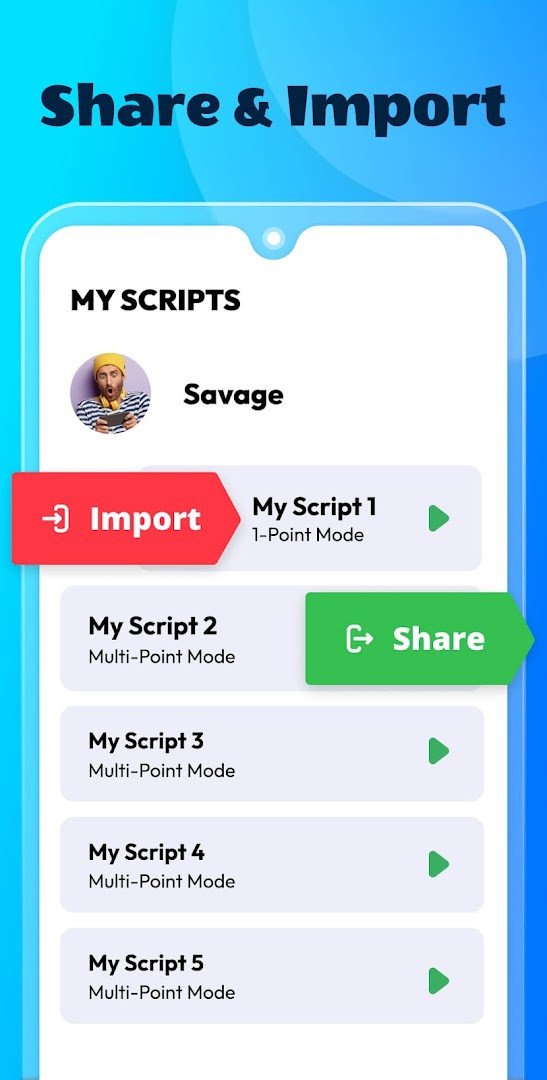
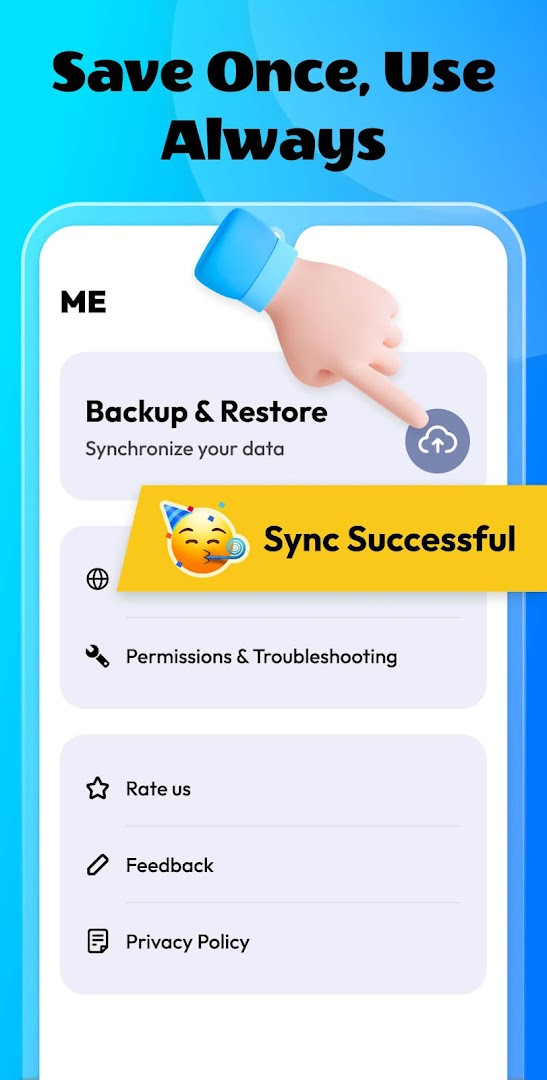
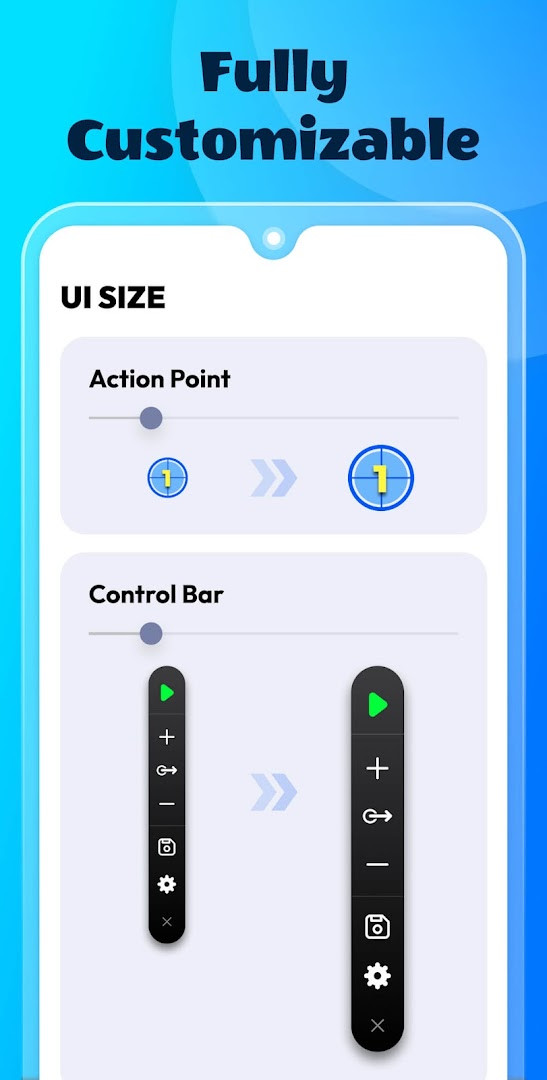
Auto Clicker: Auto Tapper is a Tools app by Simple Design Ltd. that automates repeated taps and swipes on your Android device. It lets you record a sequence of clicks or swipe gestures and then play them back at any interval, freeing you from repetitive actions. Whether you are testing an app, reading a long article, or browsing short videos, this tool can handle the routine interactions so you can focus on other things. The app works without root access, making it accessible to a wide range of users. It includes a floating control panel for quick script adjustments and supports saving, importing, and exporting scripts for reuse. You can also sync your scripts via cloud storage for safekeeping. Designed with a user-friendly interface, it is suitable for both beginners and experienced users who want to simplify their device interactions. Note that the app uses the Accessibility Service API to simulate clicks and swipes, and it does not collect private data through this service. It is available for Android 8.0 and above, and while it is free to use, it contains ads and offers in-app purchases.
Key features
- User-friendly interface, easy to use
- Add click or swipe points and easily manage multiple sequences
- Customize scripts – save, import, and export as you like
- Safe data storage – sync scripts with cloud storage
- Supports multiple situations like testing screens and reading novels
- No root required
How to install
- Tap the download button on this page to get the APK file (size not specified).
- When Android prompts, allow your browser or file manager to install apps by enabling the 'Install unknown apps' setting.
- Open the downloaded APK file from your notifications or file manager.
- Tap 'Install' and wait for the installation to complete.
- Open the app from your app drawer or home screen. Ensure your device runs Android 8.0 or higher.
Pros
- No root access needed
- Floating panel for quick script control
- Cloud sync for scripts
- Supports multiple click and swipe points
- Free to use
Cons
- Contains ads
- In-app purchases available
- Requires Accessibility Service permission
- May not work on all apps due to system restrictions
Previous Versions
| Version | Size | Requires Android | Updated |
|---|---|---|---|
| 1.4.6 | — | 8.0 | 07.09.2026 |
This app is ideal for anyone who performs repetitive taps or swipes on their Android device, such as testers, readers, or people who browse short videos and want to automate routine interactions without rooting their phone.
Start with a simple script, like a single tap, to get familiar with the recording and playback process. Use the floating panel to pause or adjust the script on the fly. Remember to review the Accessibility Service permission and ensure you are comfortable with it, as it is needed for the app to function.
App Permissions
Frequently Asked Questions
Does Auto Clicker: Auto Tapper require root access to perform repeated clicks and gestures?
No, the app operates without root access. It uses the AccessibilityService API to simulate clicks and swipes on your screen.
What Android versions are compatible with Auto Clicker: Auto Tapper?
According to the developer, the app is designed for devices running Android 7.0 or above. However, the current version (1.4.6) specifies a minimum OS of 8.0.
Can I customize and manage my click and swipe scripts in Auto Clicker: Auto Tapper?
Yes, you can add multiple click points and swipe routes, and easily resume them. The app also allows you to save, import, and export your automation scripts as needed.
How does Auto Clicker: Auto Tapper handle data safety and storage?
The app uses cloud storage to sync your scripts simply and safely. The developer states that no private data is collected through the AccessibilityService API.
What practical uses does Auto Clicker: Auto Tapper support?
The app can assist with testing screens, reading novels, and browsing short videos. It saves time by automating repeated clicks and gestures in various situations.
Auto Clicker: Auto Tapper is a practical tool for automating repetitive screen interactions, with a user-friendly design and no root requirement. While it includes ads and needs Accessibility Service, it offers a convenient way to save time on routine tasks. If you often find yourself tapping or swiping repeatedly, this app is worth trying.
Updated: 24.10.2026
| Version | Size | Requires Android | Updated |
|---|---|---|---|
| 1.4.6 | — | 8.0 | 07.09.2026 |
- Version
- 1.4.6
- Requires Android
- 8.0
- Updated
- 07.09.2026
- Installs
- 10M+
- Rating
- ★ 4.82 (400 383)
- Category
- Tools
- Developer
- Simple Design Ltd.
- Content rating
- Everyone
- Package
- autoclicker.clicker.autoclickerapp.autoclickerforgames
- Free
- ✓ · Contains ads · In-app purchases