
Ente Photos - Encrypted Backup: Private photo storage app
Ente Photos - Encrypted Backup is a photography app by Ente Technologies, Inc. that provides end-to-end encrypted photo and video backup.
Ente Photos - Encrypted Backup offers end-to-end encryption so photos and videos are secured on the device before uploading, with on-device AI search that does not send images to a server. It is designed for users who want a private alternative to mainstream photo services, and it includes a free tier with 10 GB of storage.
Screen gallery
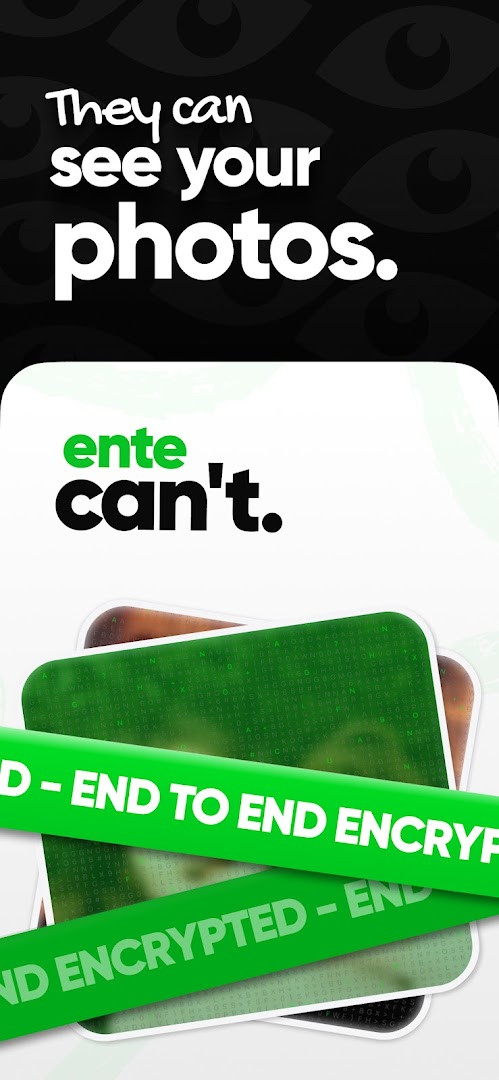
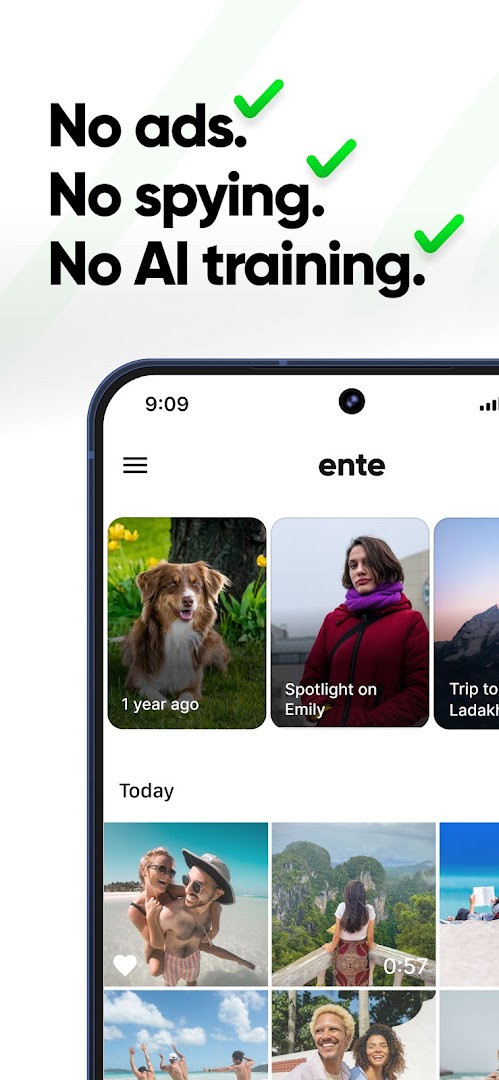
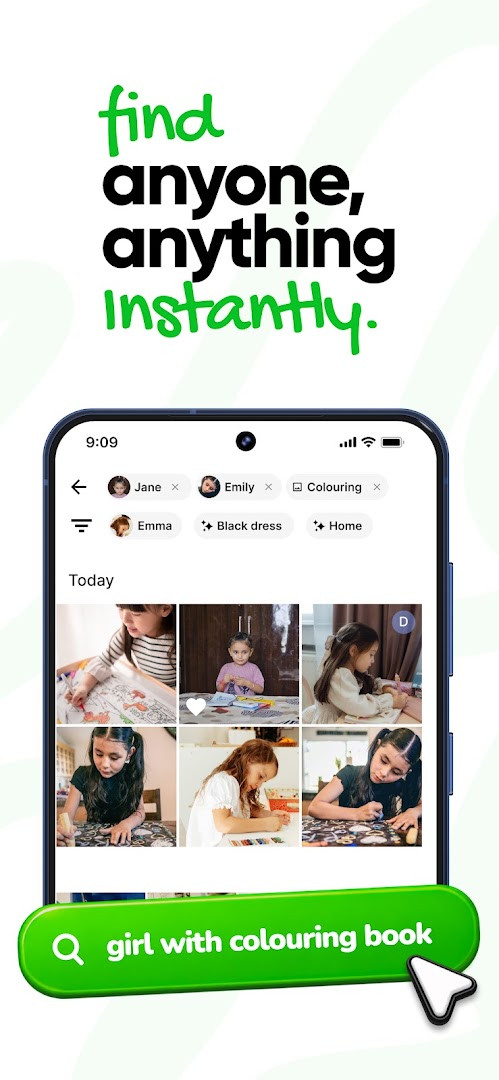
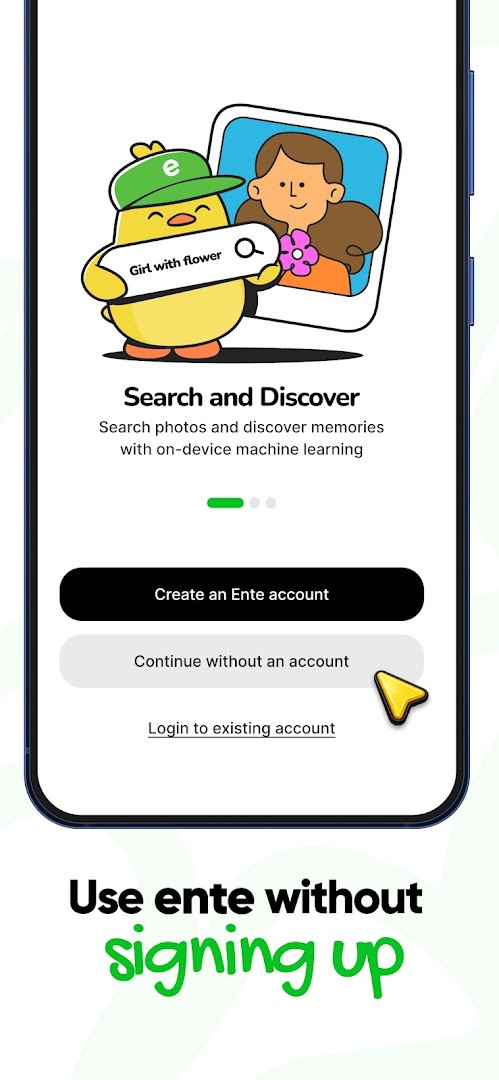
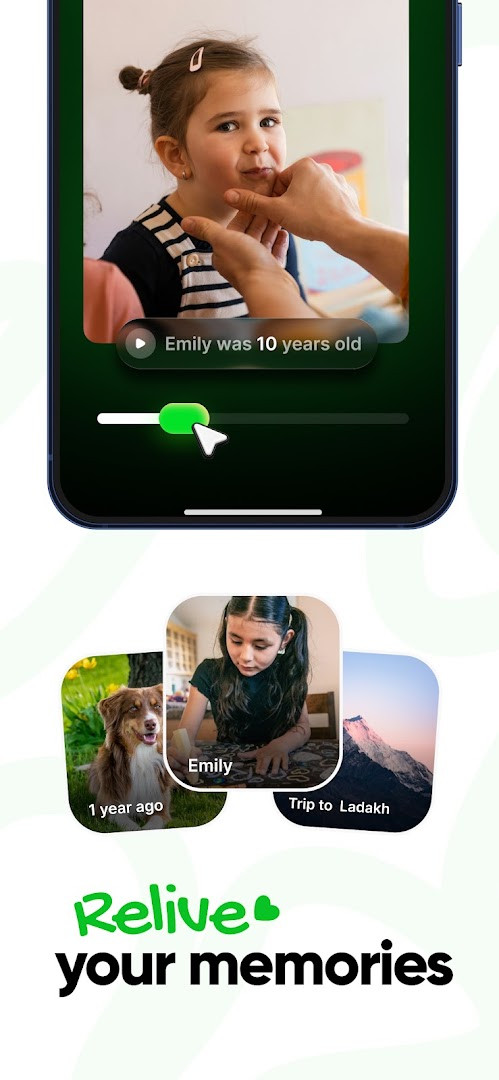
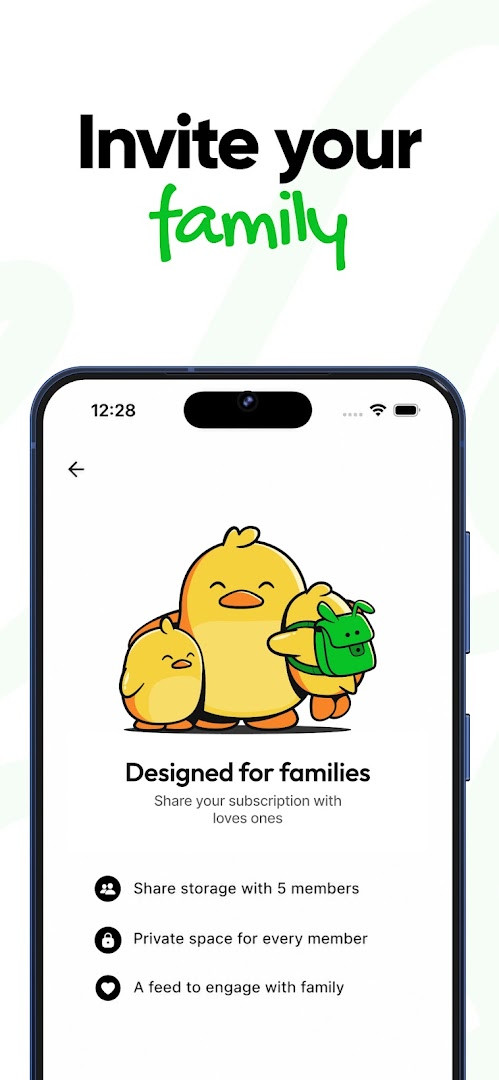
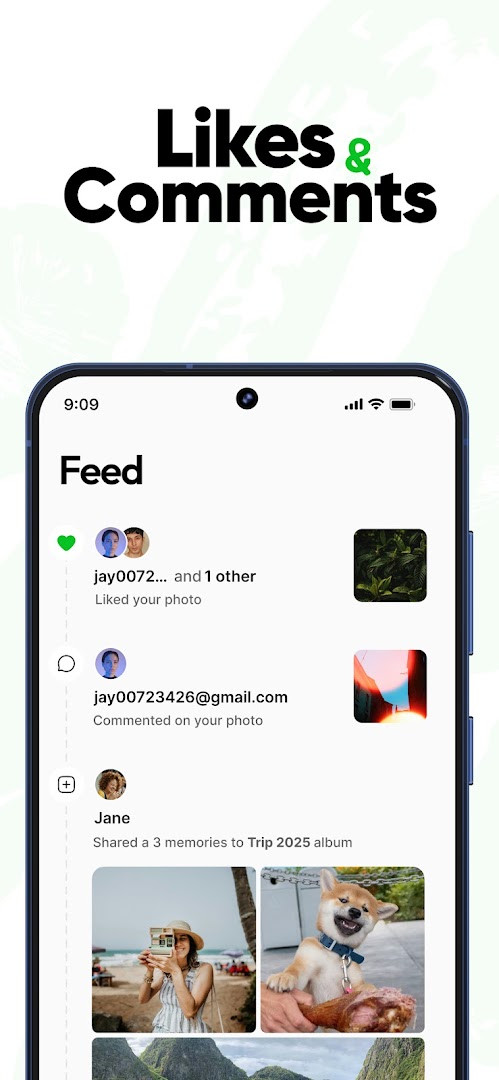
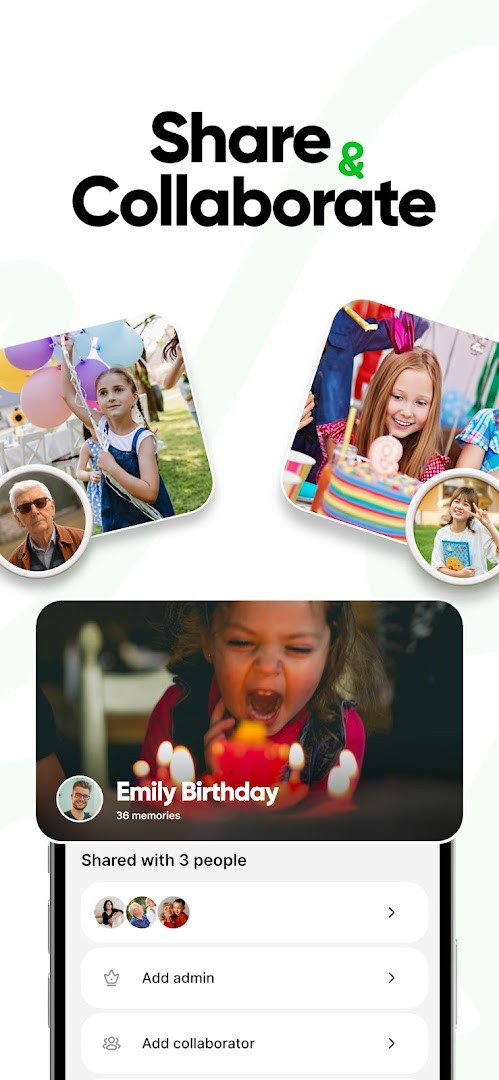
Ente Photos - Encrypted Backup is a photo and video backup app by Ente Technologies, Inc. that provides end-to-end encrypted cloud storage for your memories. It solves the problem of photo apps that scan, analyze, or monetize your personal images by encrypting everything on your device before upload, so only you hold the keys. The app offers a zero-knowledge architecture, meaning even the company cannot view your content, and it includes on-device AI search, encrypted sharing, and original-quality backups. With over 649 million memories uploaded and none visible to the service, it positions itself as a private alternative to mainstream galleries, offering 10 GB of free storage to start.
Key features
- End-to-end encryption: photos and videos are encrypted on your device before they leave it, ensuring zero-knowledge privacy
- Original quality backups: no compression, no resizing, and no stripped metadata, so every file is stored exactly as captured
- On-device AI search: recognizes faces, objects, and places using natural language, without sending photos to a server
- Encrypted album sharing: share albums with family or friends and invite them to add their own photos, with revocable access
- Hidden vault: move sensitive items to a password-protected folder that is invisible to others
- Three-copy storage: backups are kept in 3 secure locations, including an underground facility
- Family sharing: invite up to 5 family members to a paid plan at no extra cost, with separate private galleries
- Cross-platform access: available on Android, iOS, Windows, Mac, Linux, and the web
How to install
- Tap the download button on this page to get the APK file for version 1.3.65
- When Android asks, allow your browser or file manager to install apps by enabling the 'Install unknown apps' setting
- Open the downloaded APK file from your notifications or Downloads folder
- Tap Install and wait for the process to complete
- Open the app from your app drawer and set up your account
- Note: the file size is not specified, and the minimum Android version required is 8.0
Pros
- Strong privacy with end-to-end encryption and zero-knowledge architecture
- No ads, keeping the experience clean and focused
- Original-quality storage with no compression or quality loss
- On-device AI search that respects your privacy
- Open-source code that has been independently audited
- Easy export at full quality, avoiding lock-in
Cons
- In-app purchases are present, so some features require a paid plan
- Requires permissions for photos, storage, camera, and microphone, which may concern privacy-minded users
- Free tier is limited to 10 GB, which may be insufficient for large libraries
Recent updates · 1.3.65
Version 1.3.65 improves album sharing. It also fixes issues affecting search, Memories, and album auto-add functionality.
Version history
| Version | Size | Requires Android | Updated |
|---|---|---|---|
| 1.3.65 | — | 8.0 | Oct 5, 2026 |
This app is ideal for beginners who are new to private photo storage and want a straightforward way to keep their memories secure without technical complexity. It suits anyone who is uncomfortable with photo services that analyze or use their images, including those migrating from mainstream galleries. Families can benefit from the shared storage plans with separate private galleries, and users who value original-quality backups will appreciate the no-compression approach. The interface is designed to be accessible, with simple setup and clear privacy controls, making it a good choice for people who want peace of mind without needing to manage servers or encryption keys themselves.
Start with the 10 GB free plan to test the service, and enable the app lock with a PIN or biometrics for an extra layer of security. Use the hidden vault for sensitive photos, and take advantage of the on-device search to organize your library without uploading data. If you have a large collection, consider the family plan to share storage with up to 5 members.
Permissions
Frequently asked questions
Is Ente Photos free to download and use?
Yes, the app is free to download, and it includes 10 GB of free storage. Optional in-app purchases are available, and there are no ads.
Which Android version do I need to run this app?
Ente Photos requires Android 8.0 or newer. Make sure your device meets that minimum before installing the APK.
Do I need an account to use Ente Photos?
You need an Ente account to back up and sync your photos, since the library is tied to your encrypted cloud storage. Guests can upload to a shared album link without an account, but normal use requires signing in.
What permissions does the app request?
The app asks for Photos/Media/Files, Storage, Camera, and Microphone permissions. These support backing up your library, capturing photos, and recording video or audio.
How do I update Ente Photos to the newest version?
Download the latest version from this page and install it over your current copy. The current release is version 1.3.65, updated on 2026-10-05.
How large is the APK file?
The file size is not listed in the available details. You can check the download section on this page for the exact size before installing.
Ente Photos offers a genuinely private way to back up your photos and videos, with strong encryption and original-quality storage that is easy for beginners to adopt. While the free tier is limited and some features require payment, the peace of mind from zero-knowledge privacy makes it a solid choice for those prioritizing data protection.
Similar apps




Updated: Nov 10, 2026
| Version | Size | Requires Android | Updated |
|---|---|---|---|
| 1.3.65 | — | 8.0 | Oct 5, 2026 |
- Version
- 1.3.65
- Requires Android
- 8.0
- Updated
- Oct 5, 2026
- Installs
- 100K+
- Rating
- ★ 4.3 (2,863)
- Category
- Photography
- Developer
- Ente Technologies, Inc.
- Content rating
- Everyone
- Package
- io.ente.photos
- Free
- ✓ · In-app purchases