Sunglasses Photo Editor: Photography App
Sunglasses Photo Editor is a photography app by Errows Infotech that lets you add sunglasses styles to your photos.
Sunglasses Photo Editor lets you choose from a wide range of man and woman sunglasses styles, crop images, add text, and share results on social media. It is free to use and includes ads. The app requires Android 4.0.3 or higher and has a download size of 5.1 MB.
Screen gallery
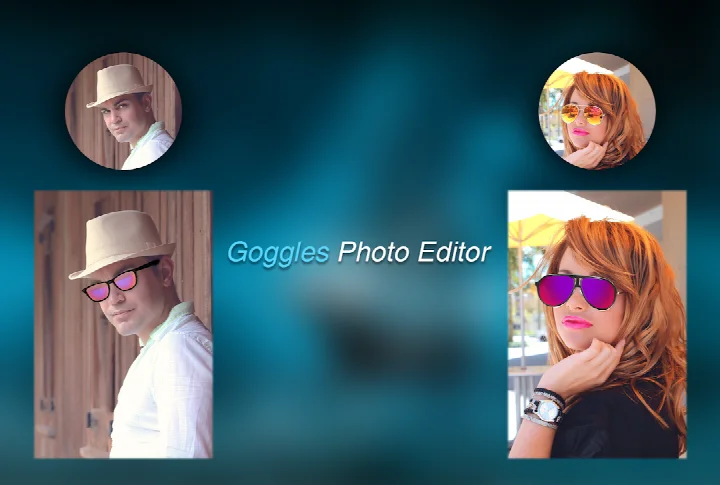
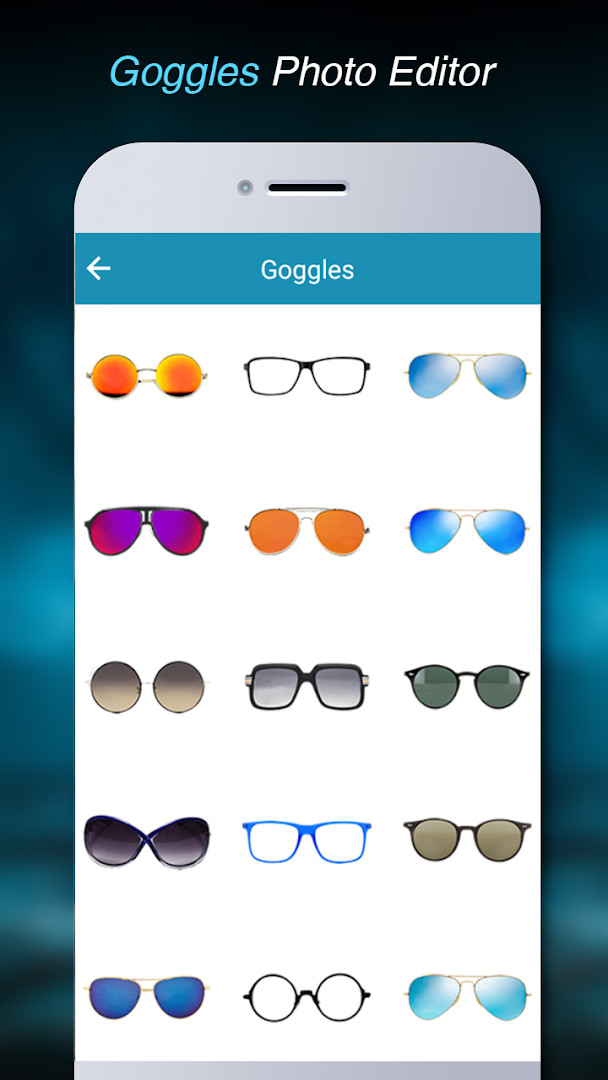
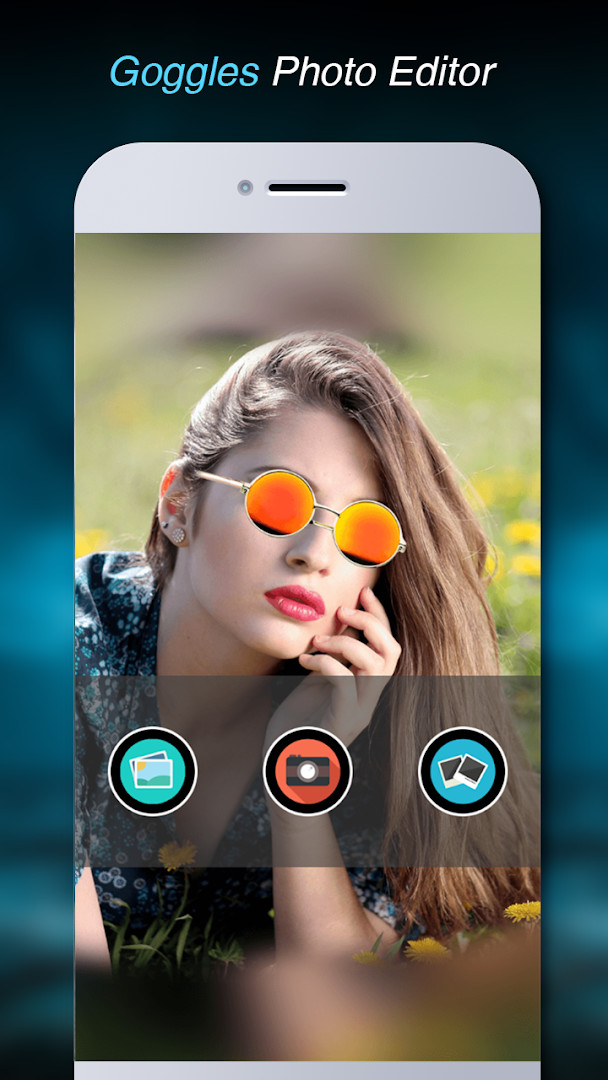
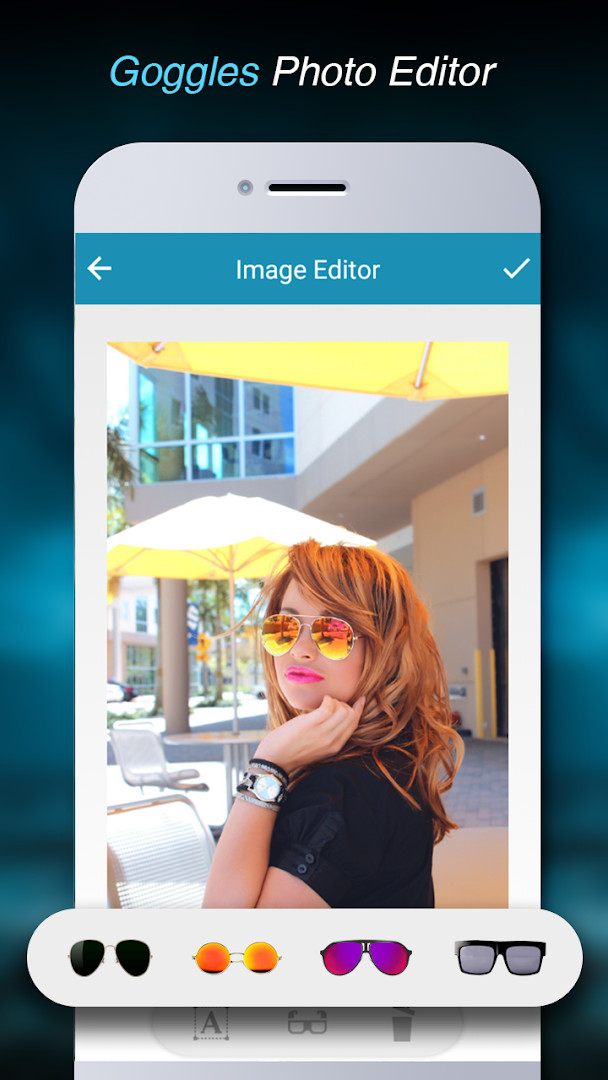
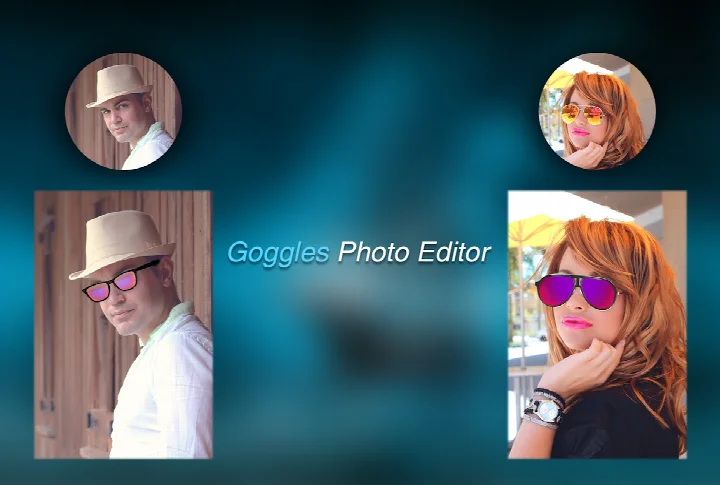
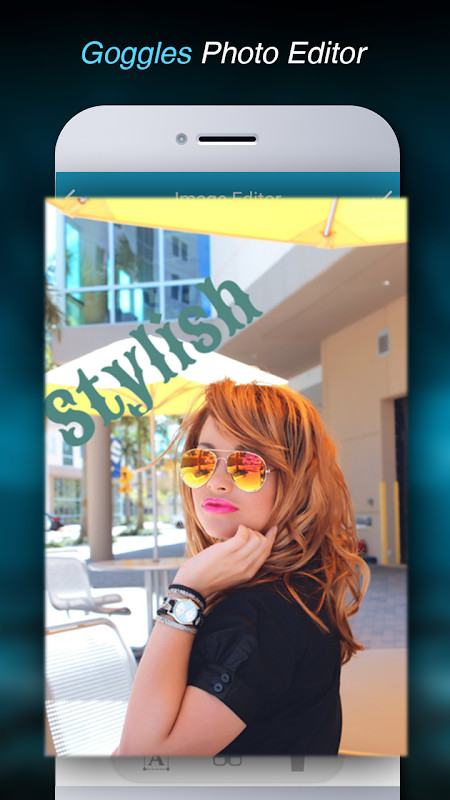
Sunglasses Photo Editor is a photography utility by Errows Infotech that lets users place a variety of sunglass styles onto their own photos. The app is designed for quick, playful photo manipulation, allowing you to pick an image from your gallery or camera, crop it, and then overlay a selection of eyewear designs onto faces. It functions as a simple sticker-style editor rather than a full-featured image manipulation suite, focusing on one specific accessory category. The tool also supports adding text to your pictures, which can be useful for captions or funny messages. Version 1.5, released on January 1, 2019, represents the latest update of this lightweight application, which has been available since October 2016. With over one million installs and a modest rating of 3.08 based on 1,362 ratings, it has found an audience among casual users who enjoy experimenting with virtual fashion accessories. The app is free to use, supported by ads, and does not include in-app purchases, making it an accessible option for those who want a no-cost way to try different eyewear looks. Its core appeal lies in simplicity: select a photo, choose a style, and share the result with friends or family through social media or other sharing options. For users who want to avoid complex editing tools, this app provides a straightforward path to creating amusing or stylish selfies with minimal effort. However, it is important to consider the permissions it requests, as it asks for access to photos, media, files, storage, and the camera, which are typical for an app of this nature but should still be reviewed before installation. Overall, it serves a niche purpose well, though it may not satisfy users looking for advanced editing capabilities or a wider range of effects.
Key features
- Select a photo from your gallery or capture a new one using the camera
- Crop the image to your preferred framing before adding eyewear
- Choose from a wide range of sunglass styles designed for men and women
- Add text to your photo for captions or personal messages
- Save the final edited image directly to your device's gallery
- View your created photos within the application itself
- Share your finished pictures with friends through social media platforms
How to install
- Tap the download button on this page to begin getting the APK file, which is about 5.1 MB in size.
- When Android prompts you, allow your browser or file manager to install apps by enabling the 'Install unknown apps' setting for that specific app.
- Open the downloaded APK file from your notifications or file manager.
- Tap the Install button when the installation screen appears.
- Wait for the installation to complete, then open the app from your app drawer or the install confirmation screen.
Pros
- Free to download and use with no in-app purchase requirements
- Simple and intuitive workflow that takes only a few steps to complete
- Wide variety of sunglass styles for different face types and genders
- Includes text overlay capability for added personalization
- Lightweight app size of only 5.1 MB, making it quick to download
Cons
- Contains advertisements that may interrupt the editing experience
- Limited to sunglasses effects only, without broader photo editing tools
- Requires access to storage and camera permissions, which some users may find excessive
- App has not been updated since January 2019, potentially lacking compatibility with newer Android versions
Version history
| Version | Size | Requires Android | Updated |
|---|---|---|---|
| 1.5 | 5.1 MB | 4.0.3 | Jan 1, 2019 |
This app is well-suited for casual users who enjoy adding fun accessories to their selfies, social media enthusiasts who like to create shareable and humorous content, and anyone curious about trying different eyewear styles without physically purchasing them.
For best results, use a well-lit, front-facing photo with your face clearly visible and centered, as this makes it easier to align the sunglasses properly with your eyes.
Permissions
Frequently asked questions
How do I install the APK on my Android device?
Download the APK from this page, then open the file and allow installation from unknown sources if prompted. The app requires Android 4.0.3 or higher and needs access to storage and your camera.
What is the current version of the app?
The current version is 1.5, which was released on January 1, 2019. The app file size is about 5.1 MB.
Does the app contain ads or in-app purchases?
The app is free to use and does not include in-app purchases, but it does display advertisements while you use it.
Can I use the app offline?
The app works offline for selecting photos, cropping, applying sunglasses styles, adding text, saving, and viewing images. However, sharing to social media requires an internet connection.
What alternatives exist in the photography category?
You can find other photo editing apps that let you add accessories, stickers, or effects to your pictures. Look for apps that allow importing images from your gallery or camera and offer a range of style options.
What permissions does the app need?
The app requests access to your camera, storage, and photos or media files so you can take new pictures, choose existing ones, and save the edited results.
Is the app suitable for children?
The content rating is Everyone, so it is considered appropriate for all ages. It is a simple photo editing tool for adding sunglasses styles to pictures.
Sunglasses Photo Editor offers a straightforward and entertaining way to apply virtual eyewear to your photos, with a decent variety of styles and a simple interface that anyone can master quickly. While its dated update history and reliance on ads are drawbacks, the free price point and focused functionality make it a reasonable choice for light-hearted photo fun rather than serious editing work.
Similar apps


Updated: Nov 5, 2026
| Version | Size | Requires Android | Updated |
|---|---|---|---|
| 1.5 | 5.1 MB | 4.0.3 | Jan 1, 2019 |
- Version
- 1.5
- Size
- 5.1 MB
- Requires Android
- 4.0.3
- Updated
- Jan 1, 2019
- Installs
- 1M+
- Rating
- ★ 3.08 (1,362)
- Category
- Photography
- Developer
- Errows Infotech
- Content rating
- Everyone
- Package
- errows.photoeditor.sunglassesphotoeditor
- Free
- ✓ · Contains ads