GIF Maker: Create Animated GIFs
GIF Maker is a free photography app by Train your brain that lets you create animated GIFs from videos and images and share them on social platforms.
GIF Maker has a file size of 7.9 MB and requires Android 4.4 or higher, with ads present and no in-app purchases. The app supports creating GIFs from videos or multiple photos, trimming video, adjusting frame speed, and saving or sharing results via WhatsApp, Facebook, Twitter, Instagram, and Telegram.
Screen gallery
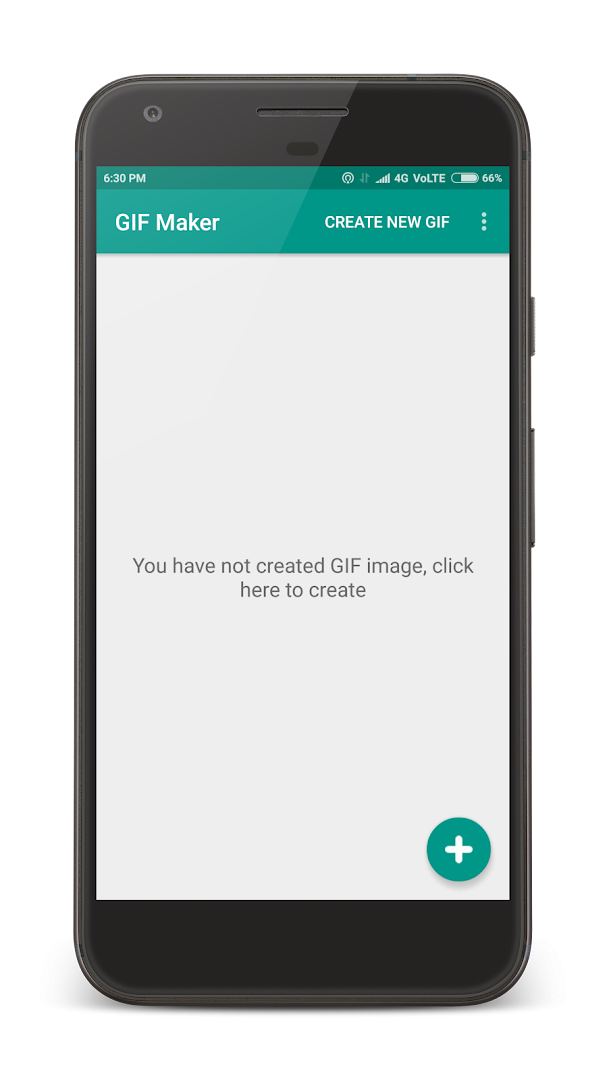
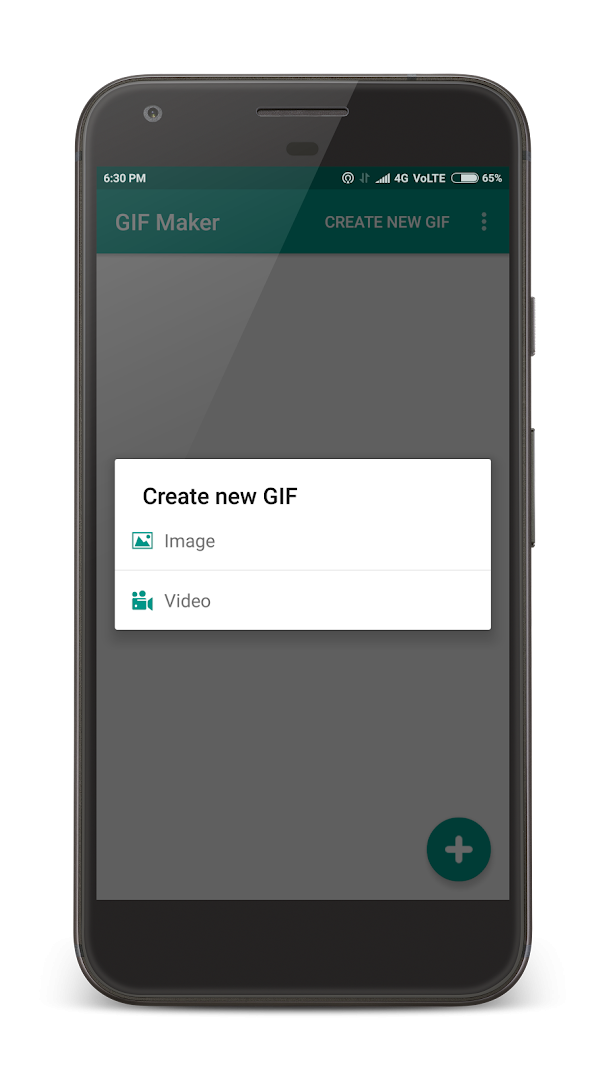
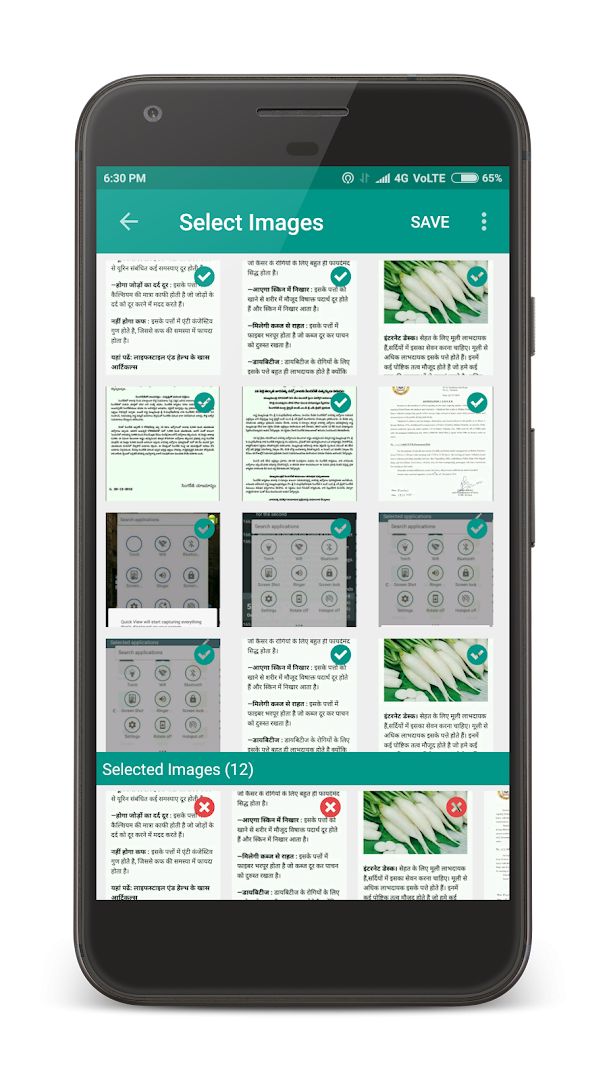
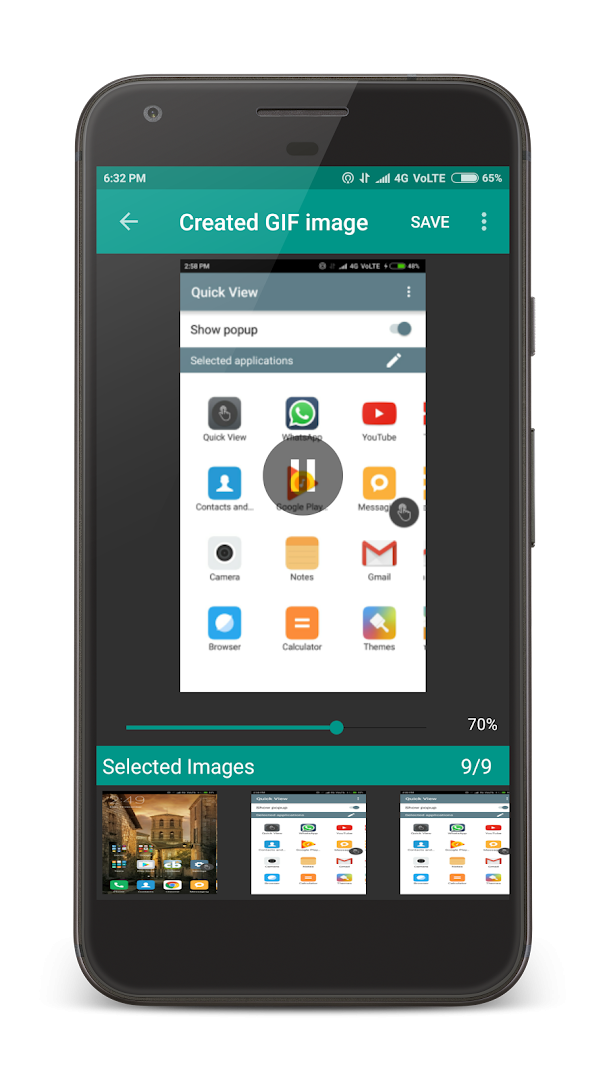
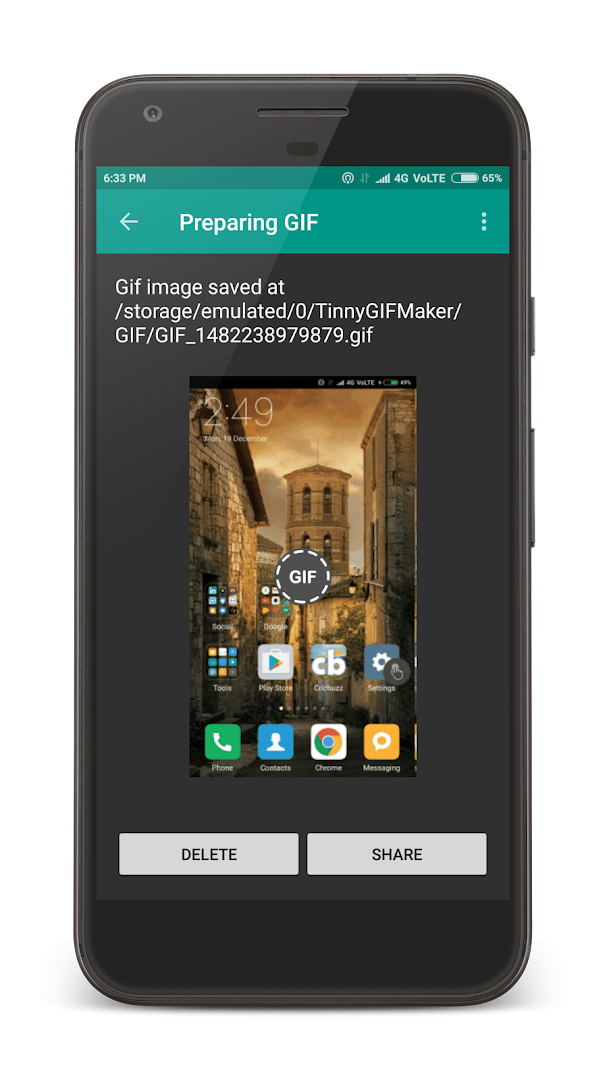
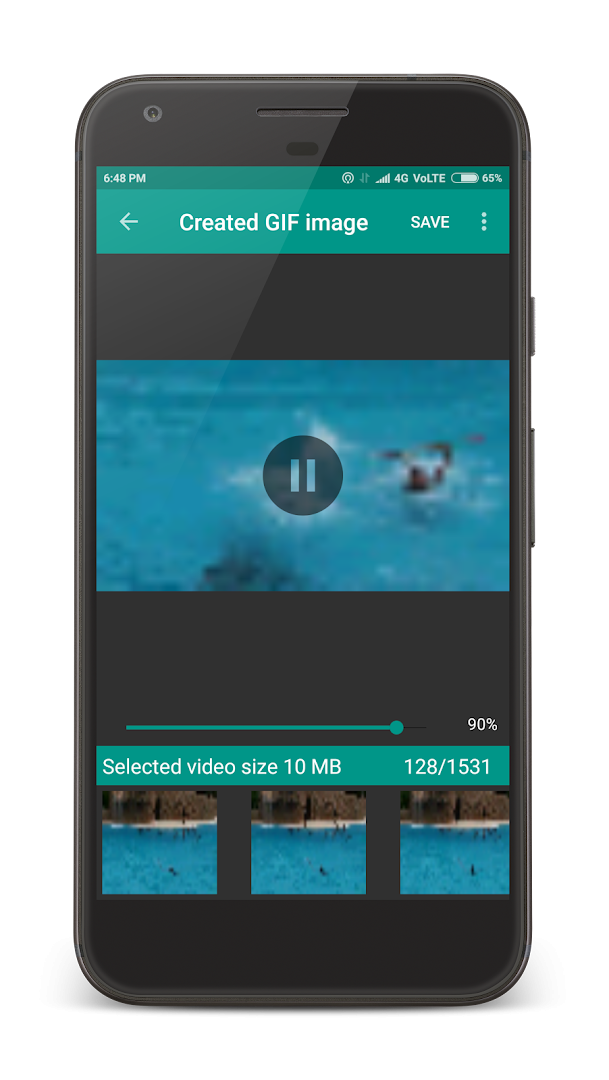
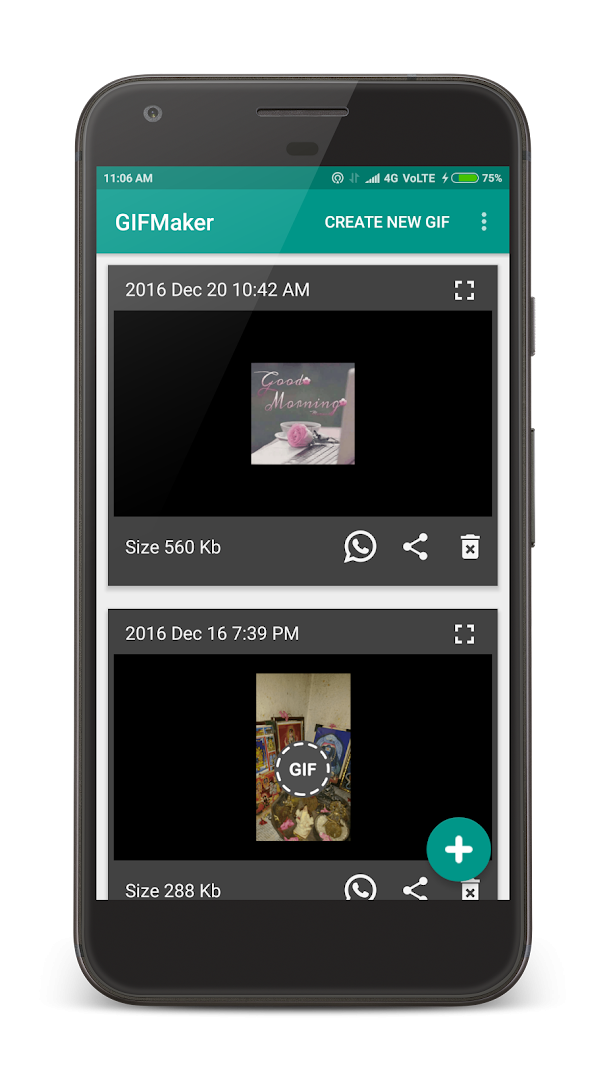
GIF Maker is a photography utility by Train your brain that converts short video clips and multiple photos into animated GIF images. The app solves a common problem: producing a GIF usually feels like a desktop-level task, but here everything happens on the phone. You pick a video from your gallery, trim the segment you want, and the app generates a sequence of frames that you can play back as an animated image. You can also combine several pictures into one looping animation and adjust how fast the frames advance before saving the result. Once the GIF is ready, managing the saved files and sharing them with messaging or social apps is straightforward, so the whole workflow stays casual and approachable. The current release is version 2.7, a free app with more than half a million total installs, and it remains a reasonable starting point for beginners who want quick, shareable animations without any editing experience.
Key features
- Select a video from your gallery and trim it before the GIF is created
- Multiple frames are generated automatically from the chosen video segment
- Control how fast the GIF frames play before saving the result
- Choose several photos from the gallery to build an animated GIF image
- Manage and view all of your created GIF files inside the app
- Share finished GIFs to WhatsApp, Facebook, Twitter, Instagram, Telegram and other apps with one tap
- Save every created GIF directly to device storage
- Create GIFs from videos, images and selfies for casual or funny messaging purposes
How to install
- Tap the download button on this page to get the GIF Maker APK, which is about 7.9 MB in size.
- When Android asks for permission, allow your browser or file manager to install apps from unknown sources by enabling the 'Install unknown apps' setting.
- Open the downloaded APK file from your notifications or downloads folder.
- Tap Install and wait for the installation to complete.
- Open the app and start creating GIFs. Your phone must run Android 4.4 or newer.
Pros
- Completely free to download and use with no in-app purchases
- Very small download size of about 7.9 MB
- Simple video trimming built into the creation flow
- Frame speed control lets you fine-tune the animation feel
- One-tap sharing to popular messaging and social platforms
- Created GIFs are saved in device storage for easy reuse
Cons
- Contains advertisements while you use the app
- Requires access to your photos, media and storage
- The app was last updated in October 2019, so it may not be tuned for the newest Android releases
- Editing, text and camera capture features are listed as upcoming and are not available yet
- Average user rating is moderate at 3.44 based on around 4,500 ratings
Recent updates · 2.7
GIF Maker version 2.7 adds support for the latest Android system versions, ensuring smoother performance on newer devices. This update focuses on compatibility so you can continue creating and sharing fun animated GIFs from your videos and photos without issues.
Version history
| Version | Size | Requires Android | Updated |
|---|---|---|---|
| 2.7 | 7.9 MB | 4.4 | Oct 18, 2019 |
GIF Maker is best suited to beginners and casual users who want to make fun, simple GIFs from videos or photo collections without learning a complex editor. If your main goal is to send short animated clips to friends on WhatsApp, Facebook, Telegram or similar apps, this tool keeps the process short and direct. It is also a convenient choice for anyone who just wants to combine several selfies or pictures into a looping animation and share it quickly. More advanced users who need text overlays, precise frame editing or camera capture will probably outgrow it quickly, since those capabilities are still listed as upcoming features.
Trim the video to the shortest meaningful moment before generating frames, because shorter inputs usually create smoother and easier-to-share GIFs. Spend a few seconds adjusting the frame speed slider before saving, since a speed that feels right in the preview will look much better when the animation is shared. After saving, use the built-in file manager view to review your creations and avoid saving duplicate GIFs.
Permissions
Frequently asked questions
Can I trim a video before converting it into a GIF?
Yes, the app lets you pick a video from your gallery and trim the selected portion before the GIF is created.
How does the app build a GIF from a video?
When you choose a video, the app generates multiple frames from it and assembles those frames into a GIF, and you can adjust the frame speed before saving.
Can I make a GIF from several photos at once?
Yes, you can select multiple photos from your gallery and the app will combine them into a single GIF image.
What can I do with the GIFs I create?
You can save the finished GIF to your device storage, manage the files you have made, and share any of them with a single tap through apps like WhatsApp, Facebook, Twitter, Instagram, and Telegram.
Is the app free and does it contain ads?
The app is free to use with no in-app purchases, but it does include ads. It requires Android 4.4 or higher and uses about 7.9 MB of storage.
GIF Maker does one job, converting videos and photos into animated GIFs, and it does that job in a way that is easy for newcomers to follow. It has clear limitations around editing and recent maintenance, but it can still be a useful, free starting tool for casual sharing.
Similar apps




Updated: Nov 12, 2026
| Version | Size | Requires Android | Updated |
|---|---|---|---|
| 2.7 | 7.9 MB | 4.4 | Oct 18, 2019 |
- Version
- 2.7
- Size
- 7.9 MB
- Requires Android
- 4.4
- Updated
- Oct 18, 2019
- Installs
- 500K+
- Rating
- ★ 3.44 (4,522)
- Category
- Photography
- Developer
- Train your brain
- Content rating
- Everyone
- Package
- com.tinny.gifmaker
- Free
- ✓ · Contains ads