
Panasonic LUMIX Sync: Wi-Fi camera control app
Panasonic LUMIX Sync is a Photography app by Panasonic Holdings Corporation that lets you control Panasonic Wi-Fi cameras via smartphone.
Panasonic LUMIX Sync is designed for owners of compatible Panasonic S and G series cameras, offering remote shooting, image copying, camera pairing, and location recording. It is free, contains no ads or in-app purchases, requires Android 11 or higher, and has a download size of 60 MB.
Screen gallery
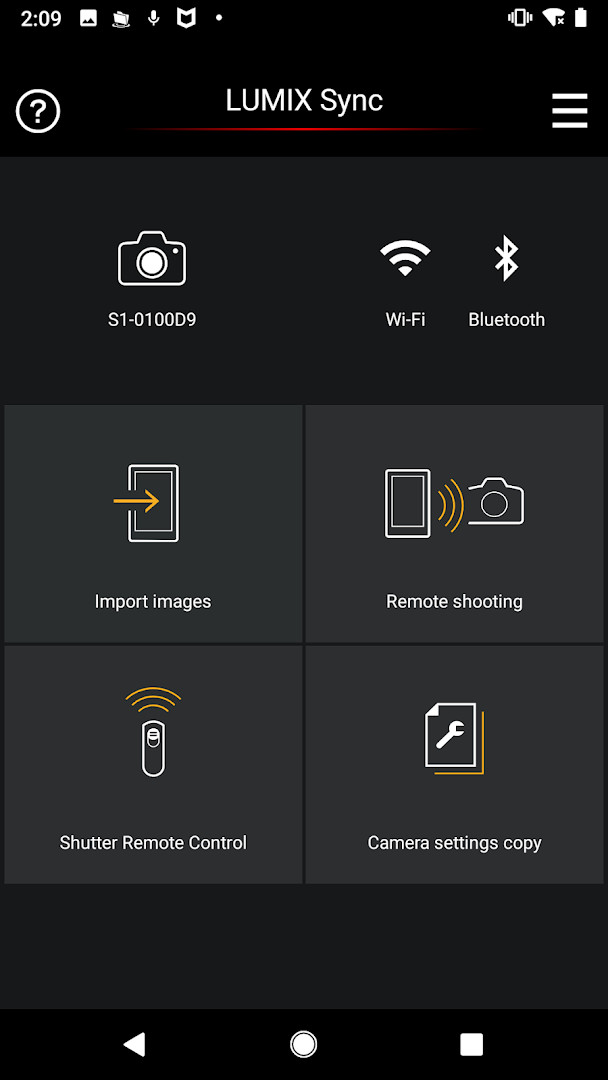
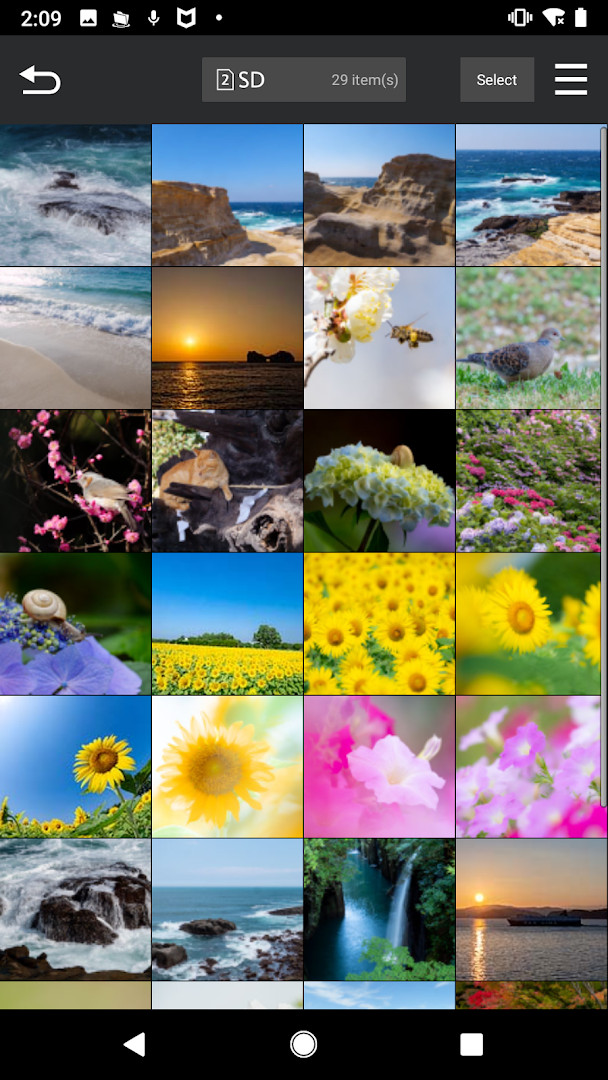
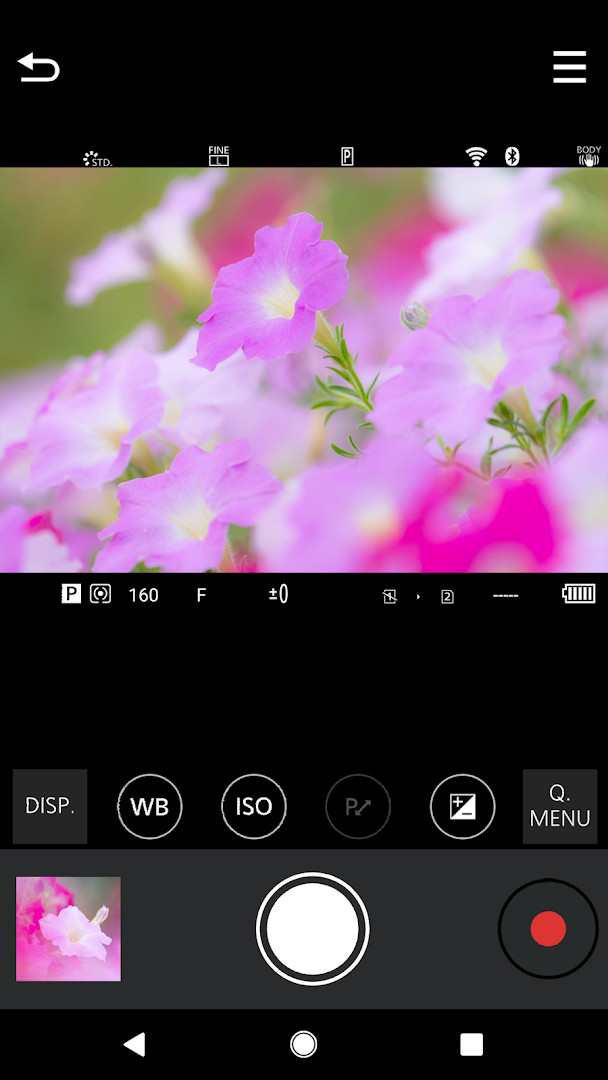
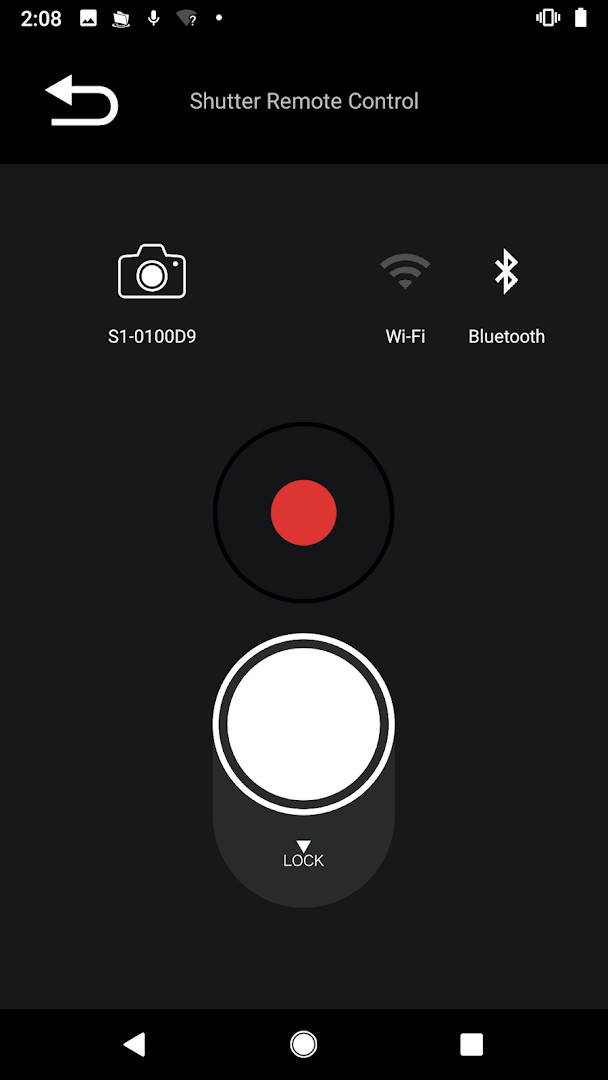
Panasonic LUMIX Sync is a photography companion app by Panasonic Holdings Corporation that lets you operate compatible Panasonic Wi-Fi cameras from your Android smartphone. The app solves the problem of managing camera files and shooting remotely by providing a wireless bridge between your phone and supported LUMIX models, so you can copy pictures and videos, trigger the shutter while watching a live view, and pair a camera through guided steps. It works with a range of S-series and G-series cameras, including the DC-S1, DC-S5, DC-GH6, and DC-G9M2, and it also supports location logging to help you organize photos by where they were taken. The app relies on Bluetooth to simplify the initial Wi-Fi connection, and it supports 802.11ac for faster transfers when both your phone and router support that standard. A built-in User Guide helps you learn the controls, and the app is free with no ads or in-app purchases, though it does request access to location, storage, camera, and Wi-Fi information to perform its core functions.
Key features
- Copy pictures and videos from a compatible Panasonic camera to your smartphone
- Take photos remotely by viewing the camera's live view on your phone
- Pair a camera easily through step-by-step guidance
- Set up a Wi-Fi connection quickly using Bluetooth
- Automatically record location information to pictures for later sorting
- Transfer images at higher speed over 802.11ac Wi-Fi when supported
- Access an in-app User Guide for help with using the app
- Includes a launch button for LUMIX Lab in version 2.0.17
How to install
- Tap the download button on this page to get the APK file, which is about 60 MB in size.
- When Android prompts you, allow your browser or file manager to install apps by enabling the 'Install unknown apps' setting for that app.
- Open the downloaded APK file from your notifications or file manager.
- Tap Install and wait for the installation to finish.
- Open the Panasonic LUMIX Sync app from your app drawer and follow the on-screen setup.
- Make sure your device runs Android 11 or newer, as the app supports Android 11 through 16.
Pros
- Free to use with no ads or in-app purchases
- Supports a broad range of recent LUMIX cameras
- Bluetooth-assisted pairing simplifies initial setup
- Live view remote shooting is useful for self-portraits or stable shots
- Location logging helps sort photos by place
- Built-in User Guide reduces the learning curve
Cons
- Requests several permissions, including location and storage, which may feel invasive
- Location recording can drain battery quickly if left on
- Only works with listed Panasonic models, so older cameras need a different app
- Remote recording and transfer are limited on some models like the GH5 series
Recent updates · 2.0.17
This update to Panasonic LUMIX Sync, version 2.0.17, adds a launch button for LUMIX Lab. No other changes were detailed by the developer.
Version history
| Version | Size | Requires Android | Updated |
|---|---|---|---|
| 2.0.16 | 50 MB | 10 | Aug 26, 2026 |
| 2.0.17 | 60 MB | 11 | Jul 10, 2026 |
| 2.0.4 | 35 MB | 7.0 | Jun 17, 2026 |
| 2.0.8 | 47 MB | 8.0 | Apr 4, 2026 |
| 2.0.11 | 51 MB | 9 | Nov 23, 2025 |
| 2.0.15 | 50 MB | 10 | Aug 3, 2025 |
This app is for photographers who own a compatible Panasonic LUMIX camera and want a straightforward way to move images to their phone or shoot from a distance. Beginners will appreciate the guided pairing and the built-in manual, while more experienced users can use remote live view and faster transfers over 802.11ac. It suits anyone who wants to review photos on a larger screen, back up files while in the field, or trigger the shutter without touching the camera, as long as their device runs Android 11 or newer.
Keep in mind that using the GPS-based location recording feature continuously can significantly reduce your phone's battery life, so turn it off when you don't need it. Also, for the fastest image transfers, make sure both your smartphone and Wi-Fi router support 802.11ac.
Permissions
Frequently asked questions
Which Panasonic LUMIX camera models are compatible with this app?
The compatible S series includes DC-S1, DC-S1R, DC-S1H, DC-S5, DC-BS1H, DC-S5M2, DC-S5M2X, and DC-S9. The G series includes DC-G100, DC-G110, DC-GH5M2, DC-BGH1, DC-GH6, DC-G9M2, DC-G100D, DC-GH7, and DC-G97. For DC-GH5, DC-GH5S, and DC-G9, only remote recording and image transfer are available; to use all functions on those cameras, Panasonic Image App should be used instead.
Which Android versions does LUMIX Sync support?
The app supports Android 11 through Android 16. The minimum operating system version is Android 11, and the app package is approximately 60 MB in size.
Can the app transfer images faster over Wi-Fi?
Yes, the app supports 802.11ac Wi-Fi, which enables higher-speed image copying when both the Wi-Fi router and the smartphone also support 802.11ac.
What was added in version 2.0.17?
Version 2.0.17, updated on 2026-07-10, added a launch button for LUMIX Lab. Other recent versions include 2.0.16 (2026-08-26), 2.0.4 (2026-06-17), 2.0.8 (2026-04-04), and 2.0.11 (2025-11-23).
Does the location recording feature affect battery life?
Yes, continued use of the GPS function for location information recording can lead to a dramatic decrease in battery capacity.
What permissions does the app request?
The app requests access to device and app history, location, photos/media/files, storage, camera, and Wi-Fi connection information. It is free, contains no ads, and has no in-app purchases.
Panasonic LUMIX Sync is a practical tool for controlling compatible LUMIX cameras wirelessly, with remote shooting and file transfer as its main strengths. It is free and ad-free, but check your camera model and Android version before downloading to ensure full compatibility.
Similar apps






Updated: Nov 23, 2026
| Version | Size | Requires Android | Updated |
|---|---|---|---|
| 2.0.16 | 50 MB | 10 | Aug 26, 2026 |
| 2.0.17 | 60 MB | 11 | Jul 10, 2026 |
| 2.0.4 | 35 MB | 7.0 | Jun 17, 2026 |
| 2.0.8 | 47 MB | 8.0 | Apr 4, 2026 |
| 2.0.11 | 51 MB | 9 | Nov 23, 2025 |
| 2.0.15 | 50 MB | 10 | Aug 3, 2025 |
- Version
- 2.0.17
- Size
- 60 MB
- Requires Android
- 11
- Updated
- Jul 10, 2026
- Installs
- 500K+
- Rating
- ★ 2.94 (2,640)
- Category
- Photography
- Developer
- Panasonic Holdings Corporation
- Content rating
- Everyone
- Package
- com.panasonic.jp.lumixsync
- Free
- ✓