App Lock - Lock Apps: App locker and privacy tool
App Lock - Lock Apps is a tools app by KewlApps that locks apps with fingerprint, pattern, and pin.
App Lock - Lock Apps locks selected apps with fingerprint, pattern, or pin and also protects photos and videos in the gallery. App Lock - Lock Apps targets people who want to keep WhatsApp and other social apps private, and it auto-locks newly installed apps.
Screen gallery
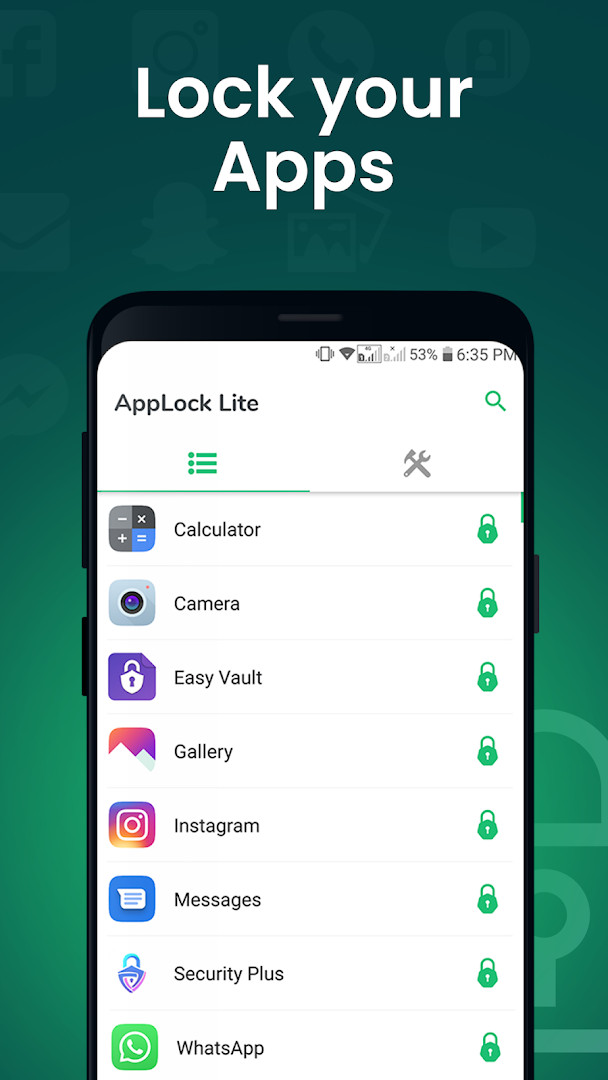
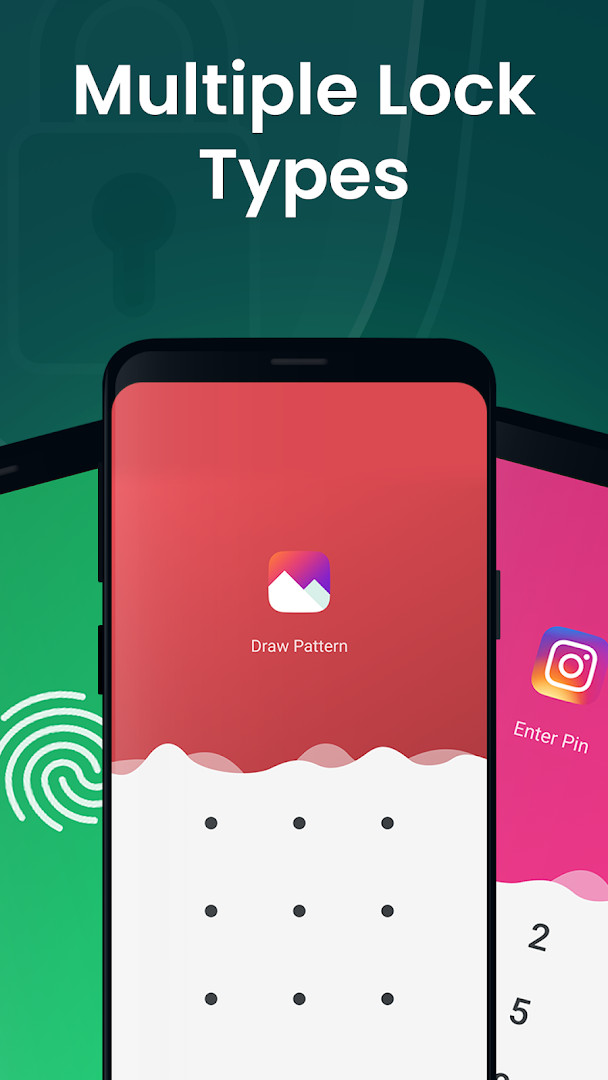
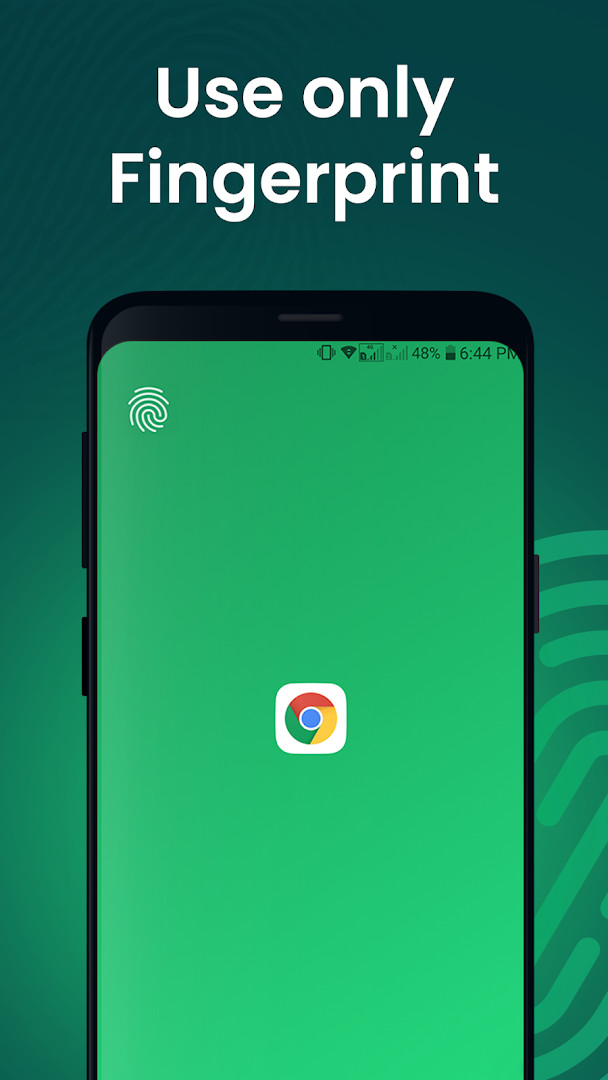
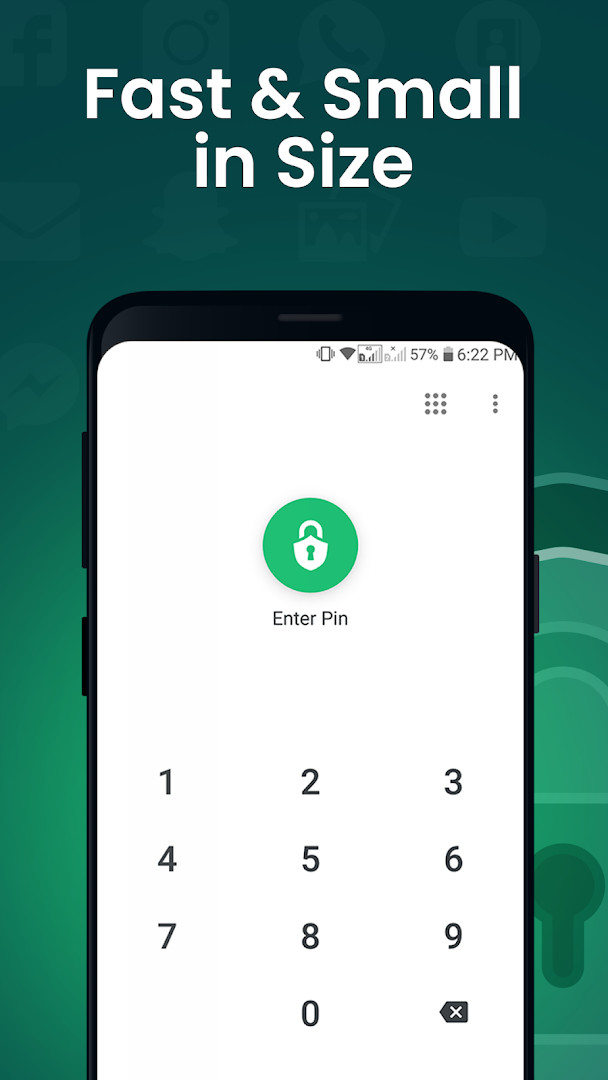
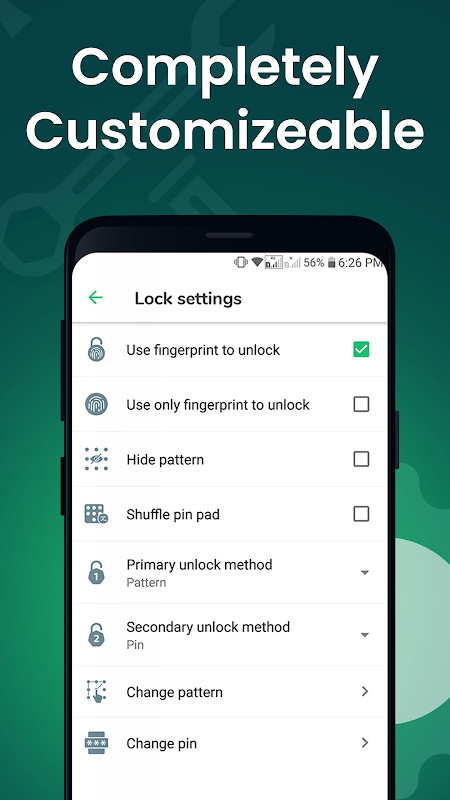
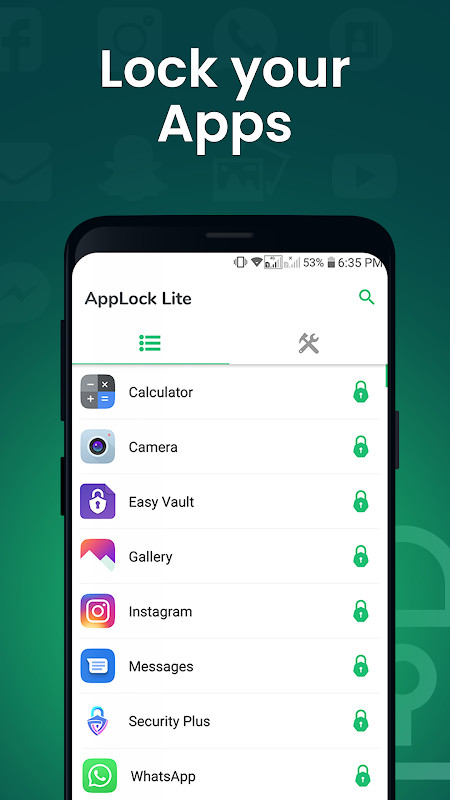
App Lock - Lock Apps is a security utility by KewlApps that lets you protect individual apps with fingerprint, pattern, or PIN locks. The problem it addresses is straightforward: anyone who picks up your phone can open your messaging, social media, photo gallery, or other sensitive apps unless you secure them individually. Instead of relying on a single device lock screen, this tool adds a second layer at the app level, so a lock prompt appears before a protected app's content is shown. It works by overlaying a lock screen when a locked app is launched, drawing on permissions such as Draw Over Other Apps, AccessibilityService, and Usage Access to detect when a protected app opens and respond without noticeable delay. Alongside app locking, it can protect photos and videos in the gallery, reload new apps automatically, and even resist uninstall attempts if you enable the device administrator option. The app is free, carries ads, offers in-app purchases, and runs on devices with Android 6.0 or newer.
Key features
- Lock individual apps using fingerprint, pattern, or PIN authentication
- Protect photos and videos in the gallery with a dedicated lock screen
- Automatically detect and lock newly installed apps
- Prevent force close or uninstall via the device administrator setting
- Lock the recent apps drawer so recently used app content stays hidden
- Relock apps after a chosen timeout from 1 to 60 minutes or after the phone screen turns off
- Shuffle the numeric PIN pad and hide the pattern path for extra security
- Restart automatically after a device reboot and use low power for increased battery life
How to install
- Tap the download button on this page to obtain the APK file (exact file size is not specified).
- When Android prompts you, allow your browser or file manager to install apps from unknown sources by enabling the Install unknown apps setting.
- Open the downloaded APK file from your downloads or file manager.
- Tap Install and confirm the installation when prompted.
- Open App Lock - Lock Apps and grant the requested permissions so it can display the lock screen and detect app launches.
- The app requires Android 6.0 or higher; if you are not offered a download, check your operating system version.
Pros
- Multiple lock types are available, including fingerprint, pattern, and PIN, with fingerprint working as the primary method on supported hardware
- A gallery lock extends protection to photos and videos, not just apps
- Auto-lock for new apps removes the need to configure every installation manually
- The anti-uninstall and anti-force-stop feature improves privacy persistence when device admin is enabled
- Lock timeout options are flexible, ranging from immediate relock to up to 60 minutes
- Recent apps drawer locking prevents content previews from leaking sensitive information
Cons
- The app is ad-supported, so you will encounter advertising during normal use
- In-app purchases exist, meaning some options or an ad-free experience may require payment
- Substantial permissions are requested, including AccessibilityService, Usage Access, Draw Over Other Apps, and Device Administrator, which privacy-conscious users may find invasive
- The user interface and feature set have not been updated in a while, with the latest release dating to late 2025
- Enabling the device administrator role makes removal more complicated, which could be frustrating if you later decide to uninstall
Recent updates · 3.198
Version 3.198 brings three changes: apps can now be locked more quickly, several bugs have been fixed, and power consumption has been lowered to extend battery life. No other modifications are listed for this release.
Version history
| Version | Size | Requires Android | Updated |
|---|---|---|---|
| 2.533 | 8.3 MB | 4.1 | Jun 16, 2026 |
| 3.198 | — | 6.0 | Nov 6, 2025 |
App Lock - Lock Apps is best suited to experienced Android users who want granular control over app-level privacy rather than relying only on the system lock screen. It is a reasonable fit for anyone who regularly hands their phone to others, such as parents sharing devices with children, people with curious coworkers, or those who want to isolate messaging apps like WhatsApp or social apps from casual browsing. It is also useful for protecting a private gallery from prying eyes. Given the breadth of the permissions involved and the ads present, it is aimed at users comfortable reviewing permission prompts and willing to trade some system access for the convenience of per-app locks.
Enable the device administrator option after setup if you want to block uninstall or force stop, but remember that you will need to remove the app from device admin before you can uninstall it later. For maximum lock screen opacity, verify that the AccessibilityService permission remains granted, since revoking it silently weakens the lock behavior.
Permissions
Frequently asked questions
Which unlock methods does App Lock support, and does it depend on hardware?
App Lock provides pattern lock, PIN lock, and fingerprint lock. Fingerprint unlocking is listed as an option when the device has the necessary hardware, and the app can also use a PIN or pattern instead. The PIN pad can be shuffled and the pattern path can be hidden for extra security.
Can locked apps be relocked automatically after a delay?
Yes. You can set a lock timeout of 1 to 60 minutes, or choose to relock locked apps as soon as the phone's lock screen is turned off, so apps do not stay open indefinitely.
How can the app prevent itself from being uninstalled or force stopped?
In the app settings, enable the 'Prevent Force Close/Uninstall' option and activate the Device Administrator permission. This is meant to stop other users from force stopping or uninstalling App Lock so your locked content stays protected.
What happens with newly installed apps and recently used apps?
App Lock automatically detects newly installed apps and locks them without you having to open the app. It can also lock the recent apps drawer so no one can see the content of recently used locked apps.
Why does App Lock request permissions like overlay, accessibility, and usage access?
It uses Draw Over Other Apps to render the lock screen, AccessibilityService to show the lock screen before a locked app opens, and Usage Access to detect when a locked app is launched. It also uses the Device Administrator permission for uninstall protection.
App Lock - Lock Apps delivers a comprehensive set of per-app and gallery locking features with multiple authentication methods and useful extras like auto-lock for new apps. Weigh the convenience against the ads, in-app purchases, and broad permissions before making it your primary privacy tool.
Similar apps

Updated: Nov 27, 2026
| Version | Size | Requires Android | Updated |
|---|---|---|---|
| 2.533 | 8.3 MB | 4.1 | Jun 16, 2026 |
| 3.198 | — | 6.0 | Nov 6, 2025 |
- Version
- 3.198
- Requires Android
- 6.0
- Updated
- Nov 6, 2025
- Installs
- 5M+
- Rating
- ★ 4.42 (38,235)
- Category
- Tools
- Developer
- KewlApps
- Content rating
- Everyone
- Package
- com.gamemalt.applock
- Free
- ✓ · Contains ads · In-app purchases