
Revo Permission Analyzer: Android Permission Analyzer
Revo Permission Analyzer is a Tools app by VS REVO GROUP OOD that lets you analyze and manage risky app permissions to protect your privacy.
Revo Permission Analyzer categorizes app permissions into risk levels (high, medium, low, no risk) and flags apps with access to three or more permissions at once. It includes a daily dynamic permission info feature and shortcuts to Android settings for quick permission changes.
Screen gallery
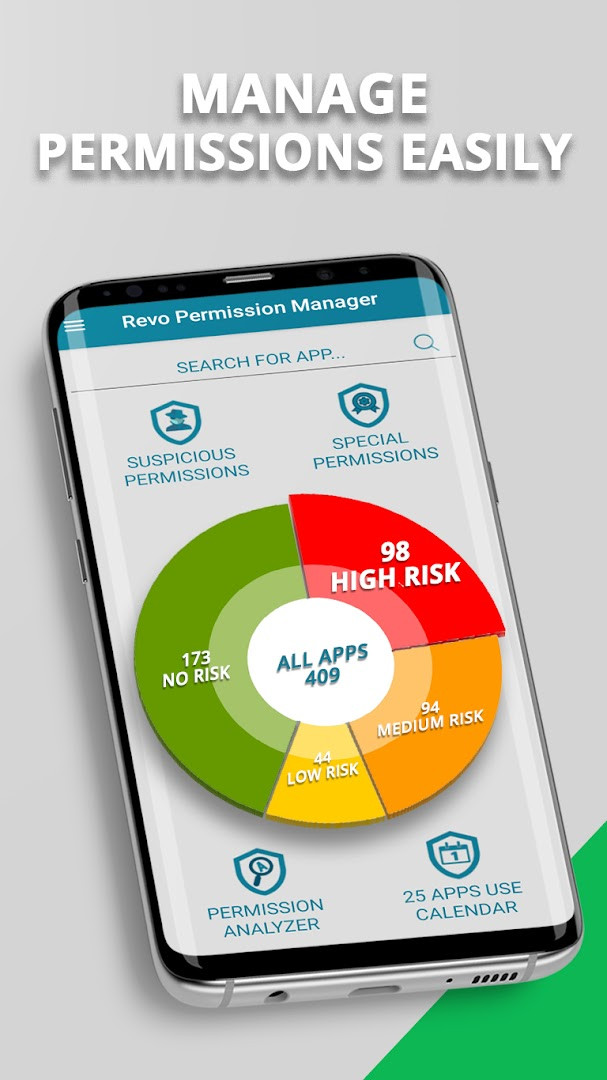
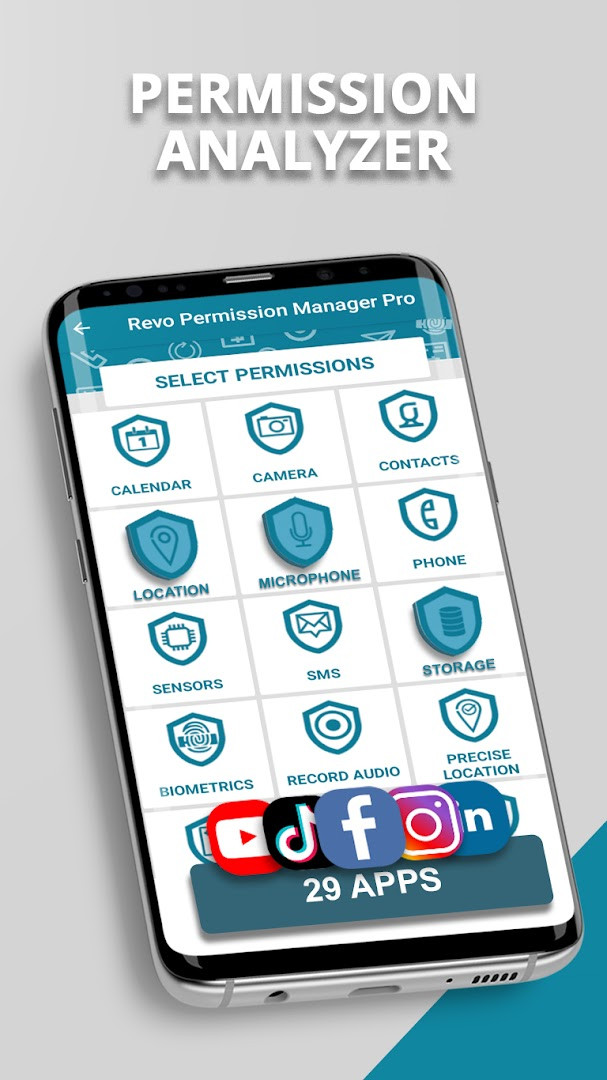
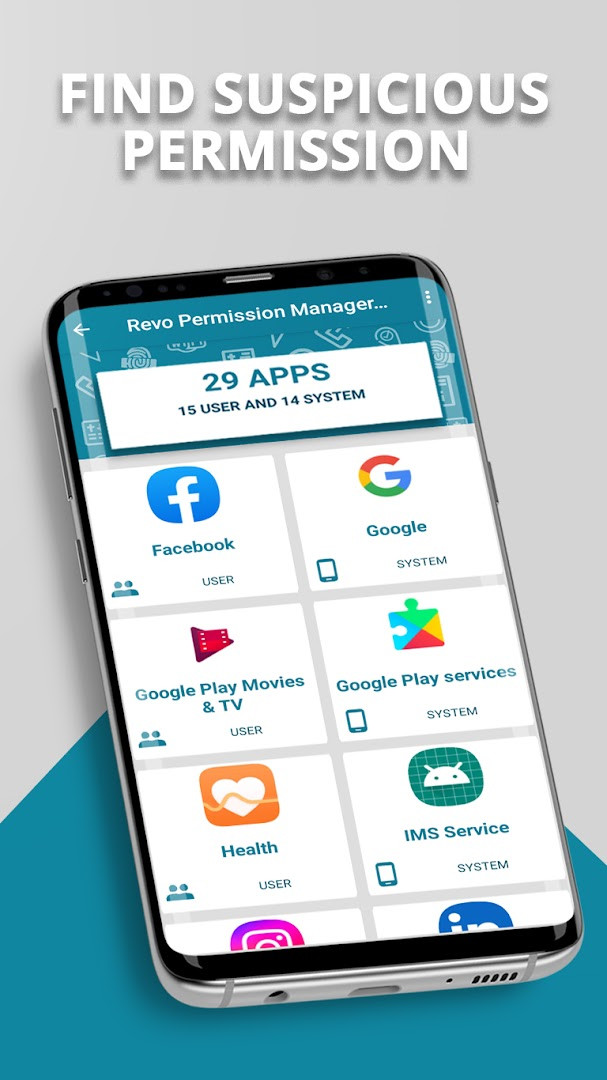
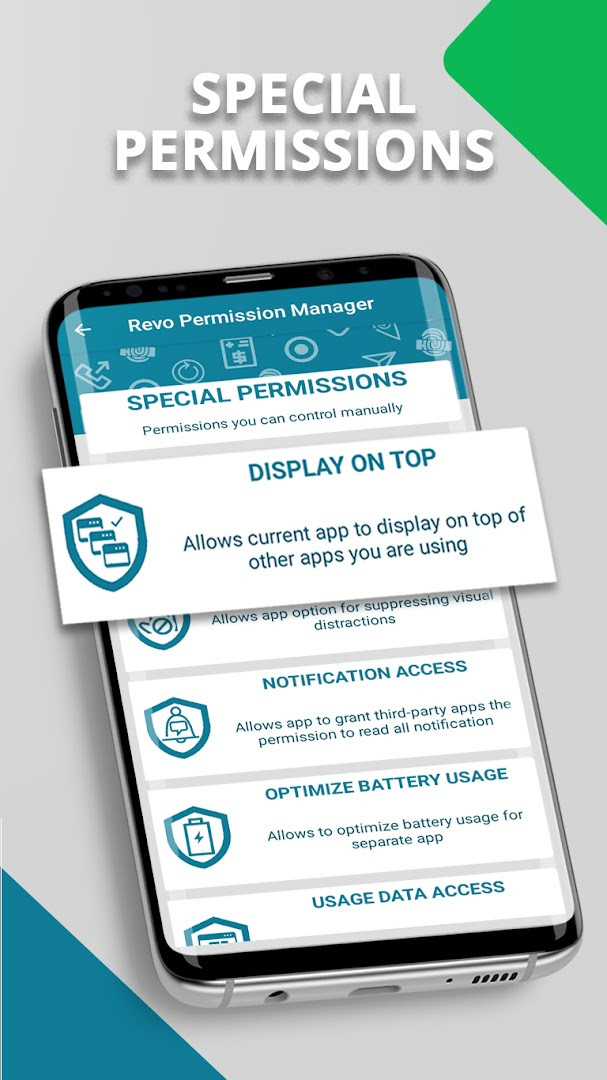
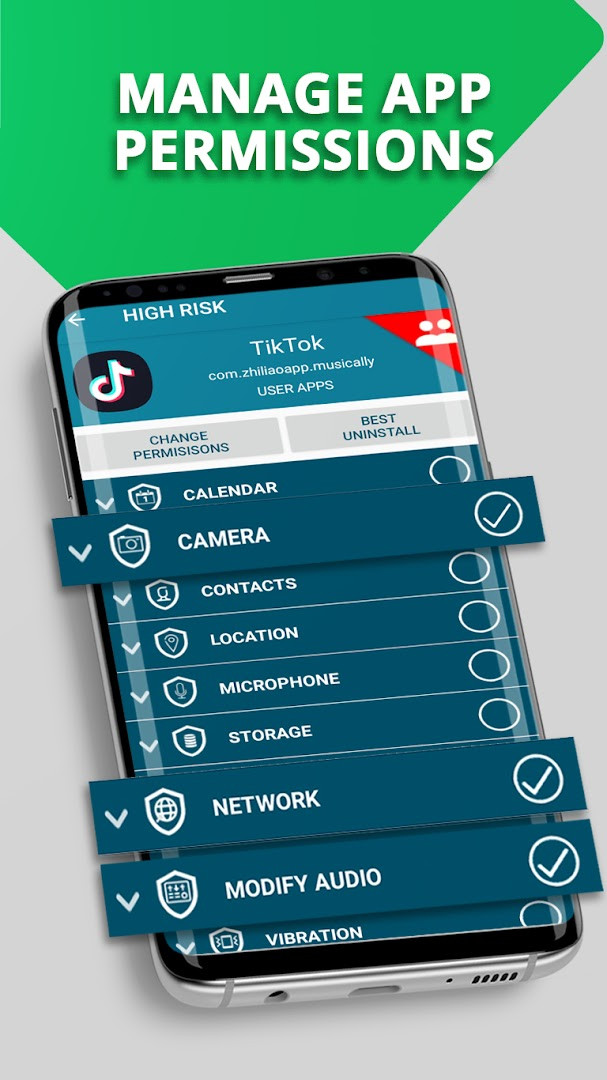
Revo Permission Analyzer is a permissions auditing utility by VS REVO GROUP OOD that lets Android owners inspect, rank, and adjust the access rights granted to the apps installed on their device. Most users grant permissions casually, tapping Allow during setup without stopping to consider what a request actually unlocks. The tool is built to close that gap: it presents a detailed picture of every permission an app holds, separates the genuinely dangerous entries from the harmless ones, and offers direct links to the relevant Android settings, so changes can be made in just a few taps. Because the list of installed apps is shown alongside their risk profile, the analyzer effectively turns a dense system menu into something legible.
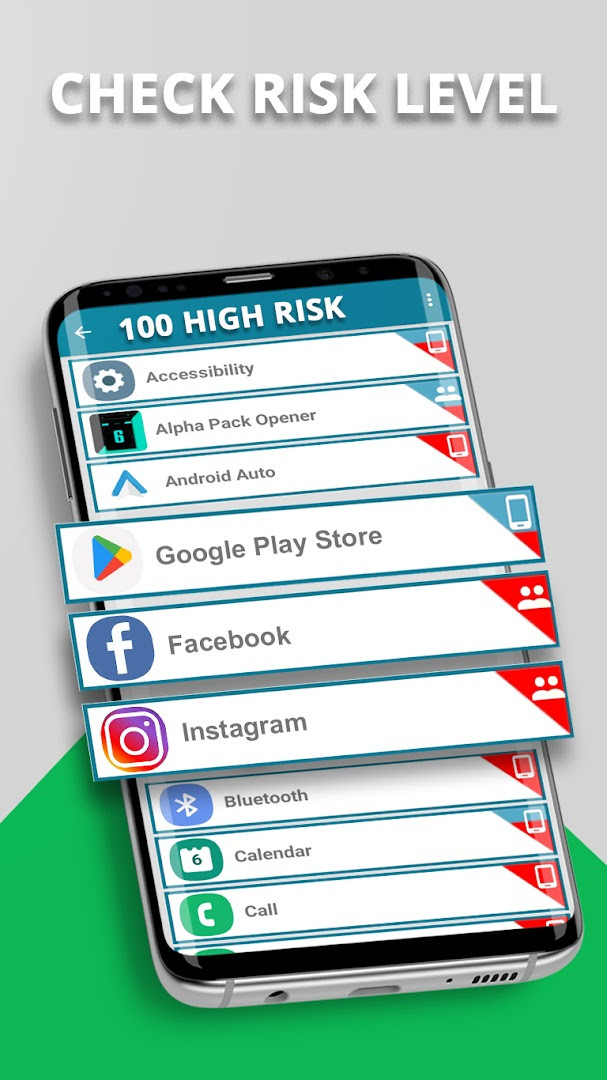
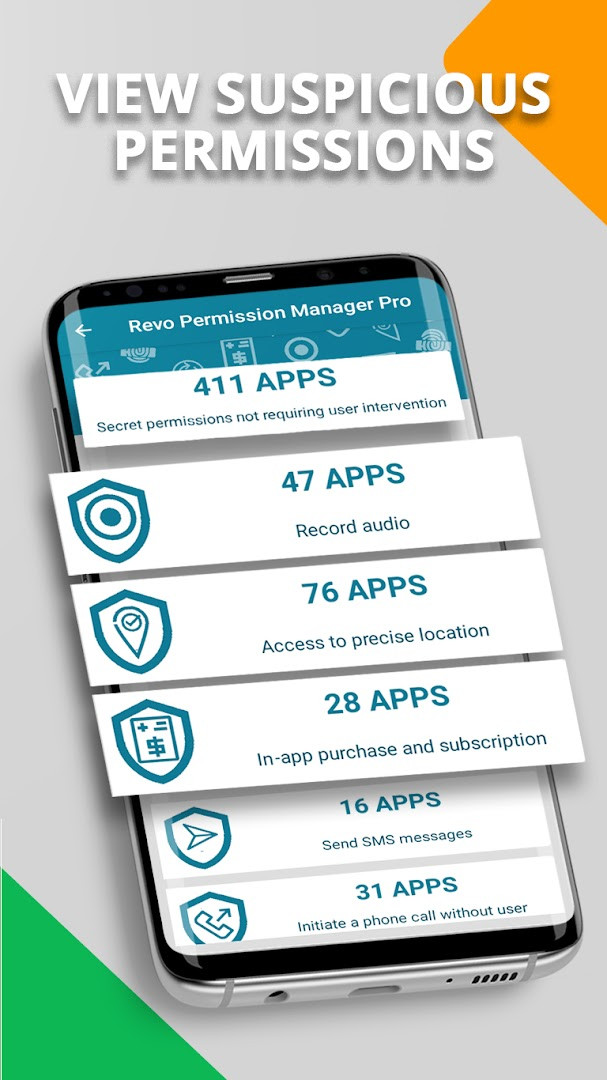
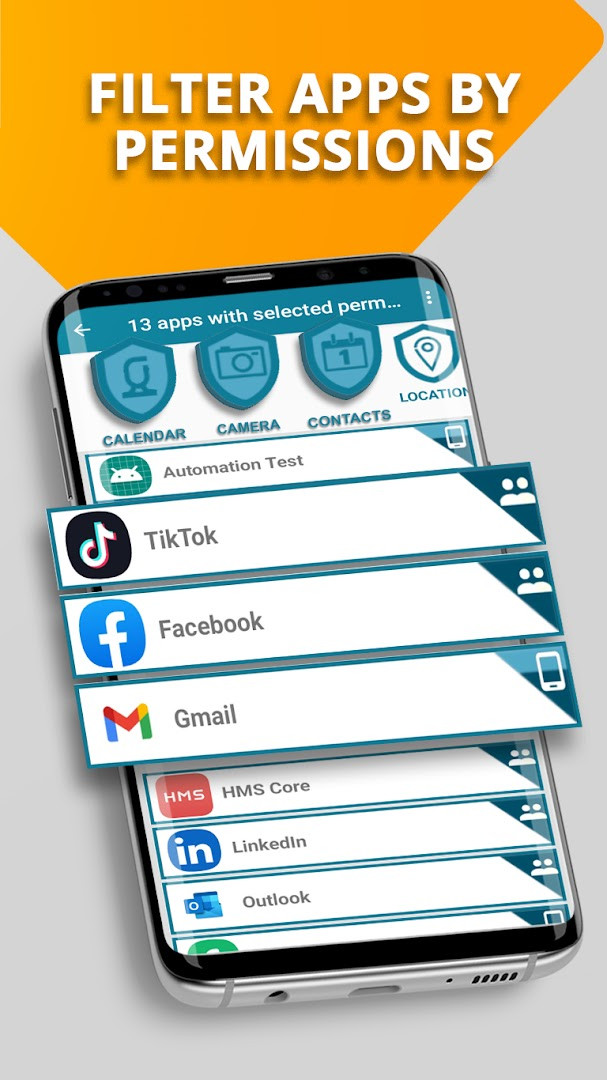
Beyond simple listings, the tool assigns each installed application a risk priority, grouping apps into high, medium, low, and no risk categories, so the ones that pose the greatest threat to personal data stand out immediately. A dynamic filtering system covers the 14 main permission groups that Google classifies as risky — microphone, camera, location, contacts, SMS, storage, phone, calendar, and body sensors — augmented by 16 additional permissions that the developers selected after assessing potential privacy dangers, including Bluetooth pairing, Wi-Fi state changes, NFC operations, audio recording, SMS sending, biometric access, and the ability to place calls without the dialer interface. Users can also find every app that holds three or more permissions at once, read detailed explanations of what each permission unlocks, and reach any application through a fast search bar. The free tier is supported by advertising, while an optional purchase removes ads and enables an uninterrupted experience.
The current release, version 2.5.370G, focuses on optimization for Android 16, keeping the analyzer compatible with the newest operating system while preserving the familiar scan-and-revoke workflow. A daily spotlight feature surfaces a different permission every day, together with the apps that rely on it most heavily, which encourages ongoing awareness rather than a one-time checkup. Additional conveniences include shortcuts for special permissions, detailed per-app outlooks, and support for 16 languages. For a privacy-focused product, it is worth noting that the analyzer itself requests storage, camera, and photos/media/files access; it is not a zero-permission utility, but its purpose remains transparency over what other applications collect.
Key features
- Risk classification that sorts every installed app into high, medium, low, or no risk groups, with the most concerning apps listed prominently.
- Filtering across all 14 main permission groups, such as microphone, camera, location, contacts, SMS, storage, phone, calendar, and body sensors.
- Coverage of 16 additional permissions beyond the standard set, including Bluetooth pairing, Wi-Fi changes, NFC use, audio recording, and direct calls.
- A combined view that reveals which apps hold three or more permissions at the same time.
- Daily dynamic permission info, featuring a new permission and the apps that use it most often.
- One-tap shortcuts to Android settings for changing or revoking permissions, including special permissions.
- Detailed per-app explanations of privileged access and what each permission enables.
- A search bar that brings up any application with its associated permissions and settings.
- Multilingual support across 16 languages, with the current version optimized for Android 16.
How to install
- Tap the download button on this page to get the APK file; note that the file size is not specified, and Android 8.0 or later is required.
- When Android asks for permission to install, allow your browser or file manager in the 'Install unknown apps' settings.
- Open the downloaded APK from your notifications or file manager.
- Tap Install on the confirmation screen and wait for the installation to finish.
- Open Revo Permission Analyzer from your app drawer or the Done button.
Pros
- Risk-level grouping surfaces the most privacy-impacting apps quickly.
- The 16 additional permission flags go beyond what the system shows.
- Settings shortcuts make revoking permissions a fast process.
- Daily permission updates keep awareness current without manual work.
- Search and combined filtering are convenient on devices with many apps.
- Localized in 16 languages, making it accessible to a broad audience.
Cons
- The free version displays ads, which can interrupt the experience.
- Removing ads requires an in-app purchase.
- The app itself requests camera, storage, and file access, which may give some privacy-minded users pause.
- The download page does not list a file size, so users cannot check the package weight in advance.
- Current user rating is moderate at 3.48 from 784 ratings, indicating mixed experiences.
Recent updates · 2.5.370G
Version 2.5.370G of Revo Permission Analyzer brings optimization for Android 16, ensuring smoother performance on the latest operating system. This update focuses on compatibility improvements to keep the permission analysis and management experience running reliably.
Version history
| Version | Size | Requires Android | Updated |
|---|---|---|---|
| 2.5.370G | — | 8.0 | Sep 11, 2026 |
| 1.0.420 | 4.7 MB | 4.4 | Jun 19, 2026 |
Privacy-conscious Android users who want to know exactly what their installed apps can access, frequent installers who test many applications and want an instant risk check, and less technical owners who prefer a clear, categorized view over dense system settings menus.
Run a fresh scan right after installing any new app; permissions are easiest to review while the app's purpose is still clear, and revoking one or two requests can noticeably reduce your exposure.
Permissions
Frequently asked questions
Is Revo Permission Analyzer free to download?
Yes, the app is free to download and install. While it includes ads and offers in-app purchases, the core permission analysis features are available at no cost.
Which Android version do I need to run Revo Permission Analyzer?
Revo Permission Analyzer requires Android 8.0 or higher. The latest version also includes optimizations for Android 16.
Do I need to create an account to use Revo Permission Analyzer?
No account is required for the free version. You can download and start analyzing app permissions on your device right away.
What permissions does Revo Permission Analyzer request on my device?
The app requests access to Photos/Media/Files, Storage, and Camera. These permissions are used to analyze other installed apps and their data access.
How do I update Revo Permission Analyzer to the newest version?
Simply download the latest version from this page and install it over your current installation. The most recent release is version 2.5.370G, updated on September 11, 2026.
Does Revo Permission Analyzer show which apps are risky?
Yes, it categorizes apps by risk level—high, medium, low, and no risk—and highlights apps that use three or more permissions at once, helping you decide which permissions to revoke.
Revo Permission Analyzer delivers a solid, accessible way to audit Android permissions, with clear risk labels, broad filtering, and settings shortcuts, and the current version adds Android 16 optimization. It is not flawless — the free tier carries ads and the app requests sensitive permissions itself — but for anyone who wants to see and control what their apps can access, it is a genuinely useful tool.
Similar apps



Updated: Oct 24, 2026
| Version | Size | Requires Android | Updated |
|---|---|---|---|
| 2.5.370G | — | 8.0 | Sep 11, 2026 |
| 1.0.420 | 4.7 MB | 4.4 | Jun 19, 2026 |
- Version
- 2.5.370G
- Requires Android
- 8.0
- Updated
- Sep 11, 2026
- Installs
- 100K+
- Rating
- ★ 3.48 (786)
- Category
- Tools
- Developer
- VS REVO GROUP OOD
- Content rating
- Everyone
- Package
- com.vsrevogroup.revoapppermissions
- Free
- ✓ · Contains ads · In-app purchases