SpeedTest | Speed Test: Network Speed Testing Tool
SpeedTest | Speed Test is a network speed testing tool by hhll tools that measures latency, download, and upload speeds on wireless and cellular networks.
SpeedTest | Speed Test is a free network testing tool for Android that checks 5G, 4G, 3G, 2G, and broadband connections. It selects the nearest server based on your IP address and records test results, including server IP and phone model. The app requires Android 6.0 or higher, has a download size of 4.4 MB, and includes ads and in-app purchases.
Screen gallery
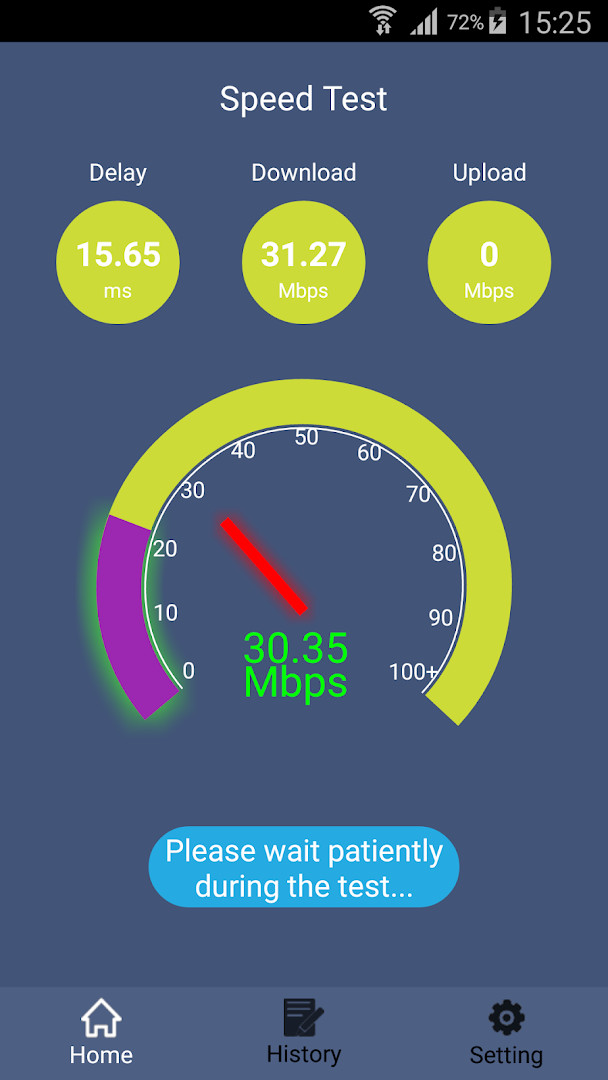
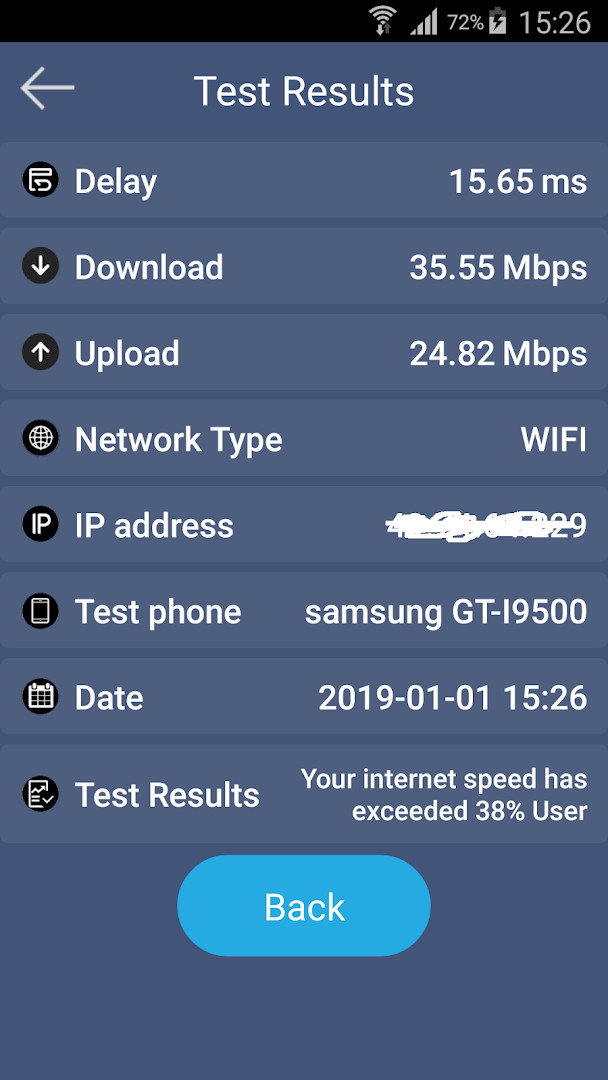
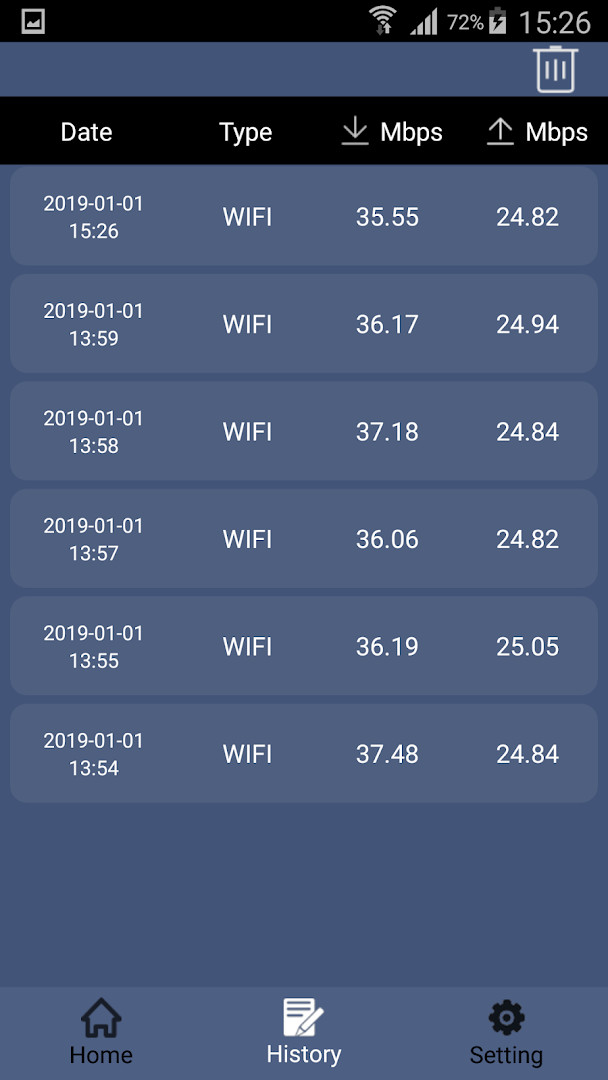
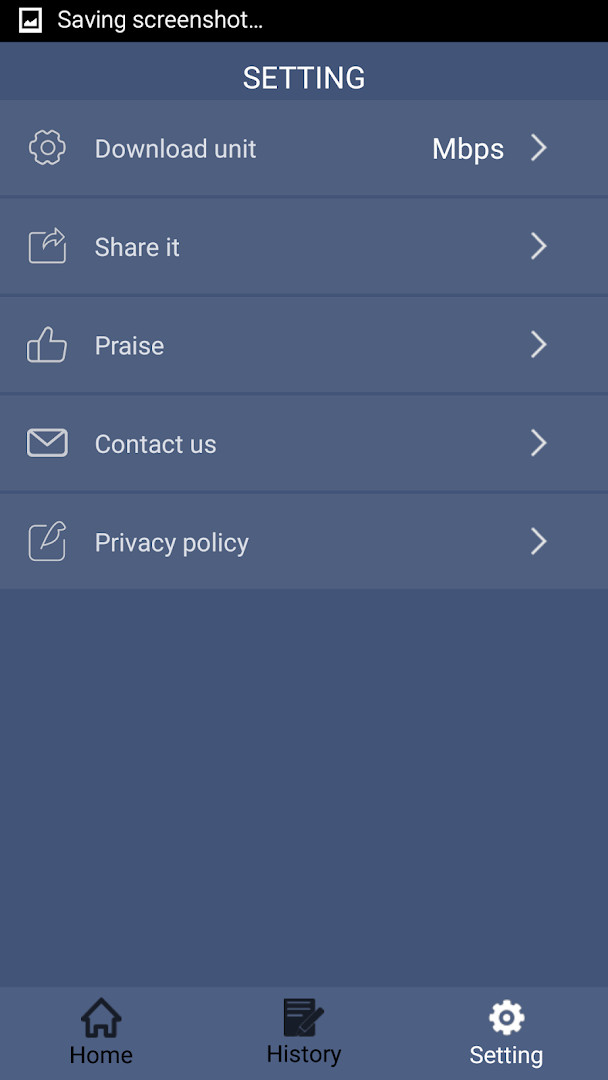
SpeedTest | Speed Test is a network utility tool by hhll tools that measures your connection's download speed, upload speed, and latency. It is designed for anyone who wants a quick, straightforward way to check the performance of their broadband, Wi-Fi, or mobile data connection. The app automatically picks a nearby server based on your IP address when you tap Start Test, so you do not need to configure anything manually. After the test finishes, it shows your ping, download, and upload figures, and it saves a record of each result so you can compare performance over time. The interface is kept simple and clean, which makes it approachable even if you have never run a speed test before. The latest update, version 1.0.33, mainly refreshes the Google billing component, so the core testing experience remains unchanged. Because the app is free and includes ads, you can run as many tests as you like without paying, though you may occasionally see promotional content.
Key features
- One-tap start: pressing Start Test begins the measurement automatically
- Automatic server selection based on your IP address
- Displays network latency, download speed, and upload speed
- Real-time graphics that show current download or upload speed
- Saves a history of past test results for later review
- Shows the server IP and your phone model alongside results
- Tests are usually completed in about 40 seconds
- Works with broadband, Wi-Fi, and mobile networks including 5G, 4G, 3G, and 2G
How to install
- Tap the download button on this page to get the APK file, which is about 4.4 MB in size.
- When Android asks for permission, allow your browser or file manager to install apps by enabling the "Install unknown apps" setting for that app.
- Open the downloaded APK file from your notifications or file manager.
- Tap Install on the screen that appears and wait for the installation to finish.
- Open the app from your app drawer or home screen.
- The app requires Android 6.0 or higher to run.
Pros
- Simple and easy to use for beginners
- Fast test completion, usually around 40 seconds
- Saves test history for tracking performance
- No configuration needed; server is chosen automatically
- Free to use with no upfront cost
Cons
- Contains ads, which may interrupt the experience
- Includes in-app purchases, so some features may be behind a paywall
- Requests permissions like phone, Wi-Fi info, and device ID
- Results depend on server distance and network conditions, so accuracy can vary
Recent updates · 1.0.33
Version 1.0.33 updates the Google billing library version. No other changes are listed.
Version history
| Version | Size | Requires Android | Updated |
|---|---|---|---|
| 1.0.33 | 4.4 MB | 6.0 | Sep 2, 2026 |
| 1.0.32 | 8.7 MB | 6.0 | Jul 29, 2026 |
| 1.0.31 | 8.7 MB | 6.0 | Feb 7, 2026 |
| 1.0.28 | 7.2 MB | 5.0 | Dec 28, 2025 |
This app is ideal for casual users who want a quick check of their home Wi-Fi or mobile data speed, for people troubleshooting a slow connection who need basic metrics like ping and download speed, and for those who like to keep a simple log of their network performance over time.
For a more reliable result, close other apps that use the internet and run the test a few times at different hours of the day to see how your speed varies.
Permissions
Frequently asked questions
How do I install the APK on my Android device?
To install the APK, download the file from this page and open it on your device. Before installing, make sure you have allowed installation from unknown sources in your system settings, as the app is not distributed through a standard store. The app requires Android 6.0 or higher.
What is new in version 1.0.33?
Version 1.0.33, released on September 2, 2026, includes an update to the Google billing version. This update focuses on improving the in-app purchase functionality.
Does the app contain ads or in-app purchases?
Yes, the app is free to download and use, but it includes ads and offers in-app purchases. The app is rated for everyone, and you can use the core speed test features without paying, though ads may appear.
Can I use the speed test offline?
No, the app is designed to test your network connection, so it requires an active internet connection to function. It measures latency, download speed, and upload speed by connecting to a server, which cannot be done offline.
Are there alternative tools in the same category?
Yes, the Tools category on Android includes other network diagnostic apps that measure connection speed and performance. These alternatives vary in features, interface, and accuracy, so you can compare them based on your needs, but this app offers a simple design and fast testing.
What permissions does the app request and why?
The app requests access to phone, Wi-Fi connection information, and device ID and call information. These permissions help the app identify your device and network details for testing purposes, and to display results such as your device model and server IP.
How long does a typical speed test take?
A typical test is usually completed in about 40 seconds. After you tap Start Test, the app selects the nearest server based on your IP address and measures network latency, download, and upload speeds, saving the results for later review.
SpeedTest | Speed Test delivers a no-frills way to measure your connection's basic performance, and its automatic server selection and saved history make it convenient for everyday checks. It is not a professional-grade tool, and the presence of ads plus a few extra permissions may give some users pause, but for a beginner looking for a free and fast speed measurement, it is a solid choice.
Similar apps




Updated: Nov 12, 2026
| Version | Size | Requires Android | Updated |
|---|---|---|---|
| 1.0.33 | 4.4 MB | 6.0 | Sep 2, 2026 |
| 1.0.32 | 8.7 MB | 6.0 | Jul 29, 2026 |
| 1.0.31 | 8.7 MB | 6.0 | Feb 7, 2026 |
| 1.0.28 | 7.2 MB | 5.0 | Dec 28, 2025 |
- Version
- 1.0.33
- Size
- 4.4 MB
- Requires Android
- 6.0
- Updated
- Sep 2, 2026
- Installs
- 100K+
- Rating
- ★ 4.04 (4,279)
- Category
- Tools
- Developer
- hhll tools
- Content rating
- Everyone
- Package
- com.hhll.speedtest
- Free
- ✓ · Contains ads · In-app purchases