
IPTV Cast - Media Player: IPTV streaming and casting tool
IPTV Cast - Media Player is a video player by Curved Nebula that plays live TV streams from M3U or Xtream Codes playlists.
IPTV Cast - Media Player lets you watch IPTV streams on your phone or tablet and cast them to Chromecast or Google TV. It requires a playlist URL from your IPTV provider, as the app includes no built-in content. The app is free, supports Android 10 and up, and has a download size not specified in the available data.
Screen gallery
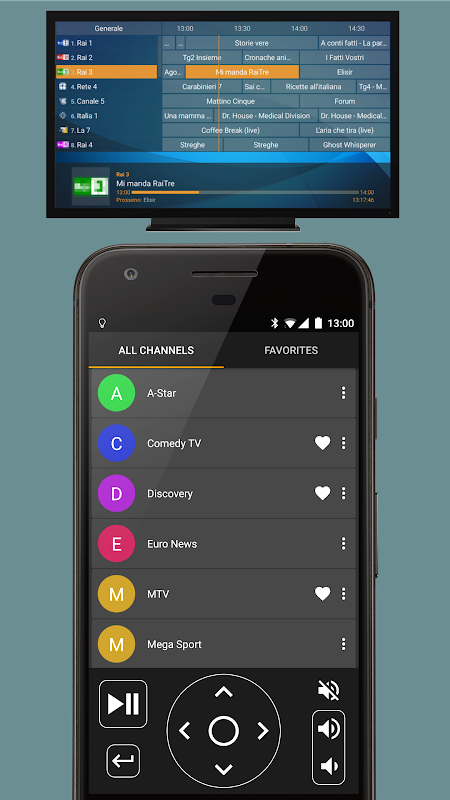
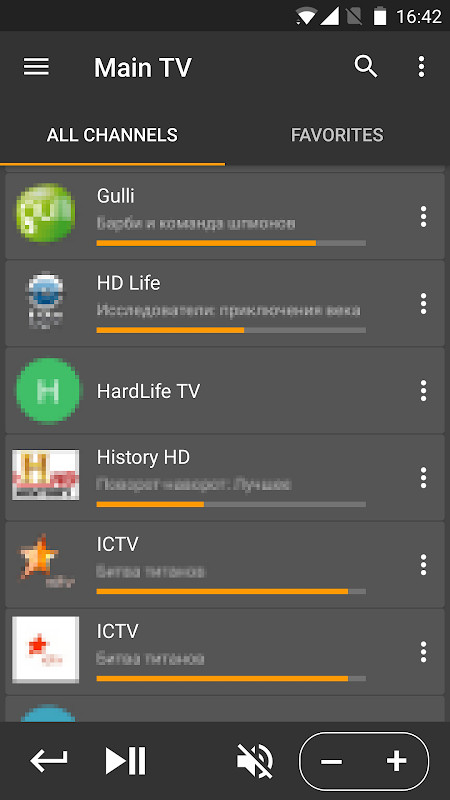
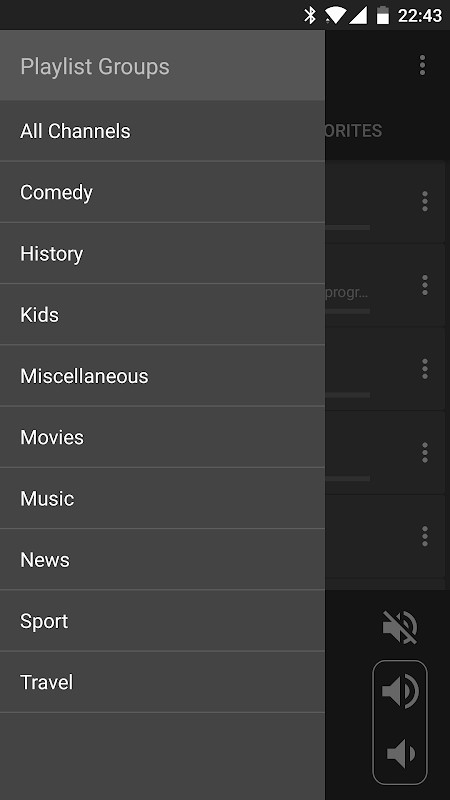
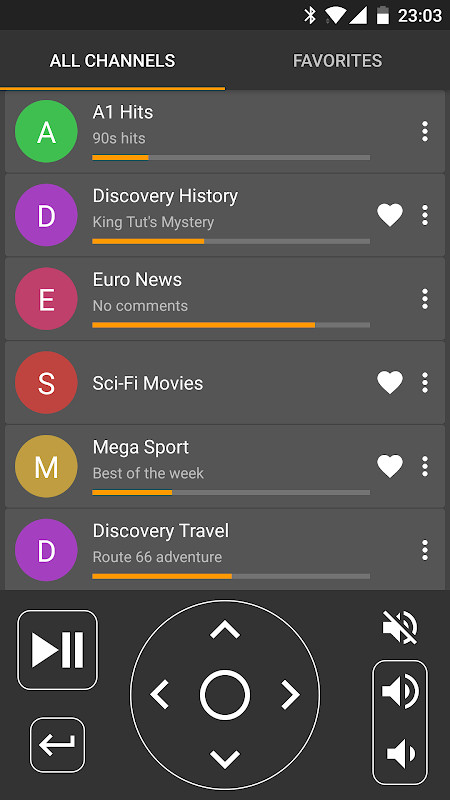
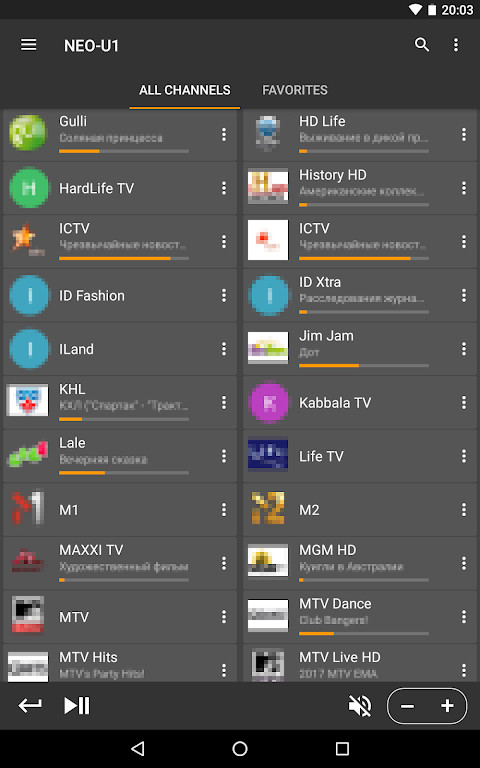
IPTV Cast - Media Player is a media player application by Curved Nebula that lets you watch live television streams on your phone, tablet, or television screen. The app functions as a player only, meaning it does not include any built-in channels, video-on-demand content, or audio stations; you must supply your own playlist from an IPTV service provider. It supports the two most common playlist formats, M3U and Xtream Codes, along with XMLTV electronic program guides (EPG), giving you a flexible way to organize and view the channels you already subscribe to. The core experience revolves around adding a playlist URL, after which you can browse channel groups, search for specific stations, mark favorites, and consult the program guide to see what is airing now or next.
Beyond simple on-device playback, the app allows you to cast streams to Chromecast or Google TV (also known as Android TV) devices, making it suitable for people who want to move from a small screen to a larger television. It also supports IPTV archive and catch-up features, provided your service provider offers that capability and you configure it correctly. Because the tool handles no content itself, it is best suited for users who already have an IPTV subscription and a playlist URL or Xtream Codes credentials from their provider. The app targets a broad audience, from casual viewers who want a straightforward player to more organized users who appreciate channel groups, sorting modes, and a searchable guide. It requires Android 10 or newer, and while it is free to install, it does contain ads and offers in-app purchases.
Key features
- Watch IPTV streams directly on your phone or tablet
- Cast IPTV streams to your TV using Chromecast or Google TV (Android TV)
- Maintain a list of favorite channels for quick access
- Search for TV channels within your playlist
- View a TV program guide (EPG) using XMLTV data
- Support for IPTV archive and catch-up playback, with configuration required
- Organize channels into playlist groups and apply sorting modes
How to install
- Tap the download button on this page to obtain the APK file; the file size is not specified.
- When Android prompts you, allow your browser or file manager to install apps by enabling the 'Install unknown apps' setting for that source.
- Open the downloaded APK file from your notifications or file manager.
- Tap the Install button on the installation screen.
- Wait for the installation to finish, then open the app. The app requires Android version 10 or higher to run.
Pros
- Broad device support, including casting to Chromecast and Google TV
- Supports both M3U and Xtream Codes playlist formats, plus XMLTV EPG
- Includes useful organizational tools like favorites, search, groups, and sorting
- Free to download and use, with optional in-app purchases
- No built-in content, so you control exactly what you watch
Cons
- Requires you to have an IPTV subscription and playlist from a provider, as there is no built-in content
- Displays ads within the app
- Requests several permissions, including access to external storage and media content control, which some users may find broad
- Catch-up and archive features need additional configuration to work
- The app has a modest user rating of 3.82 based on over 1,400 ratings, indicating mixed experiences
Recent updates · 1.2.9
Version 1.2.9 of IPTV Cast - Media Player brings improved compatibility with the Xtream Codes API, along with general bug fixes. These changes aim to make playlist loading and stream playback more reliable for users.
Version history
| Version | Size | Requires Android | Updated |
|---|---|---|---|
| 1.2.9 | — | 10 | Sep 28, 2026 |
| 1.1.18 | 4.4 MB | 4.1 | Jun 25, 2026 |
This app is for people who already have an IPTV subscription and a playlist URL or Xtream Codes details from their provider, and who want a dedicated player that can work on their phone, tablet, or cast to a Chromecast or Google TV device. It is also suited for users who value channel organization, favorites, and an electronic program guide.
Before installing, make sure you have your IPTV playlist URL or Xtream Codes credentials ready, as the app cannot function without them. Also, review the permission list during installation and decide if you are comfortable granting access to external storage and media content control, which the app uses for handling playlist files and playback.
Permissions
Frequently asked questions
What playlist formats does IPTV Cast support and what do I need to provide?
The app works with M3U and Xtream Codes playlists. It is a player without built-in channels, so you must supply a playlist URL from your IPTV provider before you can watch anything.
Can I watch IPTV on my TV using this app?
Yes. Besides watching on your phone or tablet, you can cast IPTV streams to a TV using Chromecast or Google TV (also known as Android TV).
Does the app include an electronic program guide?
It supports TV program guides through XMLTV files. You can configure an EPG source to see program schedules alongside your channels.
What version of Android is required and what is the latest update?
The app requires Android 10 or higher. The current version is 1.2.9, released on September 28, 2026, which improves Xtream Codes API support and includes bug fixes.
Are there features for managing channels and playback?
Yes, the app offers favorite channel lists, channel search, playlist groups and sorting modes. It also supports IPTV archive or catchup functionality, but that requires configuration.
IPTV Cast - Media Player is a functional and flexible tool for streaming your own IPTV channels, with solid support for popular playlist formats and casting options. Its main drawback is that it requires you to bring your own content and it shows ads, but for users with an active subscription, it offers a convenient way to watch and organize live TV across multiple screens.
Similar apps

Updated: Nov 10, 2026
| Version | Size | Requires Android | Updated |
|---|---|---|---|
| 1.2.9 | — | 10 | Sep 28, 2026 |
| 1.1.18 | 4.4 MB | 4.1 | Jun 25, 2026 |
- Version
- 1.2.9
- Requires Android
- 10
- Updated
- Sep 28, 2026
- Installs
- 100K+
- Rating
- ★ 3.82 (1,402)
- Category
- Tools
- Developer
- Curved Nebula
- Content rating
- Everyone
- Package
- com.niklabs.ppremote
- Free
- ✓ · Contains ads · In-app purchases